Account Contact
Your Cart
Pay the courier with no extra fees.
Need help? DistriNode AI can handle any task on our site.

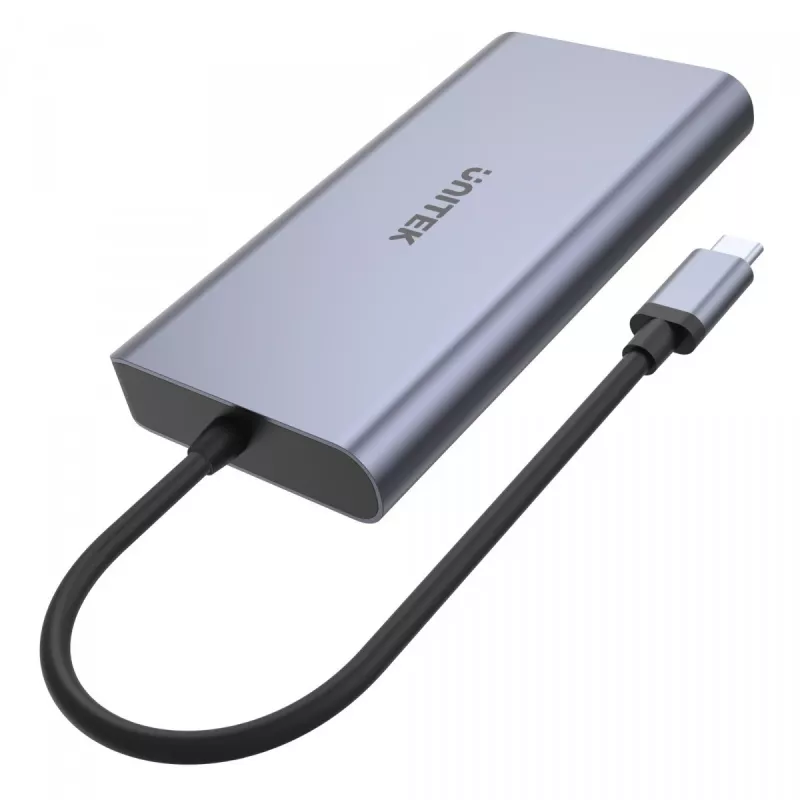
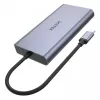
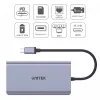
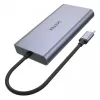
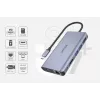
Hub UNITEK uHUB S7 USB 3.2 Gen 1 Type-C Grey

Hub UNITEK uHUB S7 USB 3.2 Gen 1 Type-C Grey
R1,184
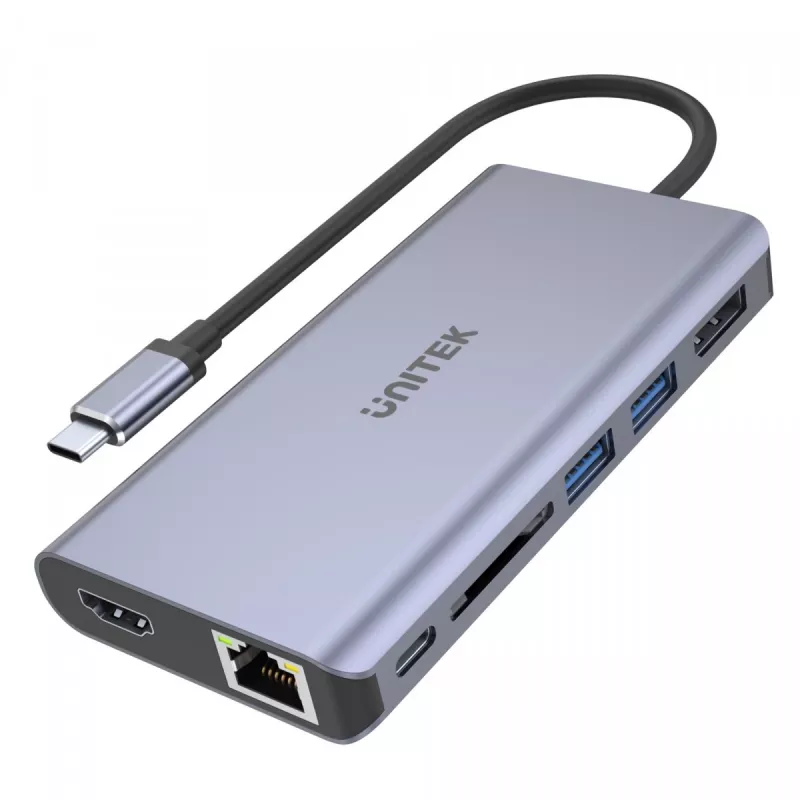
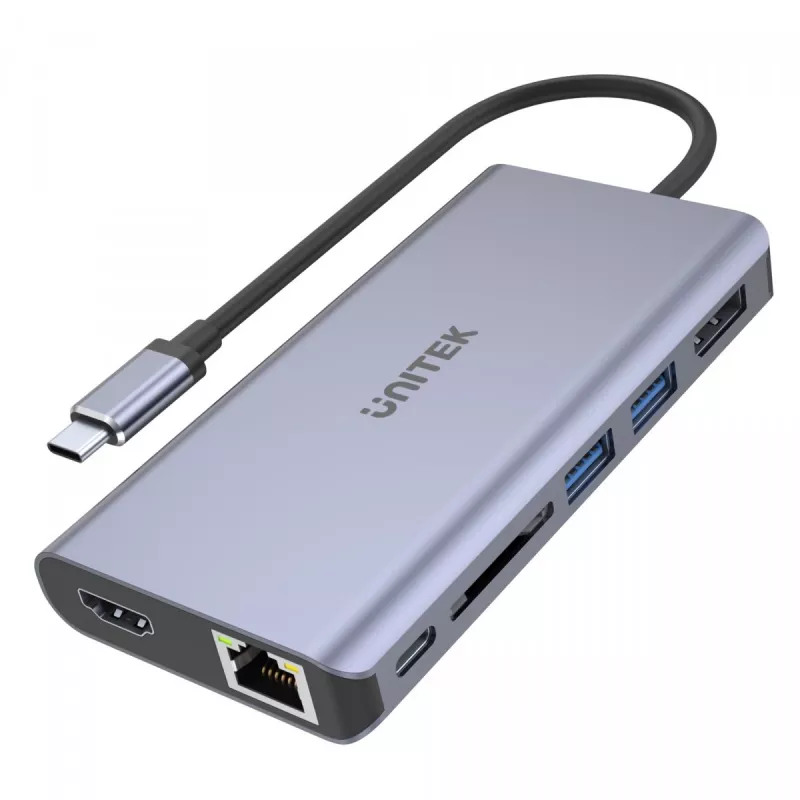
This USB-C docking hub provides 2 USB-A ports, a USB-C Power Delivery port, DisplayPort and HDMI video outputs, an SD card reader and Gigabit Ethernet in a compact aluminium enclosure. It connects to computers with a Thunderbolt 3 or USB-C port that supports DisplayPort Alt Mode and is bus-powered f... Read More
Stock 14 Code 107524 Brand UNITEK Model D1056A Warranty 2 Years

Shipping & Returns

Estimated delivery Tuesday, September 29
You will be kept updated through our detailed tracking system
Payment options
EFTPayFastBank CardSnapScanZapperGoogle PayApple PayMobicredMoreTymePay on Arrival

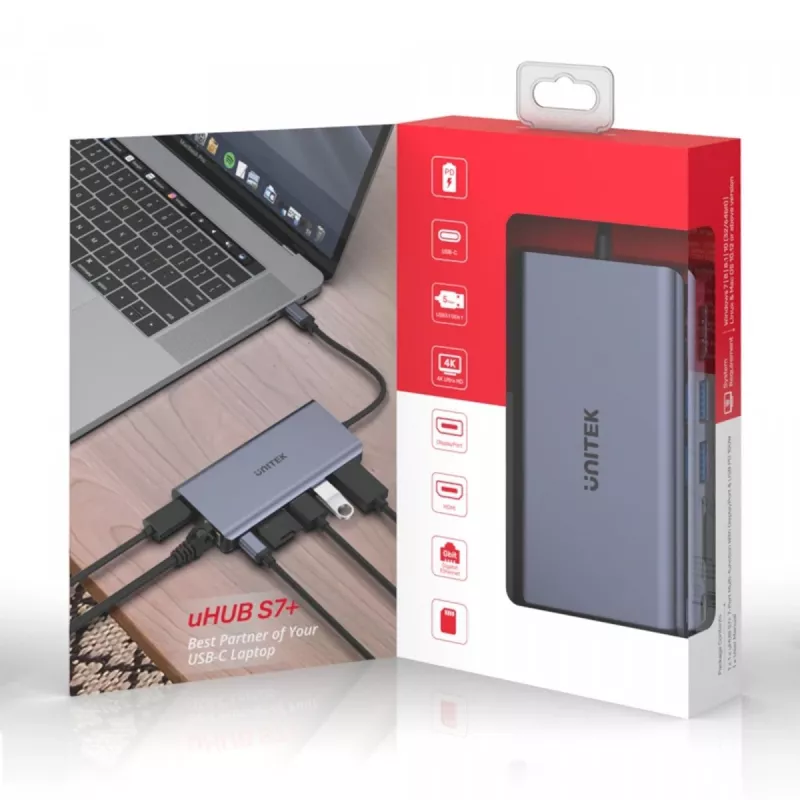
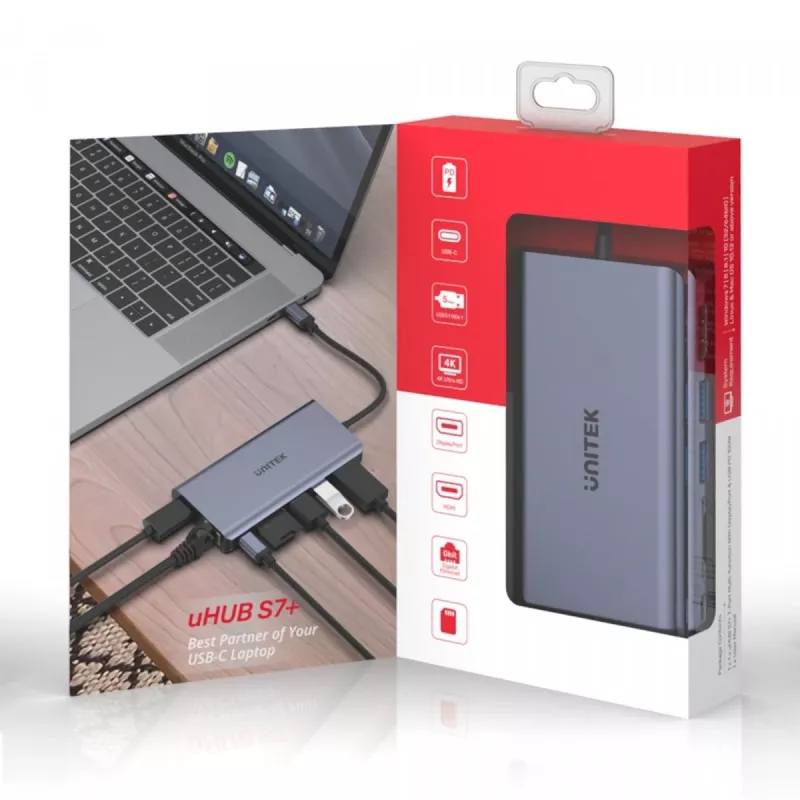
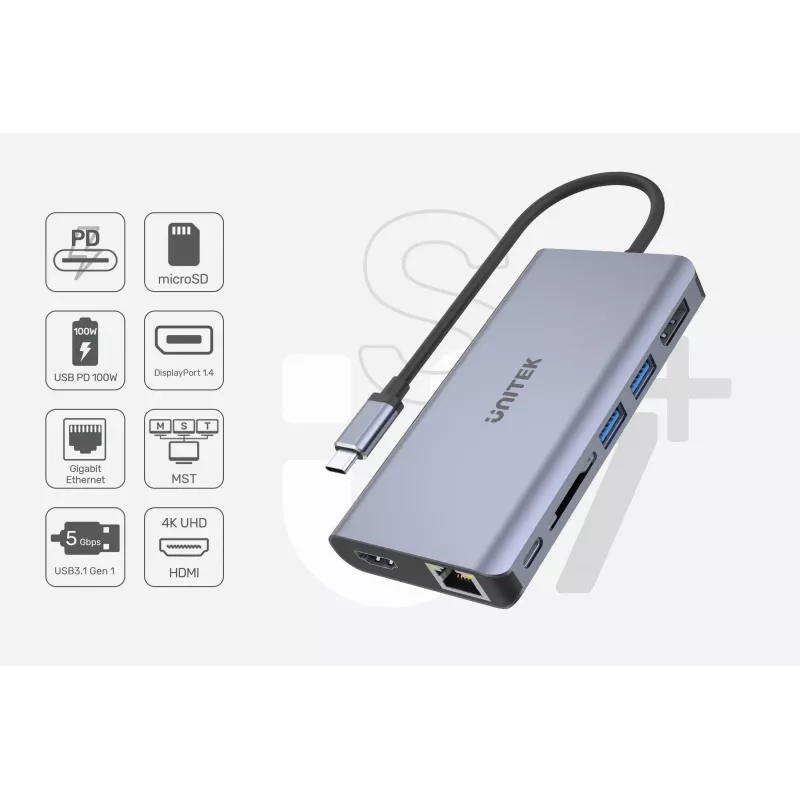
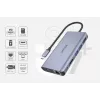
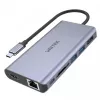
This USB-C docking hub provides 2 USB-A ports, a USB-C Power Delivery port, DisplayPort and HDMI video outputs, an SD card reader and Gigabit Ethernet in a compact aluminium enclosure. It connects to computers with a Thunderbolt 3 or USB-C port that supports DisplayPort Alt Mode and is bus-powered for plug-and-play use without an external adapter.

Advantages

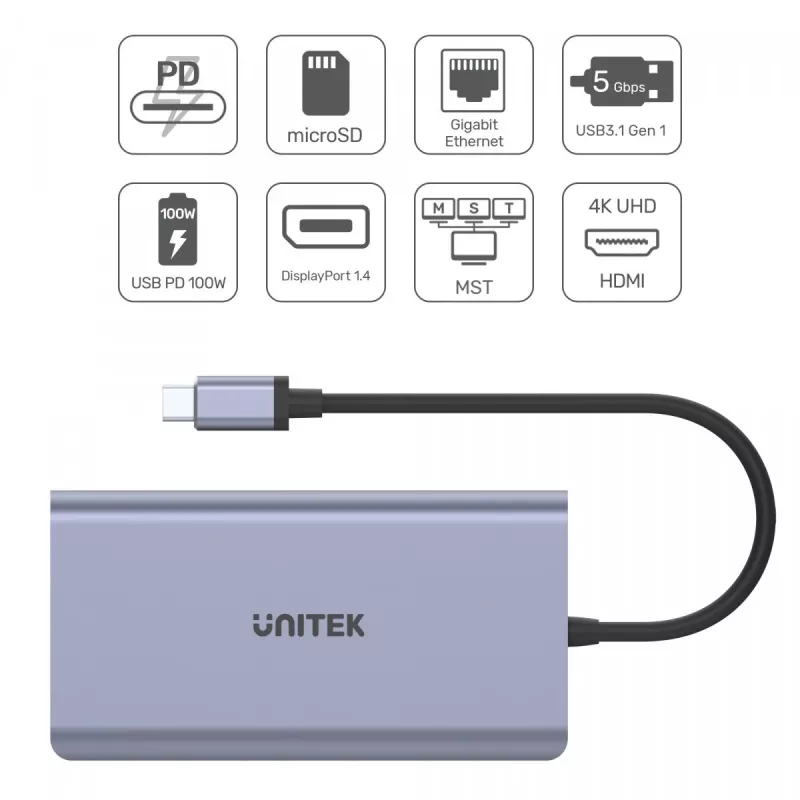
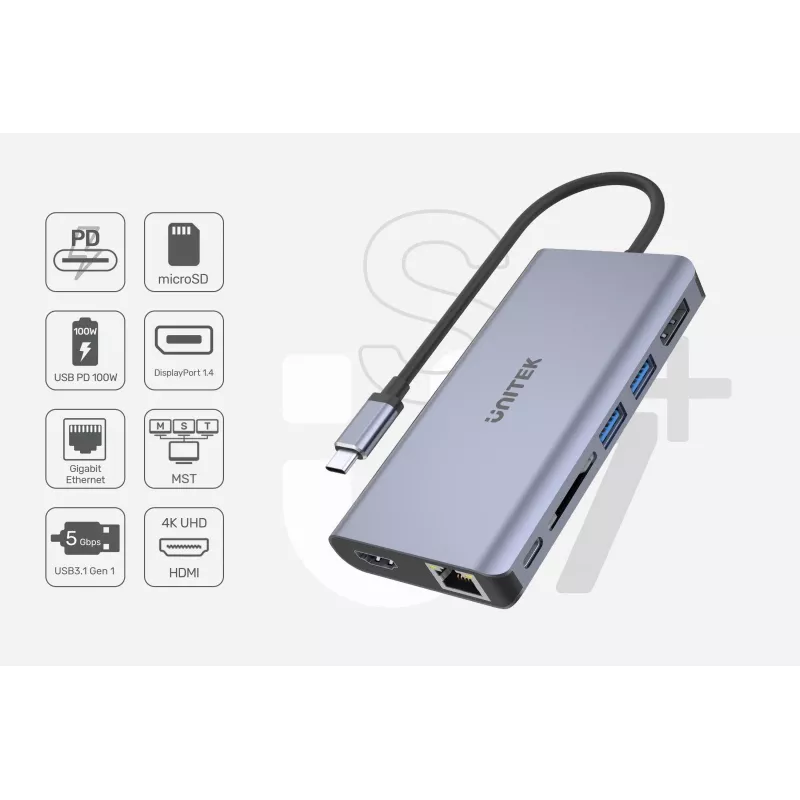
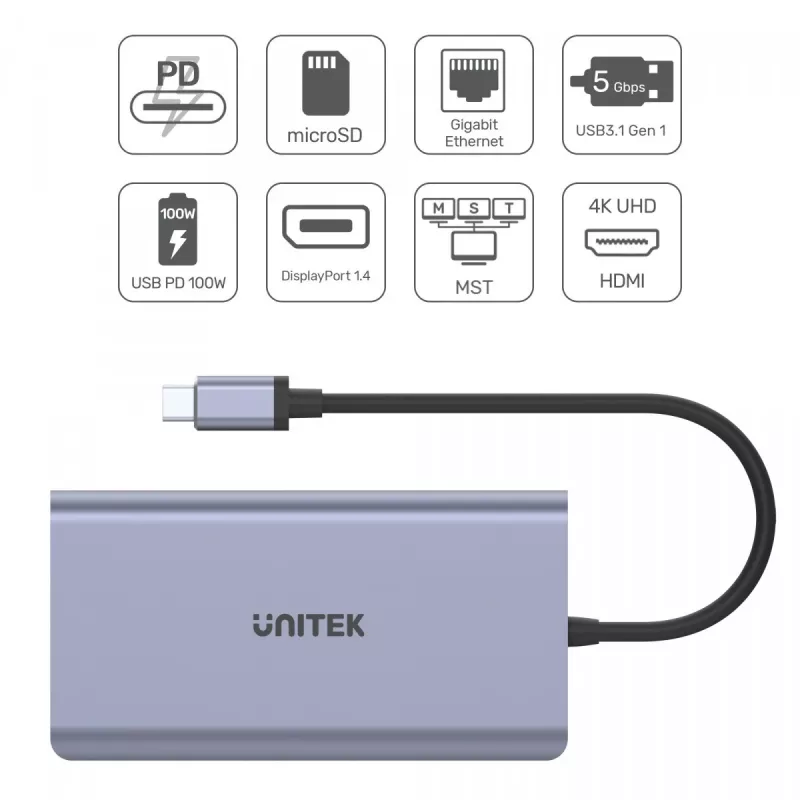
The hub supports USB3.1 Gen1 data rates up to 5 Gbps and is backward compatible with USB2.0/1.1. USB-C Power Delivery delivers up to 100W (20V/5A) to the connected computer depending on the power adapter. Video output supports DisplayPort and HDMI up to 4K@30Hz, and MST allows streaming to two independent displays (HDMI limited to 1080p@60Hz when MST is active). The SD card reader accepts SDHC/SDXC cards up to 24mm and 2TB. Gigabit Ethernet supports IPv4/IPv6, Wake-on-LAN and IEEE 802.3 standards. The aluminium housing offers durability and a compact design.

Key specifications

  • USB ports: 2 × USB-A (USB3.1 Gen1, up to 5 Gbps)
  • USB-C Power Delivery: up to 100W (20V/5A), actual output depends on adapter
  • Video outputs: DisplayPort and HDMI; up to 4K@30Hz
  • MST support: up to 2 independent displays (HDMI limited to 1080p@60Hz with MST); MacOS does not support MST
  • Card reader: SDHC / SDXC, supports cards up to 24mm and 2TB
  • Ethernet: Gigabit Ethernet (10/100/1000 Mbps), IPv4/IPv6, COE, Wake-on-LAN, full/half duplex, IEEE 802.3 compatible
  • Connection: USB-C connector; compatible with Thunderbolt 3 or USB-C with DisplayPort Alt Mode
  • Power: Bus-powered, no external adapter required
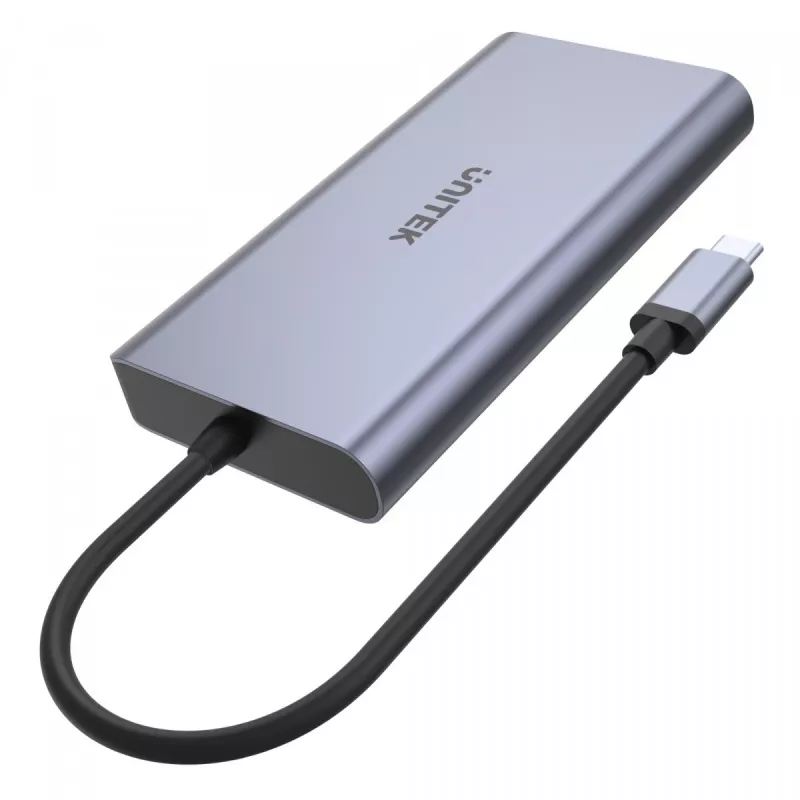
  • Housing: aluminium

How to use

Plug the docking hub into a computer USB-C or Thunderbolt 3 port that supports DisplayPort Alt Mode. If you need to charge the computer while using the hub, connect an appropriate USB-C power adapter to the USB-C PD port; the hub will deliver up to 100W depending on the adapter. Connect displays to the DisplayPort and/or HDMI outputs; when using MST to run two independent monitors, note that HDMI output will be limited to 1080p@60Hz and MacOS does not support MST. Insert SD cards into the card reader and connect wired network, USB devices or peripherals to the remaining ports. The hub is bus-powered and requires no additional drivers for typical plug-and-play operation.

Recommendations

Use a USB-C power adapter that provides sufficient wattage (up to 100W) to ensure full charging capability. For dual-monitor setups using MST, check that your computer’s USB-C/Thunderbolt controller supports MST and set display resolutions accordingly. On macOS, for multiple external displays consider using a different hub or native GPU outputs since macOS does not support MST.

Key Highlights
  • USB ports: 2 × USB-A (USB3.1 Gen1, up to 5 Gbps)
  • USB-C Power Delivery: up to 100W (20V/5A), actual output depends on adapter
  • Video outputs: DisplayPort and HDMI; up to 4K@30Hz
  • MST support: up to 2 independent displays (HDMI limited to 1080p@60Hz with MST); MacOS does not support MST
  • Card reader: SDHC / SDXC, supports cards up to 24mm and 2TB
  • Ethernet: Gigabit Ethernet (10/100/1000 Mbps), IPv4/IPv6, COE, Wake-on-LAN, full/half duplex, IEEE 802.3 compatible
  • Connection: USB-C connector; compatible with Thunderbolt 3 or USB-C with DisplayPort Alt Mode
  • Power: Bus-powered, no external adapter required
  • Housing: aluminium
Specifications
AC adapter included
No
Card reader integrated
Yes
Compatible memory cards
SDHC, SDXC
Depth
61 mm
DisplayPorts quantity
1
Ethernet LAN (RJ-45) ports
1
Flow control support
Yes
Full duplex
Yes
HDMI ports quantity
1
Height
16 mm
Host interface
USB 3.2 Gen 1 (3.1 Gen 1) Type-C
Housing material
Aluminium
Hub interfaces
USB 3.2 Gen 1 (3.1 Gen 1) Type-A, DisplayPort, HDMI, RJ-45, USB 3.2 Gen 1 (3.1 Gen 1) Type-C
LED indicators
Y
Networking standards
IEEE 802.3u, IEEE 802.3x, IEEE 802.3ab, IEEE 802.3
Plug and Play
Yes
Power supply type
USB
Product colour
Grey
Quantity per pack
1 pc(s)
Sustainability certificates
CE, RoHS
Sustainability compliance
Yes
USB 3.2 Gen 1 (3.1 Gen 1) Type-A ports quantity
2
USB 3.2 Gen 1 (3.1 Gen 1) Type-C ports quantity
1
USB Power Delivery (USB PD)
Yes
USB Power Delivery up to
100 W
Width
116.5 mm
Windows operating systems supported
Y
Price history over the last 6 months
Hub UNITEK uHUB S7 USB 3.2 Gen 1 Type-C Grey
Current
R1,184
Lowest
R1,132
Highest
R1,243
Change 24H
+R35   +3%
Week
+R46   +4%
Month
+R40   +4%

Popular products in this category

WhatsApp
Hi, I’m DistriNode’s AI assistant. I can help you find products, compare options, create quote PDFs, or open support requests.