Account Contact
Your Cart
Pay the courier with no extra fees.
Need help? DistriNode AI can handle any task on our site.

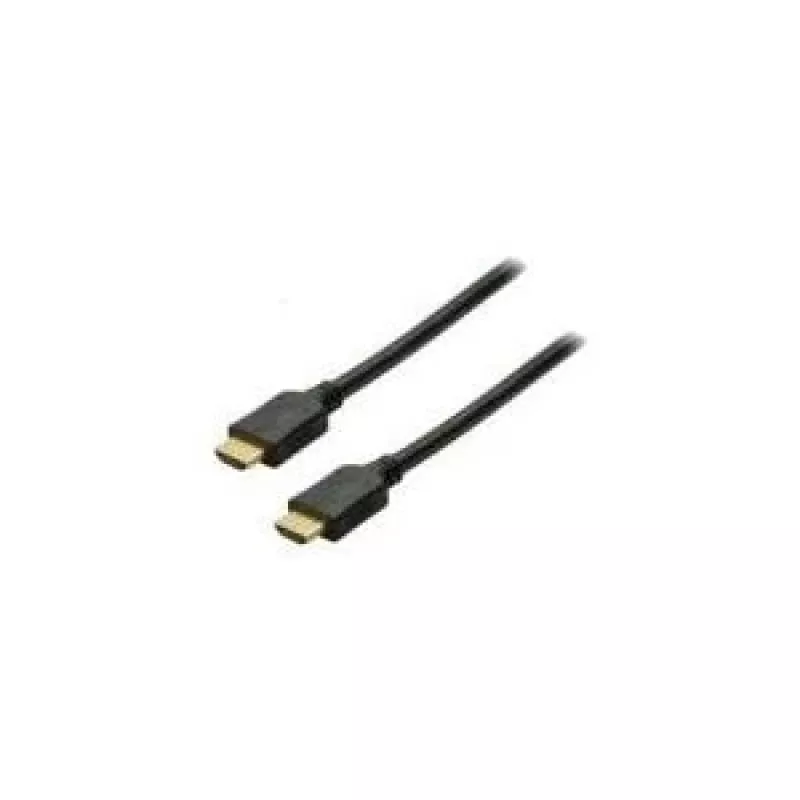
HDMI cable ShiverPeaks BASIC-S 10m

HDMI cable ShiverPeaks BASIC-S 10m
R402
The ShiverPeaks BASIC-S 10m HDMI cable provides a 10 meter connection for transmitting audio and video signals between HDMI-equipped devices. It uses HDMI Type A connectors on both ends with gold-plated contacts to improve contact reliability and reduce corrosion. With a data transfer rate of 8.16 G... Read More
Stock 30 Code 1514703 Brand SHIVERPEAKS Model BS77478 Warranty 2 Years

Shipping & Returns

Estimated delivery Tuesday, October 6
You will be kept updated through our detailed tracking system
Payment options
EFTPayFastBank CardSnapScanZapperGoogle PayApple PayMobicredMoreTymePay on Arrival

The ShiverPeaks BASIC-S 10m HDMI cable provides a 10 meter connection for transmitting audio and video signals between HDMI-equipped devices. It uses HDMI Type A connectors on both ends with gold-plated contacts to improve contact reliability and reduce corrosion. With a data transfer rate of 8.16 Gbit/s and a black outer jacket, the cable is designed for longer-reach connections where a single uninterrupted HDMI link is required.

Advantages

The cable combines standard HDMI Type A compatibility with gold-plated contacts to maintain consistent signal quality over its 10 m length. Its rated data throughput of 8.16 Gbit/s supports full HD and most common high-definition audio formats. The single-cable design simplifies installation between displays, projectors, set-top boxes and gaming consoles while the black finish reduces visual distraction in entertainment or office setups.

Suitable for

  • Connecting TVs to set-top boxes or media players across living rooms or AV cabinets
  • Linking projectors to laptops or presentation devices in meeting rooms and classrooms
  • Connecting gaming consoles to distant displays where a longer cable run is needed

Key specifications

  • Cable length: 10 m
  • Connector type: HDMI Type A (standard) to HDMI Type A (standard)
  • Data transfer rate: 8.16 Gbit/s
  • Contact plating: gold-plated contacts
  • Colour: black

How to use

Connect one HDMI Type A end to the HDMI output of the source device (for example a Blu-ray player, console or laptop) and the other end to the HDMI input of the display device such as a TV or projector. Ensure both devices are powered off when plugging or unplugging the cable to avoid connector stress. After connection, power on the devices and select the corresponding HDMI input on the display. Adjust display resolution and audio settings on the source device as needed to match the capabilities of the connected display.

Recommendations

For best signal stability over the full 10 m length, avoid sharp bends and kinks in the cable, keep it away from high-power electrical cables and large sources of electromagnetic interference, and secure the cable to prevent strain on the connectors.

Key Highlights
  • Connecting TVs to set-top boxes or media players across living rooms or AV cabinets
  • Linking projectors to laptops or presentation devices in meeting rooms and classrooms
  • Connecting gaming consoles to distant displays where a longer cable run is needed
  • Cable length: 10 m
  • Connector type: HDMI Type A (standard) to HDMI Type A (standard)
  • Data transfer rate: 8.16 Gbit/s
  • Contact plating: gold-plated contacts
  • Colour: black
Specifications
AWG wire size
30
Cable length
10 m
Cable material
Copper
Connector 1
HDMI Type A (Standard)
Connector 1 form factor
Straight
Connector 1 gender
Male
Connector 2
HDMI Type A (Standard)
Connector 2 form factor
Straight
Connector 2 gender
Male
Connector contacts plating
Gold
Data transfer rate
8.16 Gbit/s
Product colour
Black
Price history over the last 6 months
HDMI cable ShiverPeaks BASIC-S 10m
Current
R402
Lowest
R391
Highest
R402
Change 24H
+R9   +2%
Week
—   
Month
—   

Popular products in this category

WhatsApp
Hi, I’m DistriNode’s AI assistant. I can help you find products, compare options, create quote PDFs, or open support requests.