Account Contact
Your Cart
Pay on delivery – no extra fees
Need help? Ask our AI

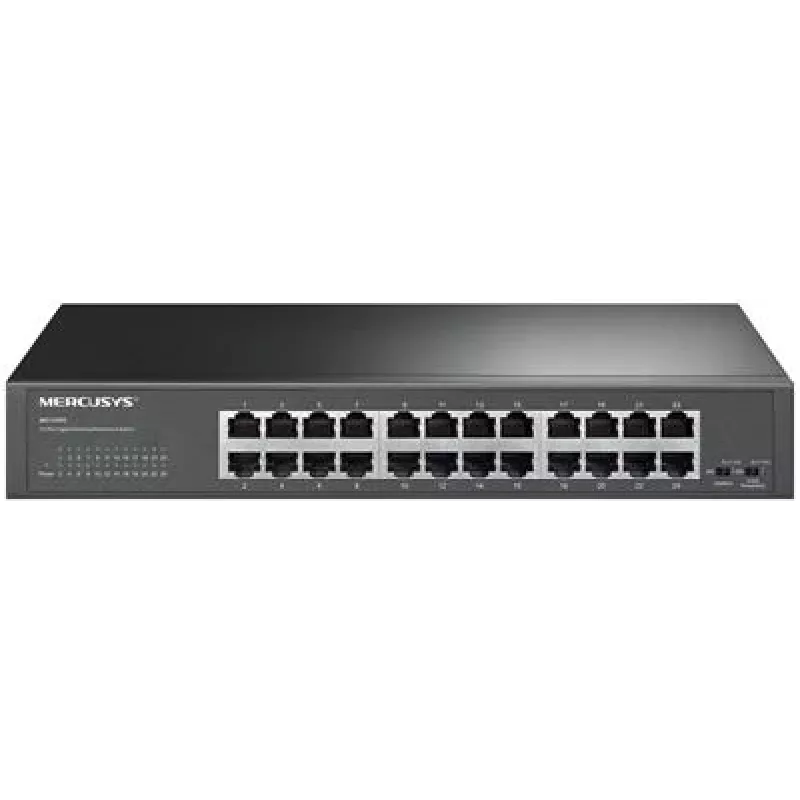
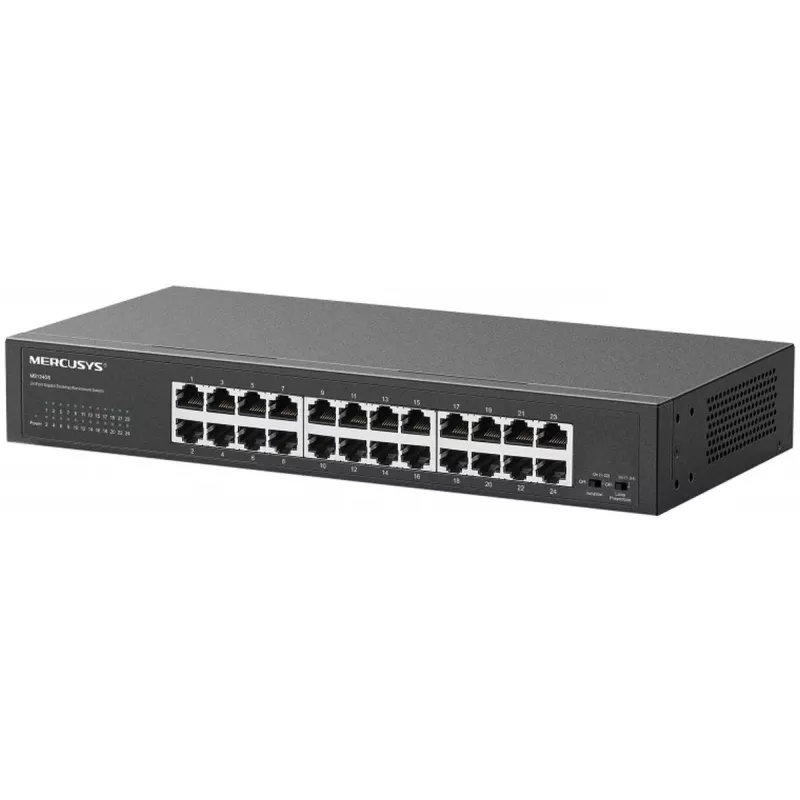
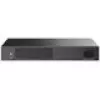
Gigabit 24-Port Desktop/Rackmount Switch TP-LINK MS124GS – 24 x 1 Gbps RJ45

Gigabit 24-Port Desktop/Rackmount Switch TP-LINK MS124GS – 24 x 1 Gbps RJ45
R2,171
TP-LINK MS124GS is a 24-port Gigabit desktop/rackmount switch that provides 24 x 10/100/1000 Mbps RJ45 ports for reliable wired connectivity. Designed for straightforward deployment, the switch supports auto-negotiation, full and half duplex modes and MAC address learning to manage traffic efficient... Read More
Stock Out Of StockNo Stock Code 1721776 Brand TP-LINK Model MS124GS Warranty 2 Years

Shipping & Returns

TP-LINK MS124GS is a 24-port Gigabit desktop/rackmount switch that provides 24 x 10/100/1000 Mbps RJ45 ports for reliable wired connectivity. Designed for straightforward deployment, the switch supports auto-negotiation, full and half duplex modes and MAC address learning to manage traffic efficiently. The compact chassis can be placed on a desk or mounted in a rack, offering flexible installation for small offices and home networks that require stable, high-speed Ethernet connections.

Advantages

The MS124GS delivers consistent Gigabit performance across all 24 ports, enabling high-throughput connections for workstations, printers and network storage. Plug-and-play operation eliminates complex setup, while auto MDI/MDIX on each RJ45 port removes the need for crossover cables. Energy-efficient design reduces power consumption during low network activity and MAC address learning with a sizeable forwarding table optimizes packet delivery and minimizes broadcast traffic.

Suitable for (tasks / use cases)

  • Small office LAN expansion and wired workgroup connectivity
  • Home networks for high-speed wired connections to PCs, NAS and media devices
  • Connecting IP phones, access points and network printers in a compact installation
  • Temporary network setups for events, workshops, or test environments

Key specifications

  • 24 x 10/100/1000 Mbps RJ45 ports
  • Support for auto-negotiation and auto MDI/MDIX per port
  • Half and full duplex modes supported
  • MAC address learning and forwarding table for efficient traffic handling
  • Desktop or standard rackmount form factor
  • Fanless or low-noise design suitable for office environments

How to use

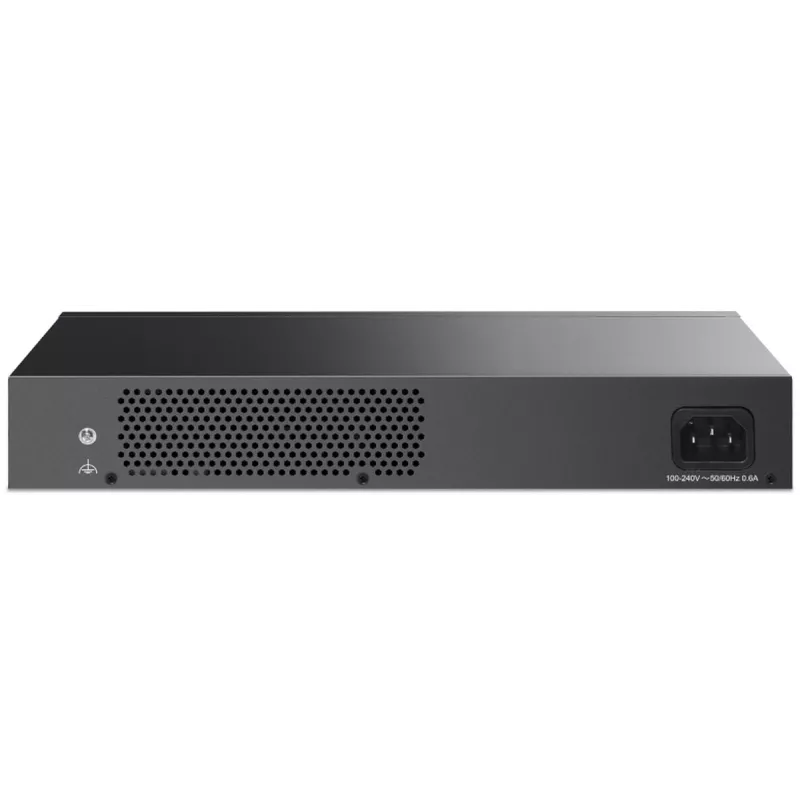
Place the switch on a stable surface or mount it in a standard 19-inch rack using the included mounting brackets. Connect each device to the switch using Cat5e or higher Ethernet cables to achieve Gigabit speeds. Plug the switch into a power outlet and verify link/activity LEDs for each connected port. Devices will automatically negotiate speed and duplex settings; no manual configuration is required for basic operation. For optimal performance, connect uplink to the network gateway or router using a high-quality Gigabit cable.

Recommendations

Use Cat5e or Cat6 cables to ensure full Gigabit throughput, avoid running Ethernet cables near heavy electrical equipment to reduce interference, and allow sufficient ventilation around the chassis if installed in a rack. For networks with higher management needs, consider combining this unmanaged switch with a managed core switch or router to enable VLANs and advanced traffic controls.

Key Highlights
  • Small office LAN expansion and wired workgroup connectivity
  • Home networks for high-speed wired connections to PCs, NAS and media devices
  • Connecting IP phones, access points and network printers in a compact installation
  • Temporary network setups for events, workshops, or test environments
  • 24 x 10/100/1000 Mbps RJ45 ports
  • Support for auto-negotiation and auto MDI/MDIX per port
  • Half and full duplex modes supported
  • MAC address learning and forwarding table for efficient traffic handling
  • Desktop or standard rackmount form factor
  • Fanless or low-noise design suitable for office environments
Specifications
Basic switching RJ-45 Ethernet ports quantity
24
Power over Ethernet (PoE)
No
Price history is not available yet
We are still collecting enough daily price data for this product.

Popular products in this category

WhatsApp
Hi, I’m DistriNode’s AI assistant. I can help you find products, compare options, create quote PDFs, or open support requests.