







Account Contact
Your Cart
Pay the courier with no extra fees.
Need help? DistriNode AI can handle any task on our site.

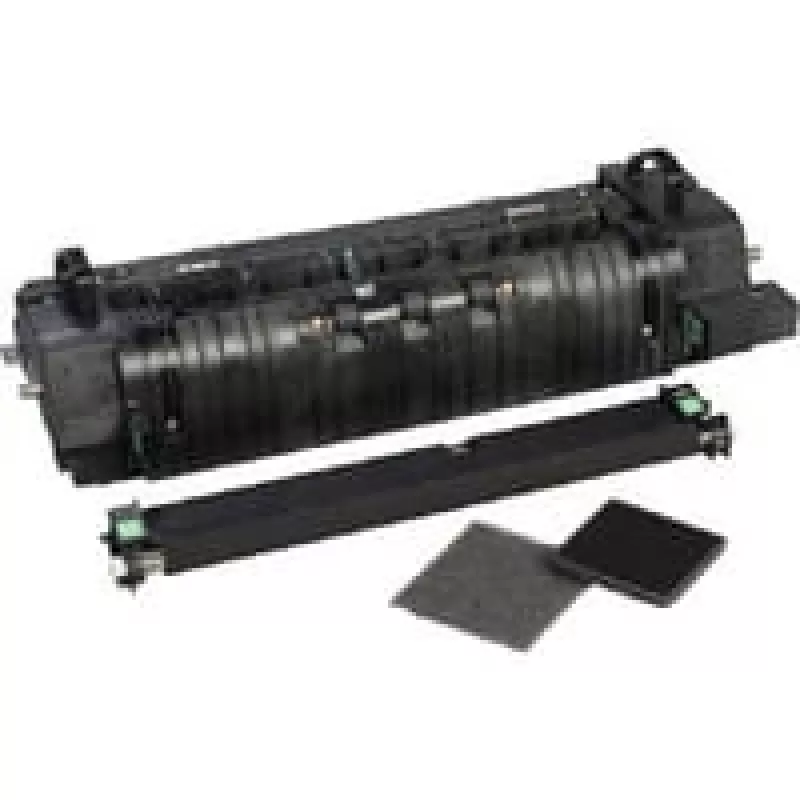
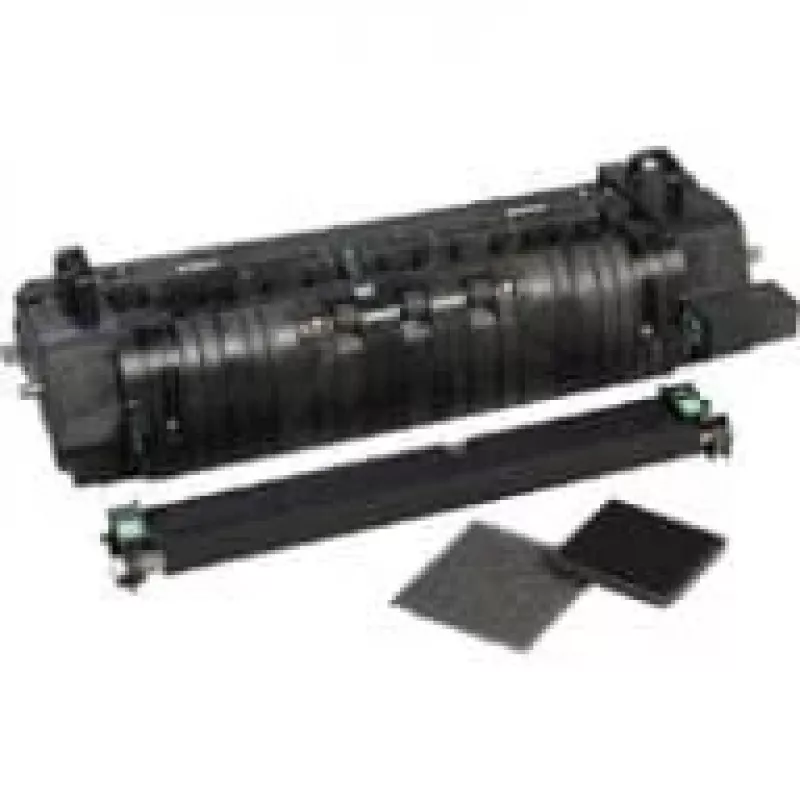
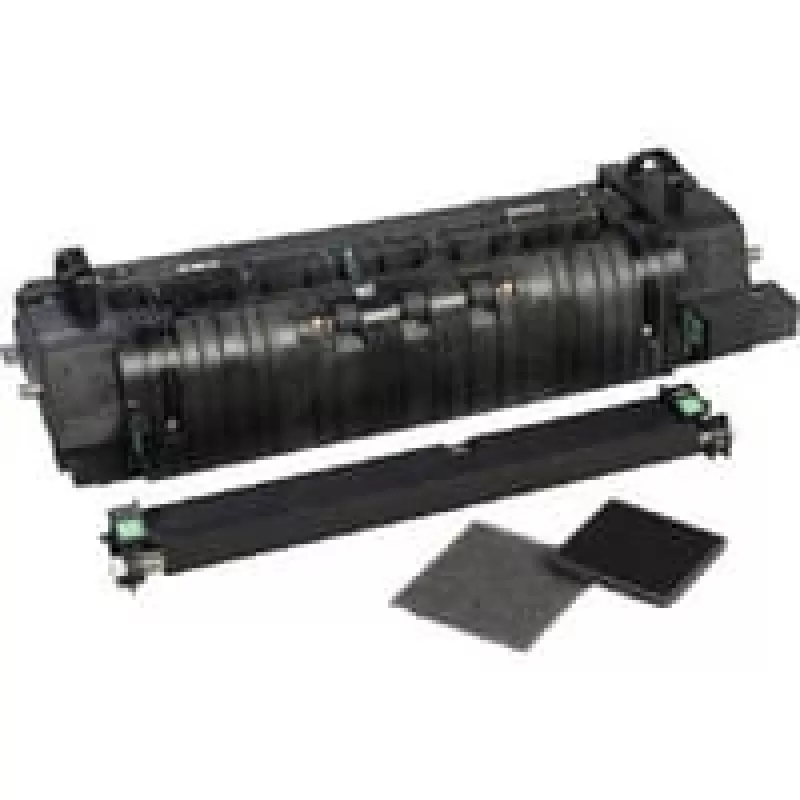
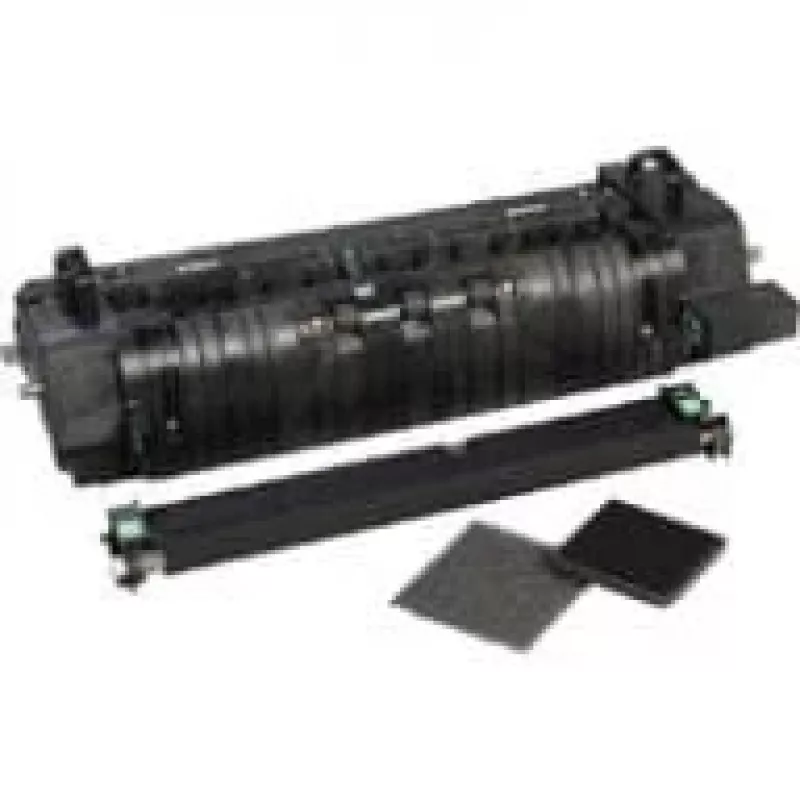
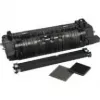
Fuser Lexmark 41X0253

Fuser Lexmark 41X0253
R9,797
The Lexmark 41X0253 fuser is a replacement heating assembly for compatible Lexmark laser printers. It is specified for a rated life of up to 150,000 printed pages (sides) and is intended to restore or maintain proper fusing of toner to paper, supporting consistent print quality and reliable operatio... Read More
Stock 10 Code 878294 Brand LEXMARK Model 41X0253 Warranty 2 Years

Shipping & Returns

Estimated delivery Wednesday, October 7
You will be kept updated through our detailed tracking system
Payment options
EFTPayFastBank CardSnapScanZapperGoogle PayApple PayMobicredMoreTymePay on Arrival

The Lexmark 41X0253 fuser is a replacement heating assembly for compatible Lexmark laser printers. It is specified for a rated life of up to 150,000 printed pages (sides) and is intended to restore or maintain proper fusing of toner to paper, supporting consistent print quality and reliable operation in medium to high-volume environments.

Advantages

This fuser unit offers a defined life expectancy of up to 150,000 pages, helps maintain consistent toner adhesion and image quality, and is designed for direct compatibility with specified Lexmark models. It reduces the likelihood of print defects related to worn fusing components and contributes to sustained printer performance when installed and matched by the correct two-digit type code.

Suitable for

  • Replacement of worn or failed fuser assemblies in compatible Lexmark laser printers
  • Maintaining print quality in offices with medium to high monthly page volumes
  • Scheduled maintenance as part of a printer service cycle after high usage

Key specifications

  • Manufacturer: Lexmark
  • Model / MPN: 41X0253
  • Rated life: up to 150,000 printed pages (sides)
  • Type: Fuser (heating assembly) for laser printers

How to use

Power off the printer and unplug it before starting any maintenance. Open the printer service access panels according to the printer’s service manual, locate and remove the existing fuser assembly, and check the two-digit type code on the fuser to ensure compatibility with the replacement part. Install the Lexmark 41X0253 fuser following the printer manufacturer’s instructions, secure all panels, plug in and power on the printer, then run any required calibration or initialization procedures specified by the printer firmware.

Recommendations

Replace the fuser when print quality degrades or when the printer indicates the fuser has reached its rated life; inspect the two-digit type code on the fuser to confirm model compatibility before installation. Follow Lexmark’s service and safety instructions and schedule periodic maintenance based on your actual page volumes.
Key Highlights
  • Replacement of worn or failed fuser assemblies in compatible Lexmark laser printers
  • Maintaining print quality in offices with medium to high monthly page volumes
  • Scheduled maintenance as part of a printer service cycle after high usage
  • Manufacturer: Lexmark
  • Model / MPN: 41X0253
  • Rated life: up to 150,000 printed pages (sides)
  • Type: Fuser (heating assembly) for laser printers
Specifications
AC input voltage
220 - 240
Brand compatibility
Lexmark
Compatibility
CS720, CS725, CX725
Harmonized System (HS) code
84439990
Page yield
150000 pages
Print technology
Laser
Price history over the last 6 months
Fuser Lexmark 41X0253
Current
R9,797
Lowest
R8,603
Highest
R10,104
Change 24H
+R963   +11%
Week
+R1,045   +12%
Month
+R979   +11%

Popular products in this category

WhatsApp
Hi, I’m DistriNode’s AI assistant. I can help you find products, compare options, create quote PDFs, or open support requests.