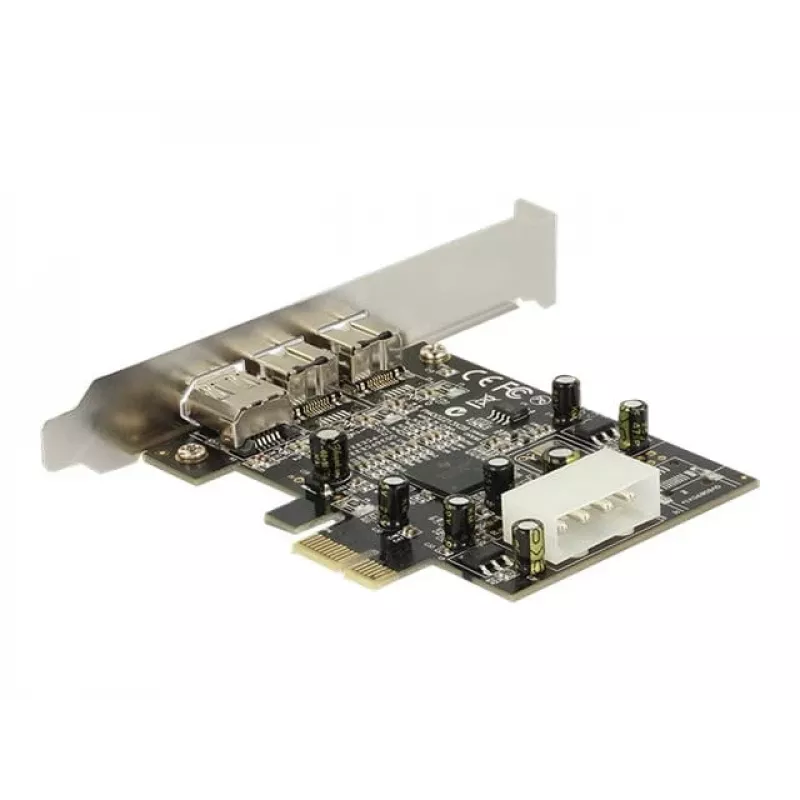
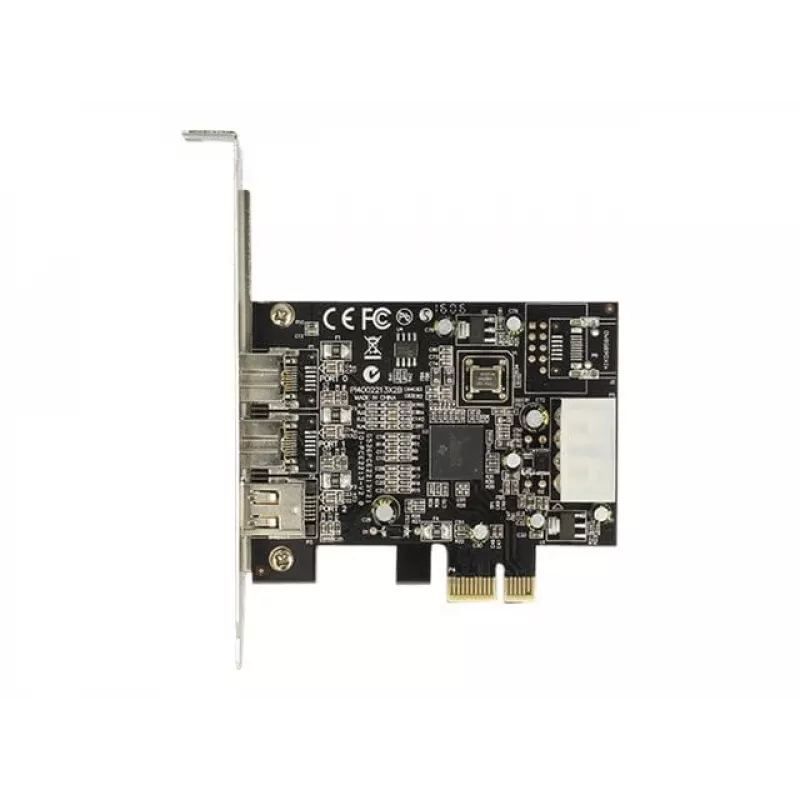
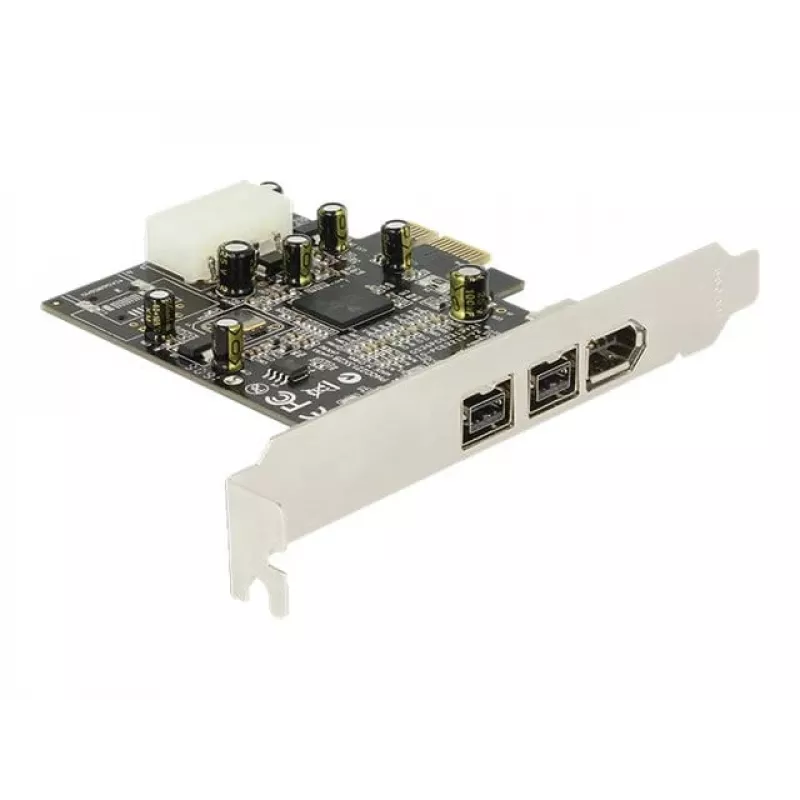
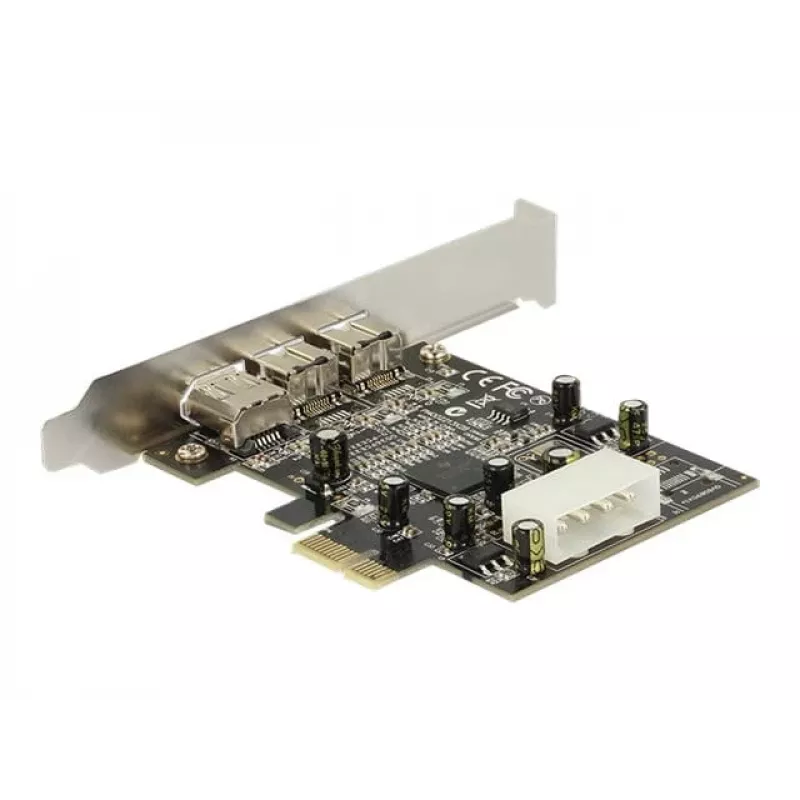
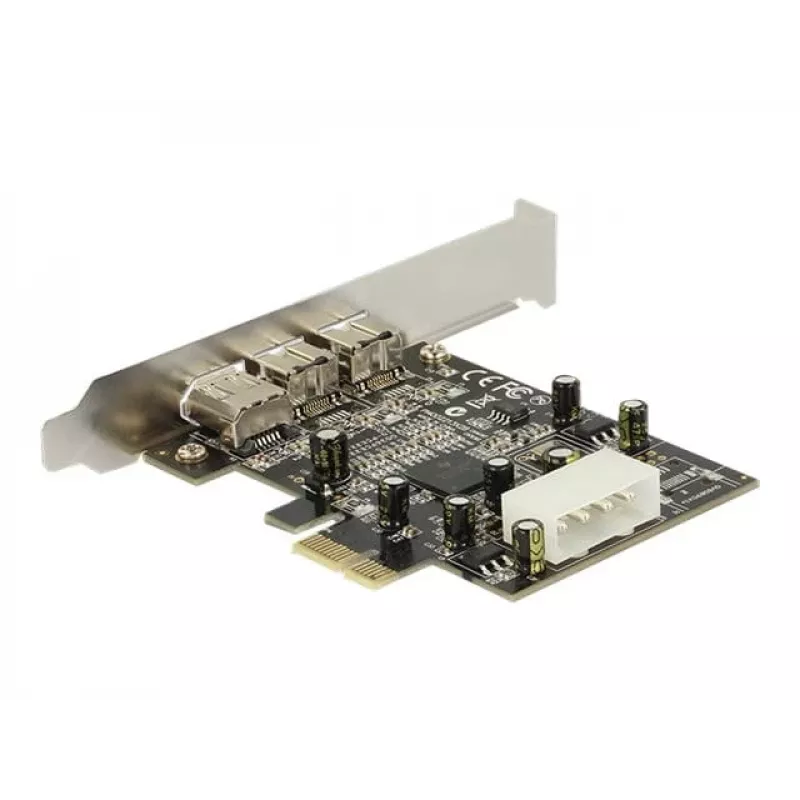
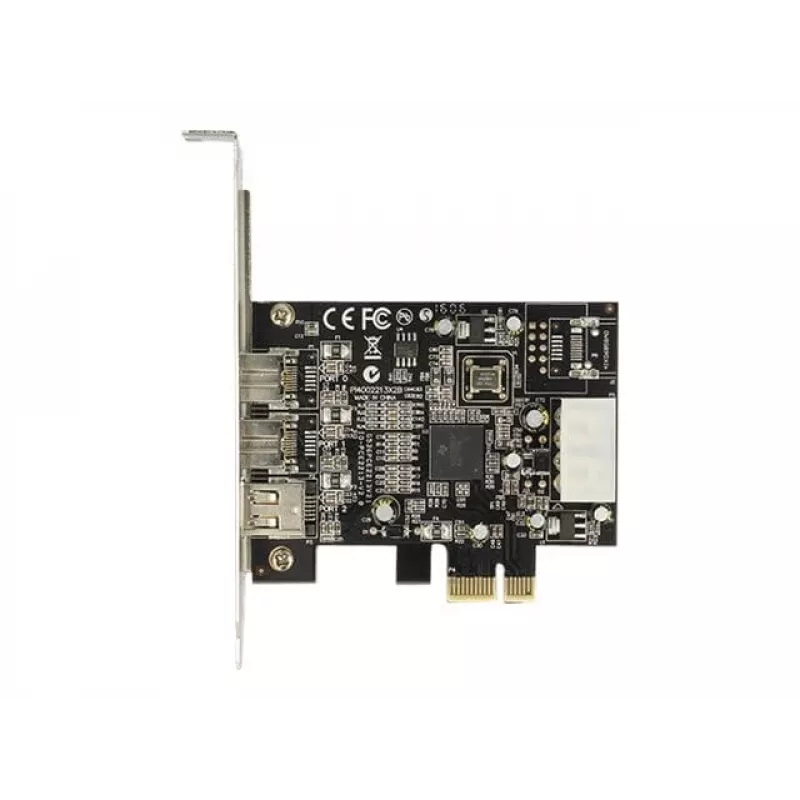
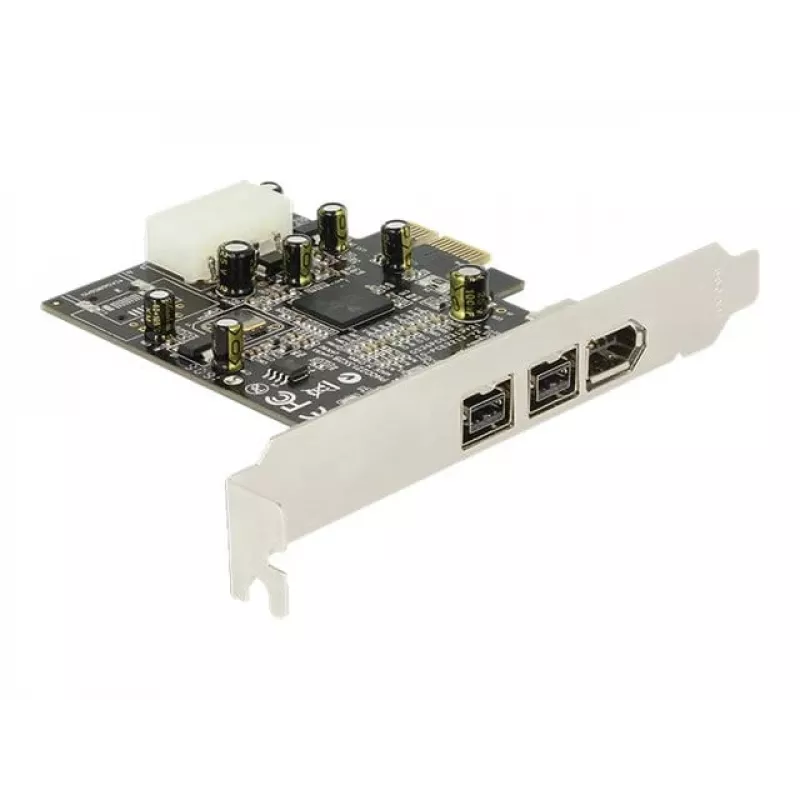
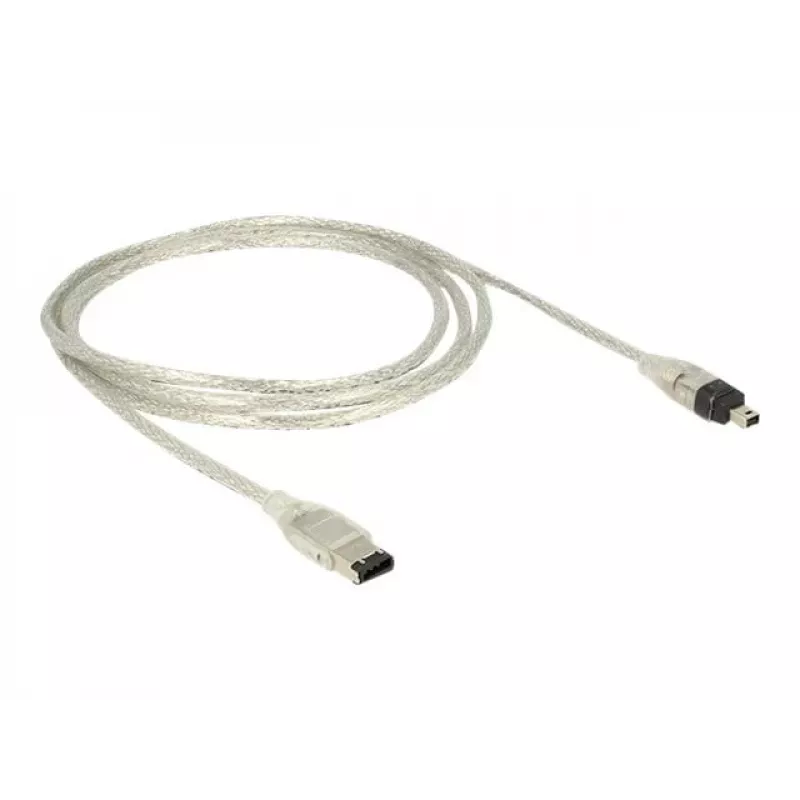
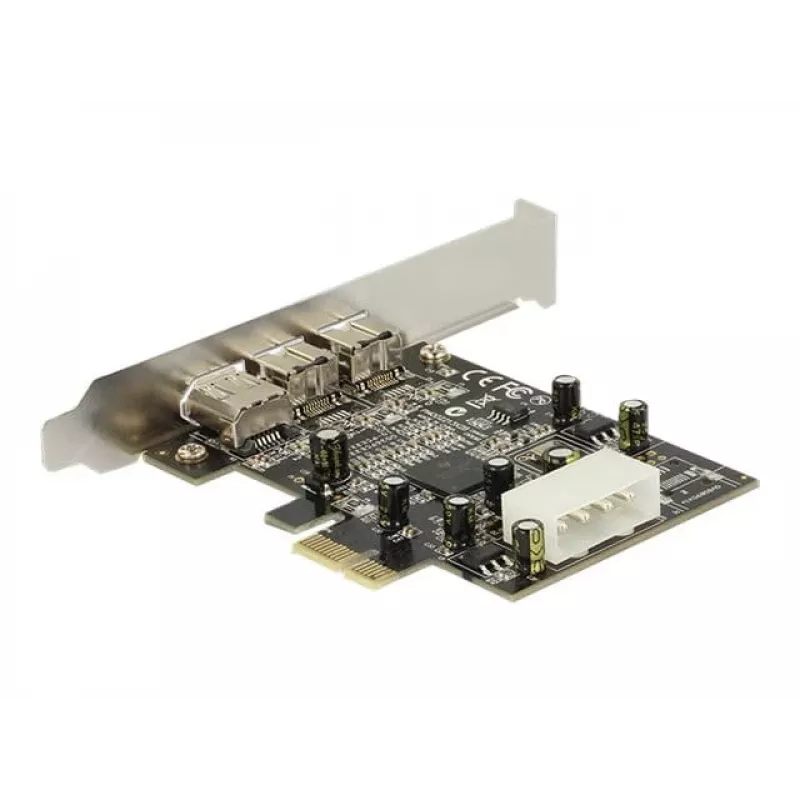
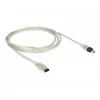
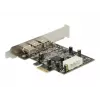
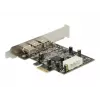
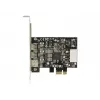
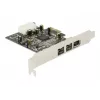
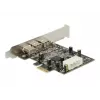
The DeLock PCI Express card provides two external FireWire 800 ports and one external FireWire 400 port for adding legacy and high-speed IEEE 1394 connections to a desktop PC. It enables connection of devices such as external enclosures, digital cameras and camcorders, adapters and other FireWire-co... Read More
The DeLock PCI Express card provides two external FireWire 800 ports and one external FireWire 400 port for adding legacy and high-speed IEEE 1394 connections to a desktop PC. It enables connection of devices such as external enclosures, digital cameras and camcorders, adapters and other FireWire-compatible peripherals.
Advantages
The card adds both FireWire 800 (high-speed) and FireWire 400 (legacy) external ports on a single PCI Express expansion card, allowing connection of a wide range of IEEE 1394 devices. Installation is straightforward in a free PCI Express slot and supports hot-pluggable devices for convenient use.
Supported devices: external enclosures, digital cameras, camcorders, adapters and other FireWire peripherals
Form factor: low-profile/standard profile compatible (dependant on included bracket)
How to use
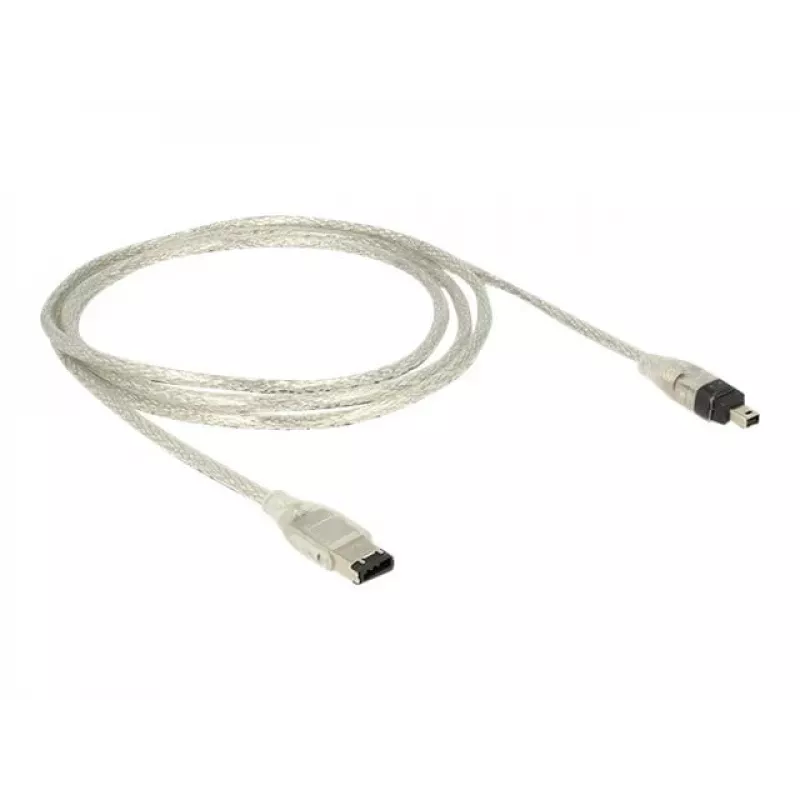
Install the card into an available PCI Express slot on the desktop PC, secure it with the slot screw and, if provided, fit the appropriate bracket. Connect FireWire devices to the external ports using compatible cables. After installation, install any required drivers supplied by the operating system or the manufacturer to enable device recognition and functionality.
Recommendations
Use quality IEEE 1394 cables and verify driver compatibility with your operating system version. For devices requiring bus power, ensure the connected device is powered or the card supports the needed power configuration.