Account Contact
Your Cart
Pay the courier with no extra fees.
Need help? DistriNode AI can handle any task on our site.

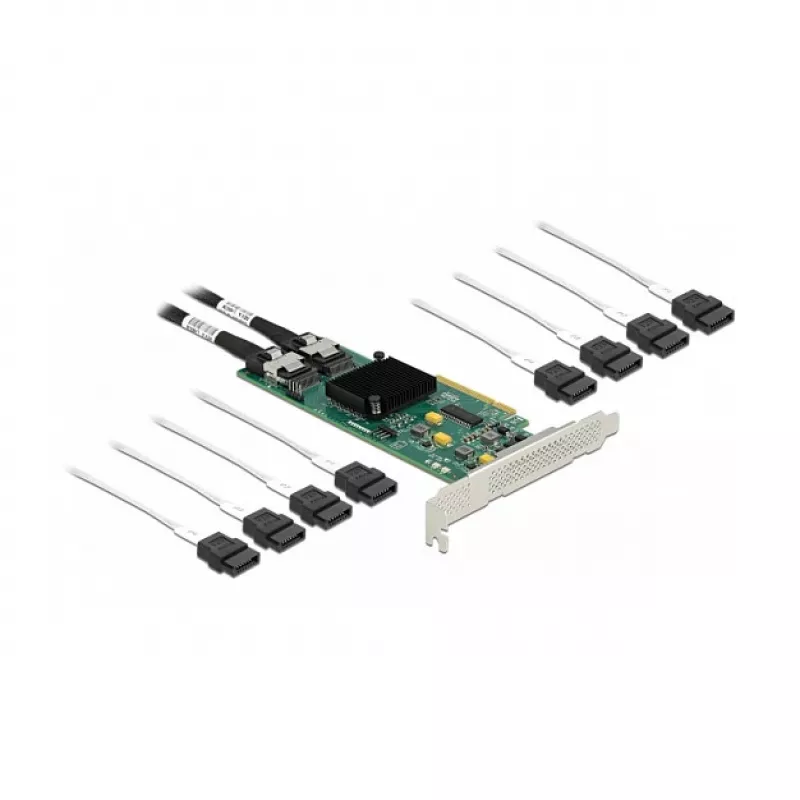
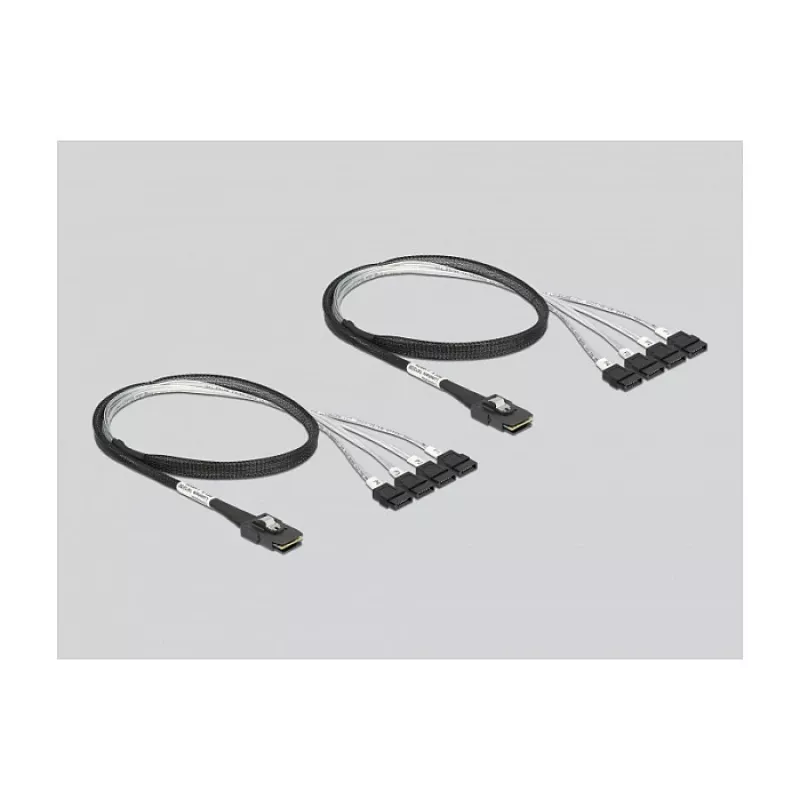
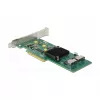
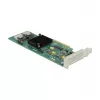
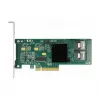
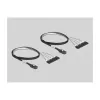
DeLOCK 8 port SATA PCI Express x8 Card with Connection Cable

DeLOCK 8 port SATA PCI Express x8 Card with Connection Cable
R4,244
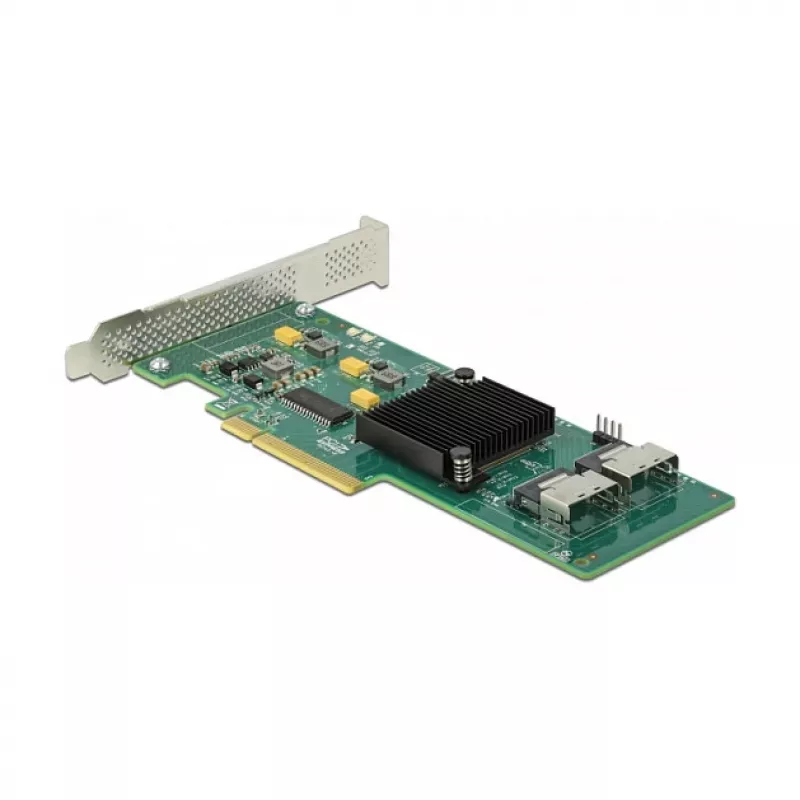
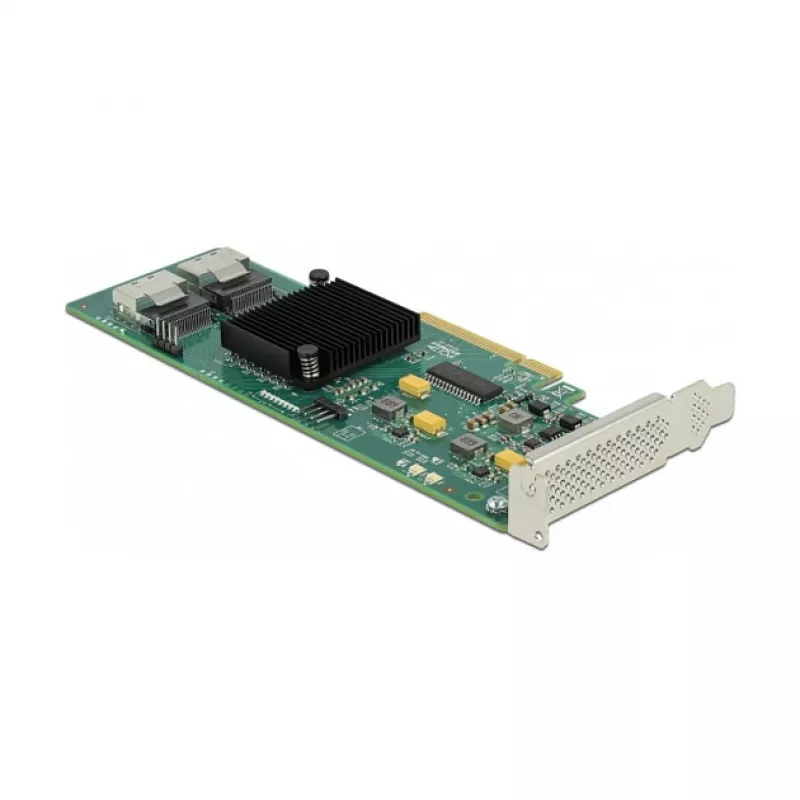
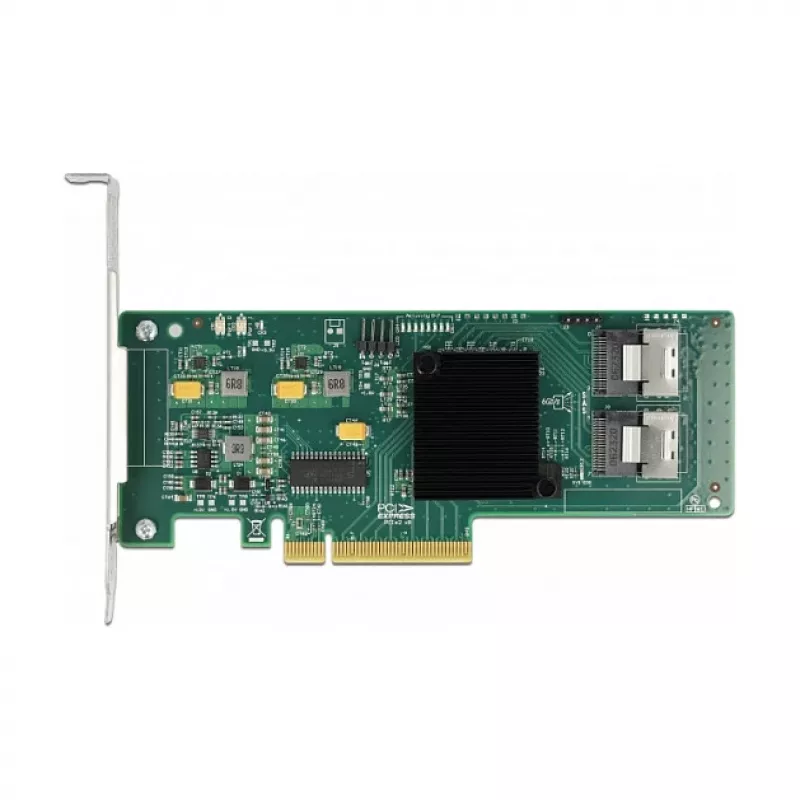
The DeLOCK 8 port SATA PCI Express x8 Card with Connection Cable adds eight internal SATA ports to a desktop PC via a PCI Express x8 slot. It provides a PCIe 2.0 host interface and SATA outputs in a compact black card form factor, enabling connection of internal storage devices such as SSDs, hard dr... Read More
Stock 71 Code 2526389 Brand DELOCK Model 90061 Warranty 2 Years

Shipping & Returns

Estimated delivery Thursday, October 1
You will be kept updated through our detailed tracking system
Payment options
EFTPayFastBank CardSnapScanZapperGoogle PayApple PayMobicredMoreTymePay on Arrival

The DeLOCK 8 port SATA PCI Express x8 Card with Connection Cable adds eight internal SATA ports to a desktop PC via a PCI Express x8 slot. It provides a PCIe 2.0 host interface and SATA outputs in a compact black card form factor, enabling connection of internal storage devices such as SSDs, hard drives and optical drives for expanded storage capacity.

Advantages

The card supports PCIe 2.0 for reliable bandwidth over the x8 interface and offers eight internal SATA ports to connect multiple drives. Its internal design and included connection cable simplify installation inside standard desktop cases. The black finish and standard connector layout ensure compatibility with typical storage devices and mounting configurations.

Suitable for

Key specifications

How to use

Power down the PC, open the case and insert the card into an available PCI Express x8 (or higher) slot on the motherboard. Secure the card to the chassis, connect the included connection cable(s) from the card’s SATA outputs to the internal SATA drives, and attach any required power connectors to the drives from the PC power supply. Close the case, power on the system and verify drive detection in the BIOS/UEFI or operating system. Install any necessary drivers if the OS does not automatically recognise the card.

Recommendations

Use the card in a PCIe x8 or x16 slot for full performance; ensure adequate cooling and proper power connections to all connected drives. Check motherboard slot lane availability and compatibility with PCIe 2.0 devices before installation.

Key Highlights
  • Adding multiple internal SSDs or HDDs to a desktop PC
  • Building or expanding a NAS-like storage system in a workstation chassis
  • Installing additional optical drives or legacy SATA devices
  • Brand: DELOCK
  • Model / MPN: 90061
  • EAN: 4043619900619
  • Host interface: PCIe (PCI Express) x8, PCIe 2.0 compliant
  • Output interface: 8 × internal SATA ports
  • Internal: Yes
  • Product colour: Black
Specifications
Country of origin
China
Expansion card standard
PCIe 2.0
Host interface
PCIe
Hot-swap
Yes
Internal
Yes
Internal SATA ports quantity
4
LED indicators
Y
Manual
Yes
Native Command Queuing (NCQ)
Yes
Output interface
SATA
Package type
Box
Product colour
Black
Quantity per pack
1 pc(s)
S.M.A.R.T. support
Yes
SATA revision
3.0
TRIM support
Yes

Leaflet

Open Leaflet
Price history over the last 6 months
DeLOCK 8 port SATA PCI Express x8 Card with Connection Cable
Current
R4,244
Lowest
R4,115
Highest
R4,307
Change 24H
+R76   +2%
Week
+R120   +3%
Month
+R104   +3%

Popular products in this category

WhatsApp
Hi, I’m DistriNode’s AI assistant. I can help you find products, compare options, create quote PDFs, or open support requests.