Account Contact
Your Cart
Pay the courier with no extra fees.
Need help? DistriNode AI can handle any task on our site.

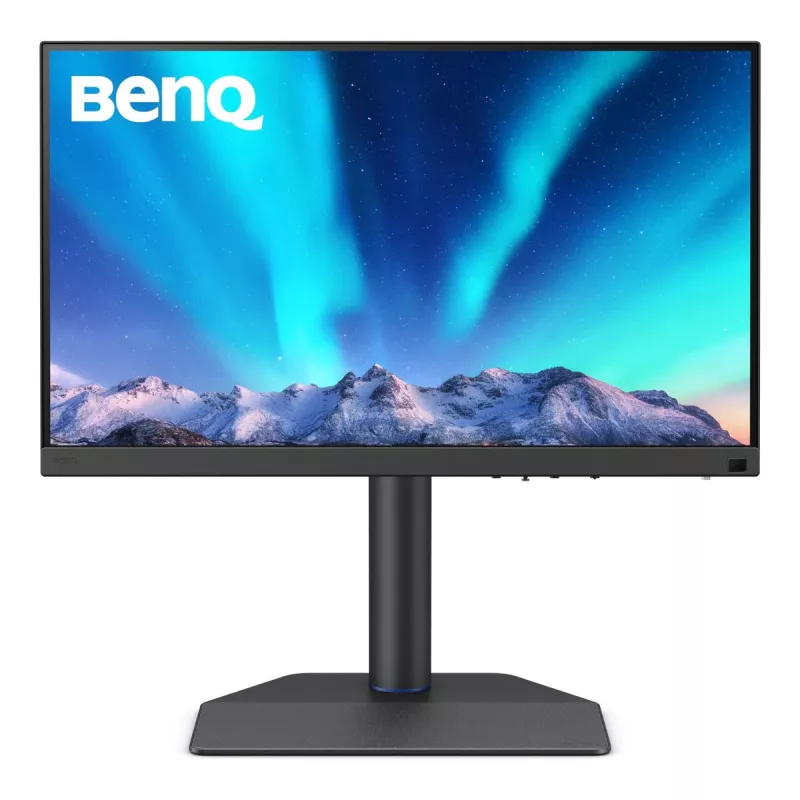
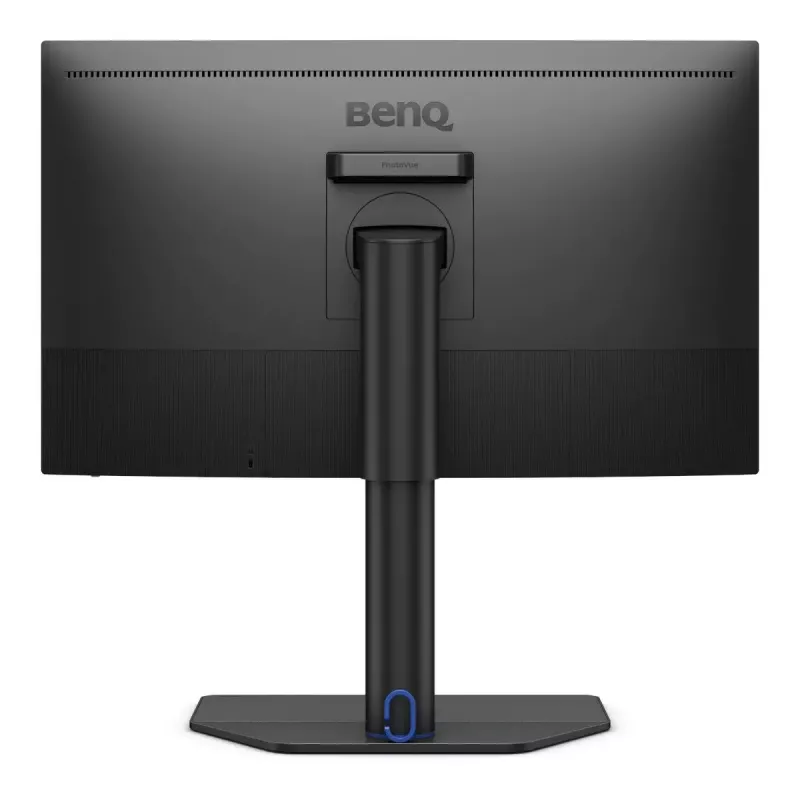
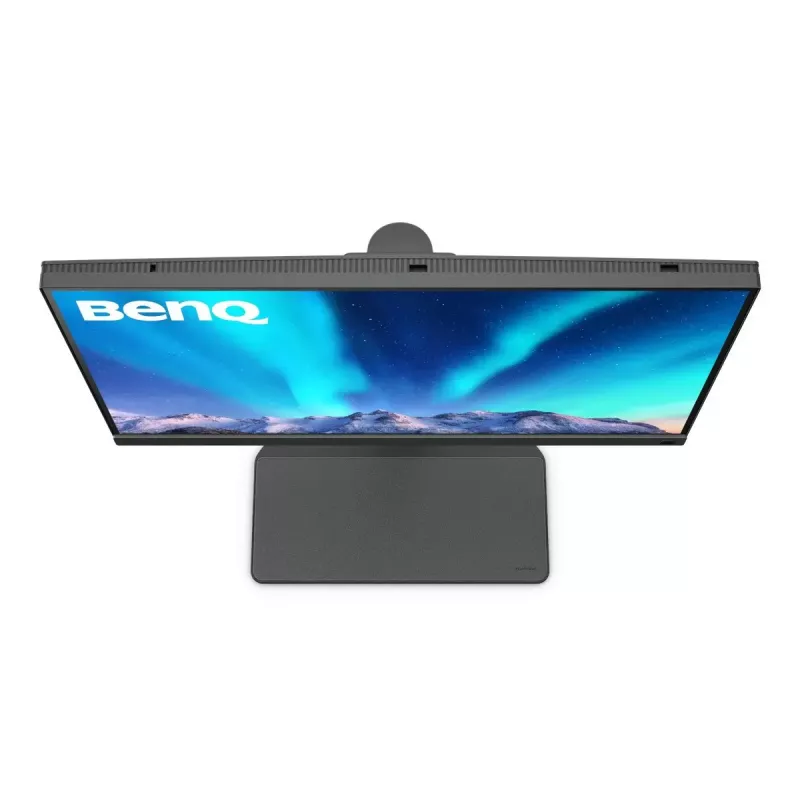
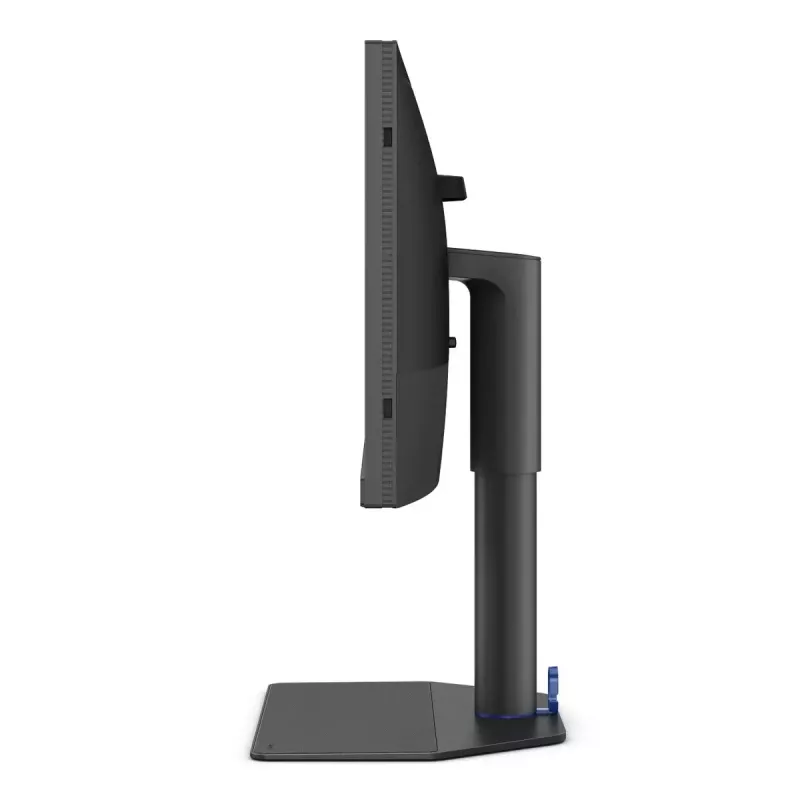
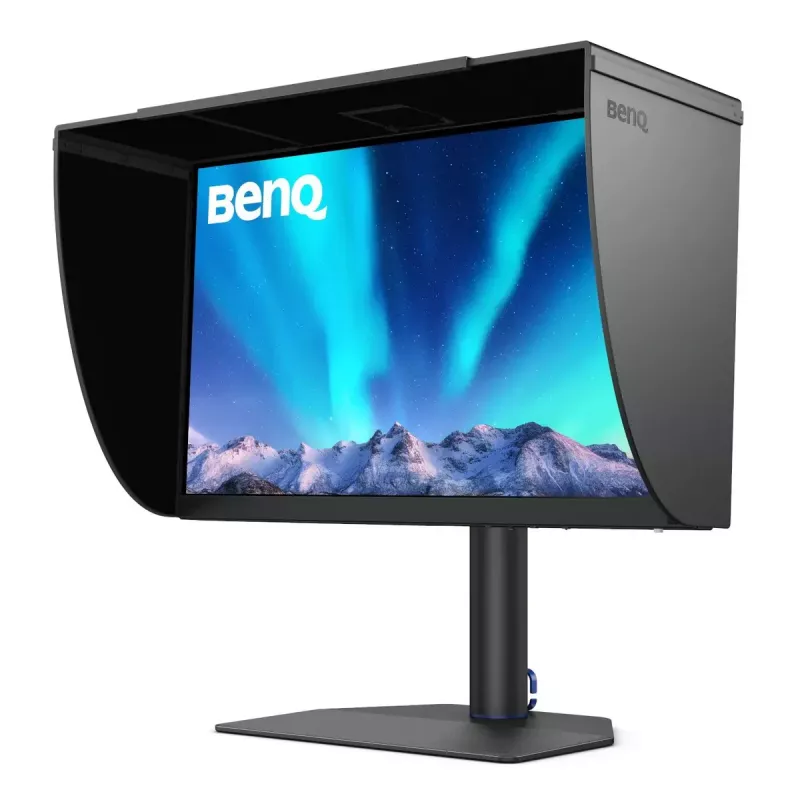
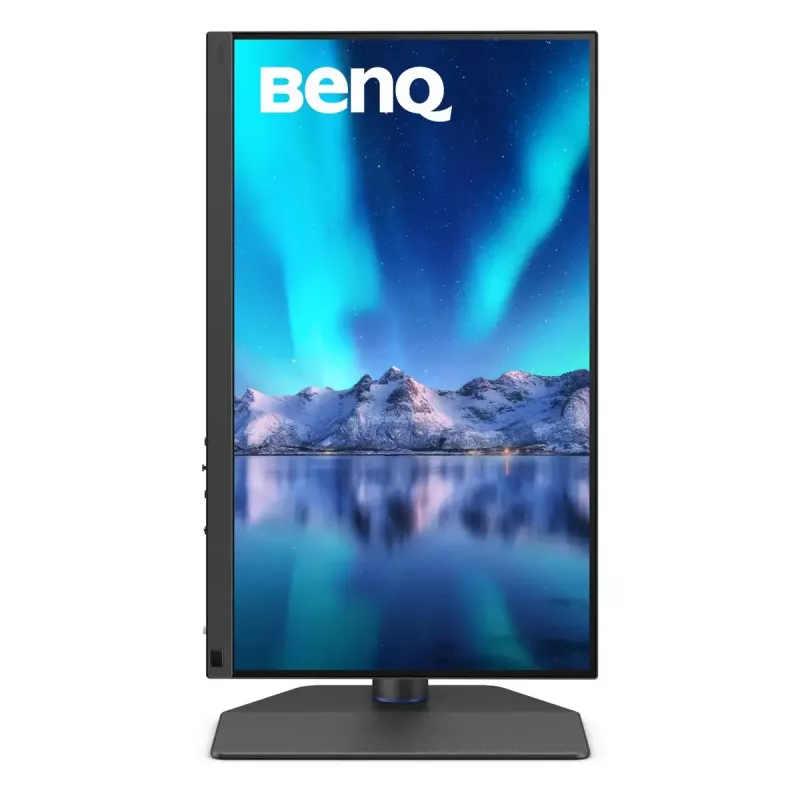
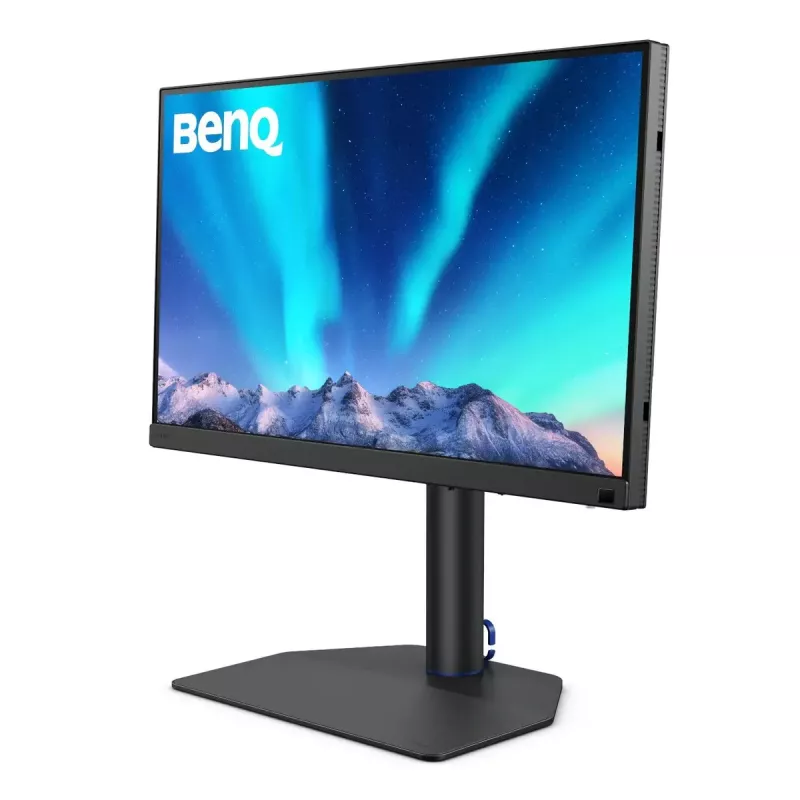
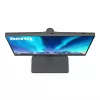
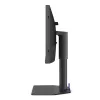
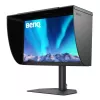
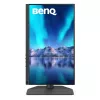
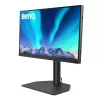
BenQ SW272Q computer monitor 68.6 cm (27 inch) 2560 x 1440 pixels Wide Quad HD LCD Black

BenQ SW272Q computer monitor 68.6 cm (27 inch) 2560 x 1440 pixels Wide Quad HD LCD Black
36 mo.
BenQ SW272Q computer monitor 68.6 cm (27 inch) 2560 x 1440 pixels Wide Quad HD LCD Black
R26,419
AdobeRGB 90W USB-C Photographer MonitorThe Pursuit of PerfectionMake the Moment Alive with True ColoursExclusive Screen-to-Print SolutionBenQ Fine-Coated Panel for reflection-free performance results in a simulated-texture screen effect which, in conjunction with Paper Colour Sync software, delivers... Read More
Stock 2 Code 102278 Brand BENQ Model 9H.LLPLB.QBE Warranty 3 Years

Shipping & Returns

Estimated delivery Friday, October 2
You will be kept updated through our detailed tracking system
Payment options
EFTPayFastBank CardSnapScanZapperGoogle PayApple PayMobicredMoreTymePay on Arrival
AdobeRGB 90W USB-C Photographer Monitor

The Pursuit of Perfection

Make the Moment Alive with True Colours

Exclusive Screen-to-Print Solution
BenQ Fine-Coated Panel for reflection-free performance results in a simulated-texture screen effect which, in conjunction with Paper Colour Sync software, delivers industry-leading screen-to-print results as the ultimate platform for accurate photo editing and reliable soft proofing.

Fine-Coated Panel for Reflection-free Retouching
Certified with TUV Rheinland Reflection-Free Certifications, SW272Q utilizes Fine-Coated anti-reflection panel to eliminate glare and reflection for simulated paper-texture visual experiences on screen under different types of ambient lighting to get perfect results.

The AQCOLOR Advantage
BenQ AQCOLOR technology delivers 'Accurate Reproduction.' This translates to the display of colour precisely as it is intended to appear. Led by a colour expert, the BenQ team took part in the ICC* and ISO** to establish colour-related standards and implementation guidelines. With Delta E ≤ 1.5 and BenQ ICCsync, SW272Q offers out-of-the-box and easy-to-reach colour accuracy. The 16-bit 3D lookup table (LUT) improves colour blending for precise reproduction.
* International Colour Consortium **International Organization of Standardization

Third-Gen Uniformity Technology
Create with confidence. Enjoy consistent colour accuracy and brightness consistency throughout each panel.

Calman Verified, Pantone Validated, and 3rd-Party Video Calibration Software Supported
BenQ PhotoVue monitors are accredited with Calman Verified, Pantone Validated and Pantone SkinTone Validated certifications. Creative professionals demand colour excellence, and BenQ delivers. Moreover, SW272Q supports world-leading video calibration software, Calman and ColourSpace. Adjust your display's 3D LUT (Lookup Table) for accuracy and consistency at all levels.

The software for Hardware Calibration
Palette Master Ultimate
Tune and maintain the colour performance of your monitors with Palette Master Ultimate software and get the optimal colour consistency in 3 steps.

Your Best Choice for Precise-colour Management

Wide Colour Space Coverage
Whether you're designing web content in sRGB, editing 4K videos in DCI-P3, or retouching photos in Adobe RGB, BenQ SW272Q wide colour coverage showcases your talent, letting your finished work look the way you intended.

Paper Color Sync
Paper Color Sync offers simulated images attuned to the colour settings, printer, and photo paper in use for easy and accurate photo preview before print.

GamutDuo Preview for Adobe RGB, sRGB, and more
Preview the same image in two color gamuts, side-by-side, for comparison in photo editing.

P3 Color Preview for Digital Outputs
Deliver accurate colors to videos with P3 color space for your video projects.

Video Format Support
SW272Q helps pros get the best video results with HDR support and multiple video formats.

Select SDI to HDMI Device Compatibility
BenQ has tested select SDI to HDMI devices as compatible with SW272Q. Videographers can thus connect their SDI devices to the monitor for stable and non-compressed signal transmission and real quality video image.
*Black Magic Teranex Mini SDI to HDMI 12G, Black Magic Micro Converter SDI to HDMI, Black Magic DeckLink 4K Extreme 12G, AJA Hi5 12G, AJA KONA5

HDR10
Thanks to SDI to HDMI Device Compatibility, SW272Q is also HDR10 compatible, making it perfect to preview the HDR effect of video content during the editing process for best results.

Chroma Sampling Support or Video Format
Combined with the above video format compatibilities, SW272Q supports 4:4:4, 4:2:2, and 4:2:0 sampling in determining monitor fidelity.

Pantone Connect Premium
Go digital with BenQ, the first brand to work with Pantone on a mobile app. As an existing owner or a new purchaser of BenQ professional monitors, you get one year of free Pantone Connect Premium for digitally mobile colour consistency and accuracy.

Hassle-free Work Environment for Efficiency

Expand Your Efficiency
Quick to transfer various data and deliver power.

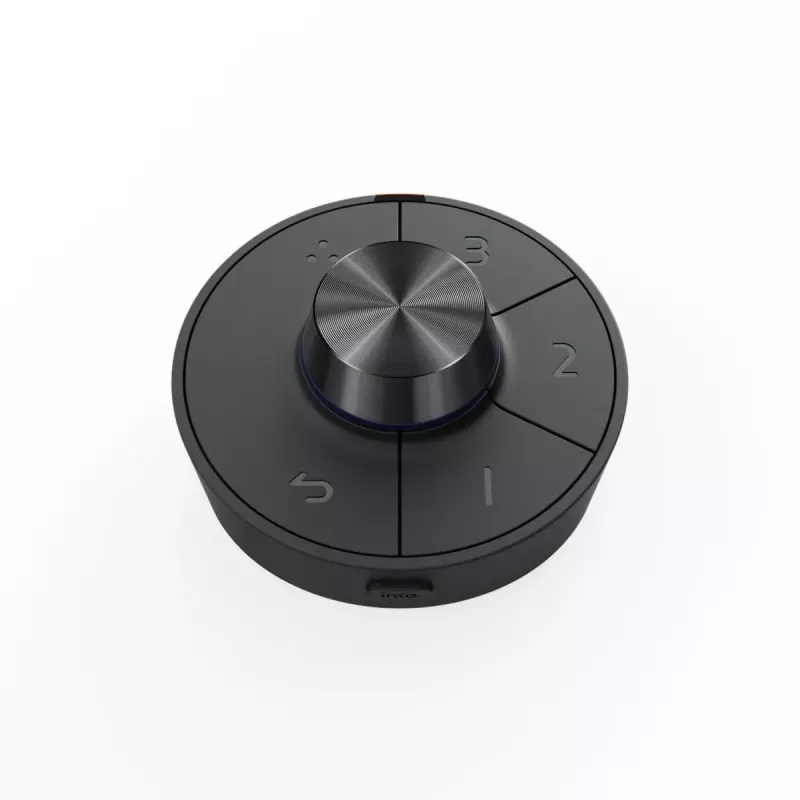
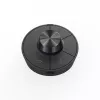
Hotkey Puck G3
Cordless for unlimited convenience.

Convenient Design
Easy to access OSD, I/O port, and card reader efficiently.

Leatherette Base
Save the workspace for valuable items.

The Pursuit of Perfection Never Ends

How to use

Connect the SW272Q to your computer using the appropriate video input or an SDI-to-HDMI converter if working with SDI sources. Use the built-in USB hub for connecting peripherals and transfer data. For accurate colour workflows, install Palette Master Ultimate and perform hardware calibration following the software steps to create and upload a profiling 3D LUT to the monitor. Use Paper Color Sync to preview print output matched to your printer and paper settings. Access OSD controls, quick keys or the Hotkey Puck G3 for efficient adjustments and switching between colour modes and inputs.

Recommendations

For best colour consistency, calibrate the monitor regularly using Palette Master Ultimate or a supported third‑party calibration tool (Calman or ColourSpace). Use the Fine-Coated panel in controlled ambient lighting to reduce reflections, and enable the appropriate colour gamut (Adobe RGB, sRGB or DCI-P3) depending on the target output. When preparing print materials, run Paper Color Sync previews with your paper and printer profiles to improve screen-to-print matching.

Key Highlights
  • Photo editing and retouching with Adobe RGB workflow
  • Soft-proofing and screen-to-print preview with Paper Color Sync
  • Color-critical graphic and design work in sRGB and DCI-P3
  • Video editing and HDR content preview (HDR10) with SDI to HDMI sources
  • Professional colour calibration and monitor profiling
  • Display diagonal: 27"
  • Resolution: 2560 x 1440 (Wide Quad HD)
  • Panel type: IPS, LCD
  • Response time: 5 ms
  • Brightness (typical): 300 cd/m²
  • Contrast ratio (typical): 1000:1
  • Colour management: BenQ AQCOLOR, 16-bit 3D LUT, Delta E ≤ 1.5
  • Colour spaces: Adobe RGB, DCI-P3, sRGB
  • Special features: Fine-Coated anti-reflection panel, Paper Color Sync, GamutDuo, Pantone Connect Premium (1 year)
  • Video support: HDR10, selected SDI-to-HDMI compatibility, 4:4:4 / 4:2:2 / 4:2:0 chroma sampling
  • Connectivity: built-in USB hub (USB 3.2 Gen 1)
  • Mounting: VESA compatible
  • Product colour: Black
Specifications
AC input voltage
100 - 240
Adjustable height (max)
140 mm
Adobe RGB coverage
99 %
AMD FreeSync
No
Anti-glare screen
Yes
Backlight type
LED
Built-in camera
No
Built-in speaker(s)
No
Built-in USB hub
Yes
Card reader integrated
Yes
Colour depth
16 bit
Colour gamut
98 %
Colour gamut standard
DCI-P3
Compatible memory cards
MMC, SD, SDHC, SDXC
Contrast ratio (typical)
1000:1
Depth (with stand)
274 mm
Display brightness (typical)
300 cd/m²
Display diagonal
27 "
Display number of colours
1.07 billion colours
Display resolution
2560 x 1440
Display technology
LCD
DisplayPort version
1.4
DisplayPorts quantity
1
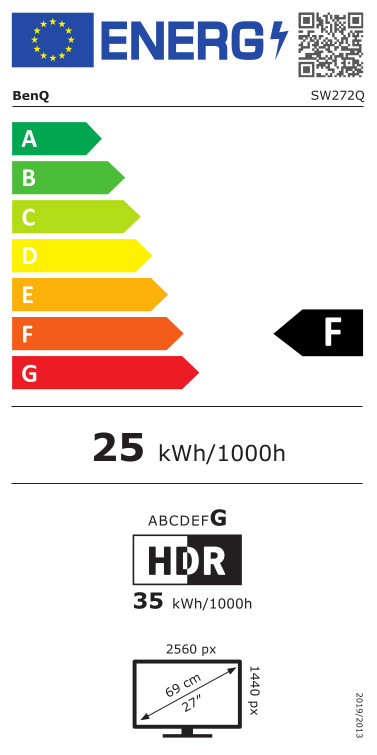
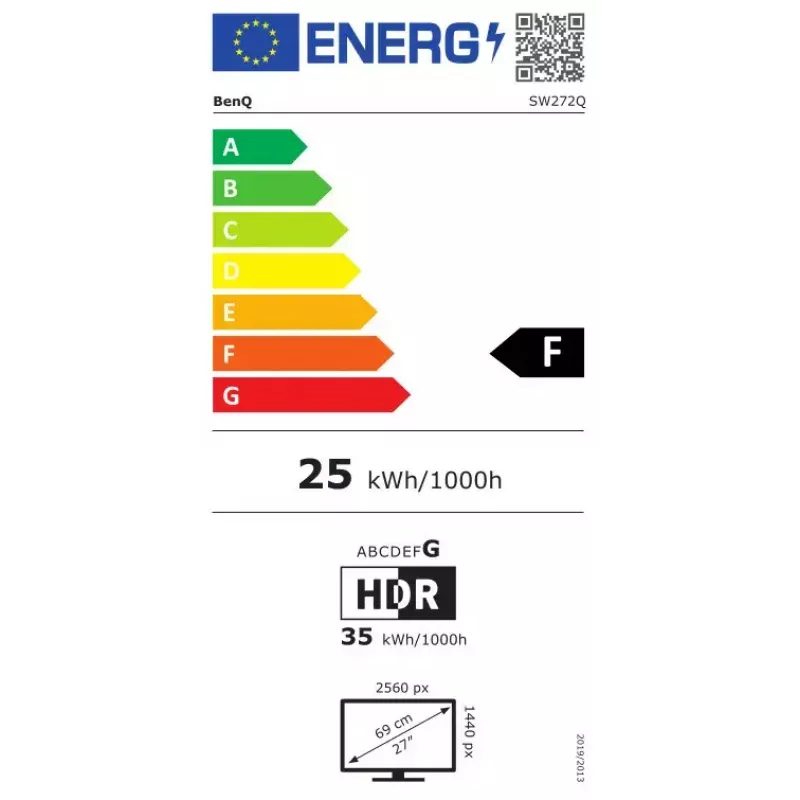
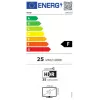
Energy consumption (HDR) per 1000 hours
35 kWh
Energy consumption (SDR) per 1000 hours
25 kWh
Energy efficiency class (HDR)
G
Energy efficiency class (SDR)
F
Energy efficiency scale
A to G
European Product Registry for Energy Labelling (EPREL) code
1435113
Feet colour
Black
Hardware calibration
Yes
HD type
Wide Quad HD
HDCP
Yes
HDCP version
2.2
HDMI
Yes
HDMI ports quantity
2
HDMI version
2.0
Headphone connectivity
3.5 mm
Headphone out
Yes
Headphone outputs
1
Height (with stand)
591.8 mm
Height adjustment
Yes
High Dynamic Range (HDR) supported
Yes
High Dynamic Range (HDR) technology
High Dynamic Range 10 (HDR10)
Market positioning
Photo editing
Maximum refresh rate
60 Hz
Native aspect ratio
16:9
Number of upstream ports
2
Number of USB Type-B upstream ports quantity
1
Number of USB Type-C upstream ports quantity
1
NVIDIA G-SYNC
No
On Screen Display (OSD)
Yes
On Screen Display (OSD) languages
ARA, CHI (SIMPL), CHI (TR), CZE, DEU, DUT, ENG, ESP, FRE, HUN, ITA, JPN, KOR, POL, POR, RUM, RUS, SWE
Panel mounting interface
100 x 100
Panel type
IPS
Pivot
Yes
Pivot angle
0 - 90
Pixel density
109 ppi
Power consumption (max)
160 W
Power consumption (typical)
25 W
Product colour
Black
Response time
5 ms
Screen shape
Flat
sRGB coverage (typical)
100 %
Swivel angle range
30 - 30
Swivelling
Yes
Tilt adjustment
Yes
Tilt angle range
-5 - 20
Touchscreen
No
USB hub version
3.2 Gen 1 (3.1 Gen 1)
USB Power Delivery (USB PD)
Yes
USB Power Delivery up to
90 W
USB Type-A downstream ports quantity
2
USB Type-C DisplayPort Alternate Mode
Yes
USB upstream port type
USB Type-B, USB Type-C
VESA mounting
Yes
Viewing angle, horizontal
178 °
Viewing angle, vertical
178 °
Wall mountable
Yes
Weight (with stand)
8300 g
Weight (without stand)
4920 g
Width (with stand)
613.9 mm

Leaflet

Open Leaflet

Energy label

Open Energy label
Energy label

Document

Open Document

Document

Open Document
Price history over the last 6 months
BenQ SW272Q computer monitor 68.6 cm (27 inch) 2560 x 1440 pixels Wide Quad HD LCD Black
Current
R26,419
Lowest
R14,958
Highest
R29,610
Change 24H
+R10,919   +70%
Week
+R10,994   +71%
Month
+R9,636   +57%

Popular products in this category

WhatsApp
Hi, I’m DistriNode’s AI assistant. I can help you find products, compare options, create quote PDFs, or open support requests.