Account Contact
Your Cart
Pay the courier with no extra fees.
Need help? DistriNode AI can handle any task on our site.

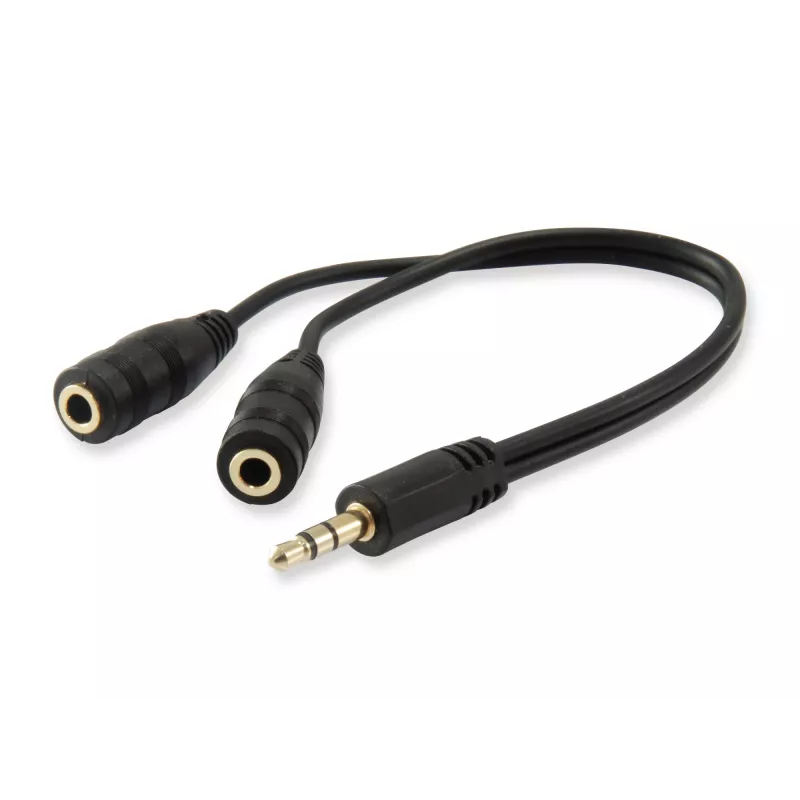
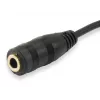
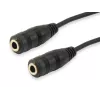
Audio Split Cable Equip 147941

Audio Split Cable Equip 147941
R150
The Equip Audio Split Cable (model 147941) provides a single 4-position (CTIA) female 3.5 mm socket and two male 3.5 mm plugs to connect a headset with combined audio and microphone jack to a desktop or laptop with separate audio and mic ports. The compact black cable (0.13 m length, 7 mm thickness)... Read More
Stock 300 Code 113608 Brand EQUIP Model 147941 Warranty 2 Years

Shipping & Returns

Estimated delivery Thursday, October 1
You will be kept updated through our detailed tracking system
Payment options
EFTPayFastBank CardSnapScanZapperGoogle PayApple PayMobicredMoreTymePay on Arrival

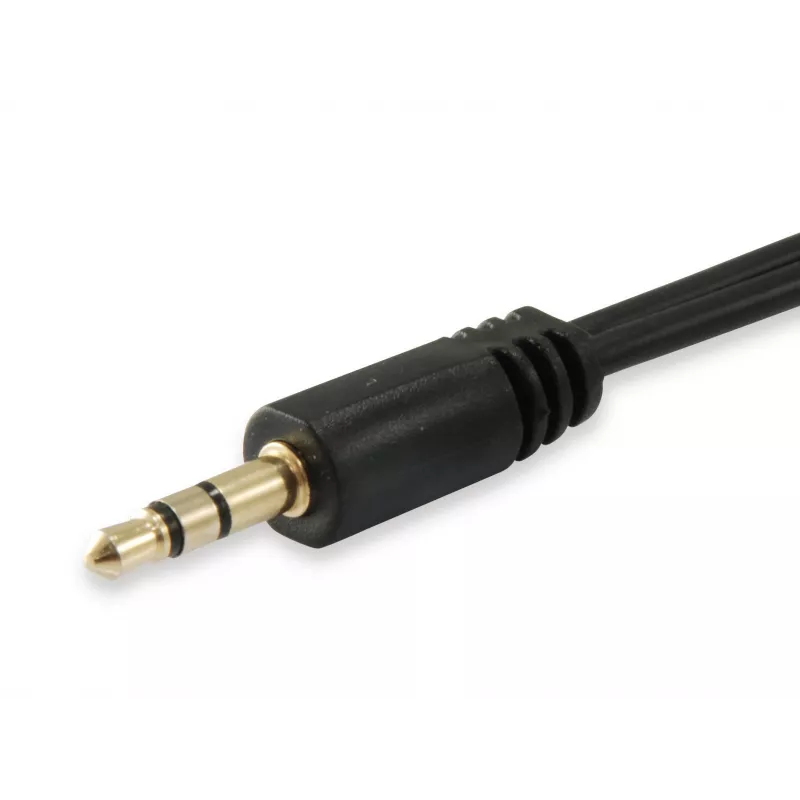
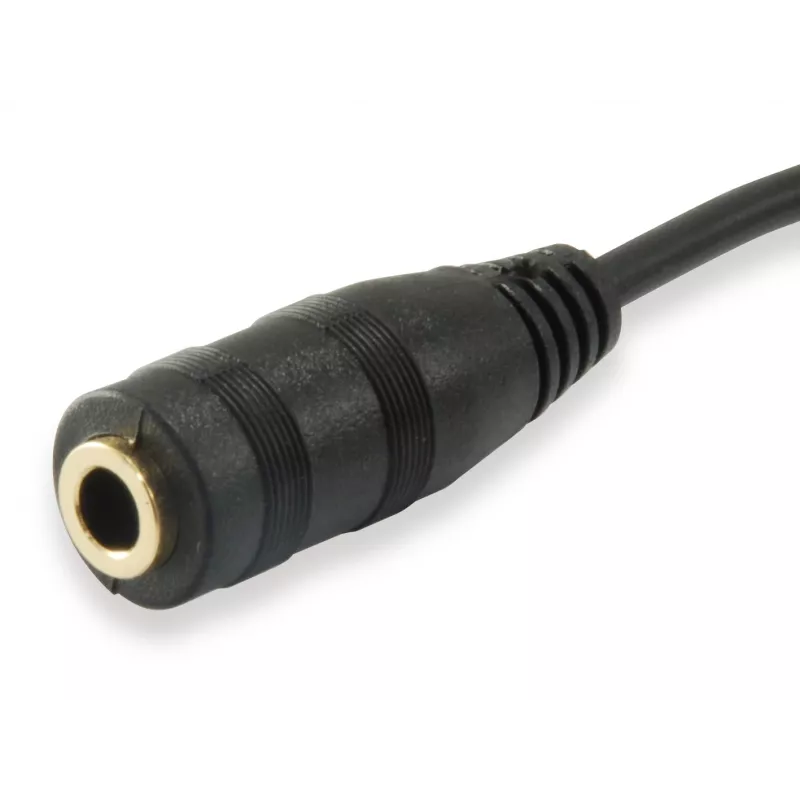
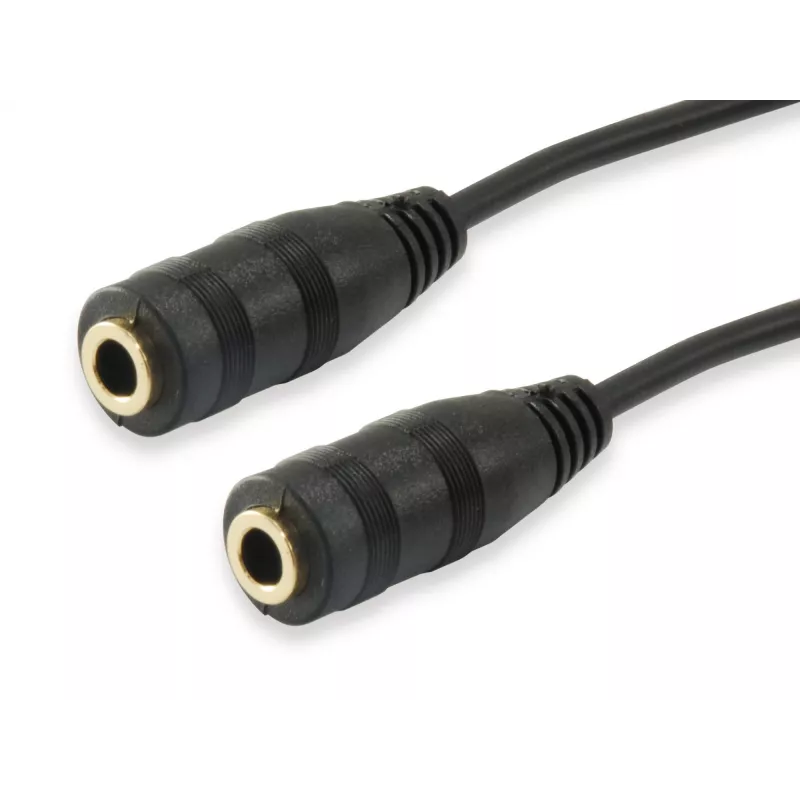
The Equip Audio Split Cable (model 147941) provides a single 4-position (CTIA) female 3.5 mm socket and two male 3.5 mm plugs to connect a headset with combined audio and microphone jack to a desktop or laptop with separate audio and mic ports. The compact black cable (0.13 m length, 7 mm thickness) enables connection of headsets, headphones or other 4-position audio devices to computers for online communication and VOIP applications.

Advantages

This audio split cable converts a single 4-position headset connector into separate microphone and headphone plugs, allowing use with PCs and laptops that have distinct audio and mic inputs. Its small size and lightweight construction (0.013 kg) make it convenient for portable setups, and the standard 3.5 mm connectors ensure compatibility with most consumer audio devices.

Suitable for

  • Connecting a 4-position headset to a PC or laptop with separate mic and audio jacks
  • Online gaming and voice chat applications (VOIP, Skype, Teams)
  • Using headphones with microphone on desktop computers

Key specifications

  • Brand: EQUIP
  • Model / MPN: 147941
  • EAN: 4015867204924
  • Connectors: 1 x 4-position (female) 3.5 mm; 2 x 3.5 mm (male)
  • Cable length: 0.13 m
  • Weight: 0.013 kg
  • Colour: Black

How to use

Plug the single 4-position female socket into your headset’s combined audio/microphone plug. Insert the two male 3.5 mm plugs into the computer’s microphone and audio output ports respectively. Ensure the plugs are fully seated and select the appropriate input/output devices in your operating system or communication application settings.

Recommendations

Use the cable for indoor computer setups and avoid sharp bends or excessive tension on the cable to maintain connector integrity and audio quality.
Key Highlights
  • Connecting a 4-position headset to a PC or laptop with separate mic and audio jacks
  • Online gaming and voice chat applications (VOIP, Skype, Teams)
  • Using headphones with microphone on desktop computers
  • Brand: EQUIP
  • Model / MPN: 147941
  • EAN: 4015867204924
  • Connectors: 1 x 4-position (female) 3.5 mm; 2 x 3.5 mm (male)
  • Cable length: 0.13 m
  • Weight: 0.013 kg
  • Colour: Black
Specifications
Cable length
0.13 m
Certification
CE
Compliance certificates
RoHS
Connector 1
2 x 3.5 mm
Connector 1 gender
Male
Connector 2
3.5 mm
Connector 2 gender
Female
Jacket material
Polyvinyl chloride (PVC)
Master (outer) case gross weight
6.6 kg
Master (outer) case height
39 mm
Master (outer) case length
28 mm
Master (outer) case width
33 mm
Package depth
0.0800 mm
Package height
150 mm
Package weight
10 g
Package width
105 mm
Product colour
Black
Products per master (outer) case
500 pc(s)
Quantity
1
Thickness
7 mm
Weight
13 g
Width
7 mm

Leaflet

Open Leaflet

Document

Open Document
Price history over the last 6 months
Audio Split Cable Equip 147941
Current
R150
Lowest
R119
Highest
R150
Change 24H
+R12   +8%
Week
+R13   +10%
Month
+R12   +9%

Popular products in this category

WhatsApp
Hi, I’m DistriNode’s AI assistant. I can help you find products, compare options, create quote PDFs, or open support requests.