Account Contact
Your Cart
Pay the courier with no extra fees.
Need help? DistriNode AI can handle any task on our site.

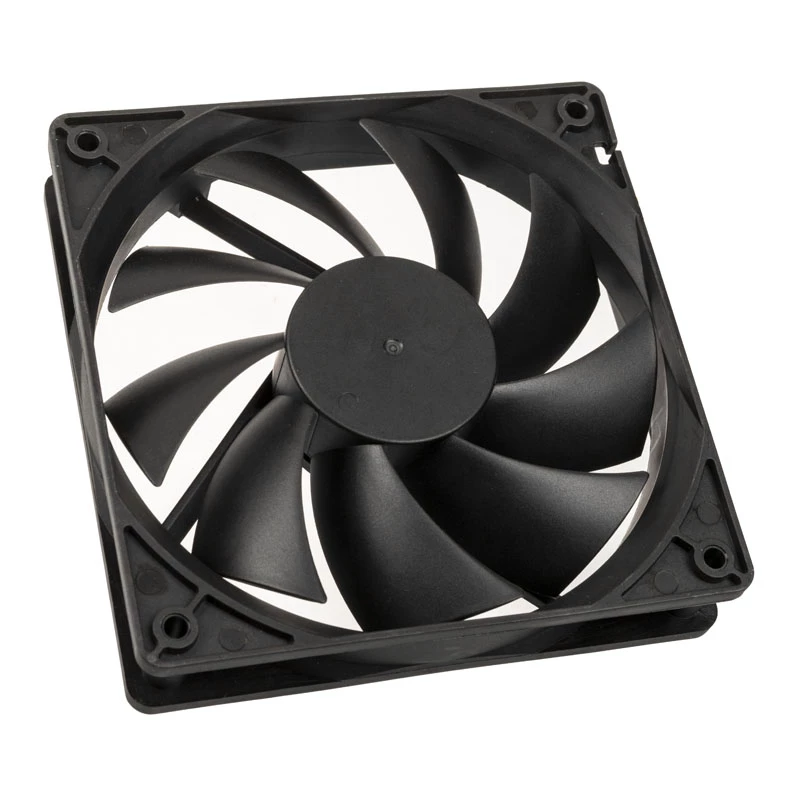
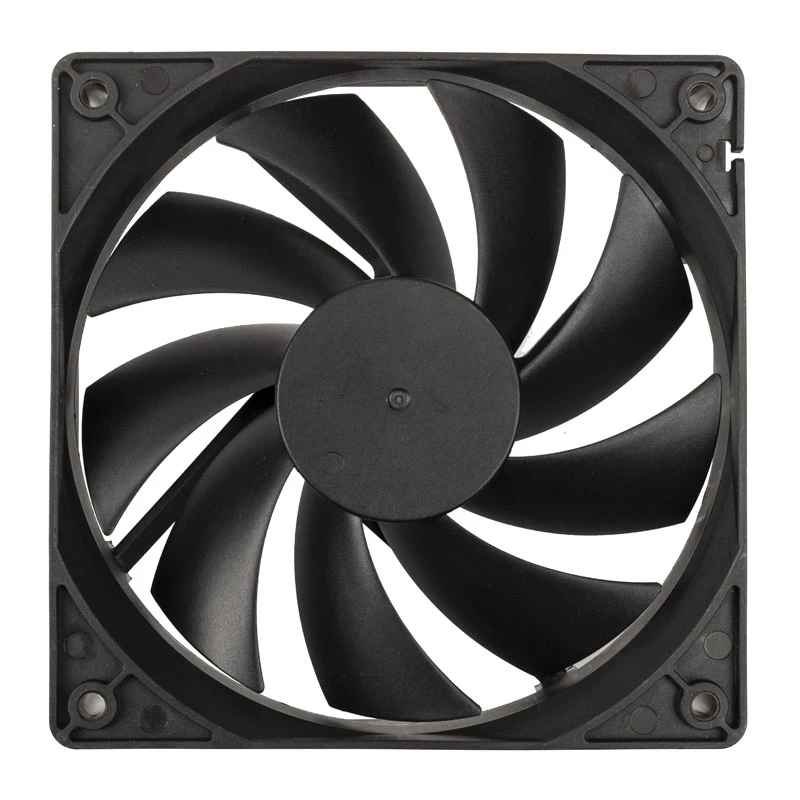
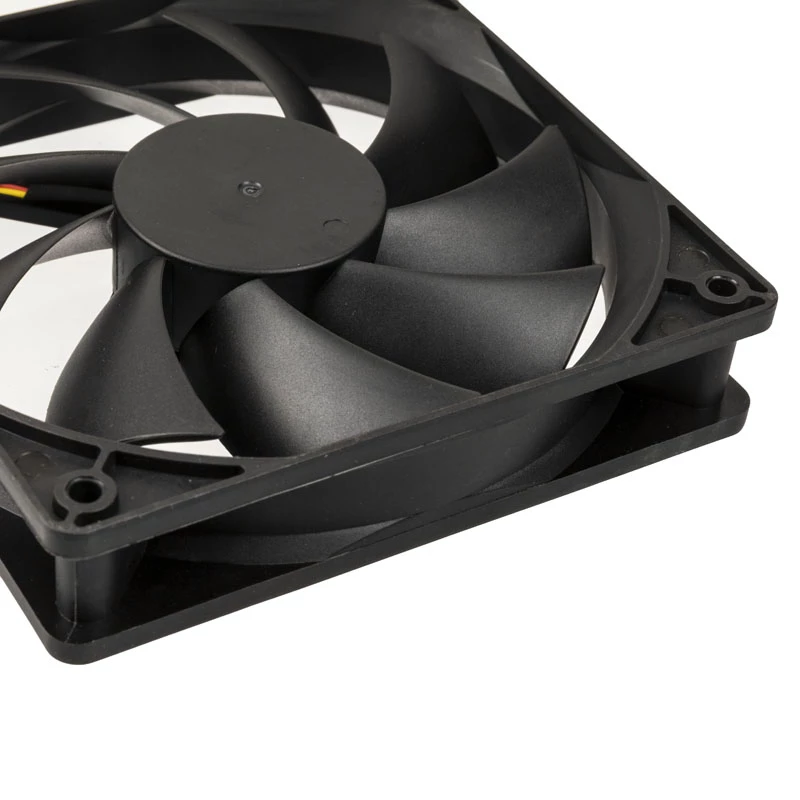
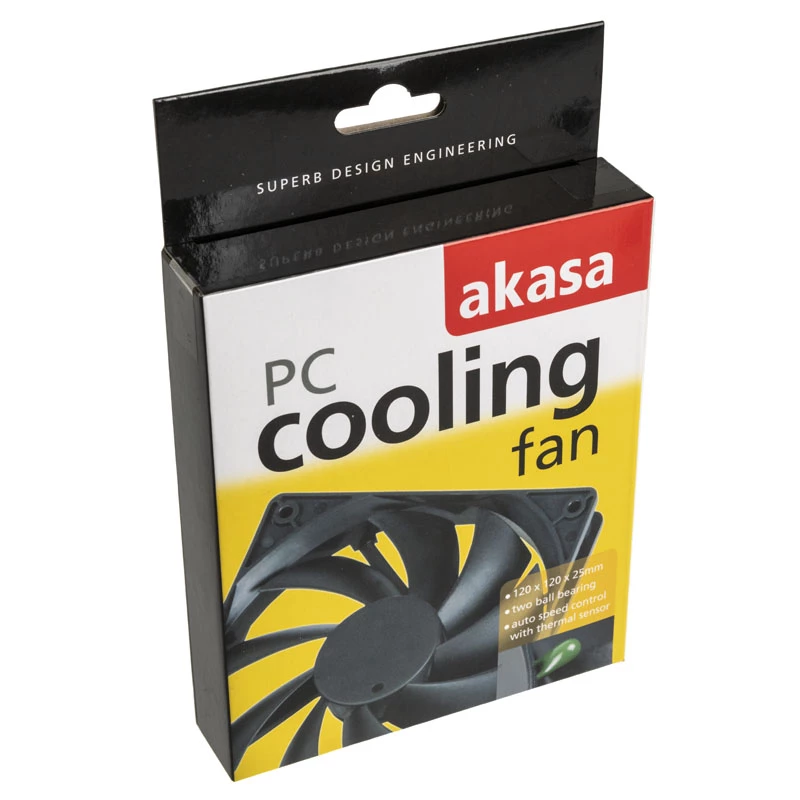
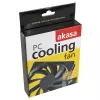
Fan Akasa Black 12cm AK-174BKT-B

Fan Akasa Black 12cm AK-174BKT-B
R1,923
The Akasa Black 12cm AK-174BKT-B is a 120 mm DC axial case fan with integrated thermal sensor for automatic RPM control. Designed to improve airflow in computer cases, it uses long-life twin ball bearings and a black finish that fits a wide range of PC builds. The fan is compatible with standard 120... Read More
Stock 20 Code 312572 Brand AKASA Model AK-174BKT-B Warranty 2 Years

Shipping & Returns

Estimated delivery Tuesday, October 6
You will be kept updated through our detailed tracking system
Payment options
EFTPayFastBank CardSnapScanZapperGoogle PayApple PayMobicredMoreTymePay on Arrival

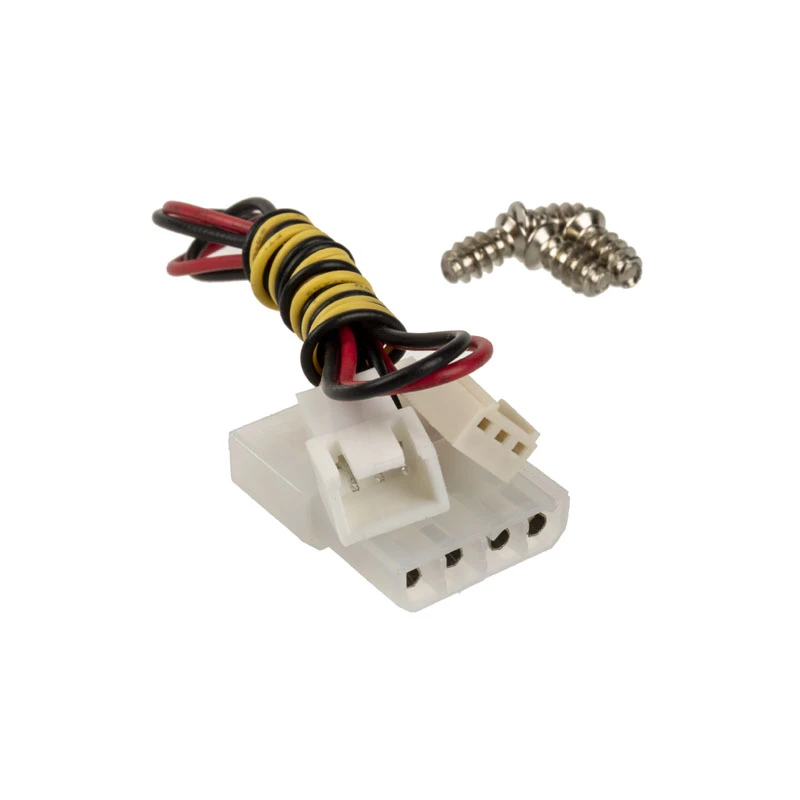
The Akasa Black 12cm AK-174BKT-B is a 120 mm DC axial case fan with integrated thermal sensor for automatic RPM control. Designed to improve airflow in computer cases, it uses long-life twin ball bearings and a black finish that fits a wide range of PC builds. The fan is compatible with standard 120 mm mounts and connects via a DC power connector.

Advantages

The built-in thermal sensor adjusts fan speed according to temperature, reducing noise during low load and increasing cooling when needed. Twin ball bearings provide extended operational life and stable rotation. With a maximum speed around 1200 RPM and a low acoustic level (approximately 20 dBA as stated by the manufacturer), the fan balances airflow and quiet operation for general-purpose PC cooling.

Suitable for

  • General desktop PC case cooling
  • Upgrading or replacing existing 120 mm case fans
  • Systems that benefit from automatic fan speed control based on temperature
  • Builds requiring a discreet black fan for aesthetic matching

Key specifications

  • Model: Akasa AK-174BKT-B
  • Type: 120 mm DC axial case fan
  • Bearings: Twin ball bearings
  • Maximum speed: ~1200 RPM
  • Noise level: ~20 dBA
  • Color: Black
  • MPN: AK-174BKT-B
  • EAN: 4016138433708

How to use

Install the fan into a standard 120 mm mounting location in your PC case, securing it with the provided screws or compatible fasteners. Connect the fan's power lead to the appropriate DC or motherboard header according to your system's connectors. The built-in thermal sensor will control the fan speed automatically; ensure the sensor is placed or routed so it can detect case or component temperature accurately. Verify airflow direction before final assembly.

Recommendations

For optimal performance, use the Akasa 12cm fan in positions that complement your case's airflow scheme (intake or exhaust). Periodically check and clean the fan to remove dust buildup and maintain expected airflow and noise levels. If precise RPM control is required, consider using a motherboard header with voltage regulation or an external fan controller compatible with DC fans.
Key Highlights
  • General desktop PC case cooling
  • Upgrading or replacing existing 120 mm case fans
  • Systems that benefit from automatic fan speed control based on temperature
  • Builds requiring a discreet black fan for aesthetic matching
  • Model: Akasa AK-174BKT-B
  • Type: 120 mm DC axial case fan
  • Bearings: Twin ball bearings
  • Maximum speed: ~1200 RPM
  • Noise level: ~20 dBA
  • Color: Black
  • MPN: AK-174BKT-B
  • EAN: 4016138433708
Specifications
Dimensions (WxDxH)
120 x 120 x 25
Product colour
Black
Product life
50000 h
Suitable location
Computer case
Type
Fan
Price history over the last 6 months
Fan Akasa Black 12cm AK-174BKT-B
Current
R1,923
Lowest
R379
Highest
R1,932
Change 24H
+R39   +2%
Week
+R59   +3%
Month
+R52   +3%

Popular products in this category

WhatsApp
Hi, I’m DistriNode’s AI assistant. I can help you find products, compare options, create quote PDFs, or open support requests.