Account Contact
Your Cart
Pay the courier with no extra fees.
Need help? DistriNode AI can handle any task on our site.

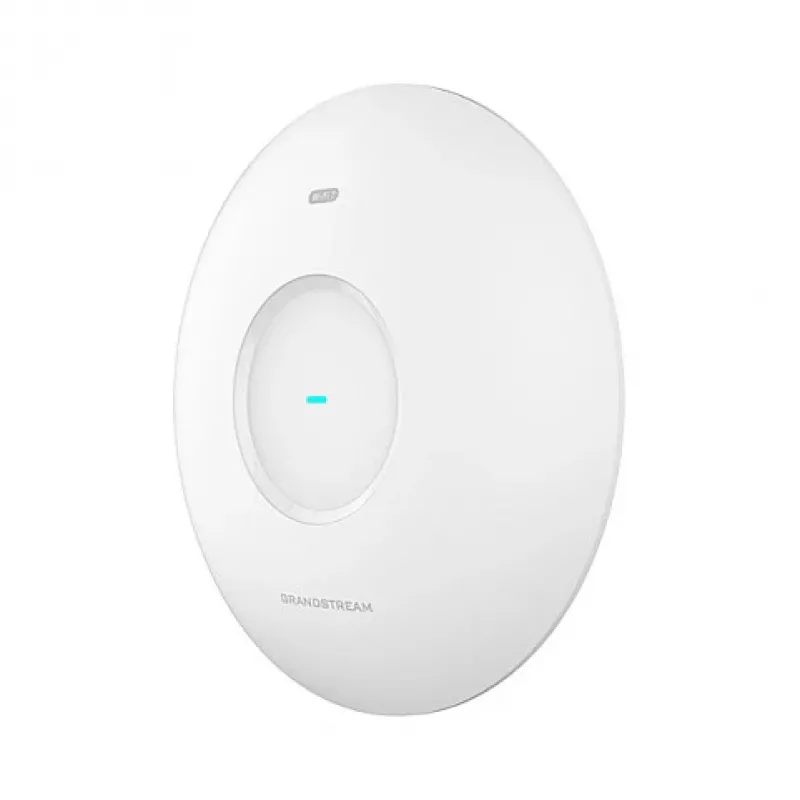
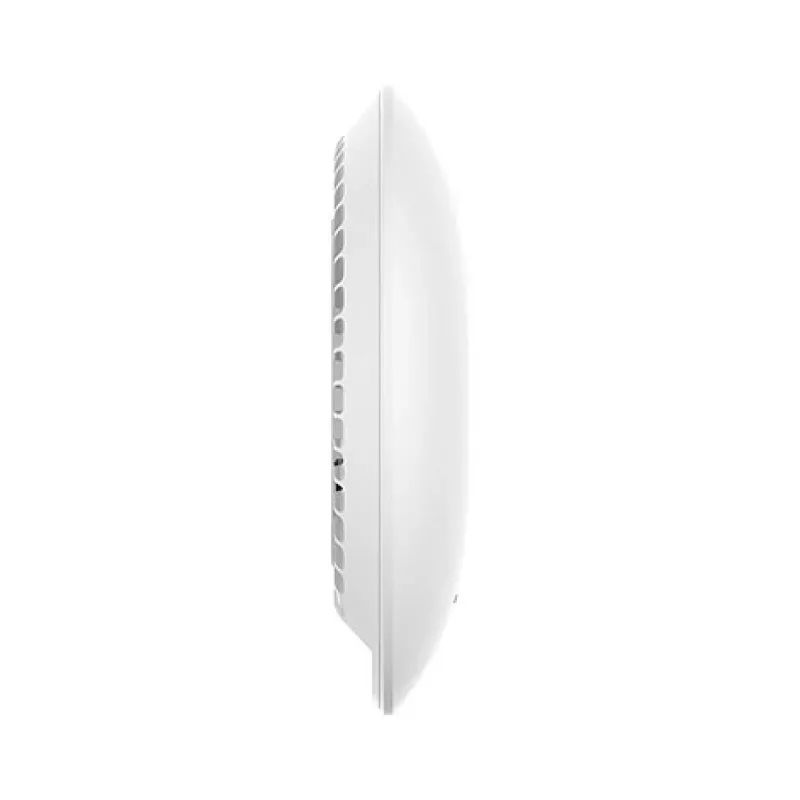
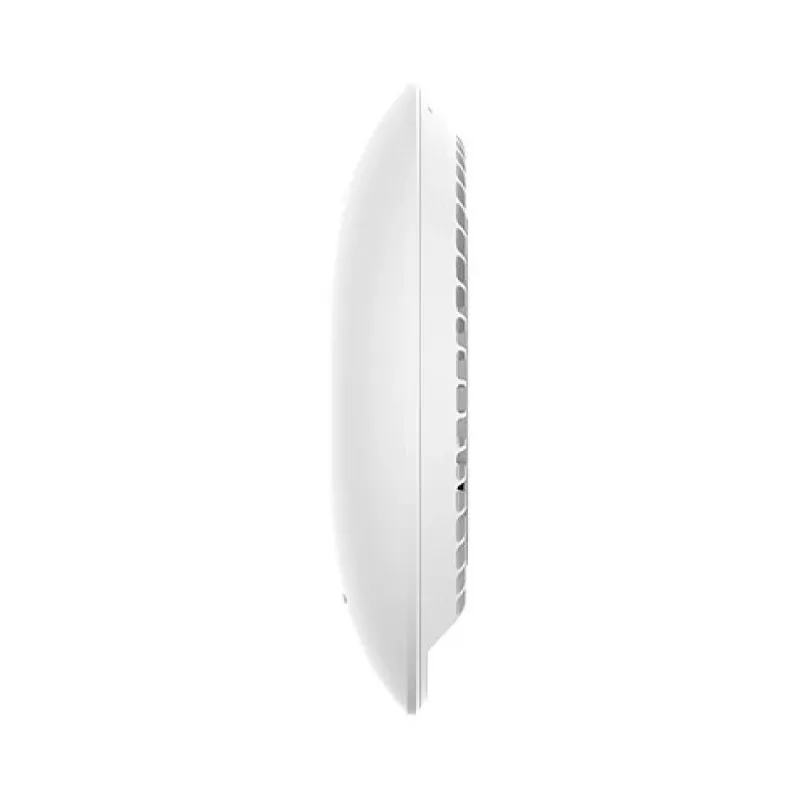
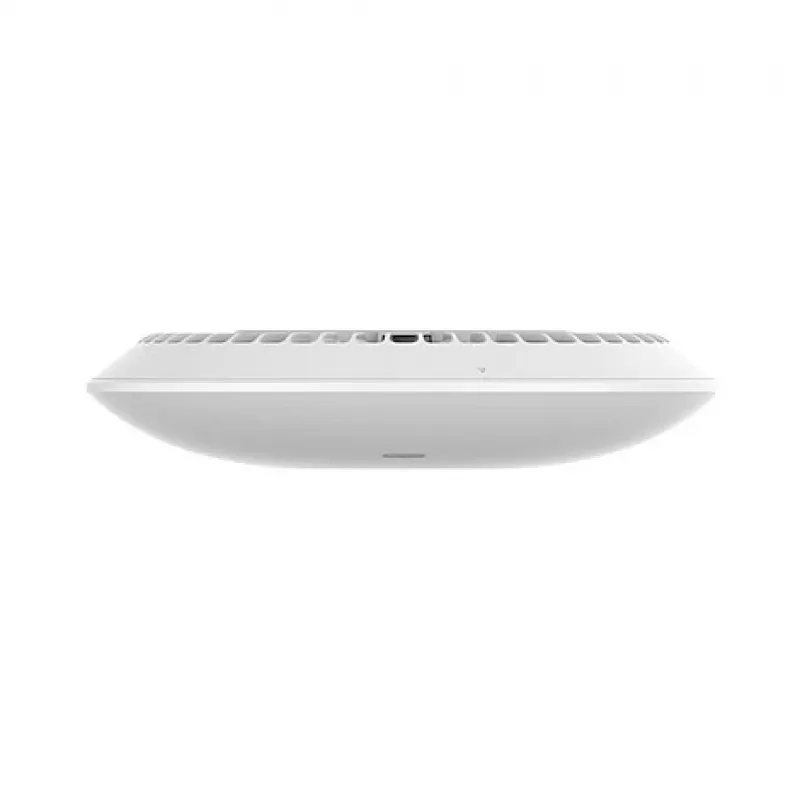
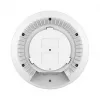
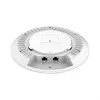
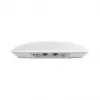
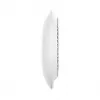
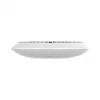
Access Point Grandstream GWN7672 2.4GHz 5GHz Wi-Fi 802.11ac

Access Point Grandstream GWN7672 2.4GHz 5GHz Wi-Fi 802.11ac
R3,906
The Grandstream GWN7672 is a dual-band access point supporting Wi‑Fi 802.11ac on 2.4 GHz and 5 GHz bands. Designed for business and enterprise environments, the device provides high-speed wireless connectivity with extended coverage up to approximately 175 meters indoors and up to 300 meters outdoor... Read More
Stock 38 Code 1495110 Brand Grandstream Model GWN7672 Warranty 2 Years

Shipping & Returns

Estimated delivery Monday, October 5
You will be kept updated through our detailed tracking system
Payment options
EFTPayFastBank CardSnapScanZapperGoogle PayApple PayMobicredMoreTymePay on Arrival

The Grandstream GWN7672 is a dual-band access point supporting Wi‑Fi 802.11ac on 2.4 GHz and 5 GHz bands. Designed for business and enterprise environments, the device provides high-speed wireless connectivity with extended coverage up to approximately 175 meters indoors and up to 300 meters outdoors. The access point offers seamless roaming, QoS support for real-time applications, and centralized management through cloud-based and local controllers to simplify deployment and monitoring.

Advantages

The GWN7672 delivers concurrent dual-band performance to support high-density device environments and multimedia traffic. It incorporates advanced security features, including strong authentication and encryption, while supporting VLANs and guest network separation for controlled access. Its efficient radio design and adjustable power settings help achieve broad coverage and stable throughput under mixed-client conditions. Integration with the Grandstream management platform enables remote configuration, firmware updates, and health monitoring.

Suitable for

  • Office networks and coworking spaces requiring reliable wireless for many devices
  • Retail environments and showrooms with customer and staff network separation
  • Educational facilities and training rooms with multimedia streaming needs
  • Hospitality spaces where guest access and controlled bandwidth are necessary
  • Light industrial or campus areas needing extended indoor/outdoor coverage

Key specifications

  • Wireless standards: IEEE 802.11ac (dual-band 2.4 GHz and 5 GHz)
  • Coverage range: up to ~175 m indoors, up to ~300 m outdoors (environment dependent)
  • Concurrent dual-band operation for higher aggregate throughput
  • Support for seamless roaming and multiple SSIDs
  • Security: WPA/WPA2/WPA3-compatible features, IEEE 802.1X support, guest isolation
  • Management: cloud-based and local controller management, remote provisioning
  • Quality of Service (QoS) for voice and video prioritization
  • Physical design: compact ceiling/wall mountable enclosure

How to use

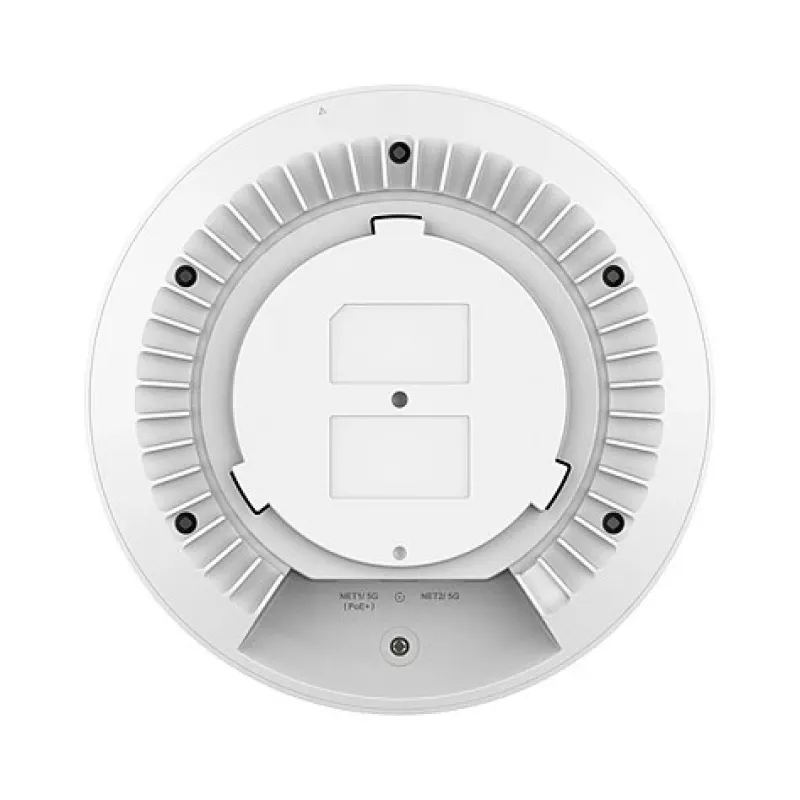
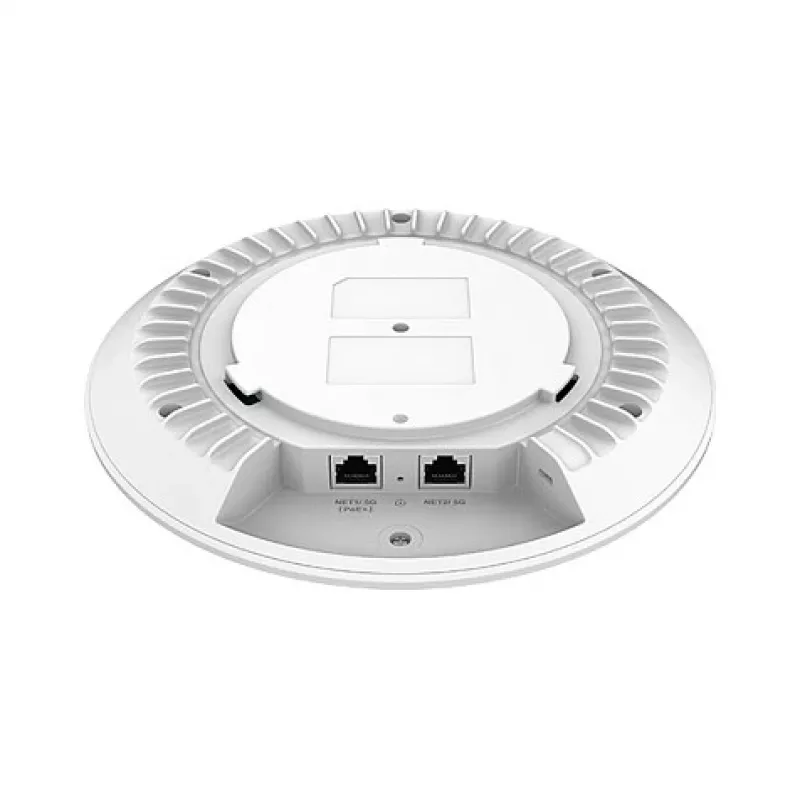
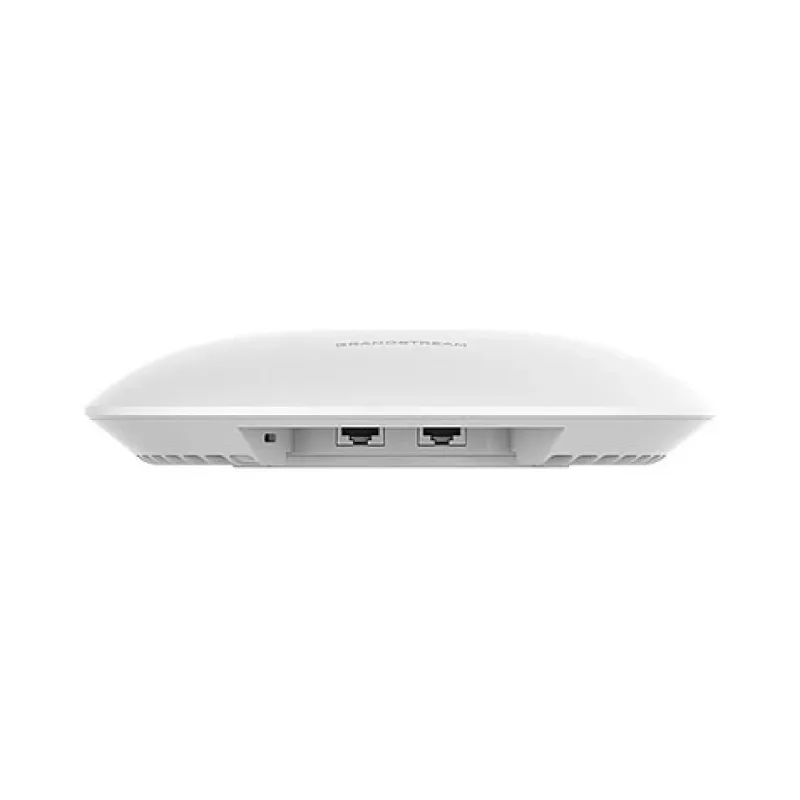
Mount the access point in a central location, preferably on a ceiling or high wall position, to maximize coverage. Connect the device to your network switch or router using Ethernet; power over Ethernet (PoE) may be used if supported by your infrastructure. Use the Grandstream cloud or local management interface to create SSIDs, configure security policies, and apply VLAN or QoS settings. Perform a site survey or use the built-in tools to optimize channel selection and transmit power for the best balance of coverage and performance.

Recommendations

Place the access point away from large metal objects and microwave sources to reduce interference, and avoid installing behind thick concrete or metal partitions. For environments with many simultaneous users, deploy multiple access points and enable roaming features to distribute client load. Regularly update firmware via the management platform to ensure security patches and performance improvements are applied.

Key Highlights
  • Office networks and coworking spaces requiring reliable wireless for many devices
  • Retail environments and showrooms with customer and staff network separation
  • Educational facilities and training rooms with multimedia streaming needs
  • Hospitality spaces where guest access and controlled bandwidth are necessary
  • Light industrial or campus areas needing extended indoor/outdoor coverage
  • Wireless standards: IEEE 802.11ac (dual-band 2.4 GHz and 5 GHz)
  • Coverage range: up to ~175 m indoors, up to ~300 m outdoors (environment dependent)
  • Concurrent dual-band operation for higher aggregate throughput
  • Support for seamless roaming and multiple SSIDs
  • Security: WPA/WPA2/WPA3-compatible features, IEEE 802.1X support, guest isolation
  • Management: cloud-based and local controller management, remote provisioning
  • Quality of Service (QoS) for voice and video prioritization
  • Physical design: compact ceiling/wall mountable enclosure
Price history over the last 6 months
Access Point Grandstream GWN7672 2.4GHz 5GHz Wi-Fi 802.11ac
Current
R3,906
Lowest
R3,144
Highest
R4,047
Change 24H
-R22   -1%
Week
-R130   -3%
Month
+R191   +5%

Popular products in this category

WhatsApp
Hi, I’m DistriNode’s AI assistant. I can help you find products, compare options, create quote PDFs, or open support requests.