



Account Contact
Your Cart
Pay the courier with no extra fees.
Need help? DistriNode AI can handle any task on our site.

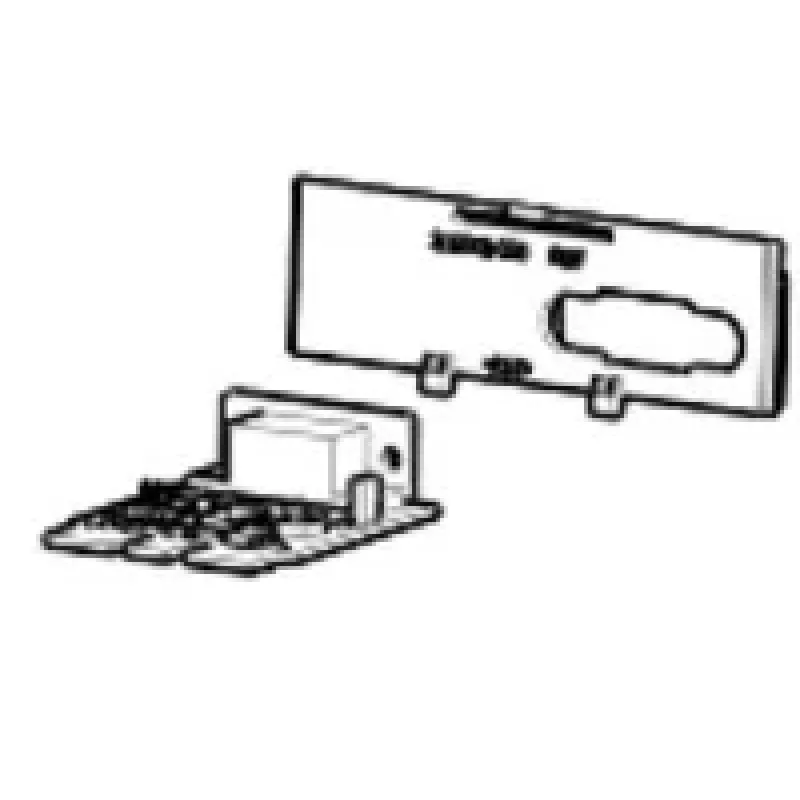
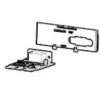
Zebra P1080383-443 printer/scanner spare part/accessory Serial interface 1 pc(s)

Zebra P1080383-443 printer/scanner spare part/accessory Serial interface 1 pc(s)
R575
The Zebra P1080383-443 serial interface is an add-on communication module for Zebra label printers, designed for direct compatibility with the ZD420 series. Supplied as a single unit per pack, this interface provides a standard RS-232 serial connection option to integrate the printer with legacy sys... Read More
Stock 1 Code 1476633 Brand ZEBRA Model P1080383-443 Warranty 2 Years

Shipping & Returns

Estimated delivery Tuesday, October 6
You will be kept updated through our detailed tracking system
Payment options
EFTPayFastBank CardSnapScanZapperGoogle PayApple PayMobicredMoreTymePay on Arrival

The Zebra P1080383-443 serial interface is an add-on communication module for Zebra label printers, designed for direct compatibility with the ZD420 series. Supplied as a single unit per pack, this interface provides a standard RS-232 serial connection option to integrate the printer with legacy systems, industrial controllers and POS equipment that rely on serial data exchange. The module installs into the printer’s interface slot and restores or expands connectivity where USB, Ethernet or wireless links are not available or suitable.

Advantages

The serial interface offers straightforward, low-latency data transfer suitable for continuous printing workflows and simple command sequences. Its design follows Zebra’s integration standards to ensure proper mechanical fit and electrical compatibility with the ZD420 printer chassis. Using a dedicated serial module reduces the need for external adapters and simplifies cabling in environments that still use RS-232 communications.

Suitable for

  • Connecting a ZD420 label printer to legacy point-of-sale (POS) systems
  • Integration with industrial automation controllers and PLCs
  • Environments requiring a reliable wired serial link (warehousing, manufacturing)
  • Service and repair use when replacing a damaged or missing serial interface

Key specifications

  • Interface type: RS-232 serial communication
  • Compatibility: Designed for use with the Zebra ZD420 label printer series
  • Quantity: 1 module per pack
  • Form factor: Snap-in interface module for the printer’s expansion slot
  • Connection: Standard DB9 or manufacturer-specific serial connector (depending on printer configuration)

How to use

Power off the ZD420 printer and open the interface compartment according to the printer service instructions. Align the serial interface module with the expansion slot and press it into place until it clicks or seats fully. Close the compartment, reconnect power and any external serial cable to the printer’s serial port. Configure the printer’s communication settings (baud rate, parity, stop bits, flow control) through the printer driver or onboard configuration utility to match the connected host device. After configuration, send a test print or command to verify stable communication.

Recommendations

Use shielded serial cables and proper grounding when installing the module in electrically noisy industrial environments. Verify communication parameters on both the printer and host device to avoid data errors. For installations requiring long cable runs or multiple devices, consider signal boosters or alternative interfaces if RS-232 limitations affect performance.

Key Highlights
  • Connecting a ZD420 label printer to legacy point-of-sale (POS) systems
  • Integration with industrial automation controllers and PLCs
  • Environments requiring a reliable wired serial link (warehousing, manufacturing)
  • Service and repair use when replacing a damaged or missing serial interface
  • Interface type: RS-232 serial communication
  • Compatibility: Designed for use with the Zebra ZD420 label printer series
  • Quantity: 1 module per pack
  • Form factor: Snap-in interface module for the printer’s expansion slot
  • Connection: Standard DB9 or manufacturer-specific serial connector (depending on printer configuration)
Specifications
Brand compatibility
Zebra
Compatibility
ZD420
Device compatibility
Label printer
Harmonized System (HS) code
84439990
Quantity per pack
1 pc(s)
Type
Serial interface

Leaflet

Open Leaflet
Price history over the last 6 months
Zebra P1080383-443 printer/scanner spare part/accessory Serial interface 1 pc(s)
Current
R575
Lowest
R559
Highest
R1,095
Change 24H
+R10   +2%
Week
+R15   +3%
Month
+R14   +2%

Popular products in this category

WhatsApp
Hi, I’m DistriNode’s AI assistant. I can help you find products, compare options, create quote PDFs, or open support requests.