Account Contact
Your Cart
Pay on delivery – no extra fees
Need help? Ask our AI

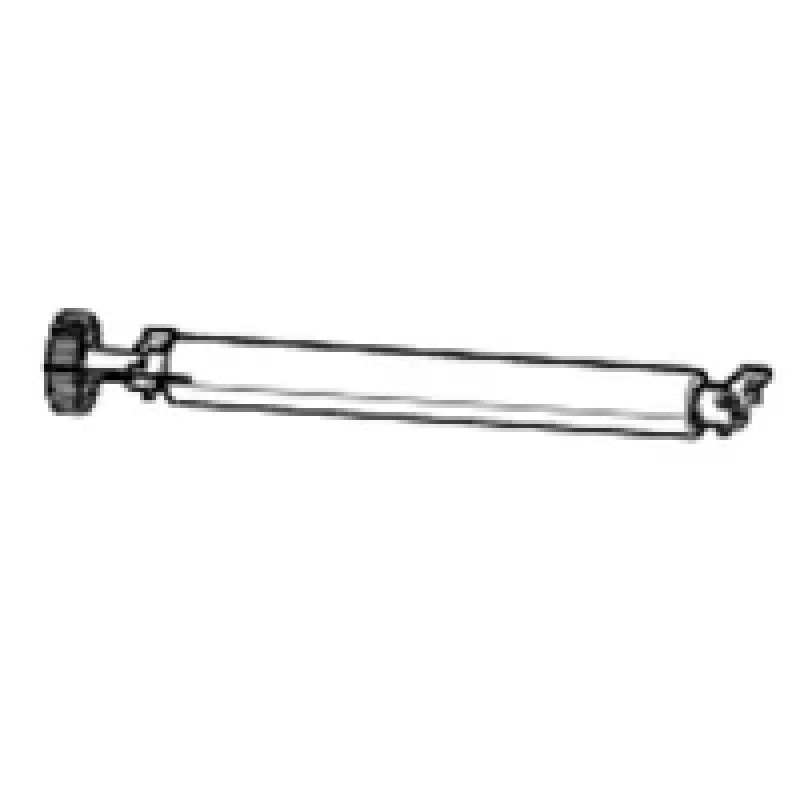
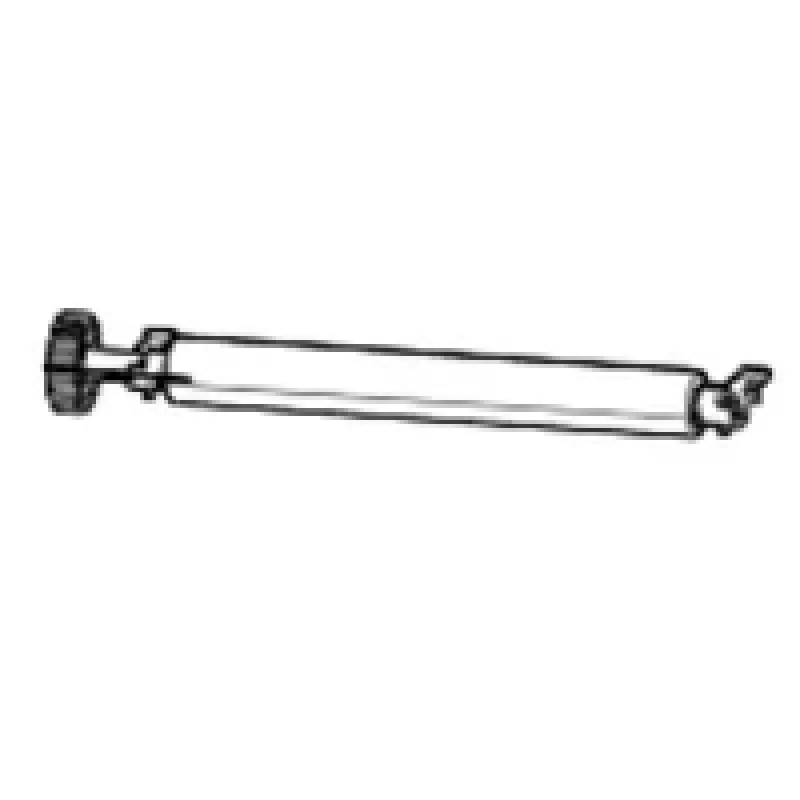
Zebra P1080383-223 printer roller Printer transfer roller

Zebra P1080383-223 printer roller Printer transfer roller
R616
PDF
PDF
Stock 18 Code 1184786 Model P1080383-223 Warranty 2 Years

Shipping & Returns

Estimated delivery Friday, November 20
You will be kept updated through our detailed tracking system
Payment options
EFTPayFastBank CardSnapScanZapperGoogle PayApple PayMobicredMoreTymePay on Arrival

Description

The Zebra P1080383-223 printer transfer roller is a replacement component engineered for thermal transfer label printing. Designed for use with Zebra ZD420 and ZD620 printers, this single-piece transfer roller supports stable ribbon contact and consistent heat transfer to produce sharp, durable prints. The roller is supplied as one unit per pack and is intended for routine maintenance or part replacement to preserve print quality and reduce downtime.

Advantages

This transfer roller provides uniform pressure and temperature distribution across the printhead, which helps maintain consistent print density and reduces image banding. Constructed to meet the tolerances required by Zebra thermal transfer mechanisms, it contributes to longer ribbon life and stable label throughput. The single-piece supply offers a simple swap-in replacement that minimizes service time and supports predictable maintenance scheduling.

Key specifications

  • Technology: thermal transfer printing
  • Compatibility: Zebra ZD420, Zebra ZD620
  • Package contents: 1 transfer roller
  • Function: ensures ribbon-to-label heat transfer and pressure consistency
  • Application: label and barcode printing on compatible printers

How to use

Power off the printer and open the printhead access according to the printer user manual. Remove the used transfer roller by following the manufacturer’s instructions, take the new Zebra transfer roller from its packaging, and install it in the same orientation as the original part. Close the printhead access, power on the printer, and run a test print or printer self-test to verify alignment and print quality. Refer to the Zebra ZD420 or ZD620 service guides for detailed disassembly and reassembly steps.

Recommendations

Replace the transfer roller when print density becomes uneven, show-through occurs, or after the number of printed labels recommended in your maintenance schedule. Use appropriate cleaning procedures for the printhead and platen roller when installing a new transfer roller to maximize printhead life and maintain consistent print quality.
Key Highlights
  • Replacement of worn transfer rollers in Zebra ZD420 printers
  • Replacement of worn transfer rollers in Zebra ZD620 printers
  • Maintenance kits for thermal transfer label production
  • Environments requiring consistent barcode and text quality
  • Technology: thermal transfer printing
  • Compatibility: Zebra ZD420, Zebra ZD620
  • Package contents: 1 transfer roller
  • Function: ensures ribbon-to-label heat transfer and pressure consistency
  • Application: label and barcode printing on compatible printers

Specifications

Specifications
Compatibility
Zebra ZD420 / ZD620
Harmonized System (HS) code
84439990
Print technology
Thermal transfer
Print technology resolution
300 x 300 DPI
Quantity per pack
1 pc(s)
Type
Printer transfer roller
Weight
0.12 kg

Leaflet

Open Leaflet
Price history over the last 6 months
Zebra P1080383-223 printer roller Printer transfer roller
Current
R616
Lowest
R583
Highest
R1,380
Change 24H
-R0   0%
Week
R0   0%
Month
+R25   +4%

Write a review

Rating *
Your name will be shown publicly – you can use a nickname. We invite buyers to write reviews; we check reviews before publishing and publish critical ones too.

Same series and alternatives

5

Popular products in this category

8
WhatsApp
Messenger
Hi, I’m DistriNode’s AI assistant. I can help you find products, compare options, create quote PDFs, or open support requests.
All categories