Account Contact
Your Cart
Pay on delivery – no extra fees
Need help? Ask our AI

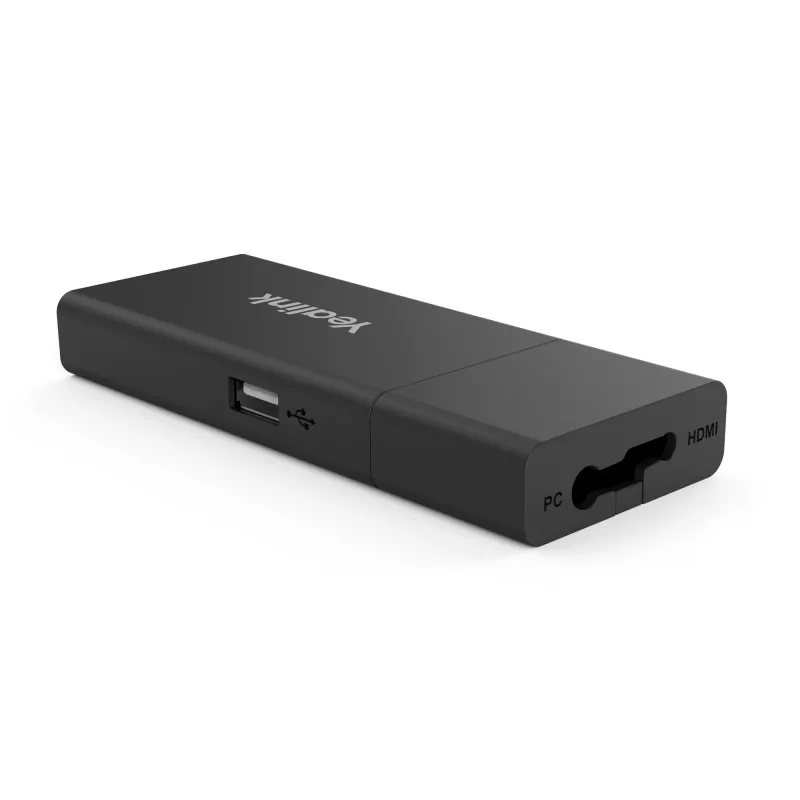
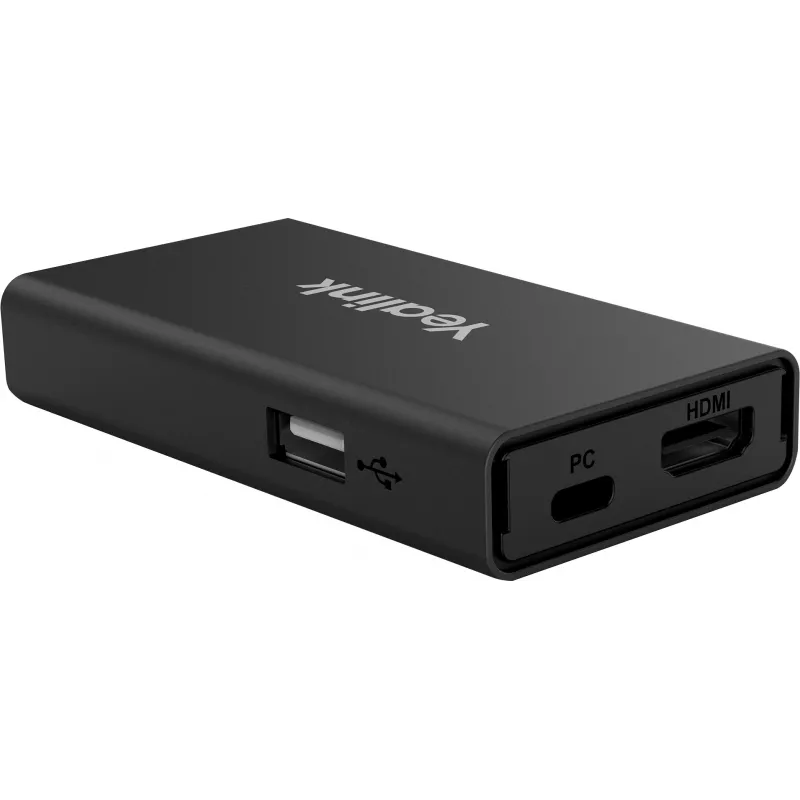
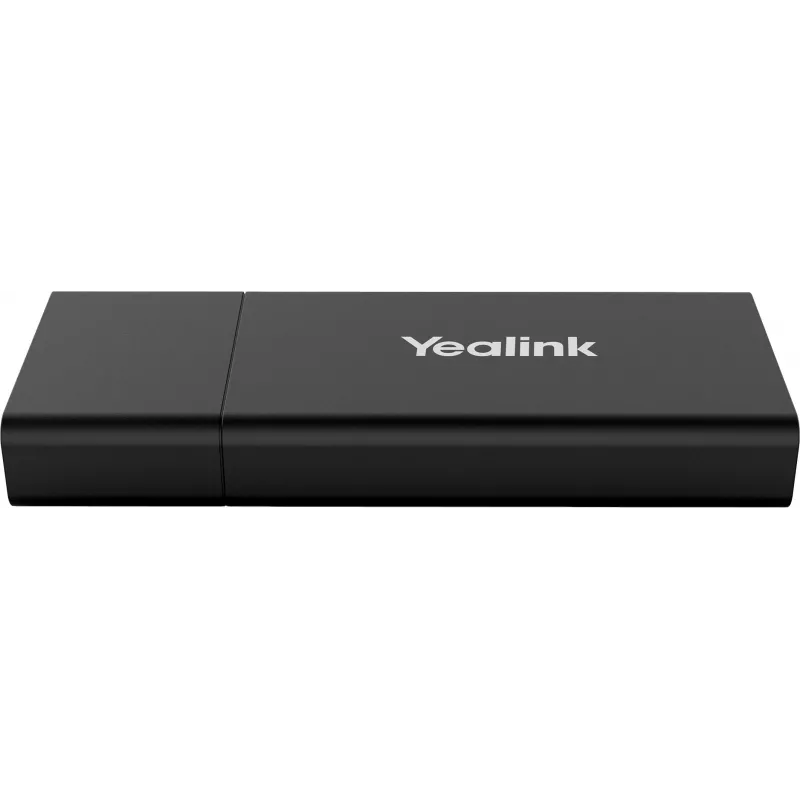
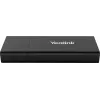
Yealink VCH51 Sharing Box BYOD sharing device Black

Yealink VCH51 Sharing Box BYOD sharing device Black
R9,506
Yealink Sharing Box VCH51 is a compact wired device that lets you present PC content to a Yealink video conferencing system. It supports a stable presentation experience and can act in BYOD mode when used with compatible Yealink video conferencing systems, allowing the conferencing system to be sele... Read More
Stock Out Of StockNo Stock Code 2260007 Brand Yealink Model 1303106 Warranty 2 Years

Shipping & Returns

Yealink Sharing Box VCH51 is a compact wired device that lets you present PC content to a Yealink video conferencing system. It supports a stable presentation experience and can act in BYOD mode when used with compatible Yealink video conferencing systems, allowing the conferencing system to be selected as the PC audio and video device. The unit is black, lightweight and connects via RJ-45 with a 100 Mbit/s data rate.

Advantages

The Sharing Box VCH51 is simple to deploy and manage, provides a reliable and clear presentation signal over a wired network, and enables BYOD functionality with Yealink conferencing systems so that the meeting room system can serve as the PC’s audio and video device. Its compact size and low weight make it easy to place in different meeting room layouts.

Suitable for

  • Small and medium meeting rooms
  • Presentations from a laptop or desktop PC to a Yealink video conferencing system
  • Workspaces requiring a simple wired content-sharing solution

Key specifications

  • Model: VCH51
  • Connectivity: Wired, RJ-45
  • Data rate: 100 Mbit/s
  • Colour: Black
  • Weight: 0.076 kg
  • Compatible with: Yealink video conferencing systems
  • Dimensions (W×D×H): 123 × 49 × 16.8 mm

How to use

Connect the Sharing Box VCH51 to your network via the RJ-45 port and plug your PC into the device according to the installation instructions for your Yealink video conferencing system. When paired with a compatible Yealink system, select the Yealink conferencing device as the PC’s audio and video device to enable BYOD mode and present content. Follow on-screen prompts from your conferencing system or the device documentation for any additional setup steps.

Recommendations

Use a stable wired network connection and ensure your Yealink video conferencing system firmware is up to date. Position the compact VCH51 close to the conferencing system for straightforward cabling and minimal signal loss.
Key Highlights
  • Small and medium meeting rooms
  • Presentations from a laptop or desktop PC to a Yealink video conferencing system
  • Workspaces requiring a simple wired content-sharing solution
  • Model: VCH51
  • Connectivity: Wired, RJ-45
  • Data rate: 100 Mbit/s
  • Colour: Black
  • Weight: 0.076 kg
  • Compatible with: Yealink video conferencing systems
  • Dimensions (W×D×H): 123 × 49 × 16.8 mm
Specifications
Brand compatibility
Yealink
Certification
CE
Connectivity technology
Wired
Country of origin
China
Depth
49 mm
Device interface
RJ-45
Ethernet LAN
Yes
Ethernet LAN (RJ-45) ports
1
Ethernet LAN data rates
100 Mbit/s
Harmonized System (HS) code
85299097
HDMI input ports quantity
1
Height
16.8 mm
Mac operating systems supported
Mac OS X 10.6 Snow Leopard
Package depth
49 mm
Package height
16.8 mm
Package width
123 mm
Product colour
Black
Product type
BYOD sharing device
Quantity
1
User guide
Yes
Weight
76 g
Width
123 mm
Windows operating systems supported
Windows 10, Windows 7, Windows 8.1

Leaflet

Open Leaflet
Price history is not available yet
We are still collecting enough daily price data for this product.

Popular products in this category

WhatsApp
Hi, I’m DistriNode’s AI assistant. I can help you find products, compare options, create quote PDFs, or open support requests.