Account Contact
Your Cart
Pay the courier with no extra fees.
Need help? DistriNode AI can handle any task on our site.

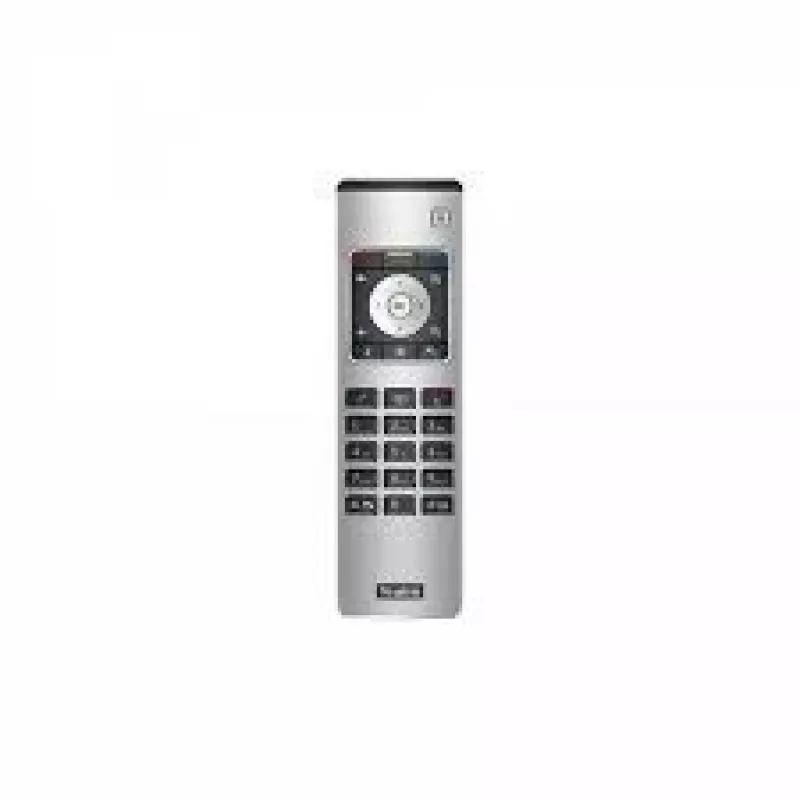
Yealink VCR11 remote control VCR Press buttons

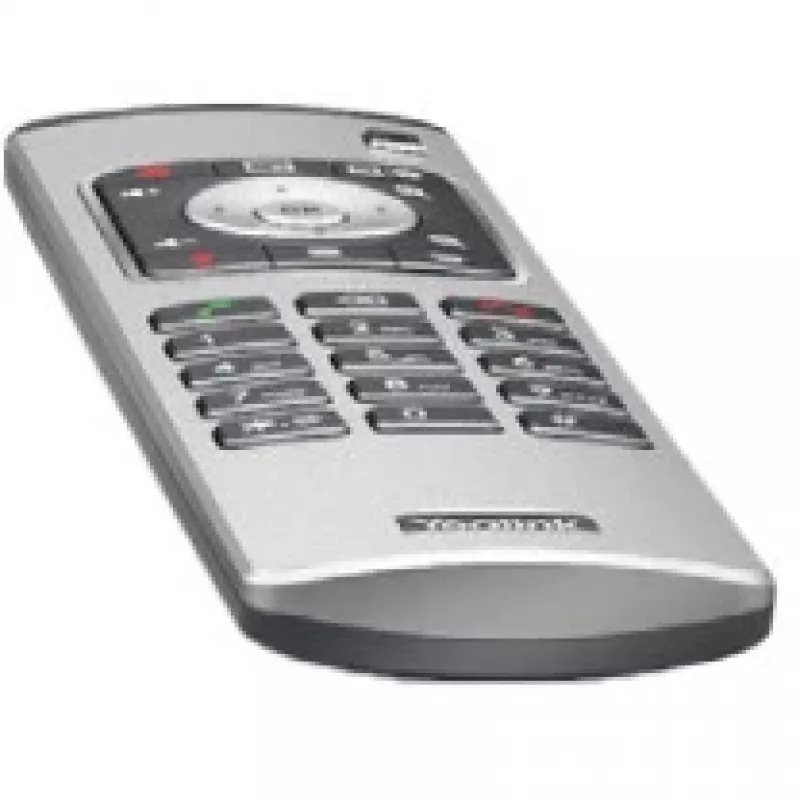
Yealink VCR11 remote control VCR Press buttons
R2,240
The Yealink VCR11 remote control (205-000-013) is designed for straightforward management of Yealink video conferencing systems, including models VC800 and VC500. The compact remote provides tactile press-button input for navigating calls, adjusting basic settings and controlling on-screen menus. Th... Read More
Stock 22 Code 2187783 Brand Yealink Model 1303081 Warranty 2 Years

Shipping & Returns

Estimated delivery Tuesday, October 6
You will be kept updated through our detailed tracking system
Payment options
EFTPayFastBank CardSnapScanZapperGoogle PayApple PayMobicredMoreTymePay on Arrival

The Yealink VCR11 remote control (205-000-013) is designed for straightforward management of Yealink video conferencing systems, including models VC800 and VC500. The compact remote provides tactile press-button input for navigating calls, adjusting basic settings and controlling on-screen menus. The product listing includes a one-year AMS (Advanced Maintenance Service) for support and maintenance.

Advantages

The VCR11 offers a compact, ergonomic shape and clear, responsive buttons that simplify operation during meetings. It is compatible with Yealink VC800 and VC500 systems and comes with one year of AMS support. The device’s build and button layout are intended to reduce learning time and enable reliable remote control of core conference functions.

Suitable for

  • Controlling Yealink VC800 video conferencing systems
  • Controlling Yealink VC500 video conferencing systems
  • Meeting rooms and huddle spaces requiring simple remote operation

Key specifications

  • Manufacturer: Yealink
  • Model / MPN: VCR11 / 205-000-013
  • EAN: 6938818303102
  • Compatible brands/models: Yealink (VC800, VC500)
  • Input type: Press buttons
  • Colour: Black, Silver
  • Included service: 1-year AMS

How to use

Point the remote at the Yealink system’s receiver and press the appropriate buttons to navigate menus, answer or end calls, and adjust basic settings such as volume. Replace batteries as required (batteries not supplied) and follow on-screen prompts from the VC800/VC500 system for pairing or additional configuration. Refer to the Yealink system user guide for detailed setup steps.

Recommendations

Store the remote in a dry place and avoid dropping it. Use within the line of sight of the system receiver for reliable operation; replace batteries promptly when button response weakens. For advanced troubleshooting or AMS-covered issues, contact Yealink support under the included one-year AMS.
Key Highlights
  • Controlling Yealink VC800 video conferencing systems
  • Controlling Yealink VC500 video conferencing systems
  • Meeting rooms and huddle spaces requiring simple remote operation
  • Manufacturer: Yealink
  • Model / MPN: VCR11 / 205-000-013
  • EAN: 6938818303102
  • Compatible brands/models: Yealink (VC800, VC500)
  • Input type: Press buttons
  • Colour: Black, Silver
  • Included service: 1-year AMS
Specifications
Battery technology
Alkaline
Battery type
AAA
Battery voltage
1.5 V
Brand compatibility
Yealink
Built-in display
No
Compatible products
MeetingEye 500
Country of origin
China
Input type
Press buttons
Manual
Yes
Number of batteries supported
2
Package depth
80 mm
Package height
33 mm
Package weight
194 g
Package width
246 mm
Product colour
Black, Silver
Quantity per pack
1 pc(s)
Remote control proper use
VCR
Weight
157 g

Leaflet

Open Leaflet
Price history over the last 6 months
Yealink VCR11 remote control VCR Press buttons
Current
R2,240
Lowest
R1,922
Highest
R2,753
Change 24H
+R40   +2%
Week
+R319   +17%
Month
+R311   +16%

Popular products in this category

WhatsApp
Hi, I’m DistriNode’s AI assistant. I can help you find products, compare options, create quote PDFs, or open support requests.