Account Contact
Your Cart
Pay the courier with no extra fees.
Need help? DistriNode AI can handle any task on our site.

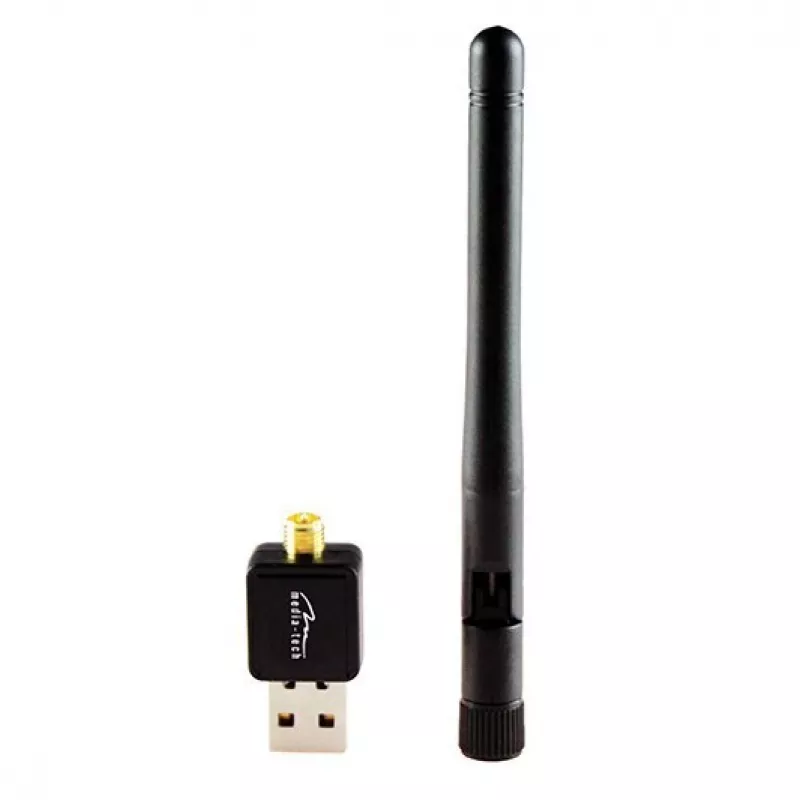
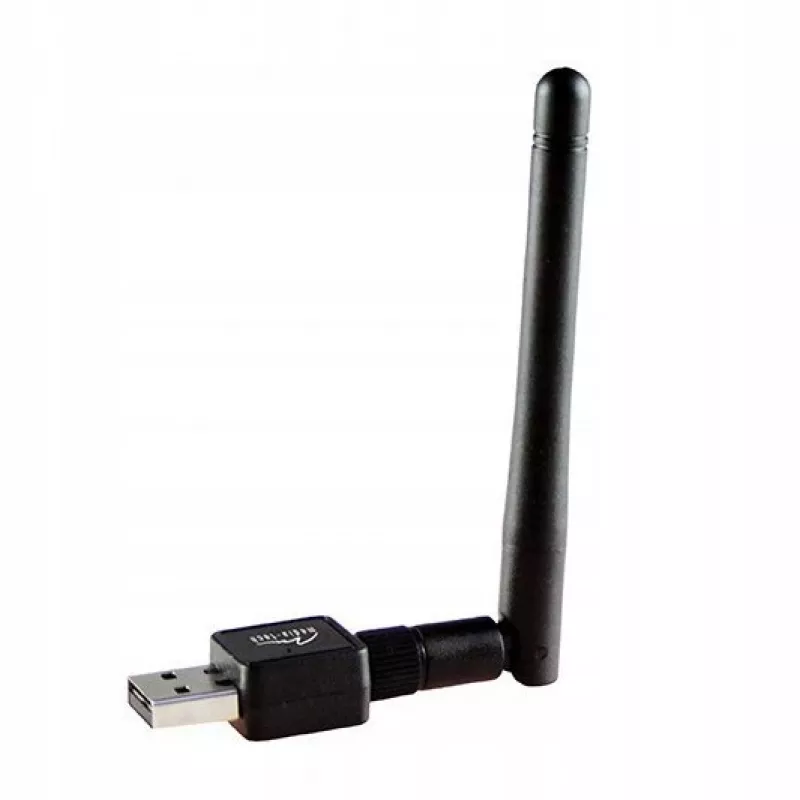
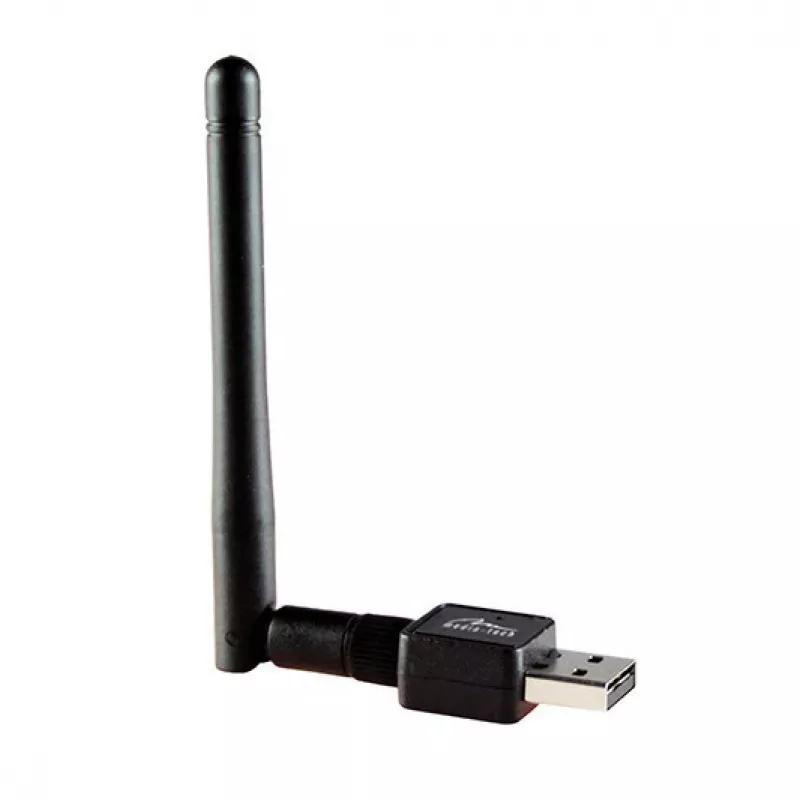
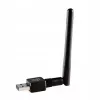
Wireless USB Dongle MEDIA-TECH MT4223 Wi‑Fi 4 (802.11n) — 4× USB ports

Wireless USB Dongle MEDIA-TECH MT4223 Wi‑Fi 4 (802.11n) — 4× USB ports
R227
MEDIA-TECH MT4223 is a compact Wireless USB dongle that adds Wi‑Fi 4 (802.11n) connectivity and four USB ports to a compatible computer or USB hub. The device is intended to provide a simple external solution for wireless network access and for connecting additional USB peripherals without opening t... Read More
Stock 4 Code 101367 Brand MEDIA-TECH Model MT4223 Warranty 2 Years

Shipping & Returns

Estimated delivery Thursday, October 1
You will be kept updated through our detailed tracking system
Payment options
EFTPayFastBank CardSnapScanZapperGoogle PayApple PayMobicredMoreTymePay on Arrival

MEDIA-TECH MT4223 is a compact Wireless USB dongle that adds Wi‑Fi 4 (802.11n) connectivity and four USB ports to a compatible computer or USB hub. The device is intended to provide a simple external solution for wireless network access and for connecting additional USB peripherals without opening the host device. Its USB form factor enables plug-and-play installation on systems with available USB ports and supports common home and small office tasks such as web browsing, media streaming and file transfers over a wireless network.

Advantages

The dongle combines wireless networking and USB expansion in one compact unit, reducing the need for internal upgrades or multiple adapters. Support for Wi‑Fi 4 (802.11n) ensures backward compatibility with older wireless devices while delivering stable connections for typical internet activities. The four USB ports allow connection of peripherals such as external storage, printers or input devices, simplifying workspace setup. The device’s USB connectivity provides straightforward installation and portability between compatible systems.

Suitable for

  • Adding wireless internet access to desktops and older laptops without built-in Wi‑Fi
  • Expanding available USB ports on compact PCs or thin clients
  • Home streaming and web browsing on devices lacking reliable wireless adapters
  • Temporary setups where internal hardware modification is not desired

Key specifications

  • Wireless standard: Wi‑Fi 4 (IEEE 802.11n)
  • Frequency band: 2.4 GHz (typical for 802.11n operation)
  • Connectivity: USB interface for host connection
  • USB ports: four external USB ports for peripherals
  • Form factor: external dongle designed for plug-and-play use

How to use

Insert the Wireless USB Dongle into an available USB port on a compatible computer or USB hub. Allow the operating system to detect the device and install any necessary drivers; if drivers are not installed automatically, use the driver source provided by the system or download from the manufacturer. After installation, configure the wireless network settings through the operating system’s network manager: select the desired 2.4 GHz Wi‑Fi network, enter the network security key if required, and confirm connection. Connect USB peripherals to the dongle’s USB ports as needed; the host system should recognize standard USB devices automatically.

Recommendations

For reliable wireless performance, place the connected device where the dongle has clear line-of-sight to the Wi‑Fi router and avoid dense obstacles. Use quality USB cables or direct USB ports on the host to ensure stable power and data transfer to connected peripherals. Keep device drivers updated and follow the operating system’s security guidelines when connecting to public networks.

Key Highlights
  • Adding wireless internet access to desktops and older laptops without built-in Wi‑Fi
  • Expanding available USB ports on compact PCs or thin clients
  • Home streaming and web browsing on devices lacking reliable wireless adapters
  • Temporary setups where internal hardware modification is not desired
  • Wireless standard: Wi‑Fi 4 (IEEE 802.11n)
  • Frequency band: 2.4 GHz (typical for 802.11n operation)
  • Connectivity: USB interface for host connection
  • USB ports: four external USB ports for peripherals
  • Form factor: external dongle designed for plug-and-play use
Price history over the last 6 months
Wireless USB Dongle MEDIA-TECH MT4223 Wi‑Fi 4 (802.11n) — 4× USB ports
Current
R227
Lowest
R204
Highest
R227
Change 24H
+R19   +9%
Week
+R22   +11%
Month
+R20   +10%

Popular products in this category

WhatsApp
Hi, I’m DistriNode’s AI assistant. I can help you find products, compare options, create quote PDFs, or open support requests.