Account Contact
Your Cart
Pay the courier with no extra fees.
Need help? DistriNode AI can handle any task on our site.

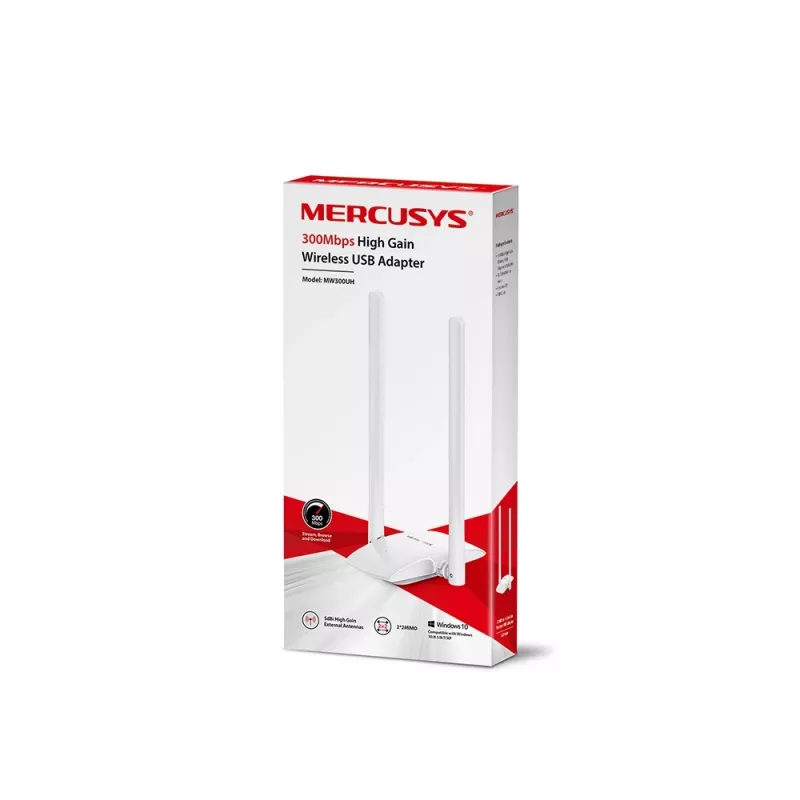
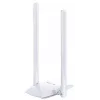
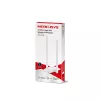
Wireless USB Adapter Mercusys MW300UH

Wireless USB Adapter Mercusys MW300UH
36 mo.
Wireless USB Adapter Mercusys MW300UH
R479
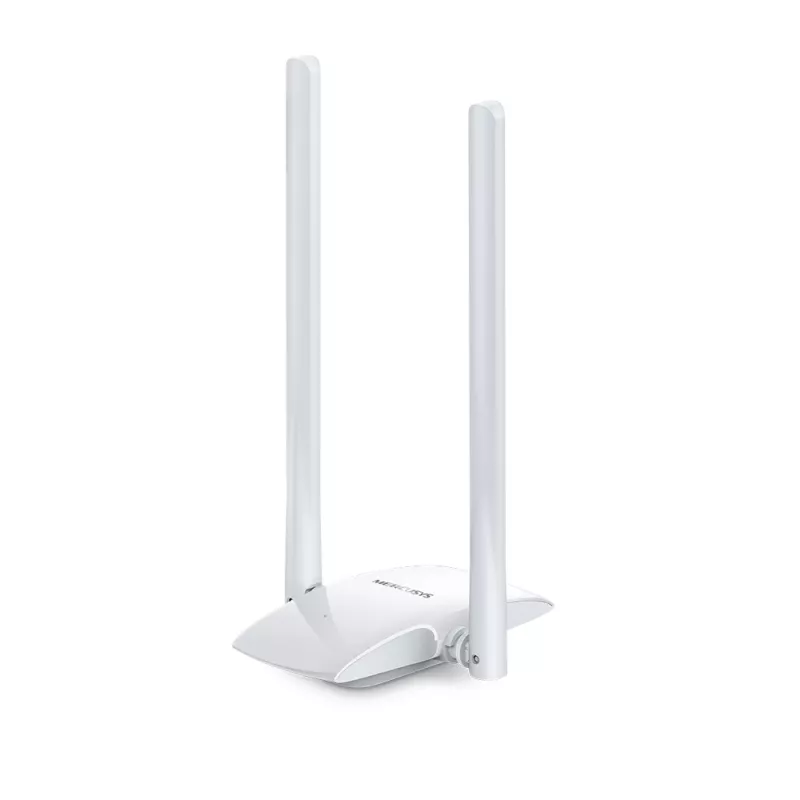
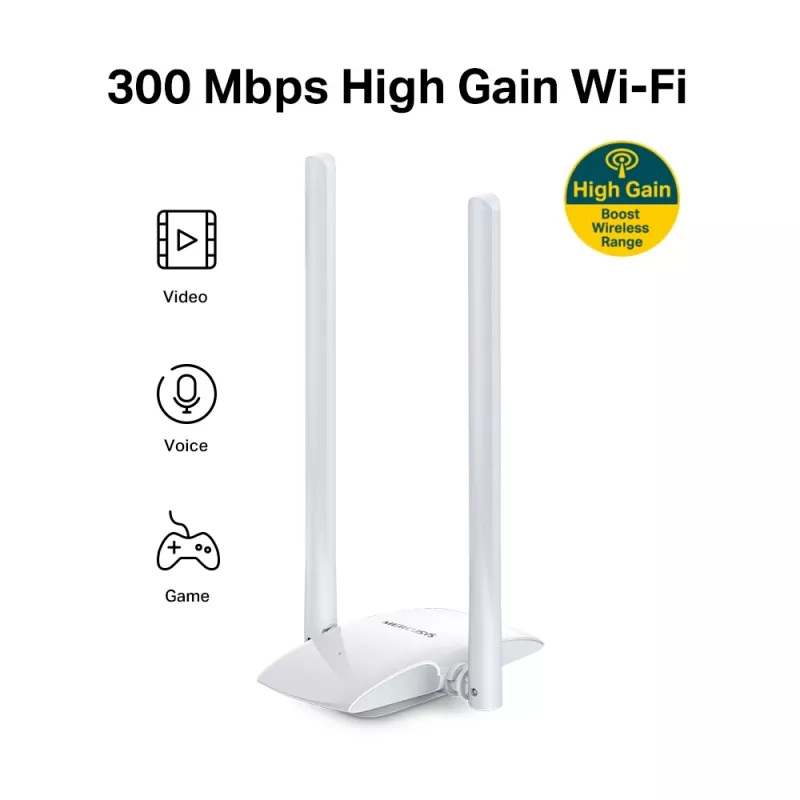
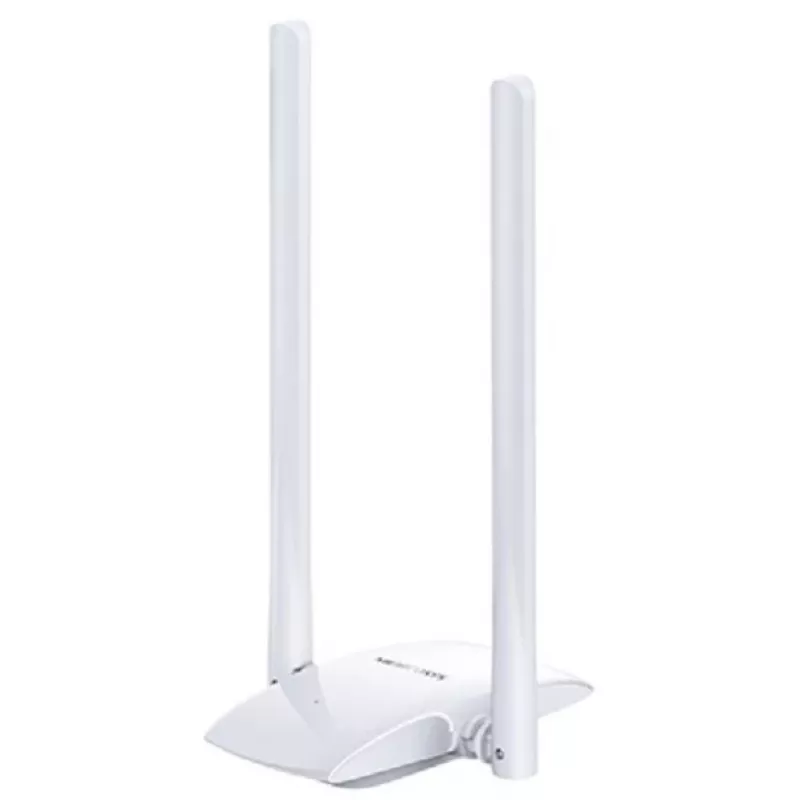
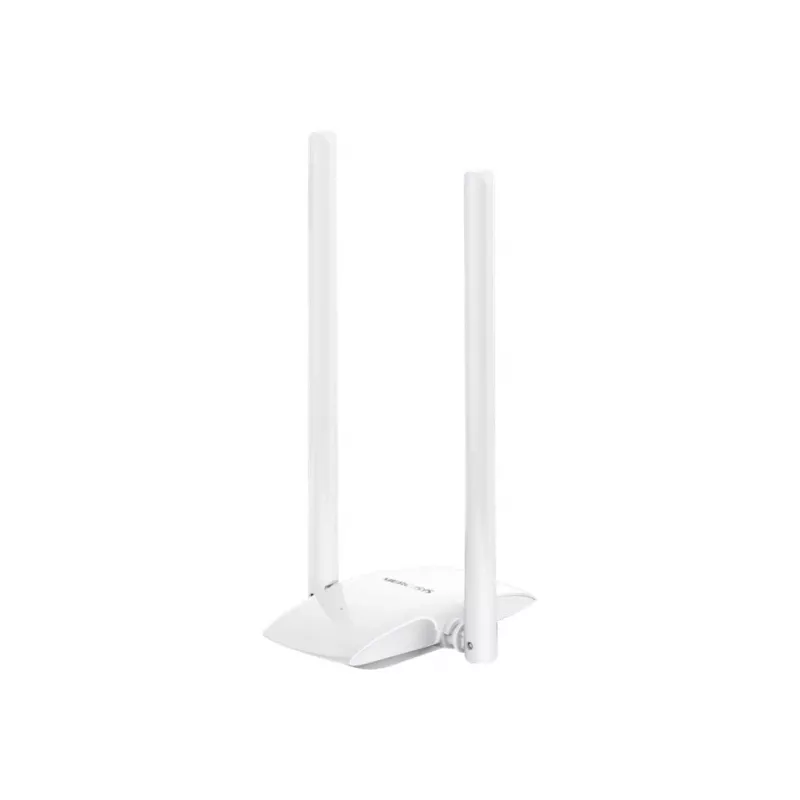
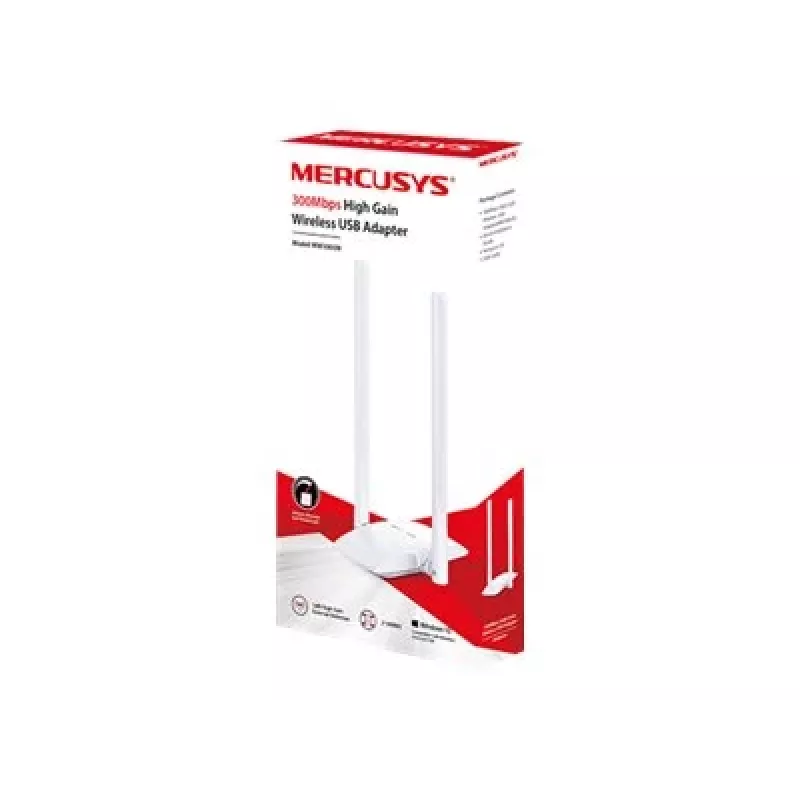
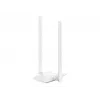
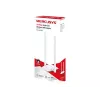
The Mercusys MW300UH is a wireless USB adapter that provides up to 300 Mbps on the 2.4 GHz band using IEEE 802.11n/g/b standards. Equipped with two external 5 dBi high-gain antennas and a desktop cable design, the MW300UH improves signal reception and lets you place the adapter closer to the router ... Read More
Stock 7 Code 30284 Brand MERCUSYS Model MW300UH Warranty 3 Years

Shipping & Returns

Estimated delivery Tuesday, September 29
You will be kept updated through our detailed tracking system
Payment options
EFTPayFastBank CardSnapScanZapperGoogle PayApple PayMobicredMoreTymePay on Arrival

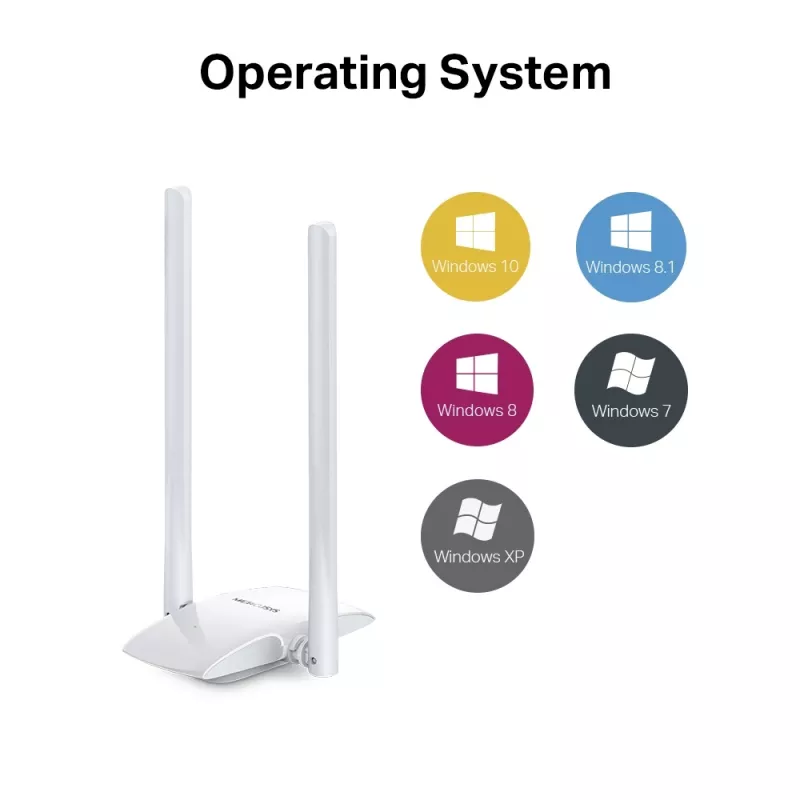
The Mercusys MW300UH is a wireless USB adapter that provides up to 300 Mbps on the 2.4 GHz band using IEEE 802.11n/g/b standards. Equipped with two external 5 dBi high-gain antennas and a desktop cable design, the MW300UH improves signal reception and lets you place the adapter closer to the router for more stable wireless connectivity. The adapter is USB-powered and compatible with Windows 10/8.1/8/7/XP.

Advantages

Two high-gain 5 dBi external antennas increase signal strength and range. The cable-mounted desktop design reduces signal blocking from the computer chassis and allows flexible placement for better reception. USB power eliminates the need for an external power source. Simple installation is supported via the included driver CD.

Suitable for

  • Desktop or laptop computers lacking built-in Wi‑Fi
  • Extending Wi‑Fi coverage in small apartments or home offices
  • Basic web browsing, email, and streaming on the 2.4 GHz band

Key specifications

  • Model: Mercusys MW300UH (MPN: MW300UH)
  • Maximum data transfer rate: 300 Mbit/s
  • Wireless standards: IEEE 802.11n/g/b (Wi‑Fi 4)
  • Frequency band: 2.4 GHz
  • Antennas: Two external 5 dBi high‑gain antennas
  • Interface: USB (WLAN host interface)
  • Colour: White
  • Compatibility: Windows 10/8.1/8/7/XP

How to use

Connect the MW300UH to an available USB port on your computer and position the adapter using the attached cable so the antennas face toward the router. Install the driver and setup utility from the supplied CD or download the latest driver from the manufacturer’s website if necessary. Use the setup utility to select your 2.4 GHz network and enter the Wi‑Fi password to complete the connection.

Recommendations

Place the adapter a short distance from the router and avoid placing it behind metal objects or inside closed computer cases. For best performance on congested networks, position the antennas vertically and keep firmware/drivers updated.
Key Highlights
  • Desktop or laptop computers lacking built-in Wi‑Fi
  • Extending Wi‑Fi coverage in small apartments or home offices
  • Basic web browsing, email, and streaming on the 2.4 GHz band
  • Model: Mercusys MW300UH (MPN: MW300UH)
  • Maximum data transfer rate: 300 Mbit/s
  • Wireless standards: IEEE 802.11n/g/b (Wi‑Fi 4)
  • Frequency band: 2.4 GHz
  • Antennas: Two external 5 dBi high‑gain antennas
  • Interface: USB (WLAN host interface)
  • Colour: White
  • Compatibility: Windows 10/8.1/8/7/XP

Leaflet

Open Leaflet

Document

Open Document
Price history over the last 6 months
Wireless USB Adapter Mercusys MW300UH
Current
R479
Lowest
R249
Highest
R479
Change 24H
+R78   +20%
Week
+R80   +20%
Month
+R228   +91%

Popular products in this category

WhatsApp
Hi, I’m DistriNode’s AI assistant. I can help you find products, compare options, create quote PDFs, or open support requests.