Account Contact
Your Cart
Pay the courier with no extra fees.
Need help? DistriNode AI can handle any task on our site.

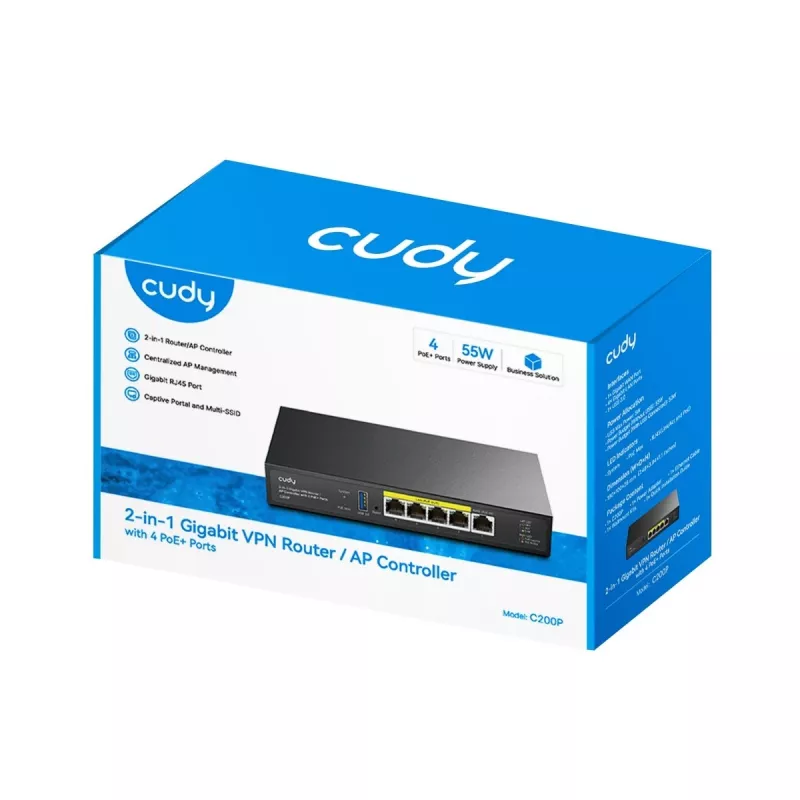
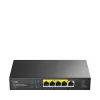
Wireless Router Cudy C200P Dual Band 300 Mbps, Gigabit Ethernet, USB 3.0, Metal Housing

Wireless Router Cudy C200P Dual Band 300 Mbps, Gigabit Ethernet, USB 3.0, Metal Housing
R1,396
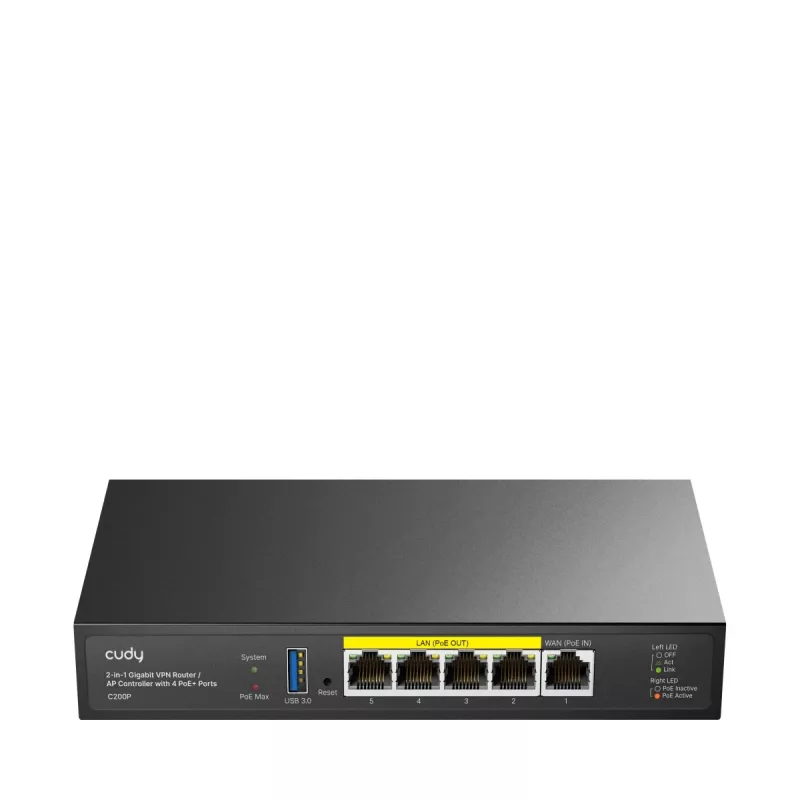
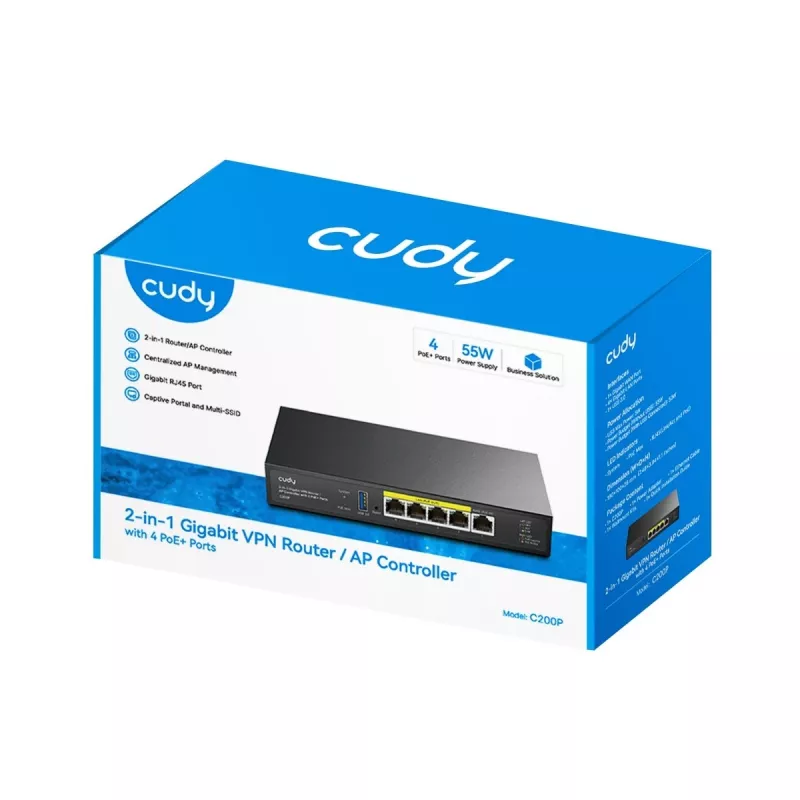
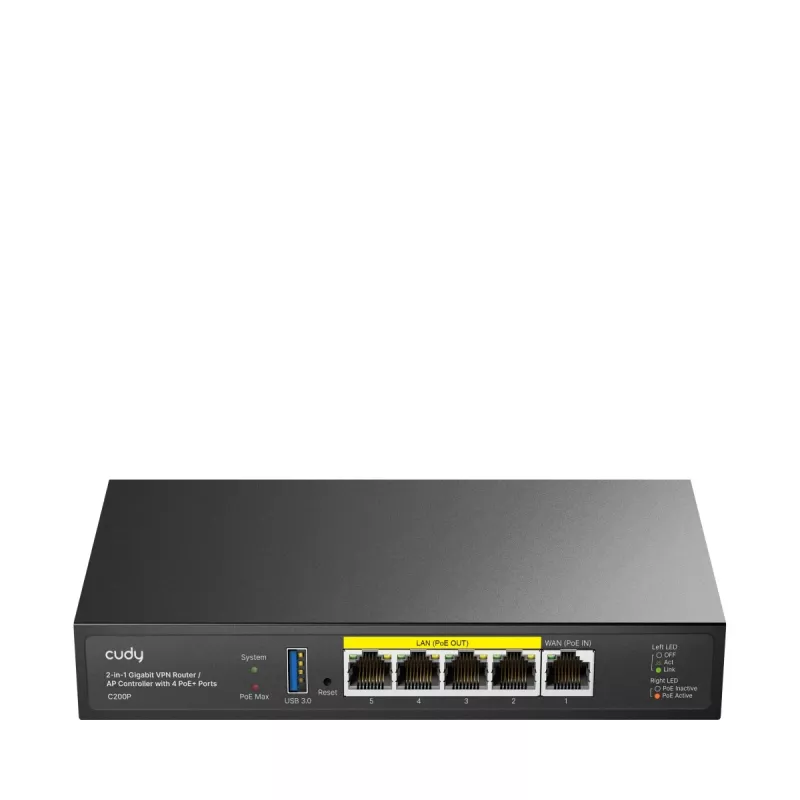
Cudy C200P is a dual-band wireless router offering combined Wi‑Fi throughput up to 300 Mbps, four Gigabit Ethernet LAN ports, one WAN port and a USB 3.0 Type‑A port. The router is built in a metal housing and includes 16 MB flash memory and 256 MB DDR3 RAM. It provides basic network services such as... Read More
Stock 8 Code 110389 Brand CUDY Model C200P Warranty 2 Years

Shipping & Returns

Estimated delivery Tuesday, September 29
You will be kept updated through our detailed tracking system
Payment options
EFTPayFastBank CardSnapScanZapperGoogle PayApple PayMobicredMoreTymePay on Arrival

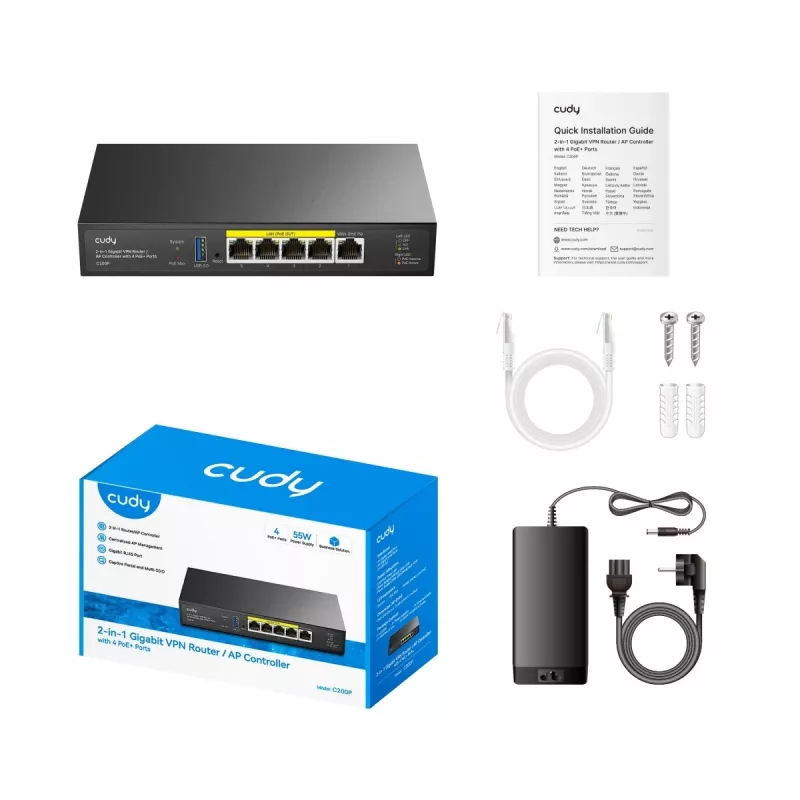
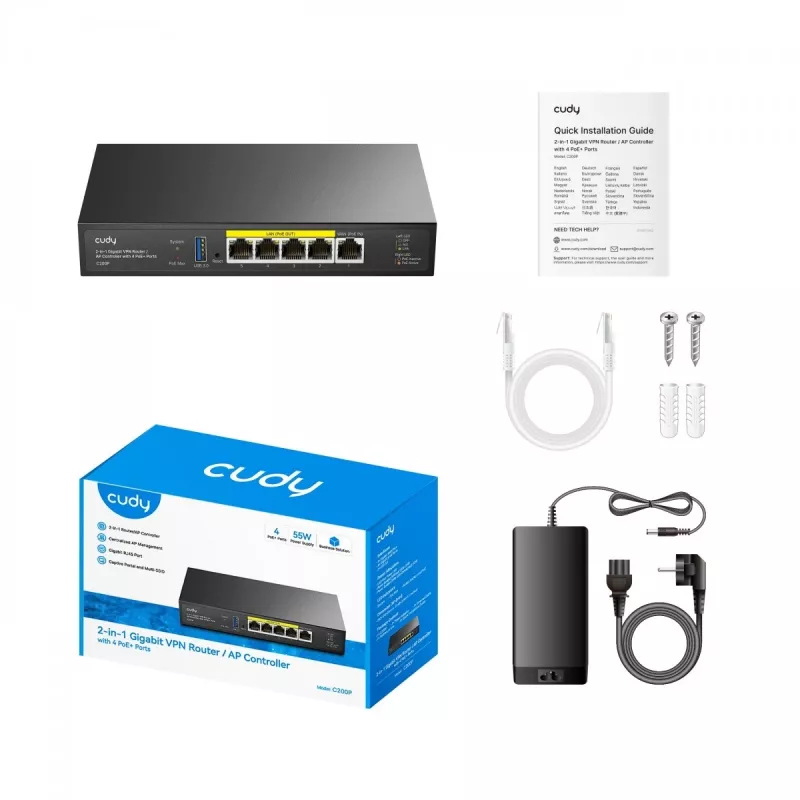
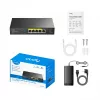
Cudy C200P is a dual-band wireless router offering combined Wi‑Fi throughput up to 300 Mbps, four Gigabit Ethernet LAN ports, one WAN port and a USB 3.0 Type‑A port. The router is built in a metal housing and includes 16 MB flash memory and 256 MB DDR3 RAM. It provides basic network services such as a DHCP server and DMZ support and comes with an AC adapter, LAN cable and a quick installation guide. The device is CE certified and designed to operate in ambient temperatures from 0 °C to 40 °C.

Advantages

The metal housing improves device durability and heat dissipation while Gigabit Ethernet ports ensure high wired throughput for connected devices. Security features include a built‑in firewall, DoS attack prevention and IP/MAC address filtering to control access. The included USB 3.0 port expands functionality for shared storage or peripheral connectivity. Compact dimensions and included accessories simplify installation and setup.

Suitable for

  • Small home networks requiring both wireless and wired connections
  • Home offices with multiple wired devices needing Gigabit LAN
  • Shared storage or media sharing using the USB 3.0 port
  • Basic network segmentation and access control with firewall and filtering

Key specifications

  • Wireless: Dual‑band, combined throughput up to 300 Mbps
  • LAN ports: 4 × Gigabit Ethernet (RJ‑45)
  • WAN ports: 1
  • USB: 1 × USB 3.0 Type‑A
  • Memory: 16 MB flash, 256 MB DDR3 RAM
  • Housing material: Metal
  • Security: Built‑in firewall, DoS protection, IP and MAC address filtering
  • Networking standards: IEEE 802.3at; Ethernet data rate up to 1000 Mbit/s
  • Management: Reset button, UPnP support, DHCP server, DMZ support
  • Operating temperature: 0 °C to 40 °C; storage temperature: −40 °C to 70 °C
  • Operating relative humidity: 5%–95%; storage relative humidity: 0%–100%
  • Dimensions (W×D×H): 190 × 100 × 28 mm
  • Package dimensions (W×D×H): 209 × 132 × 81.5 mm
  • Package contents: AC adapter, LAN (RJ‑45) cable, quick installation guide

How to use

Connect the router's WAN port to your modem and use the Gigabit LAN ports to attach wired devices. Power the unit with the supplied AC adapter and follow the quick installation guide to perform initial setup. Access the router's web interface or management utility to configure wireless SSIDs, security settings (firewall, IP/MAC filtering), DHCP parameters and USB sharing options. Use the reset button to restore factory defaults if configuration recovery is required.

Recommendations

Place the router in an elevated, central location with adequate ventilation to maintain optimal wireless coverage and avoid obstructing the metal housing. Keep firmware up to date and configure strong Wi‑Fi encryption and administrative passwords to reduce security risks; do not dismantle the unit to avoid electric shock.
Key Highlights
  • Small home networks requiring both wireless and wired connections
  • Home offices with multiple wired devices needing Gigabit LAN
  • Shared storage or media sharing using the USB 3.0 port
  • Basic network segmentation and access control with firewall and filtering
  • Wireless: Dual‑band, combined throughput up to 300 Mbps
  • LAN ports: 4 × Gigabit Ethernet (RJ‑45)
  • WAN ports: 1
  • USB: 1 × USB 3.0 Type‑A
  • Memory: 16 MB flash, 256 MB DDR3 RAM
  • Housing material: Metal
  • Security: Built‑in firewall, DoS protection, IP and MAC address filtering
  • Networking standards: IEEE 802.3at; Ethernet data rate up to 1000 Mbit/s
  • Management: Reset button, UPnP support, DHCP server, DMZ support
  • Operating temperature: 0 °C to 40 °C; storage temperature: −40 °C to 70 °C
  • Operating relative humidity: 5%–95%; storage relative humidity: 0%–100%
  • Dimensions (W×D×H): 190 × 100 × 28 mm
  • Package dimensions (W×D×H): 209 × 132 × 81.5 mm
  • Package contents: AC adapter, LAN (RJ‑45) cable, quick installation guide
Price history over the last 6 months
Wireless Router Cudy C200P Dual Band 300 Mbps, Gigabit Ethernet, USB 3.0, Metal Housing
Current
R1,396
Lowest
R1,292
Highest
R1,875
Change 24H
+R103   +8%
Week
+R103   +8%
Month
+R62   +5%

Popular products in this category

WhatsApp
Hi, I’m DistriNode’s AI assistant. I can help you find products, compare options, create quote PDFs, or open support requests.