Account Contact
Your Cart
Pay on delivery – no extra fees
Need help? Ask our AI

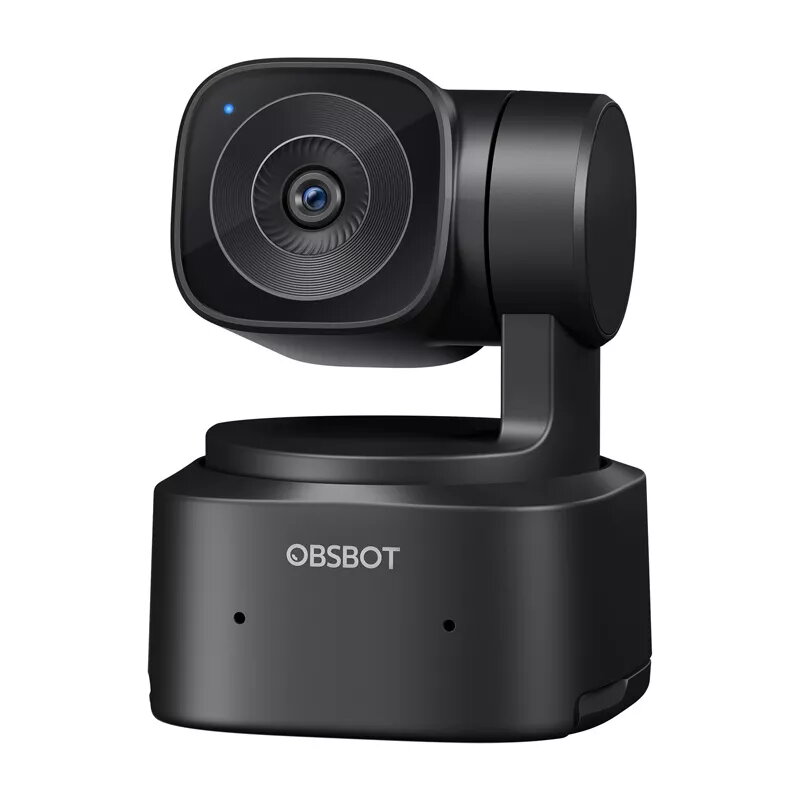
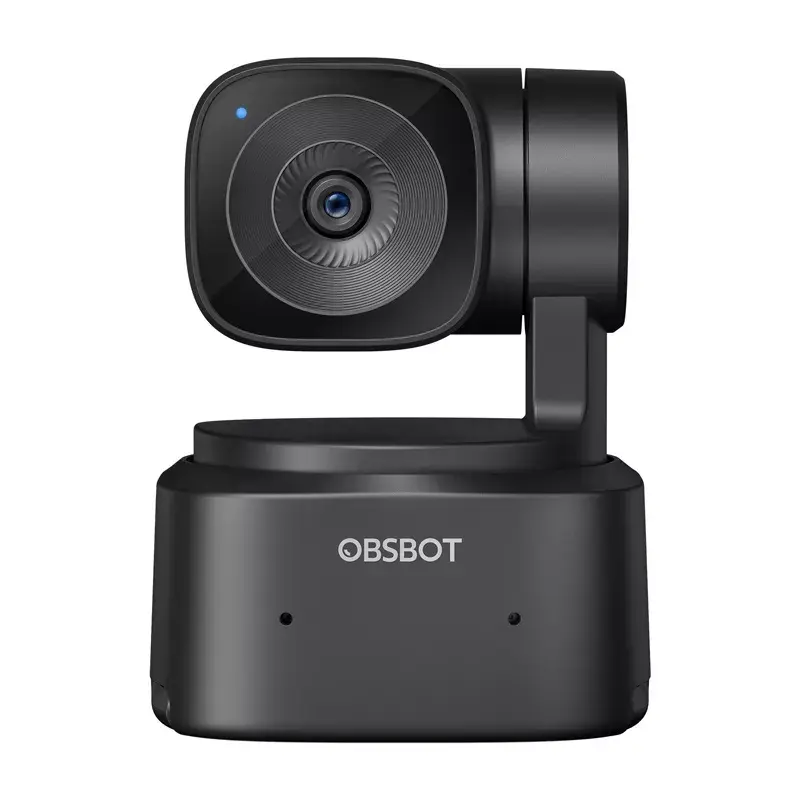
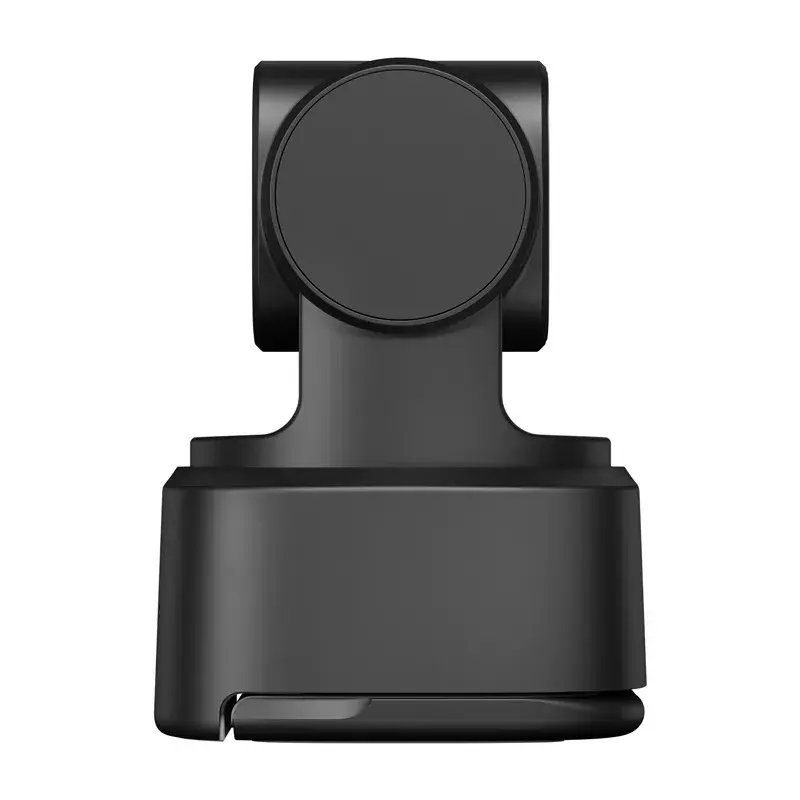
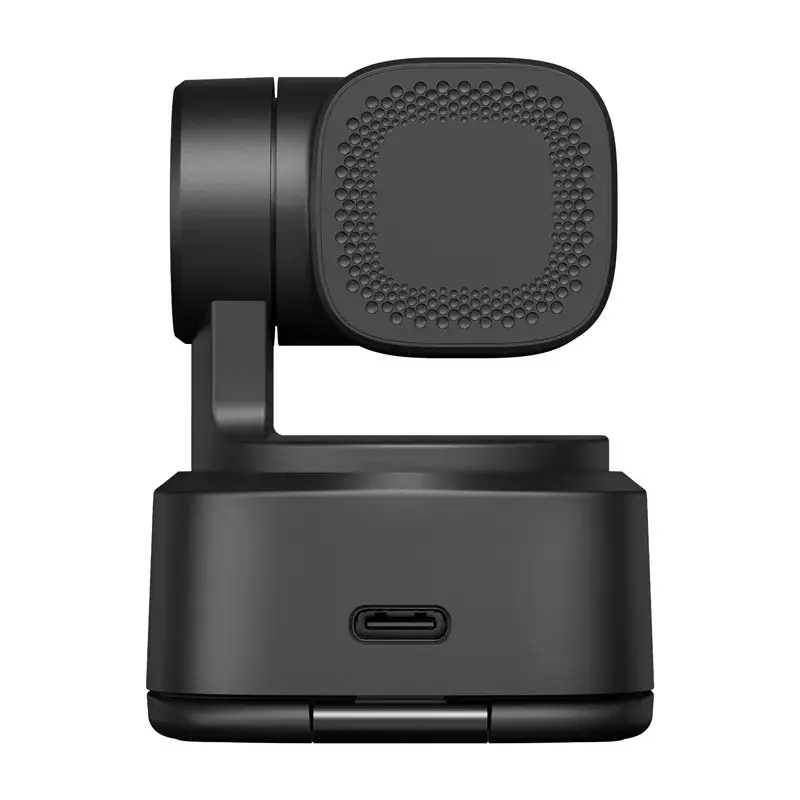
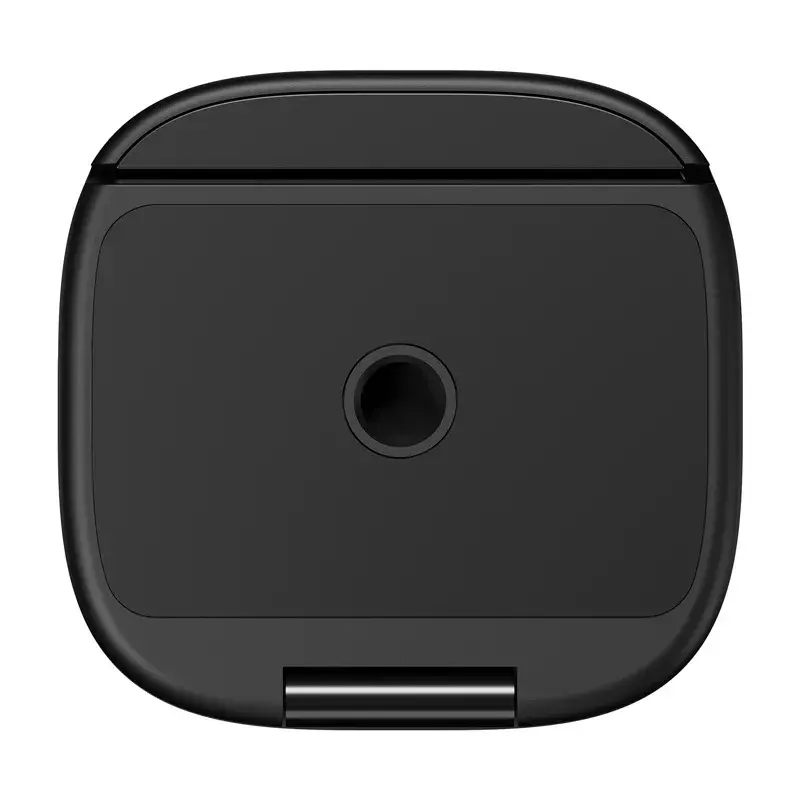
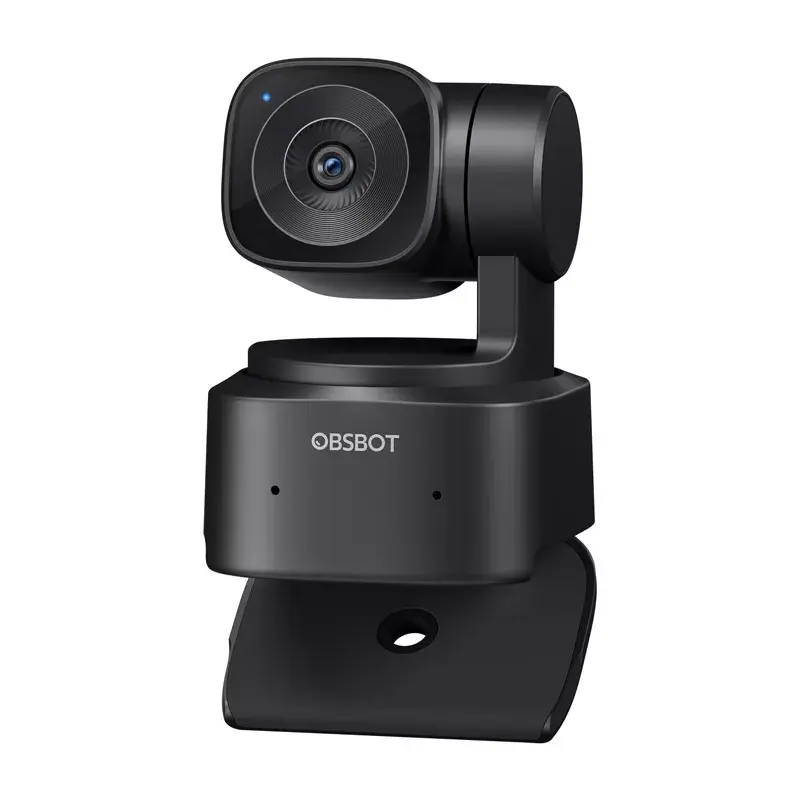
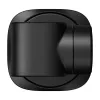
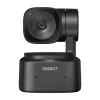
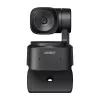
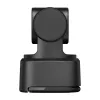
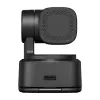
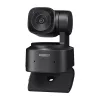
Webcam Obsbot Tiny SE OWB-2407-CE 1080p 30fps

Webcam Obsbot Tiny SE OWB-2407-CE 1080p 30fps
R2,779
The OBSBOT Tiny SE OWB-2407-CE is a compact webcam offering Full HD video capture at up to 1080p and high-frame-rate options. Built around a 1/2.8" CMOS sensor with an f/1.8 aperture and 2 million effective pixels, the camera delivers detailed, low-noise images and supports Staggered HDR for a wider... Read More
Stock 10 Code 775120 Brand OBSBOT Model OWB-2407-CE Warranty 2 Years

Shipping & Returns

Estimated delivery Wednesday, November 11
You will be kept updated through our detailed tracking system
Payment options
EFTPayFastBank CardSnapScanZapperGoogle PayApple PayMobicredMoreTymePay on Arrival

The OBSBOT Tiny SE OWB-2407-CE is a compact webcam offering Full HD video capture at up to 1080p and high-frame-rate options. Built around a 1/2.8" CMOS sensor with an f/1.8 aperture and 2 million effective pixels, the camera delivers detailed, low-noise images and supports Staggered HDR for a wider dynamic range. A 2-axis gimbal with AI-driven tracking provides smooth pan/tilt/zoom movements and multiple tracking modes to follow subjects reliably during calls, streams and presentations.

Advantages

The Tiny SE combines a small form factor with advanced imaging: high-sensitivity sensor and large 2.9 µm pixel size improve low-light performance while selectable native ISO settings and exposure control reduce noise. AI tracking (Bodypart, Hand and Zone Tracking) runs on a 2-axis gimbal for responsive framing. The camera supports a variety of resolutions and frame rates, offers built-in noise-cancelling microphones with adjustable audio modes, and is broadly compatible via UVC/USB 2.0 and OBSBOT Center software for customization.

Suitable for

  • Video conferencing and remote meetings
  • Live streaming on platforms like OBS, Twitch and Kick
  • Online teaching, tutorials and presentations
  • Content creators requiring PTZ tracking and multi-camera setups

Key specifications

  • Image sensor: 1/2.8" CMOS
  • Effective pixels: 2 megapixels
  • Aperture: f/1.8
  • Field of view: 78° diagonal (16:9)
  • Maximum video: 1920×1080 up to 100 fps; 1280×720 up to 120 fps
  • Digital zoom: 1–4×
  • Autofocus: AF/MF supported
  • HDR: Staggered HDR supported
  • ISO range: 100–6400
  • Shutter speed: 1/6400–1/30 s
  • White balance: 2000–10000 K
  • Gimbal: 2-axis with pan/tilt control (pan ±140° control range; mechanical pan ±150°; tilt range including ±90°)
  • Tracking modes: Standard and Motion; Bodypart, Hand and Zone Tracking
  • Recording orientations: Landscape, Portrait, Upside-down
  • Audio: Built-in noise-cancelling microphones with 3-level noise reduction and AGC
  • Interface and power: UVC over USB 2.0; 5 V/0.4 A
  • Operating temperature: 0°C to 40°C
  • System requirements: Windows 10 or later, macOS 11 or later (recommended for high-frame rates)

How to use

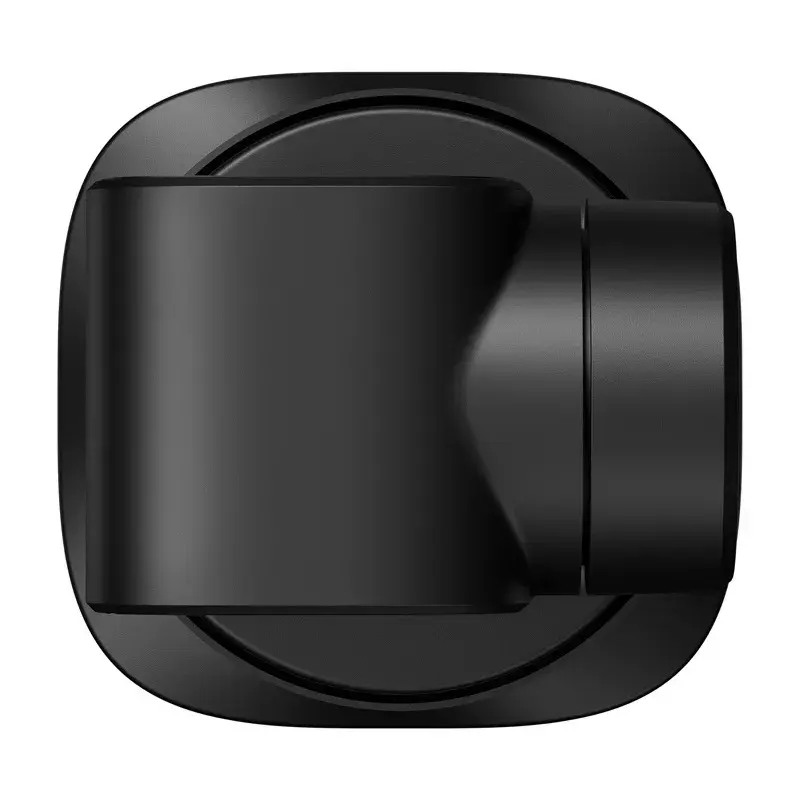
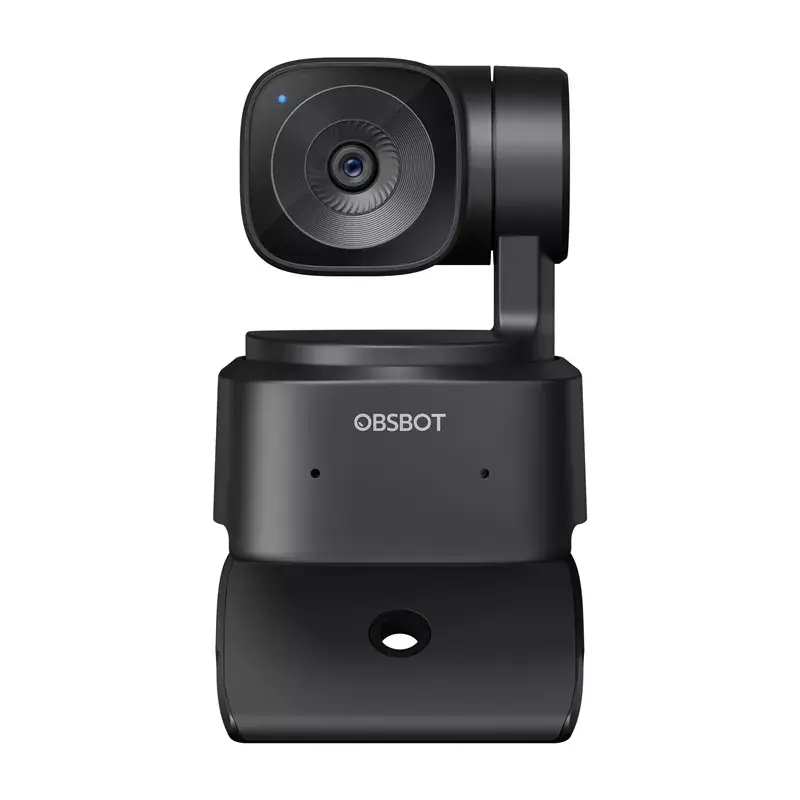
Mount the Tiny SE on a monitor or laptop using the integrated mount, connect it to a computer with the supplied USB-C cable (or USB-A adapter), and allow the host system to recognize the device via UVC. Install OBSBOT Center to access advanced controls: configure AI tracking modes (Bodypart, Hand or Zone), adjust exposure, white balance and HDR settings, set framing lines and save PTZ presets. Choose the desired resolution and frame rate in your streaming or conferencing app; for 1080p at higher frame rates ensure the computer meets the recommended system configuration.

Recommendations

For best image quality, position the camera at eye level with the subject, use the appropriate tracking mode for the activity (Bodypart for full-frame movement, Hand for close-up demonstrations, Zone for presentations) and enable Staggered HDR in mixed lighting. When aiming for 1080p 60/100 fps, use a computer meeting the recommended CPU and RAM specifications and a USB 2.0 port with sufficient bandwidth. Use OBSBOT Center to store PTZ presets and switch modes quickly during live sessions.

Key Highlights
  • Video conferencing and remote meetings
  • Live streaming on platforms like OBS, Twitch and Kick
  • Online teaching, tutorials and presentations
  • Content creators requiring PTZ tracking and multi-camera setups
  • Image sensor: 1/2.8" CMOS
  • Effective pixels: 2 megapixels
  • Aperture: f/1.8
  • Field of view: 78° diagonal (16:9)
  • Maximum video: 1920×1080 up to 100 fps; 1280×720 up to 120 fps
  • Digital zoom: 1–4×
  • Autofocus: AF/MF supported
  • HDR: Staggered HDR supported
  • ISO range: 100–6400
  • Shutter speed: 1/6400–1/30 s
  • White balance: 2000–10000 K
  • Gimbal: 2-axis with pan/tilt control (pan ±140° control range; mechanical pan ±150°; tilt range including ±90°)
  • Tracking modes: Standard and Motion; Bodypart, Hand and Zone Tracking
  • Recording orientations: Landscape, Portrait, Upside-down
  • Audio: Built-in noise-cancelling microphones with 3-level noise reduction and AGC
  • Interface and power: UVC over USB 2.0; 5 V/0.4 A
  • Operating temperature: 0°C to 40°C
  • System requirements: Windows 10 or later, macOS 11 or later (recommended for high-frame rates)
Price history over the last 6 months
Webcam Obsbot Tiny SE OWB-2407-CE 1080p 30fps
Current
R2,779
Lowest
R2,421
Highest
R2,779
Change 24H
+R357   +15%
Week
+R357   +15%
Month
+R357   +15%

Write a review

Rating *
Your name will be shown publicly – you can use a nickname. We invite buyers to write reviews; we check reviews before publishing and publish critical ones too.

Popular products in this category

WhatsApp
Messenger
Hi, I’m DistriNode’s AI assistant. I can help you find products, compare options, create quote PDFs, or open support requests.
All categories