Account Contact
Your Cart
Pay the courier with no extra fees.
Need help? DistriNode AI can handle any task on our site.

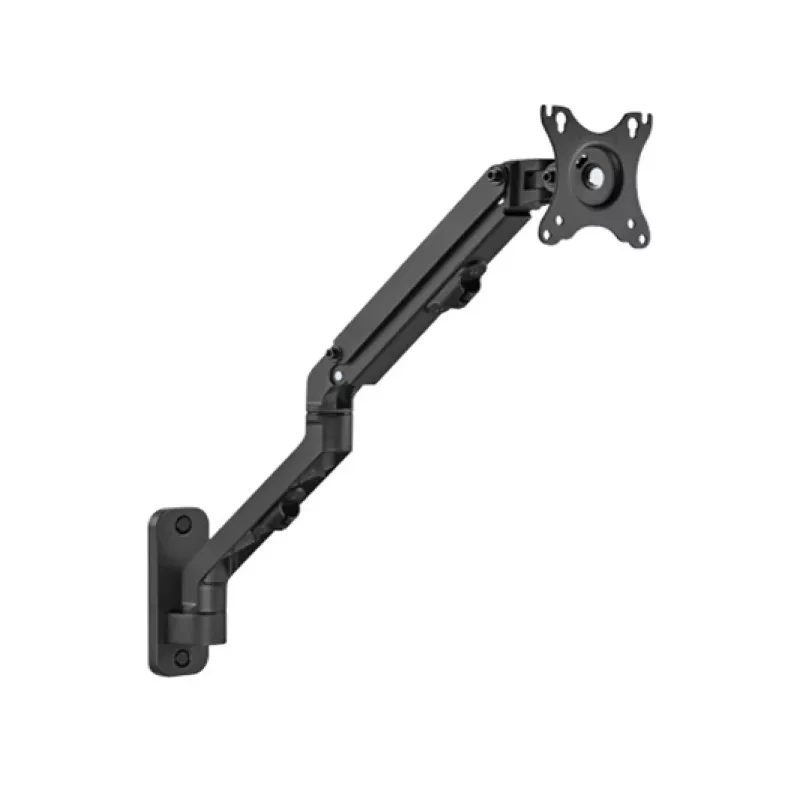
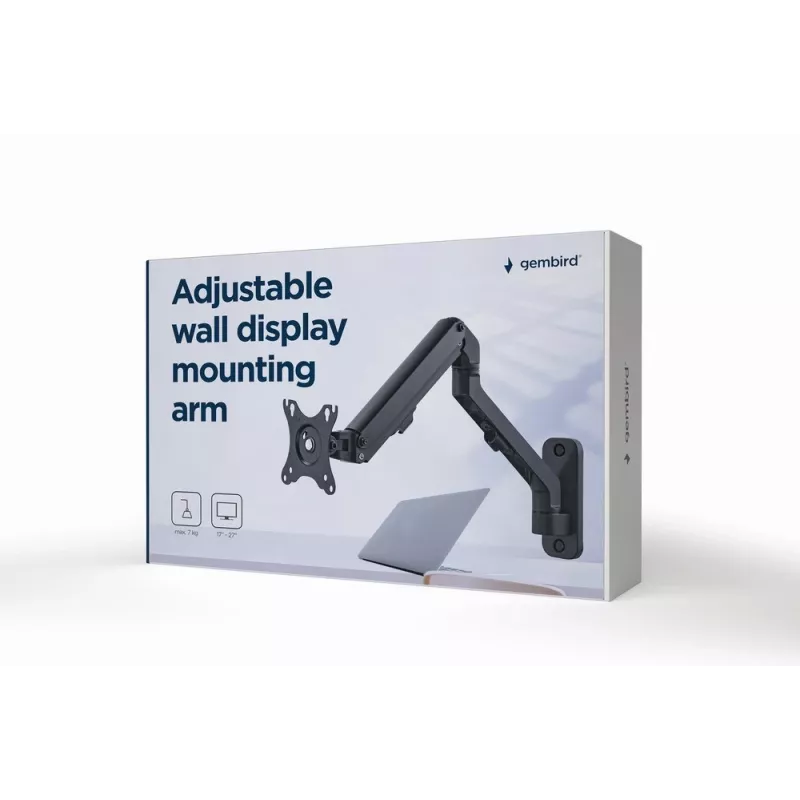
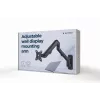
Wall monitor mount Gembird MA-WA1-02, single-arm, for 17 inch–27 inch screens, VESA 75x75–100x100, max load 7 kg, aluminum, black

Wall monitor mount Gembird MA-WA1-02, single-arm, for 17 inch–27 inch screens, VESA 75x75–100x100, max load 7 kg, aluminum, black
R971
Position your screen perfectly with this adjustable stand designed to help you achieve the optimal viewing angle. The product enables precise positioning of monitors or screens to reduce glare and improve comfort during use.AdvantagesThe adjustable stand provides stable support and allows for easy a... Read More
Stock 29 Code 2378727 Brand GEMBIRD Model MA-WA1-02 Warranty 2 Years

Shipping & Returns

Estimated delivery Friday, October 2
You will be kept updated through our detailed tracking system
Payment options
EFTPayFastBank CardSnapScanZapperGoogle PayApple PayMobicredMoreTymePay on Arrival

Position your screen perfectly with this adjustable stand designed to help you achieve the optimal viewing angle. The product enables precise positioning of monitors or screens to reduce glare and improve comfort during use.

Advantages

The adjustable stand provides stable support and allows for easy angle and height adjustments. It helps minimize neck and eye strain by enabling an ergonomic screen setup. The simple design makes it compatible with a range of monitors and easy to integrate into any workspace.

Key specifications

How to use

Place the stand on a stable surface and set your screen on it. Adjust the height and tilt until the screen is at eye level and glare is minimized. Make small incremental adjustments to achieve a comfortable, ergonomic viewing position.

Recommendations

For best results, combine the stand with a properly positioned chair and desk. Regularly check the stability of the stand and re-adjust the screen position if you change seating or lighting conditions.

Key Highlights
  • Function: screen/monitor positioning
  • Adjustability: angle and height adjustments
  • Compatibility: suitable for various monitor types
  • Use case: indoor desktop or office environments
Specifications
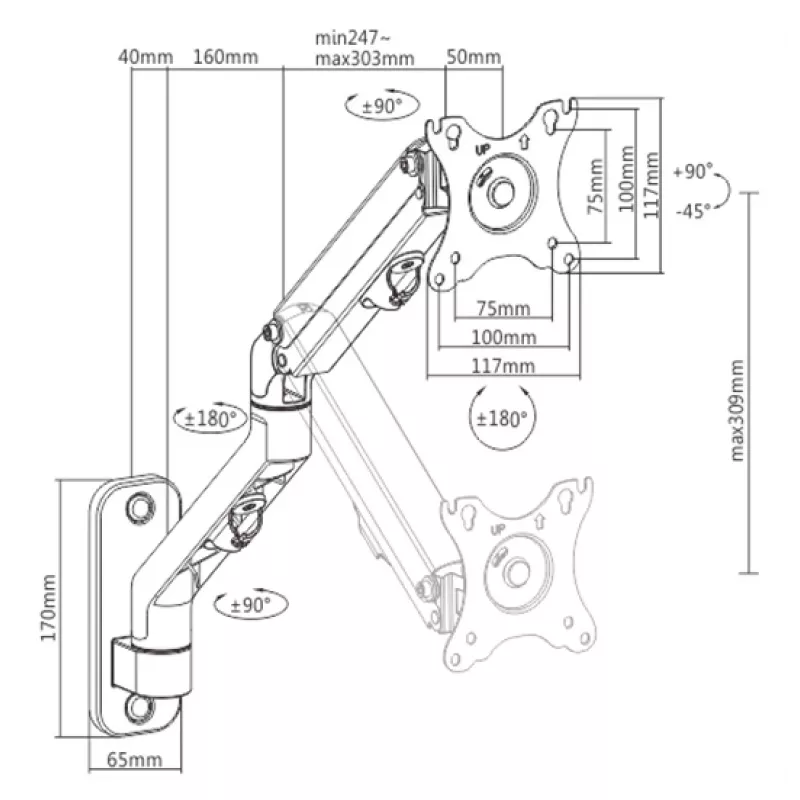
Angle of rotation
180 °
Cable management
Yes
Compliance certificates
RoHS
Country of origin
China
Easy to install
Yes
Height adjustment
Yes
Height adjustment type
Manual
Housing material
Steel, Aluminium, Plastic
Manual
Yes
Maximum screen size
27 "
Maximum VESA mount
100 x 100
Maximum weight capacity
7 kg
Maximum weight capacity (per display)
7 kg
Minimum screen size
17 "
Minimum VESA mount
75 x 75
Mounting kit
Yes
Mounting type
Wall
Number of arms
1
Number of displays supported
1
Orientation
Landscape/Portrait
Package depth
385 mm
Package height
90 mm
Package type
Box
Package width
245 mm
Panel mounting interface
75 x 75, 100 x 100
Product colour
Black
Quantity per pack
1 pc(s)
Rotating
Yes
Swivel angle range
-90 - 90
Swivelling
Yes
Tilt adjustment
Yes
Tilt angle range
-45 - 90
Weight
1.7 kg

Leaflet

Open Leaflet

Document

Open Document
Price history over the last 6 months
Wall monitor mount Gembird MA-WA1-02, single-arm, for 17 inch–27 inch screens, VESA 75x75–100x100, max load 7 kg, aluminum, black
Current
R971
Lowest
R656
Highest
R1,044
Change 24H
+R306   +46%
Week
+R313   +48%
Month
+R305   +46%

Popular products in this category

WhatsApp
Hi, I’m DistriNode’s AI assistant. I can help you find products, compare options, create quote PDFs, or open support requests.