Account Contact
Your Cart
Pay the courier with no extra fees.
Need help? DistriNode AI can handle any task on our site.

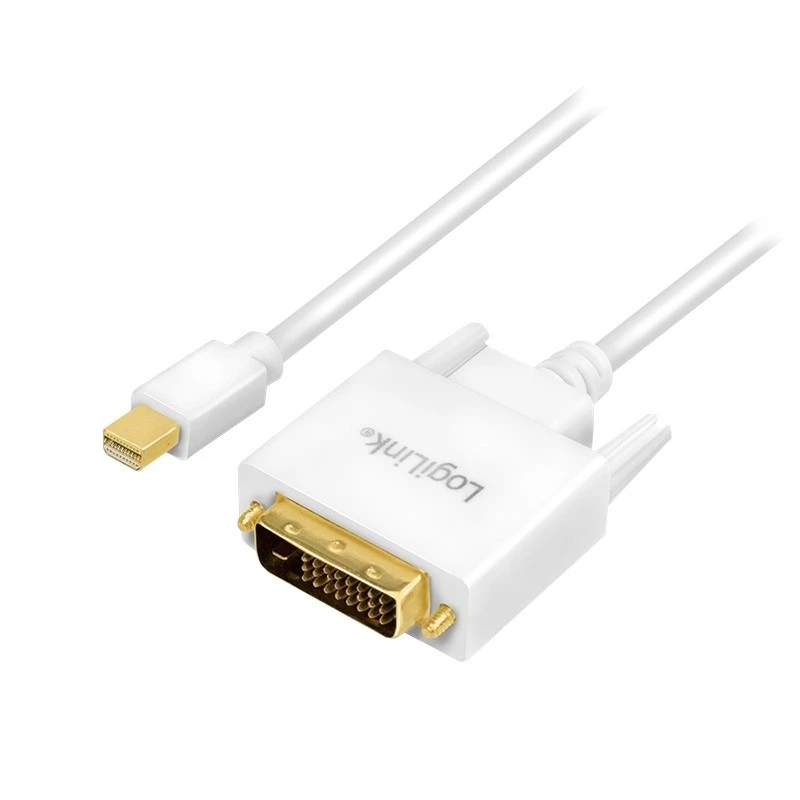
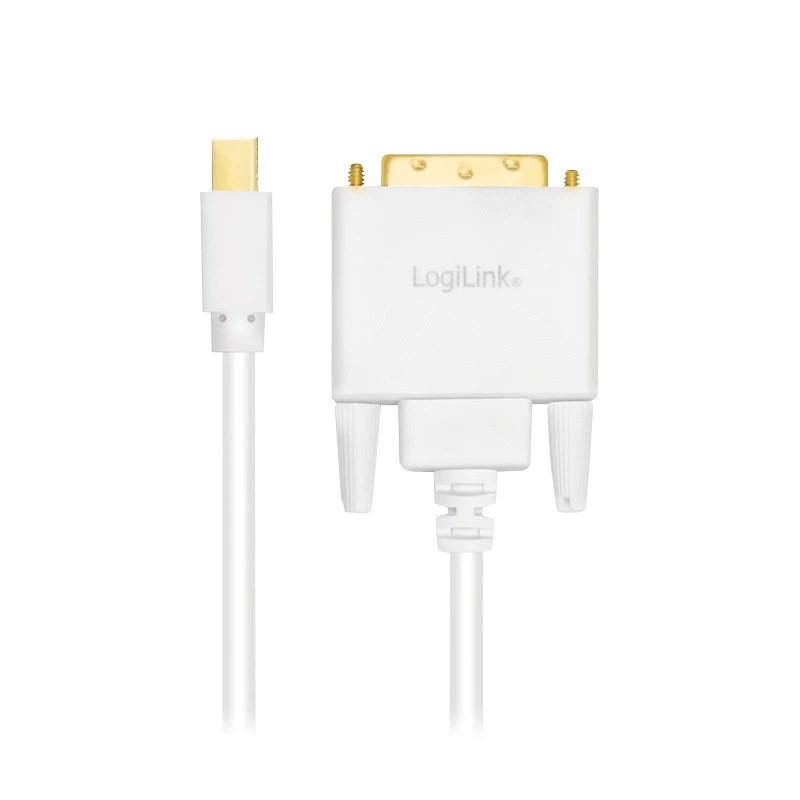
Video Cable Adapter LogiLink CV0138 Mini DisplayPort to DVI 3m

Video Cable Adapter LogiLink CV0138 Mini DisplayPort to DVI 3m
R584
The LogiLink CV0138 Mini DisplayPort to DVI cable adapter is a 3-meter white video cable designed to connect devices with a Mini DisplayPort output to DVI displays. It supports the DVI-D standard and provides up to 1080p resolution for video transmission. The cable is lightweight (0.12 kg) and compa... Read More
Stock 2 Code 977898 Brand LOGILINK Model CV0138 Warranty 2 Years

Shipping & Returns

Estimated delivery Tuesday, October 6
You will be kept updated through our detailed tracking system
Payment options
EFTPayFastBank CardSnapScanZapperGoogle PayApple PayMobicredMoreTymePay on Arrival

The LogiLink CV0138 Mini DisplayPort to DVI cable adapter is a 3-meter white video cable designed to connect devices with a Mini DisplayPort output to DVI displays. It supports the DVI-D standard and provides up to 1080p resolution for video transmission. The cable is lightweight (0.12 kg) and compact, suitable for laptop and PC setups that require a stable digital connection to older or DVI-only monitors.

Advantages

The adapter offers a direct digital connection from Mini DisplayPort to DVI, supporting full HD resolution up to 1080p. Its 3 m length gives flexible placement options between source and display while the lightweight, slim design makes it easy to carry and store. The cable’s white finish integrates unobtrusively into many environments.

Suitable for

  • Connecting laptops or desktop PCs with Mini DisplayPort outputs to DVI monitors or projectors
  • Home office setups requiring a reliable 1080p video signal
  • Classroom or meeting-room displays where DVI inputs are present

Key specifications

  • Cable length: 3 m
  • Connector 1: Mini DisplayPort
  • Connector 2: DVI (DVI-D standard)
  • Maximum resolution: up to 1080p
  • Weight: 0.12 kg
  • Colour: White

How to use

Connect the Mini DisplayPort end of the cable to the Mini DisplayPort output on your laptop or PC, and plug the DVI end into the DVI input of the monitor or projector. After connection, select the correct input source on the display and configure the display settings on your computer as needed (resolution, duplication or extension of desktop). No external power or drivers are typically required for basic video output.

Recommendations

For best results, use with displays that support DVI-D and set the computer output to 1920×1080 when full HD is needed. Avoid bending the cable sharply near the connectors and ensure secure seating in both ports to maintain a stable signal.
Key Highlights
  • Connecting laptops or desktop PCs with Mini DisplayPort outputs to DVI monitors or projectors
  • Home office setups requiring a reliable 1080p video signal
  • Classroom or meeting-room displays where DVI inputs are present
  • Cable length: 3 m
  • Connector 1: Mini DisplayPort
  • Connector 2: DVI (DVI-D standard)
  • Maximum resolution: up to 1080p
  • Weight: 0.12 kg
  • Colour: White
Specifications
AWG wire size
32
Cable length
3 m
Connector 1
Mini DisplayPort
Connector 1 gender
Male
Connector 2
DVI
Connector 2 gender
Male
Connector contacts plating
Gold
Depth
3000 mm
DisplayPort version
1.2
Harmonized System (HS) code
84733080
Height
15 mm
Maximum resolution
1920 x 1080
Plug and Play
Yes
Product colour
White
Quantity per pack
1 pc(s)
Supported video modes
1080p
Weight
0.12 kg
Width
39 mm

Leaflet

Open Leaflet
Price history over the last 6 months
Video Cable Adapter LogiLink CV0138 Mini DisplayPort to DVI 3m
Current
R584
Lowest
R347
Highest
R684
Change 24H
+R47   +9%
Week
+R4   +1%
Month
-R2   0%

Popular products in this category

WhatsApp
Hi, I’m DistriNode’s AI assistant. I can help you find products, compare options, create quote PDFs, or open support requests.