Account Contact
Your Cart
Pay the courier with no extra fees.
Need help? DistriNode AI can handle any task on our site.

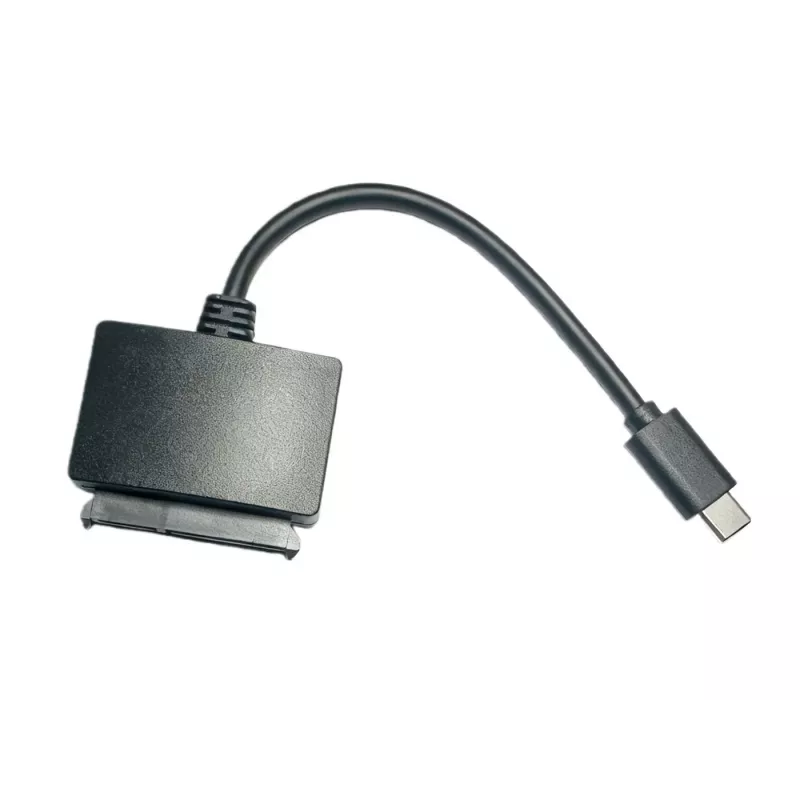
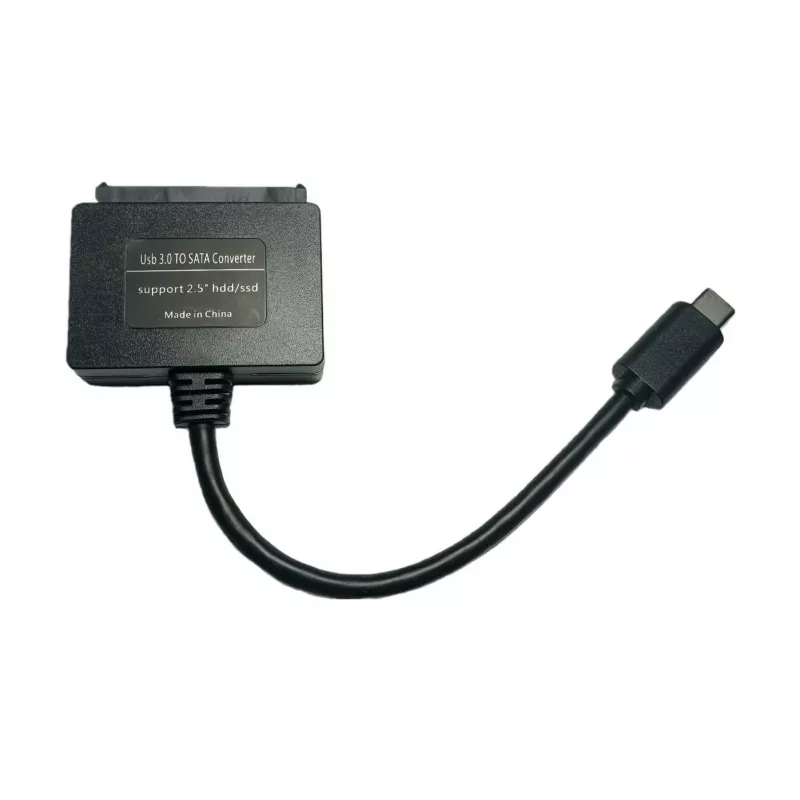
USB3.1 to SATA Interface Card Microconnect USB3.1CSATA

USB3.1 to SATA Interface Card Microconnect USB3.1CSATA
R572
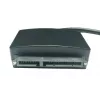
Connect the SSD to a MacBook or Chromebook with a USB Type-C port using the Microconnect USB3.1 to SATA Interface Card. This compact adapter converts a SATA drive connection to USB 3.1 (5 Gbit/s), enabling direct access to SATA SSDs and HDDs from devices with a USB Type-C port. The adapter is lightw... Read More
Stock 53 Code 1188744 Brand MICROCONNECT Model USB3.1CSATA Warranty 2 Years

Shipping & Returns

Estimated delivery Tuesday, October 6
You will be kept updated through our detailed tracking system
Payment options
EFTPayFastBank CardSnapScanZapperGoogle PayApple PayMobicredMoreTymePay on Arrival

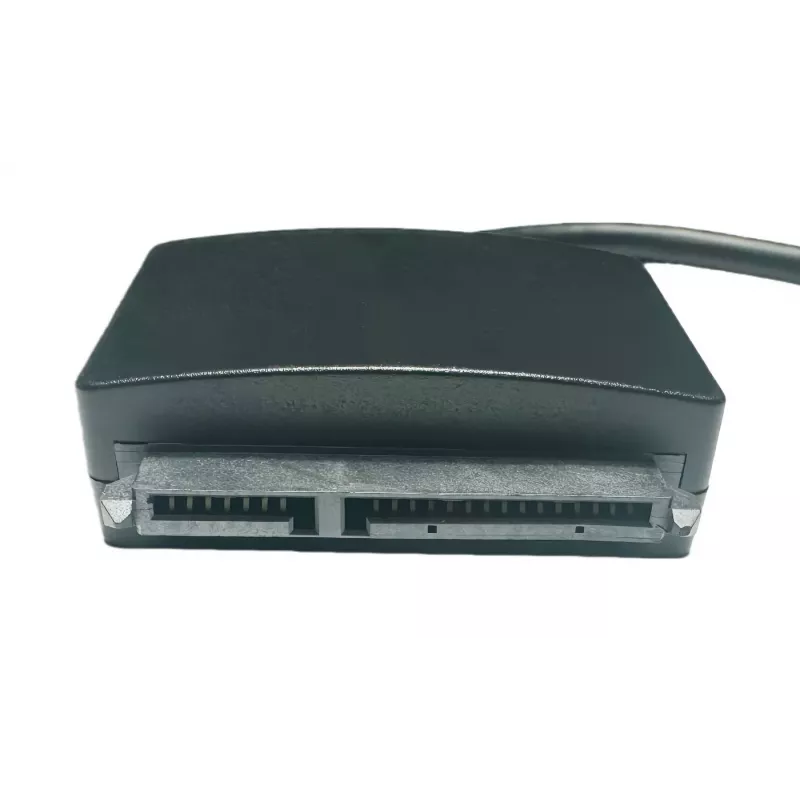
Connect the SSD to a MacBook or Chromebook with a USB Type-C port using the Microconnect USB3.1 to SATA Interface Card. This compact adapter converts a SATA drive connection to USB 3.1 (5 Gbit/s), enabling direct access to SATA SSDs and HDDs from devices with a USB Type-C port. The adapter is lightweight (6 g) and comes with a short 0.2 m cable for easy integration into portable setups.

Advantages

The Microconnect USB3.1CSATA provides up to 5 Gbit/s data transfer speed for efficient file transfers, a compact and lightweight design for portability, and a simple plug-and-play connection to USB Type-C ports. Its black finish and small dimensions make it unobtrusive when used with laptops or small workstations.

Suitable for

  • Connecting SATA SSDs to MacBook or Chromebook USB Type-C ports
  • Accessing data on 2.5" SATA HDDs and SSDs from laptops and compact PCs
  • Quick data migration, backup, or cloning between SATA drives and USB-C devices

Key specifications

  • Interface: USB 3.1 to SATA
  • Maximum data rate: 5 Gbit/s
  • Cable length: 0.2 m
  • Weight: 0.006 kg
  • Colour: Black
  • Brand: MicroConnect, MPN: USB3.1CSATA, EAN: 5712505645536

How to use

Connect the SATA drive to the SATA connector on the interface card, then plug the USB Type-C connector into the MacBook or Chromebook. The device should be recognized by the operating system and mounted as an external drive. No driver installation is typically required on modern macOS or Chrome OS versions; follow on-screen prompts to access files.

Recommendations

Use the adapter for 2.5" SATA drives (SSD/HDD). Ensure the SATA drive is powered if required by the drive type, and handle the drive and adapter on a static-free surface to avoid damage.
Key Highlights
  • Connecting SATA SSDs to MacBook or Chromebook USB Type-C ports
  • Accessing data on 2.5" SATA HDDs and SSDs from laptops and compact PCs
  • Quick data migration, backup, or cloning between SATA drives and USB-C devices
  • Interface: USB 3.1 to SATA
  • Maximum data rate: 5 Gbit/s
  • Cable length: 0.2 m
  • Weight: 0.006 kg
  • Colour: Black
  • Brand: MicroConnect, MPN: USB3.1CSATA, EAN: 5712505645536
Specifications
Cable length
0.2 m
Data transfer rate
5 Gbit/s
Harmonized System (HS) code
84733020
Package depth
120 mm
Package height
26 mm
Package weight
16 g
Package width
157 mm
Product colour
Black
Weight
6 g

Leaflet

Open Leaflet
Price history over the last 6 months
USB3.1 to SATA Interface Card Microconnect USB3.1CSATA
Current
R572
Lowest
R539
Highest
R576
Change 24H
+R25   +5%
Week
+R31   +6%
Month
+R29   +5%

Popular products in this category

WhatsApp
Hi, I’m DistriNode’s AI assistant. I can help you find products, compare options, create quote PDFs, or open support requests.