Account Contact
Your Cart
Pay the courier with no extra fees.
Need help? DistriNode AI can handle any task on our site.

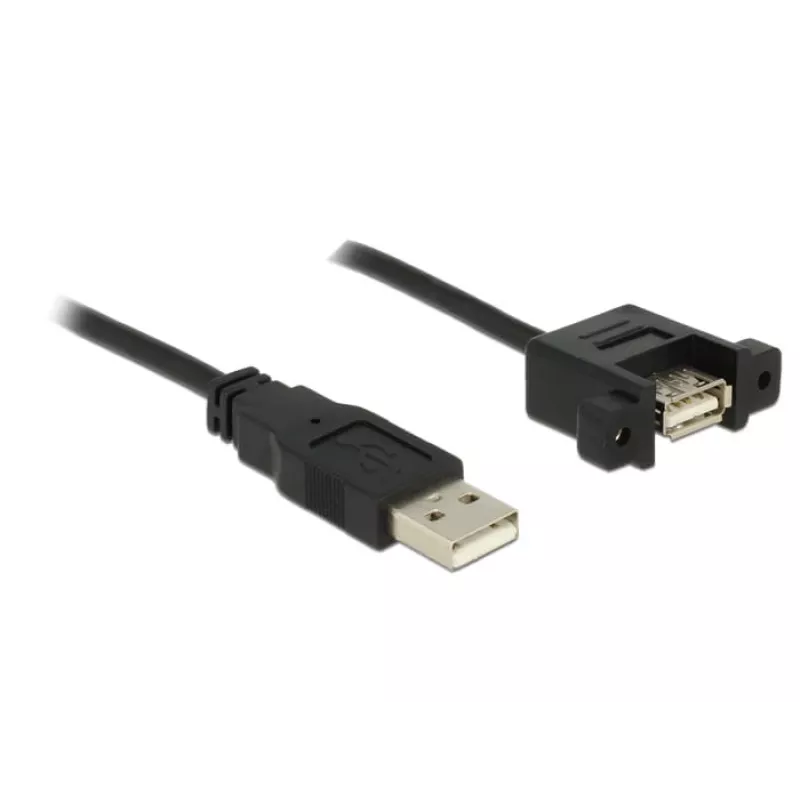
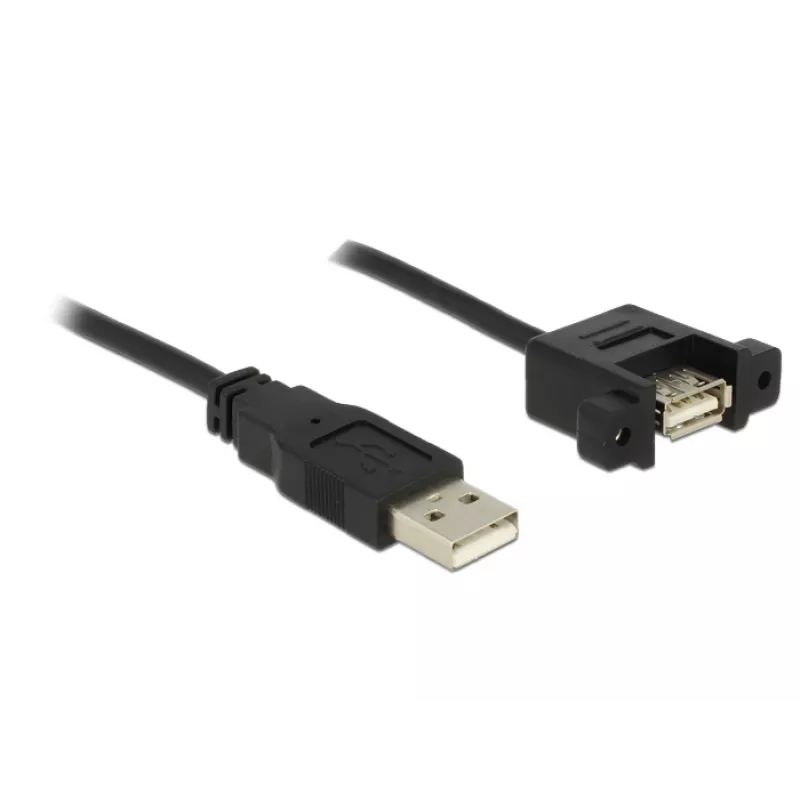
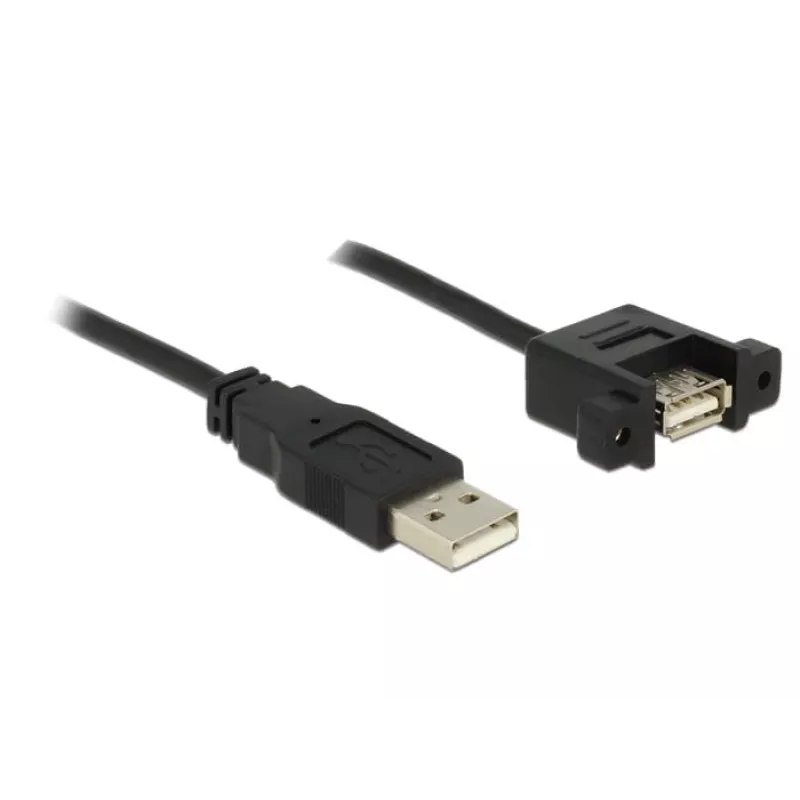
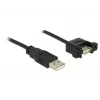
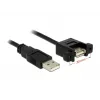
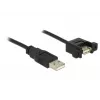
USB Cable DeLOCK 1m 2xUSB2.0-A

USB Cable DeLOCK 1m 2xUSB2.0-A
R113
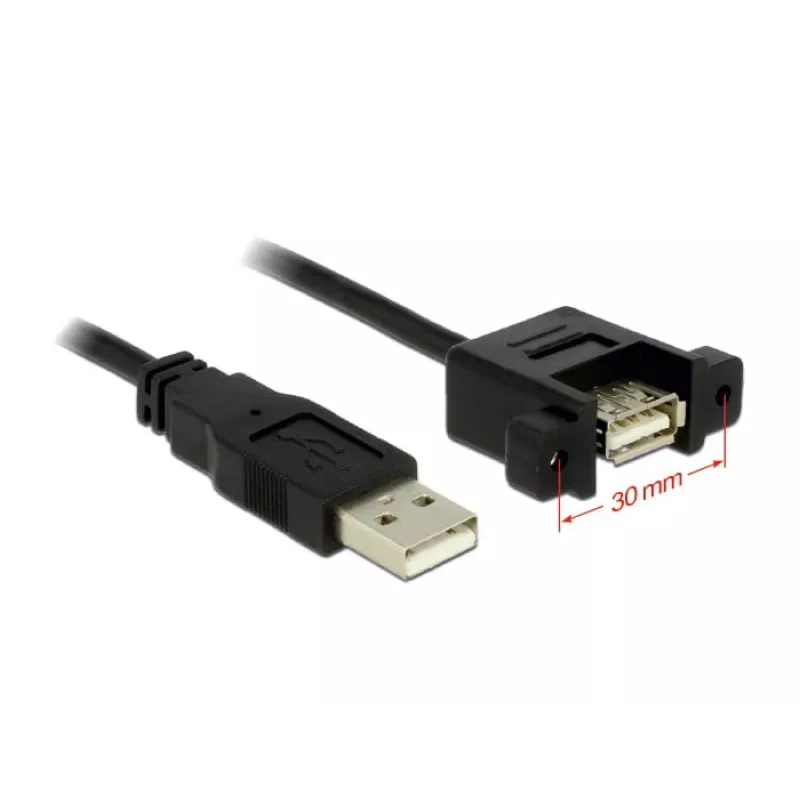
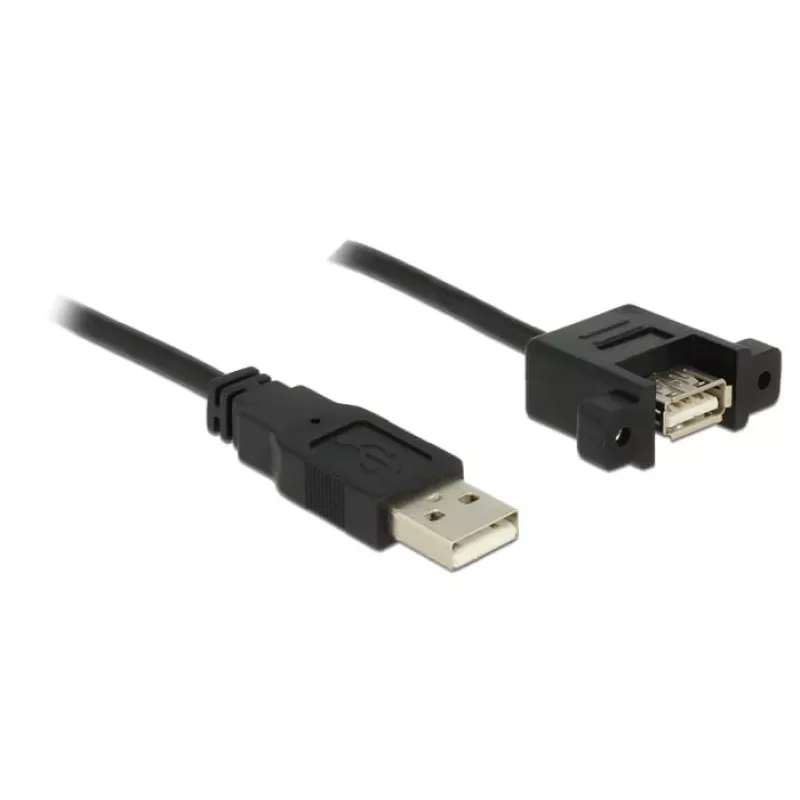
The DELOCK USB Cable 1m with two USB 2.0 Type-A connectors extends a USB connection and allows installation of a female USB port in an accessible place. The cable supports USB 2.0 data rates up to 0.48 Gbit/s, has a length of 1 m and comes in black. The removable female end can be secured with two s... Read More
Stock 17 Code 1723920 Brand DELOCK Model 4043619851065 Warranty 2 Years

Shipping & Returns

Estimated delivery Thursday, October 1
You will be kept updated through our detailed tracking system
Payment options
EFTPayFastBank CardSnapScanZapperGoogle PayApple PayMobicredMoreTymePay on Arrival

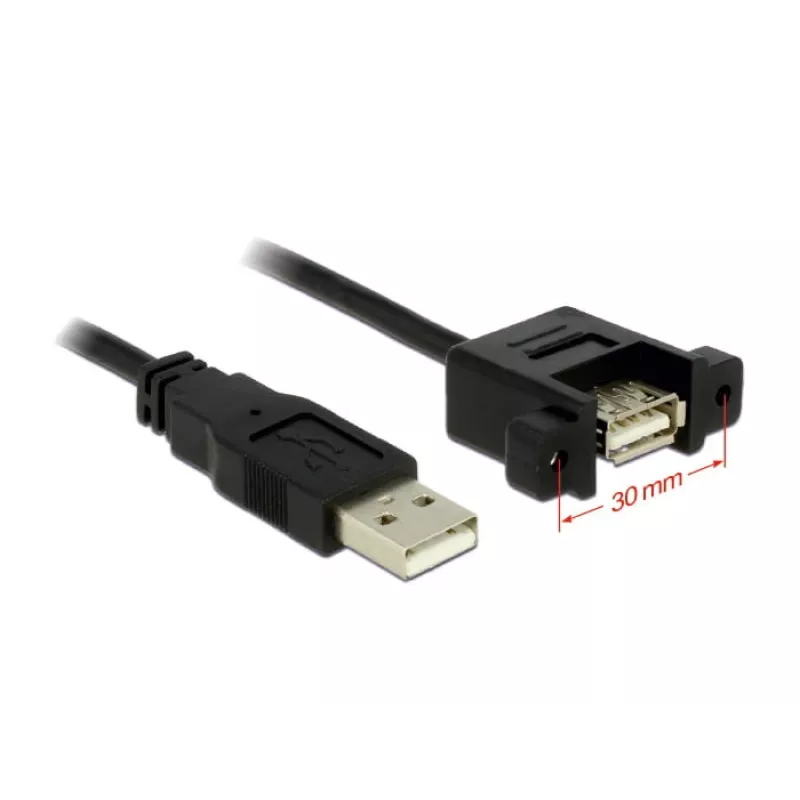
The DELOCK USB Cable 1m with two USB 2.0 Type-A connectors extends a USB connection and allows installation of a female USB port in an accessible place. The cable supports USB 2.0 data rates up to 0.48 Gbit/s, has a length of 1 m and comes in black. The removable female end can be secured with two screws to a slot bracket, cable duct or enclosure opening to create an accessible USB A connector.

Advantages

The cable provides a simple extension for USB 2.0 connections and a fixed mounting option for the female port. Two screw holes on the female connector enable secure attachment to panels or brackets. The 1 m length balances reach and signal integrity while the USB A to USB A configuration is compatible with devices and hosts that use standard Type-A connectors.

Suitable for

  • Extending USB 2.0 connections between devices and hosts
  • Mounting a USB A female port on a slot bracket or enclosure
  • Routing USB cables through cable ducts or panels

Key specifications

  • Brand: DELOCK
  • Model / MPN: 85106
  • EAN: 4043619851065
  • Connectors: USB A (male) to USB A (female, panel-mountable)
  • USB version: USB 2.0 (up to 0.48 Gbit/s)
  • Cable length: 1 m
  • Colour: Black

How to use

Connect the male USB A plug to the host or device with a standard USB A receptacle. Position the female panel-mount connector in the chosen bracket, duct or enclosure opening and secure it with two screws through the provided mounting holes. Use the cable to route the connection to the desired location while maintaining gentle bends and avoiding tight kinks.

Recommendations

For reliable performance, avoid excessive cable tension and sharp bends; ensure screws are tightened sufficiently to hold the female connector in place but not over-torqued. This cable is intended for USB 2.0 speeds and devices; for higher transfer rates, consider a USB 3.x solution.
Key Highlights
  • Extending USB 2.0 connections between devices and hosts
  • Mounting a USB A female port on a slot bracket or enclosure
  • Routing USB cables through cable ducts or panels
  • Brand: DELOCK
  • Model / MPN: 85106
  • EAN: 4043619851065
  • Connectors: USB A (male) to USB A (female, panel-mountable)
  • USB version: USB 2.0 (up to 0.48 Gbit/s)
  • Cable length: 1 m
  • Colour: Black
Specifications
AWG wire size
28
Cable diameter
4.5 mm
Cable length
1 m
Connector 1
USB A
Connector 1 form factor
Straight
Connector 1 gender
Male
Connector 2
USB A
Connector 2 form factor
Straight
Connector 2 gender
Female
Harmonized System (HS) code
84733080
Maximum data transfer rate
0.48 Gbit/s
Package type
Polybag
Product colour
Black
Quantity per pack
1 pc(s)
USB version
USB 2.0
Price history over the last 6 months
USB Cable DeLOCK 1m 2xUSB2.0-A
Current
R113
Lowest
R101
Highest
R199
Change 24H
+R10   +10%
Week
+R11   +11%
Month
+R11   +11%

Popular products in this category

WhatsApp
Hi, I’m DistriNode’s AI assistant. I can help you find products, compare options, create quote PDFs, or open support requests.