Account Contact
Your Cart
Pay the courier with no extra fees.
Need help? DistriNode AI can handle any task on our site.

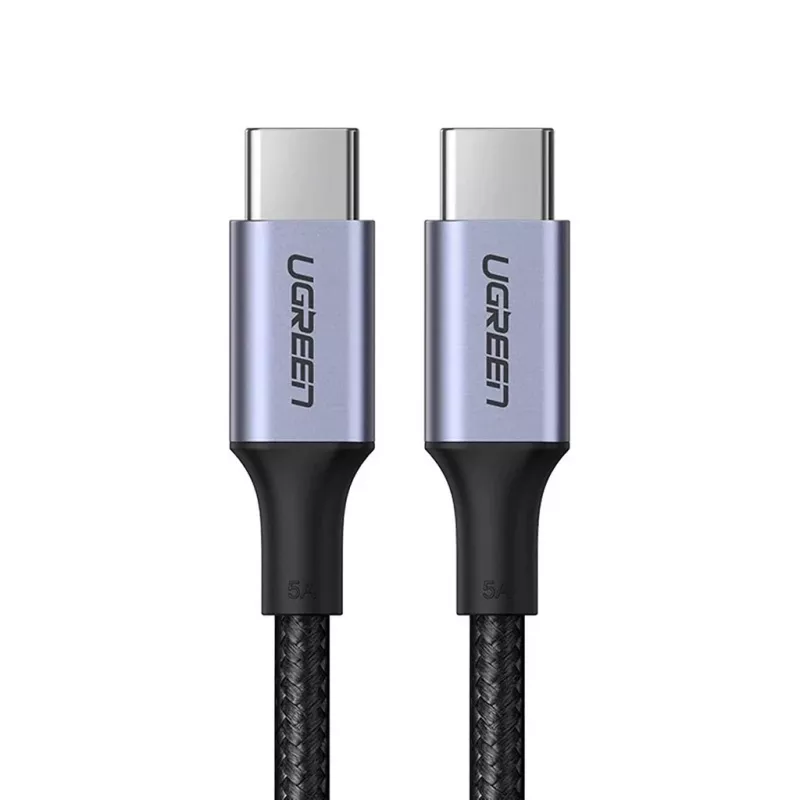
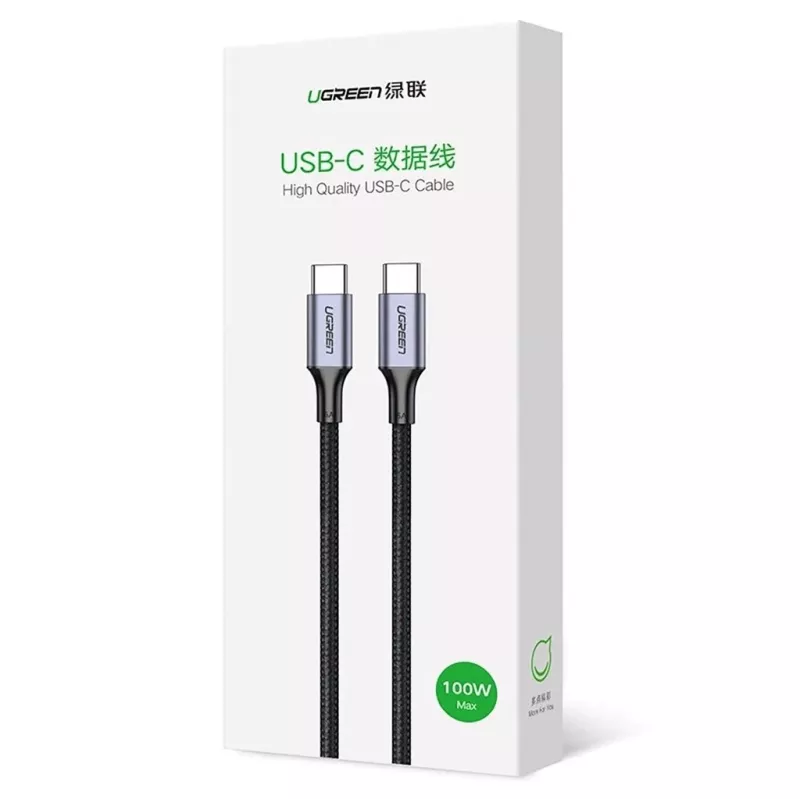
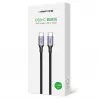
USB-C to USB-C cable UGREEN 90120B — 3 m, 5 A, PD, 20 V, 480 Mbps, black

USB-C to USB-C cable UGREEN 90120B — 3 m, 5 A, PD, 20 V, 480 Mbps, black
R290
UGREEN USB-C to USB-C cable model 90120B is a 3 m charging and data cable with straight USB-C male connectors on both ends. It supports Power Delivery and fast charging (4.0), carries up to 5 A at a maximum of 20 V, and provides data transfer speeds up to 480 Mbps. The cable is intended for charging... Read More
Stock 6 Code 976640 Brand UGREEN Model 6957303806737 Warranty 2 Years

Shipping & Returns

Estimated delivery Wednesday, September 30
You will be kept updated through our detailed tracking system
Payment options
EFTPayFastBank CardSnapScanZapperGoogle PayApple PayMobicredMoreTymePay on Arrival

UGREEN USB-C to USB-C cable model 90120B is a 3 m charging and data cable with straight USB-C male connectors on both ends. It supports Power Delivery and fast charging (4.0), carries up to 5 A at a maximum of 20 V, and provides data transfer speeds up to 480 Mbps. The cable is intended for charging and syncing devices such as laptops, smartphones and tablets and for USB 2.0 data transfer.

Advantages

The cable combines power delivery and data transfer in a single USB-C to USB-C lead, allowing fast charging up to 5 A and up to 20 V while also supporting data throughput to 480 Mbps. With a 3 m length it provides extended reach for charging and device connection. Both ends use straight USB-C male connectors for a standard, reversible connection.

Suitable for

  • Charging laptops and notebooks that accept USB-C Power Delivery
  • Charging and syncing smartphones and tablets
  • USB 2.0 data transfer between devices (up to 480 Mbps)
  • Situations requiring a longer cable (3 m) for flexible device placement

Key specifications

  • Cable length: 3 m
  • Maximum current: 5 A
  • Maximum voltage: 20 V
  • Data throughput: up to 480 Mbps (USB 2.0)
  • Connector type: USB-C male to USB-C male, straight form factor
  • Fast charging: supports fast charge protocol 4.0 and Power Delivery

How to use

Connect one USB-C male end to the host device (charger, power bank or computer) and the other end to the device you want to charge or sync. Ensure the power source supports Power Delivery if you need fast charging at higher wattages. For data transfer connect both ends to compatible USB-C ports on laptop and device and use the operating system file transfer utilities to move data.

Recommendations

Do not expose the cable to extreme temperatures, liquids or sharp objects to prevent damage. Use a compatible PD charger and avoid pulling the cable by the cord; disconnect by gripping the connector.
Key Highlights
  • Charging laptops and notebooks that accept USB-C Power Delivery
  • Charging and syncing smartphones and tablets
  • USB 2.0 data transfer between devices (up to 480 Mbps)
  • Situations requiring a longer cable (3 m) for flexible device placement
  • Cable length: 3 m
  • Maximum current: 5 A
  • Maximum voltage: 20 V
  • Data throughput: up to 480 Mbps (USB 2.0)
  • Connector type: USB-C male to USB-C male, straight form factor
  • Fast charging: supports fast charge protocol 4.0 and Power Delivery
Price history over the last 6 months
USB-C to USB-C cable UGREEN 90120B — 3 m, 5 A, PD, 20 V, 480 Mbps, black
Current
R290
Lowest
R258
Highest
R301
Change 24H
+R32   +13%
Week
+R32   +13%
Month
+R11   +4%

Popular products in this category

Brand: SAMSUNG Stock: 500
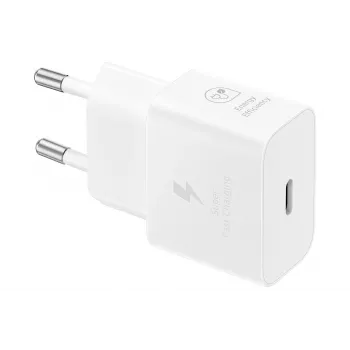
Samsung EP-T2510 universal indoor charger in white features a USB Type-C port and delivers up to 25 W output. Designed as a compact USB power adapter ..
R289
Ex Tax:R252
17 suppliers Reward +R1
Add to Cart
WhatsApp
Hi, I’m DistriNode’s AI assistant. I can help you find products, compare options, create quote PDFs, or open support requests.