Account Contact
Your Cart
Pay on delivery – no extra fees
Need help? Ask our AI

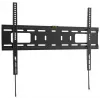
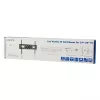
TV mount LogiLink BP0017 177.8 cm (70 inch) Black

TV mount LogiLink BP0017 177.8 cm (70 inch) Black
R487
The LogiLink BP0017 TV mount supports flat-screen TVs from 94 cm (37") to 177.8 cm (70") and holds up to 50 kg. Designed for a minimal distance to the wall (2.5 cm), this black mount provides a slim, space-saving installation and is compatible with VESA patterns from 200 x 200 mm to 600 x 400 mm for... Read More
Stock 1 Code 94049 Brand LOGILINK Model BP0017 Warranty 2 Years

Shipping & Returns

Estimated delivery Tuesday, October 20
You will be kept updated through our detailed tracking system
Payment options
EFTPayFastBank CardSnapScanZapperGoogle PayApple PayMobicredMoreTymePay on Arrival

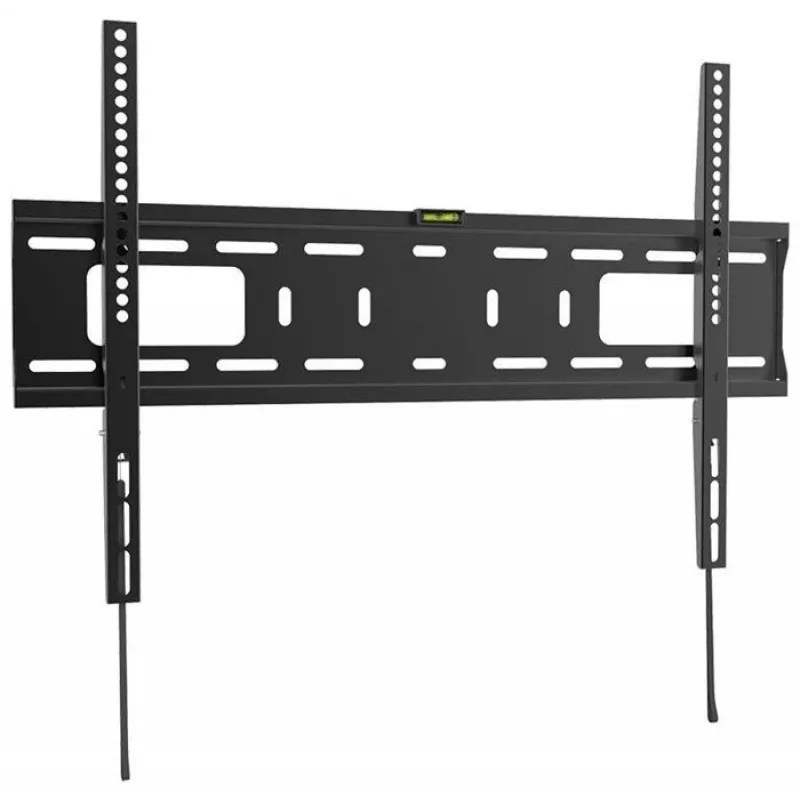
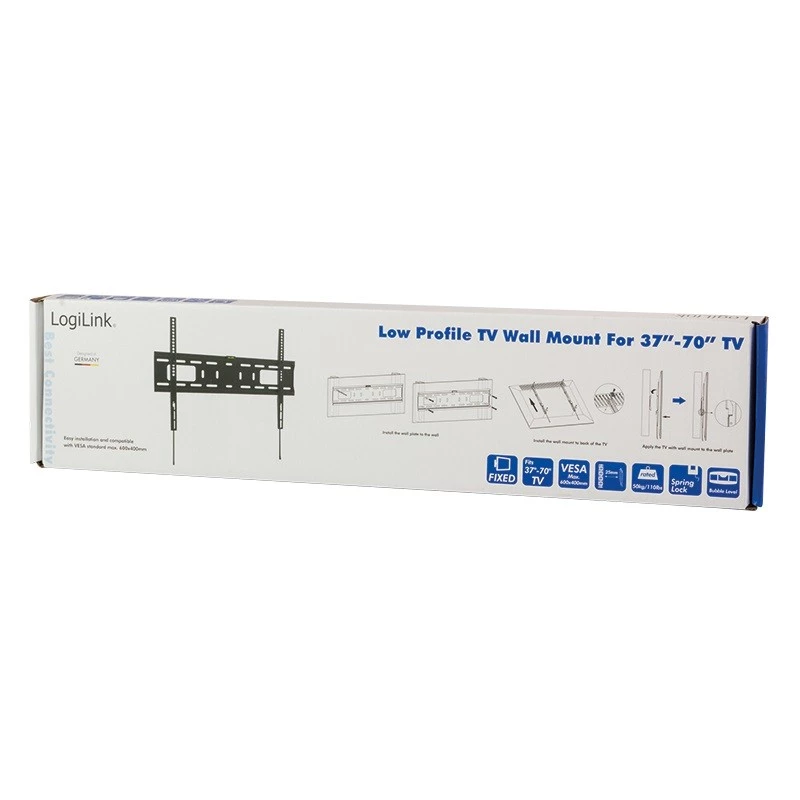
The LogiLink BP0017 TV mount supports flat-screen TVs from 94 cm (37") to 177.8 cm (70") and holds up to 50 kg. Designed for a minimal distance to the wall (2.5 cm), this black mount provides a slim, space-saving installation and is compatible with VESA patterns from 200 x 200 mm to 600 x 400 mm for secure attachment of a single display.

Advantages

The mount offers a very slim profile with only 2.5 cm distance to the wall, saving space and giving a flush appearance. It supports a wide range of VESA standards (200 x 200 to 600 x 400 mm) and up to 50 kg weight, covering most 37"–70" TVs. Its black finish is neutral and fits common interiors.

Suitable for

  • Mounting 37"–70" flat-screen TVs
  • Living rooms and bedrooms where a slim wall fit is required
  • TVs with VESA 200 x 200 mm up to 600 x 400 mm

Key specifications

  • Maximum screen size: 177.8 cm (70")
  • VESA compatibility: 200 x 200 mm — 600 x 400 mm
  • Maximum weight capacity: 50 kg
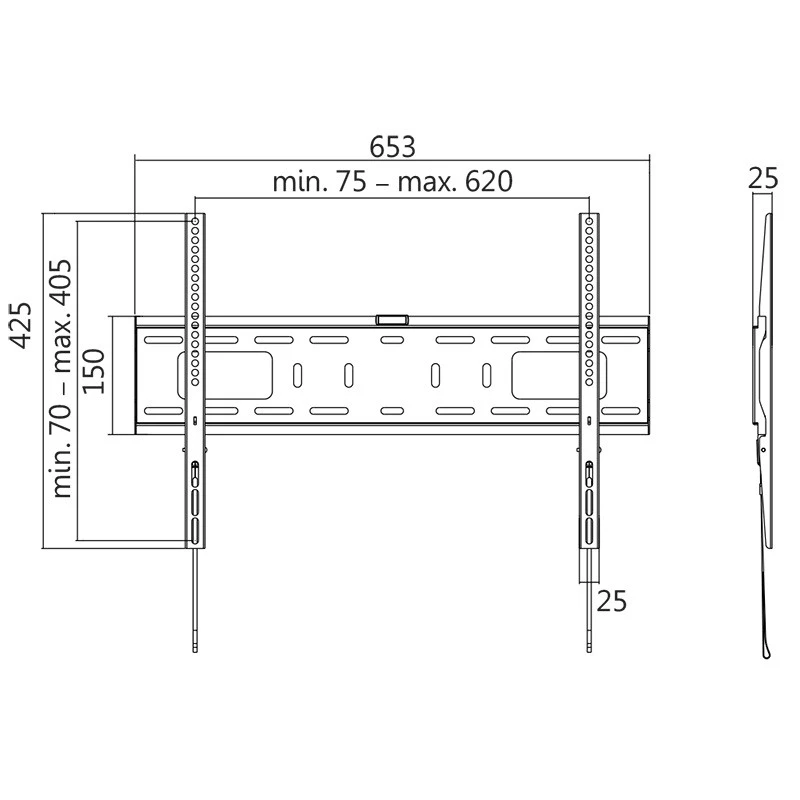
  • Distance to wall: 2.5 cm
  • Colour: Black
  • Number of displays supported: 1

How to use

Select a suitable mounting location on a load-bearing wall and confirm that the TV's VESA pattern is within the supported range (200 x 200 to 600 x 400 mm) and that the TV weight does not exceed 50 kg. Attach the mounting plate to the wall using appropriate anchors and screws for your wall type, then fasten the TV brackets to the display and hang the TV on the wall plate. Ensure all fasteners are tightened and check the TV is secure and level.

Recommendations

Use suitable wall anchors for concrete, brick, or stud walls and follow the TV manufacturer's instructions for bracket attachment. If unsure about wall strength or installation, consult a professional installer to ensure safe and stable mounting.
Key Highlights
  • Mounting 37"–70" flat-screen TVs
  • Living rooms and bedrooms where a slim wall fit is required
  • TVs with VESA 200 x 200 mm up to 600 x 400 mm
  • Maximum screen size: 177.8 cm (70")
  • VESA compatibility: 200 x 200 mm — 600 x 400 mm
  • Maximum weight capacity: 50 kg
  • Distance to wall: 2.5 cm
  • Colour: Black
  • Number of displays supported: 1
Specifications
Depth
425 mm
Distance to the wall (max)
25 mm
Harmonized System (HS) code
85299097
Height
25 mm
Maximum screen size
70 "
Maximum VESA mount
600 x 400
Maximum weight capacity
50 kg
Minimum screen size
37 "
Minimum VESA mount
200 x 200
Mounting type
Wall
Number of displays supported
1
Package depth
155 mm
Package height
30 mm
Package weight
1980 g
Package width
655 mm
Panel mounting interface
600 x 400, 400 x 400, 400 x 200, 300 x 300, 200 x 200
Product colour
Black
Width
653 mm
Price history over the last 6 months
TV mount LogiLink BP0017 177.8 cm (70 inch) Black
Current
R487
Lowest
R370
Highest
R983
Change 24H
+R113   +30%
Week
+R115   +31%
Month
+R111   +30%

Popular products in this category

WhatsApp
Hi, I’m DistriNode’s AI assistant. I can help you find products, compare options, create quote PDFs, or open support requests.