





Account Contact
Your Cart
Pay on delivery – no extra fees
Need help? Ask our AI

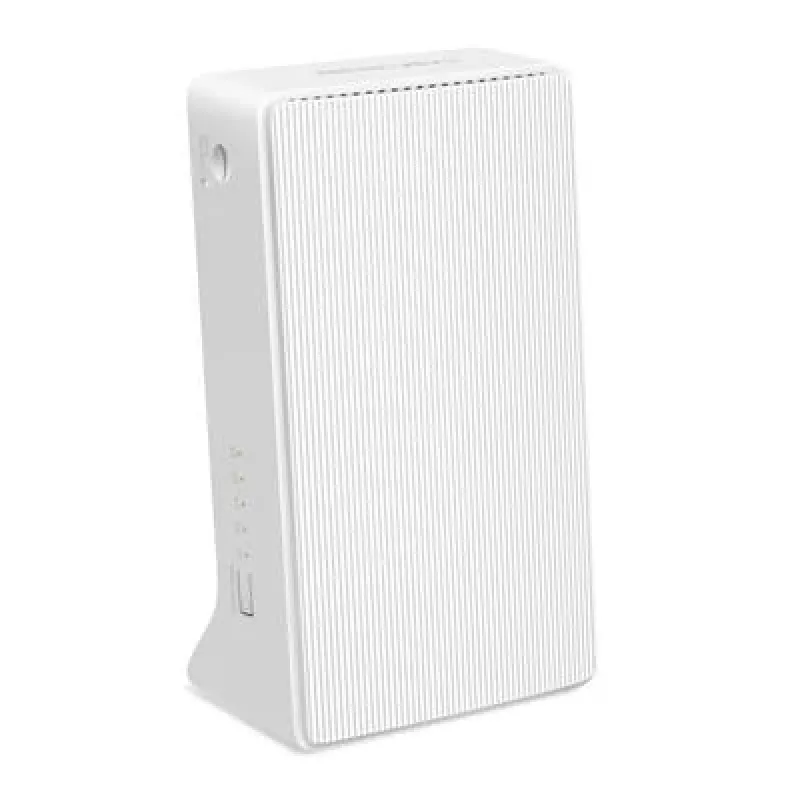
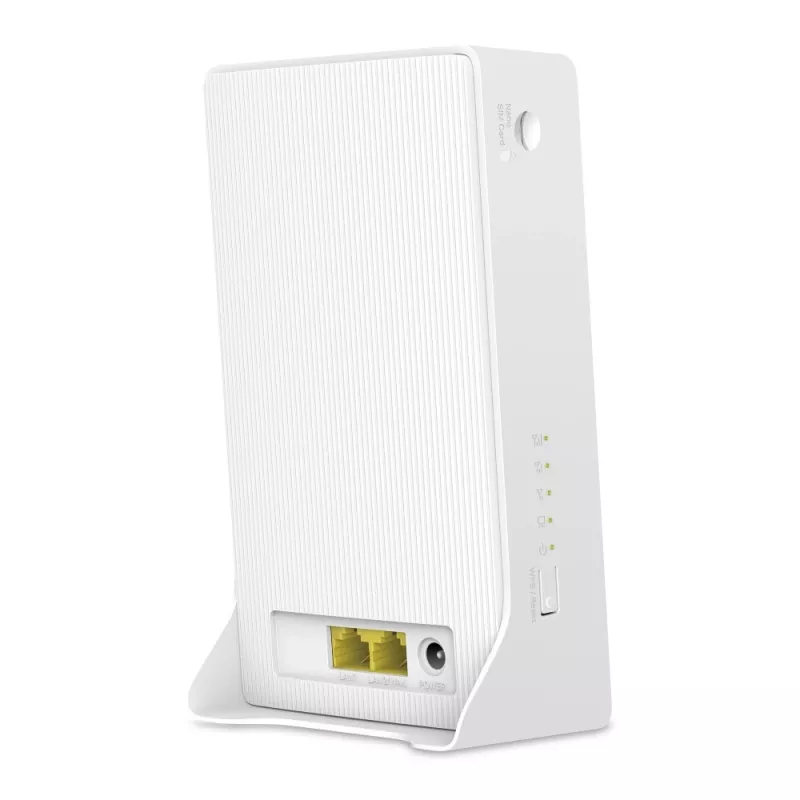
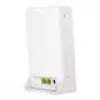
Wireless Router Mercusys MB112-4G 300 Mbit/s 2.4 GHz White

Wireless Router Mercusys MB112-4G 300 Mbit/s 2.4 GHz White
36 mo.
Wireless Router Mercusys MB112-4G 300 Mbit/s 2.4 GHz White
R1,497
The MERCUSYS MB112-4G wireless router provides 4G LTE internet access by inserting a Nano SIM card and sharing a stable Wi‑Fi network with multiple devices. Operating on the 2.4 GHz band with a maximum WLAN rate of 300 Mbps and mobile speeds up to 150 Mbps down / 50 Mbps up, the white MB112-4G combi... Read More
Stock Out Of StockNo Stock Code 1514890 Brand TP-LINK Model MB112-4G Warranty 3 Years

Shipping & Returns

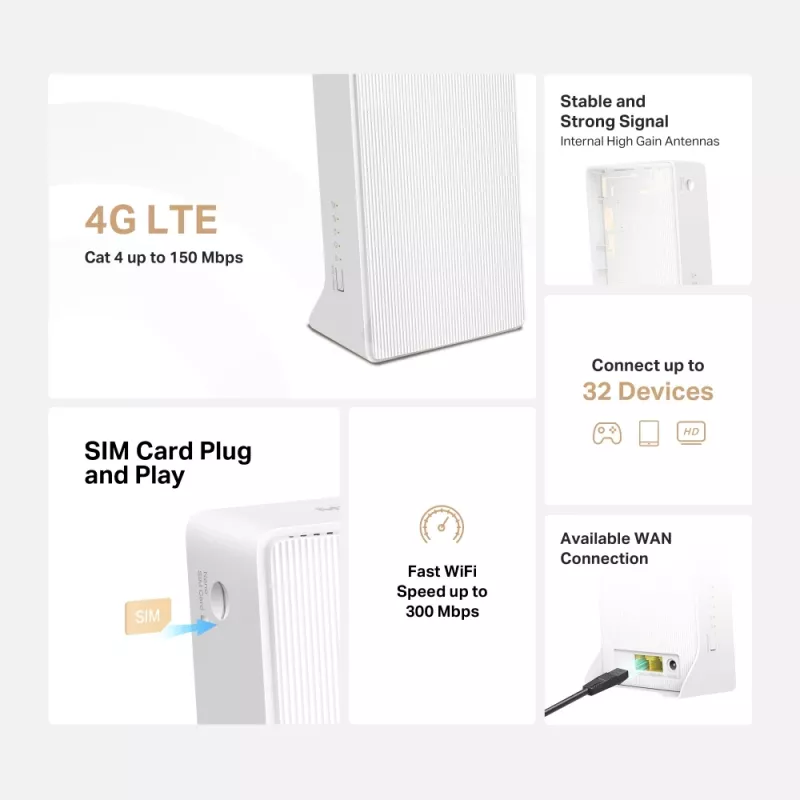
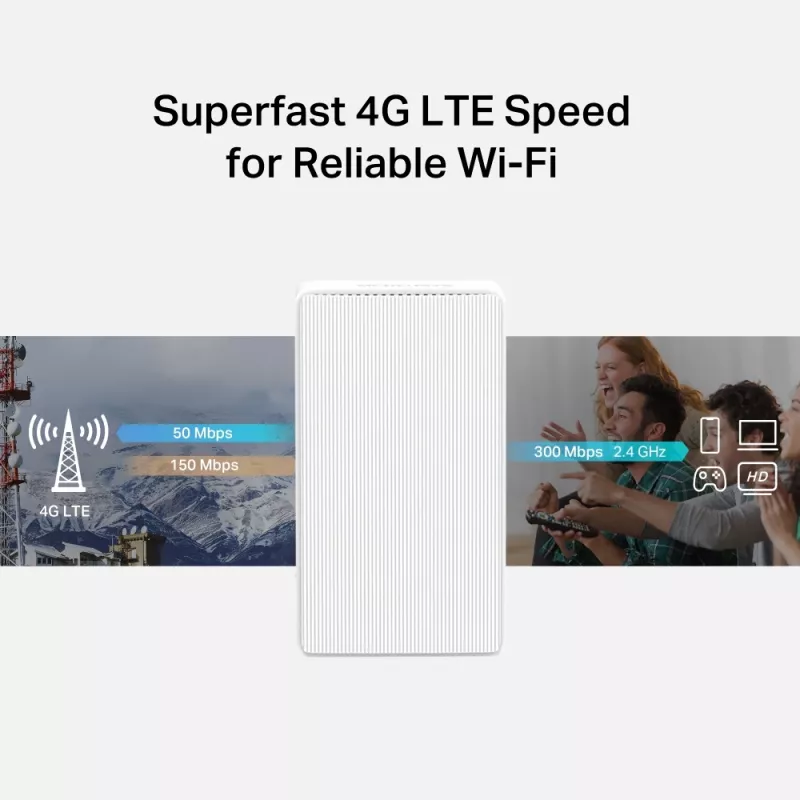
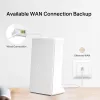
The MERCUSYS MB112-4G wireless router provides 4G LTE internet access by inserting a Nano SIM card and sharing a stable Wi‑Fi network with multiple devices. Operating on the 2.4 GHz band with a maximum WLAN rate of 300 Mbps and mobile speeds up to 150 Mbps down / 50 Mbps up, the white MB112-4G combines mobile broadband and a WAN/LAN port for flexible wired or wireless connectivity.

Advantages

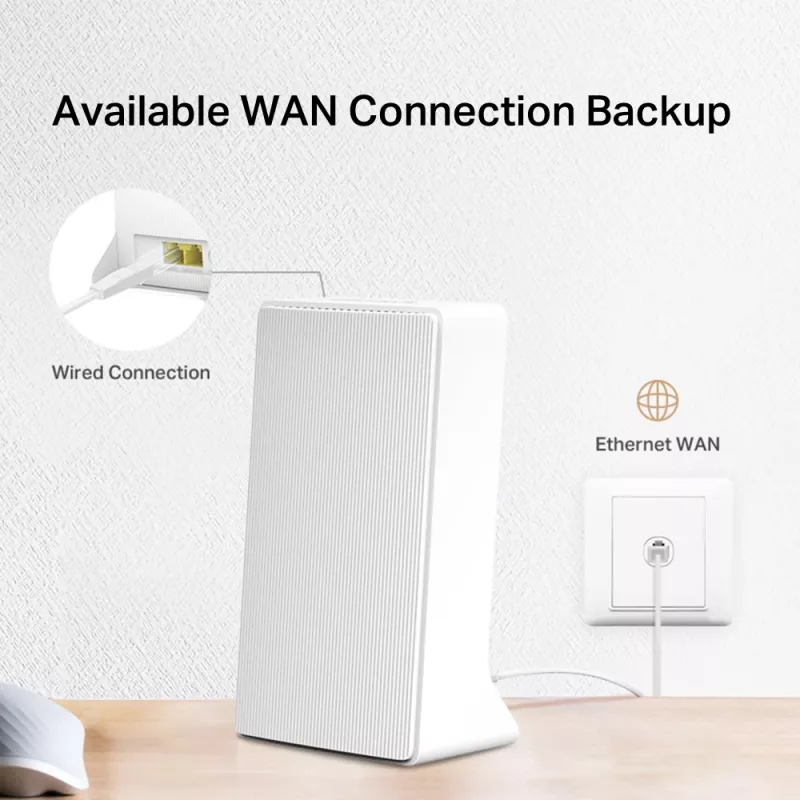
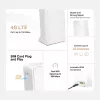
This 4G router supports both FDD‑LTE and TDD‑LTE for broad carrier compatibility and quick plug‑and‑play setup with a Nano SIM. Internal high‑gain antennas improve signal strength and coverage, while a Fast Ethernet WAN/LAN port enables backup or primary wired internet connections. The device can handle up to 32 simultaneous wireless connections and is managed easily via the MERCUSYS app for Android and iOS.

Suitable for

  • Home internet access where fixed broadband is unavailable or as a backup connection
  • Small home office or remote working with multiple Wi‑Fi devices (laptops, tablets, phones)
  • Temporary locations such as short‑term rentals, pop‑up stores, or events
  • Wired devices requiring internet via the WAN/LAN port (cable, fiber, DSL modems)

Key specifications

  • Model: MERCUSYS MB112-4G
  • Mobile network generation: 4G LTE (FDD‑LTE / TDD‑LTE)
  • SIM card type: Nano SIM
  • Wireless band: 2.4 GHz
  • WLAN speed: up to 300 Mbps (2.4 GHz)
  • 4G speeds: up to 150 Mbps download, 50 Mbps upload
  • Ethernet: Fast Ethernet WAN/LAN port
  • Maximum wireless clients: up to 32
  • Colour: White

How to use

Insert a Nano SIM card into the SIM slot, connect the router to power, and switch it on. For a wired internet source, connect a modem or cable/fiber/DSL line to the WAN/LAN port. Use a smartphone with the MERCUSYS app (Android or iOS) to complete the initial setup, configure SSID and password, and manage network settings. After setup, connect Wi‑Fi devices to the SSID to access the shared 4G or wired internet connection.

Recommendations

Place the router in a central, elevated location away from large metal objects and other electronic equipment for optimal 2.4 GHz coverage; ensure your SIM plan supports required data speeds and check carrier compatibility with FDD‑LTE/TDD‑LTE bands.
Key Highlights
  • Home internet access where fixed broadband is unavailable or as a backup connection
  • Small home office or remote working with multiple Wi‑Fi devices (laptops, tablets, phones)
  • Temporary locations such as short‑term rentals, pop‑up stores, or events
  • Wired devices requiring internet via the WAN/LAN port (cable, fiber, DSL modems)
  • Model: MERCUSYS MB112-4G
  • Mobile network generation: 4G LTE (FDD‑LTE / TDD‑LTE)
  • SIM card type: Nano SIM
  • Wireless band: 2.4 GHz
  • WLAN speed: up to 300 Mbps (2.4 GHz)
  • 4G speeds: up to 150 Mbps download, 50 Mbps upload
  • Ethernet: Fast Ethernet WAN/LAN port
  • Maximum wireless clients: up to 32
  • Colour: White
Specifications
3G/4G USB modem compatibility
No
4G bands supported
2600, 800, 700, 850, 900, 1800, 2100, 2300
4G standard
LTE-TDD & LTE-FDD
AC adapter included
Yes
Antenna design
Internal
Cables included
LAN (RJ-45)
Cabling technology
10/100Base-T(X)
Depth
61.05 mm
DHCP server
Yes
DSL WAN
No
Ethernet LAN
Yes
Ethernet LAN (RJ-45) ports
2
Ethernet LAN data rates
10, 100
Ethernet LAN interface type
Fast Ethernet
Ethernet WAN
Yes
External power adapter
Yes
Height
165.97 mm
LED indicators
Power
Mobile network generation
4G
Number of simultaneously connected devices (max)
32
Operating relative humidity (H-H)
10 - 90
Operating temperature (T-T)
0 - 40
Power source type
AC
Product colour
White
Product type
Tabletop router
Quick installation guide
Yes
Reset button
Yes
Security algorithms
WPA2-PSK, WPA-PSK
SIM card slot
Yes
SIM card type
NanoSIM
Storage relative humidity (H-H)
5 - 90
Storage temperature (T-T)
-40 - 60
Top Wi-Fi standard
Wi-Fi 4 (802.11n)
Transmit power
20
USB port
No
WAN connection type
RJ-45
Wi-Fi band
Single-band (2.4 GHz)
Wi-Fi standards
802.11b, 802.11g, Wi-Fi 4 (802.11n), 802.11a
Width
95 mm
WLAN data transfer rate (max)
300 Mbit/s
WPS push button
Yes

Leaflet

Open Leaflet

Document

Open Document
Price history is not available yet
We are still collecting enough daily price data for this product.

Popular products in this category

WhatsApp
Hi, I’m DistriNode’s AI assistant. I can help you find products, compare options, create quote PDFs, or open support requests.