Account Contact
Your Cart
Pay the courier with no extra fees.
Need help? DistriNode AI can handle any task on our site.

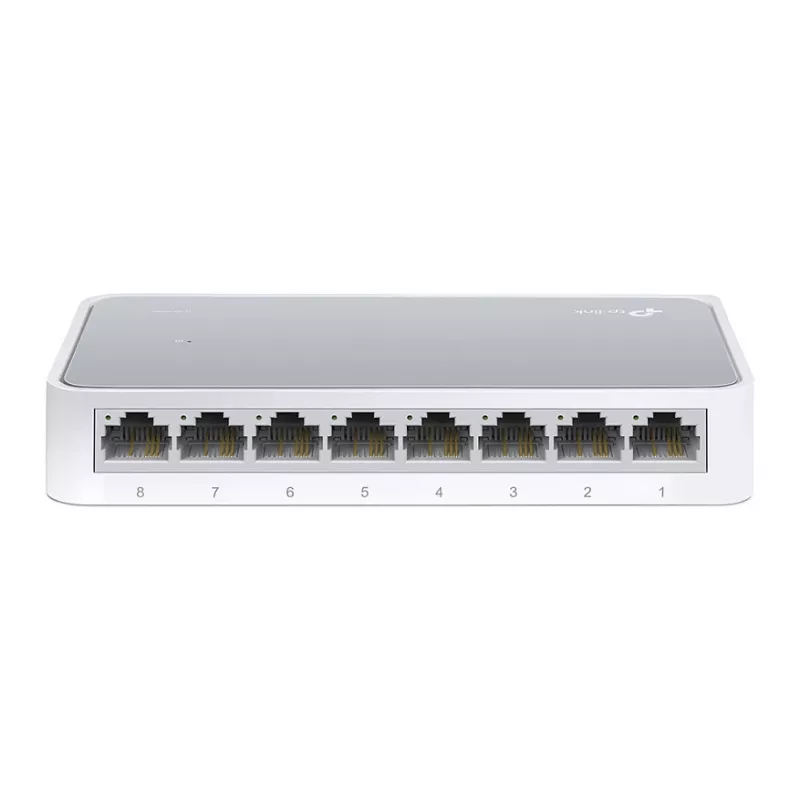
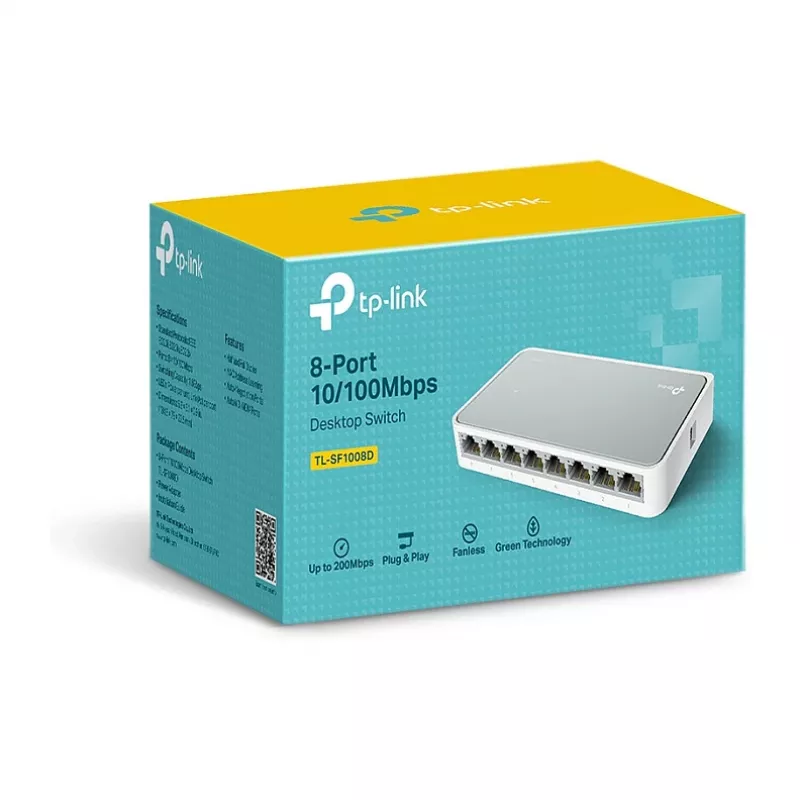
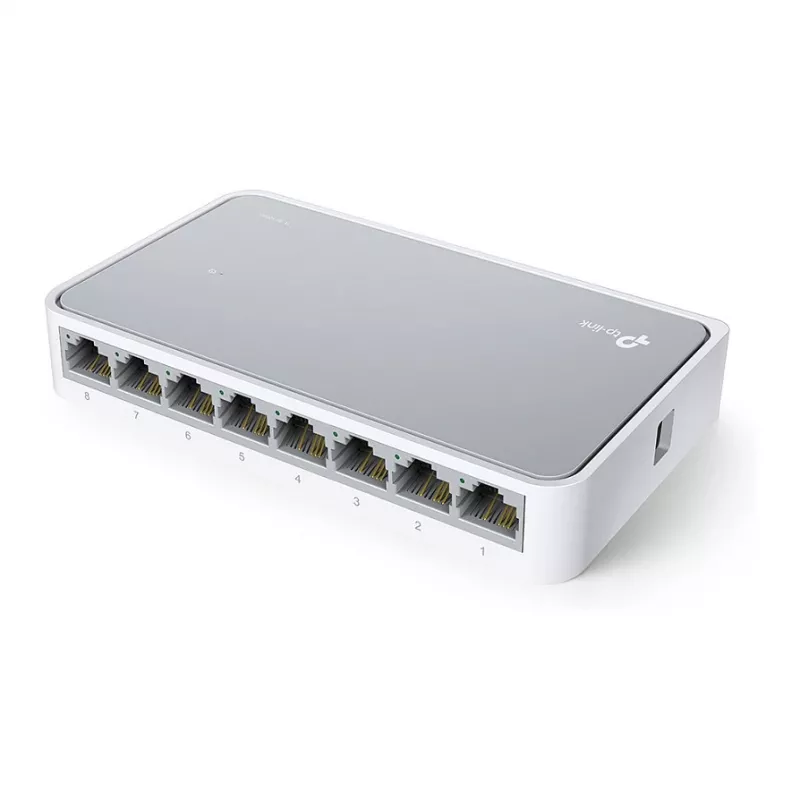
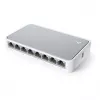
TP-Link TL-SF1008D V12.4 8-Port 10/100Mbps Fast Ethernet Desktop Switch

TP-Link TL-SF1008D V12.4 8-Port 10/100Mbps Fast Ethernet Desktop Switch
36 mo.
TP-Link TL-SF1008D V12.4 8-Port 10/100Mbps Fast Ethernet Desktop Switch
R517
Set up a reliable wired network for your small office, home office, or classroom with the TP-Link TL-SF1008D V12.4. This unmanaged Fast Ethernet switch gives you eight auto-negotiation 10/100Mbps ports, allowing you to connect computers, printers, IP cameras, and other wired devices effortlessly. Th... Read More
Stock 100 Code 3311026 Brand TP-LINK Model TL-SF1008D(UN) Warranty 3 Years

Shipping & Returns

Estimated delivery Thursday, October 1
You will be kept updated through our detailed tracking system
Payment options
EFTPayFastBank CardSnapScanZapperGoogle PayApple PayMobicredMoreTymePay on Arrival

Set up a reliable wired network for your small office, home office, or classroom with the TP-Link TL-SF1008D V12.4. This unmanaged Fast Ethernet switch gives you eight auto-negotiation 10/100Mbps ports, allowing you to connect computers, printers, IP cameras, and other wired devices effortlessly. Thanks to its compact desktop design and fanless operation, it fits neatly into any workspace and runs silently.

Key specifications

  • 8× RJ45 ports with 10/100Mbps auto-negotiation
  • Switching capacity: 1.6 Gbps
  • Packet forwarding rate: 1.19 Mpps
  • MAC address table: 2K entries
  • Jumbo frame support up to 2 KB
  • Standards: IEEE 802.3, IEEE 802.3u, IEEE 802.3x
  • Transmission method: Store-and-Forward
  • Fanless design for silent operation
  • External power supply: 5VDC/0.6A
  • Max power consumption: 1.9W
  • LED indicators for power and link/activity
  • Compliance: FCC, CE, RoHS

Why choose it

The TL-SF1008D V12.4 is a true plug-and-play solution—no configuration required. Auto MDI/MDIX eliminates the need for crossover cables, and auto-negotiation ensures every connected device gets the best possible speed without manual setup. The store-and-forward switching technology reduces errors and improves network efficiency, while the fanless housing guarantees zero noise and low power consumption, making it an energy-efficient choice for always-on environments.

Ideal use cases

  • Expanding wired connectivity in a small office or home office
  • Connecting desktop PCs, printers, and network storage
  • Setting up a separate network segment for IP cameras or IoT devices
  • Simple, reliable networking for classrooms or meeting rooms

Good to know

The switch operates within a temperature range of 0°C to 40°C and a humidity range of 10% to 90% RH (non-condensing), making it suitable for most indoor environments. Its 1.9W maximum power draw keeps energy costs low, and the included external power adapter ensures stable performance. With hardware version V12.4, this switch continues TP-Link's legacy of dependable, cost-effective network hardware.

Specifications
Brand
TP-Link
Category
Network Switches
Compliance certificates
FCC, CE, RoHS
EAN
1210002616331
LED indicators
Power, Link/Act per port
MAC address table
2K entries
Model
TL-SF1008D
MPN
TL-SF1008D
Networking standards
IEEE 802.3, IEEE 802.3u, IEEE 802.3x
Number of fans
0
Operating relative humidity (H-H)
10%~90% RH
Operating temperature (T-T)
0°C~40°C
Power consumption (max)
1.9 W
Power source
External power supply
Weight
0.15 kg
Price history over the last 6 months
TP-Link TL-SF1008D V12.4 8-Port 10/100Mbps Fast Ethernet Desktop Switch
Current
R517
Lowest
R494
Highest
R517
Change 24H
+R18   +4%
Week
+R23   +5%
Month
—   

Popular products in this category

WhatsApp
Hi, I’m DistriNode’s AI assistant. I can help you find products, compare options, create quote PDFs, or open support requests.