


Account Contact
Your Cart
Black Weekup to −30%ends in 5 d 06:31:31
Pay on delivery – no extra fees
Need help? Ask our AI

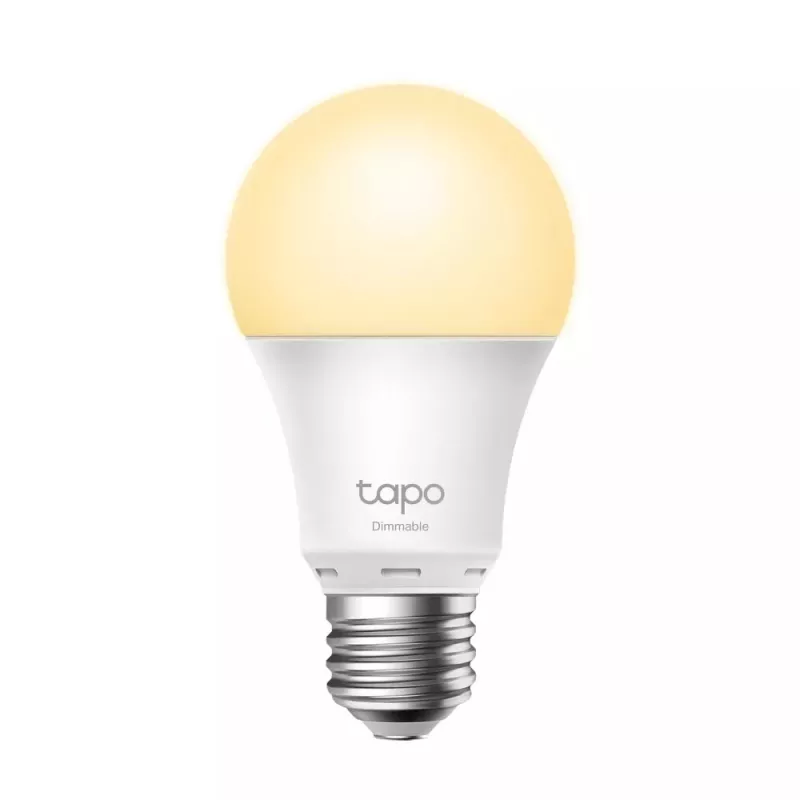
TP-Link Tapo Smart Wi-Fi Light Bulb, Dimmable

TP-Link Tapo Smart Wi-Fi Light Bulb, Dimmable
-20%
Black Week
TP-Link Tapo Smart Wi-Fi Light Bulb, Dimmable
R274
R342−20%
PDF
PDF
Stock 2 Code 96864 Model L510E V1 Warranty 2 Years

Shipping & Returns

Estimated delivery Monday, December 14
You will be kept updated through our detailed tracking system
Payment options
EFTPayFastBank CardSnapScanZapperGoogle PayApple PayMobicredMoreTymePay on Arrival

Ask a question – the AI assistant answers instantly.

Description

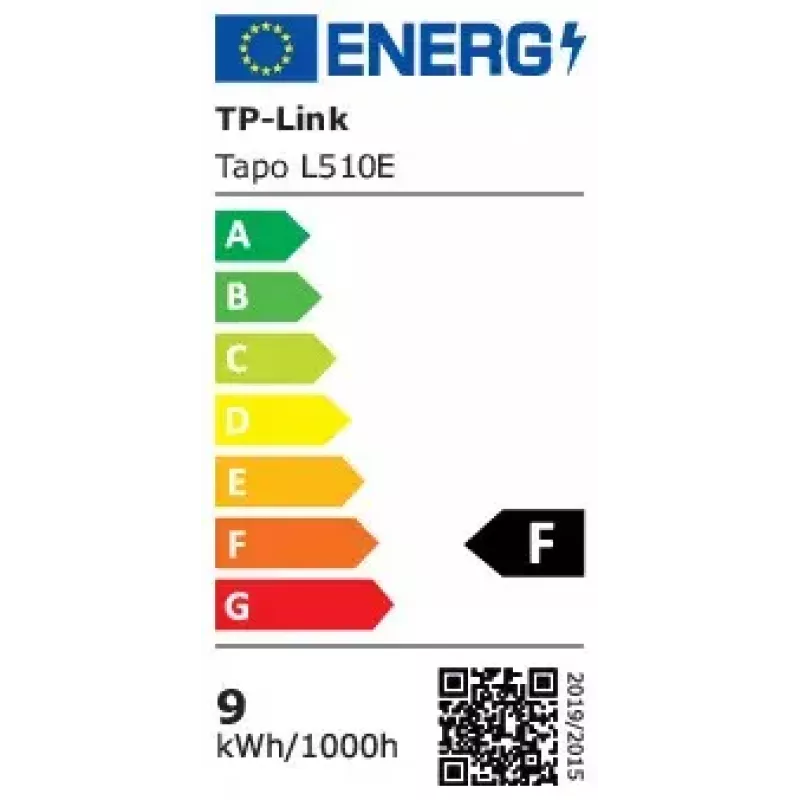
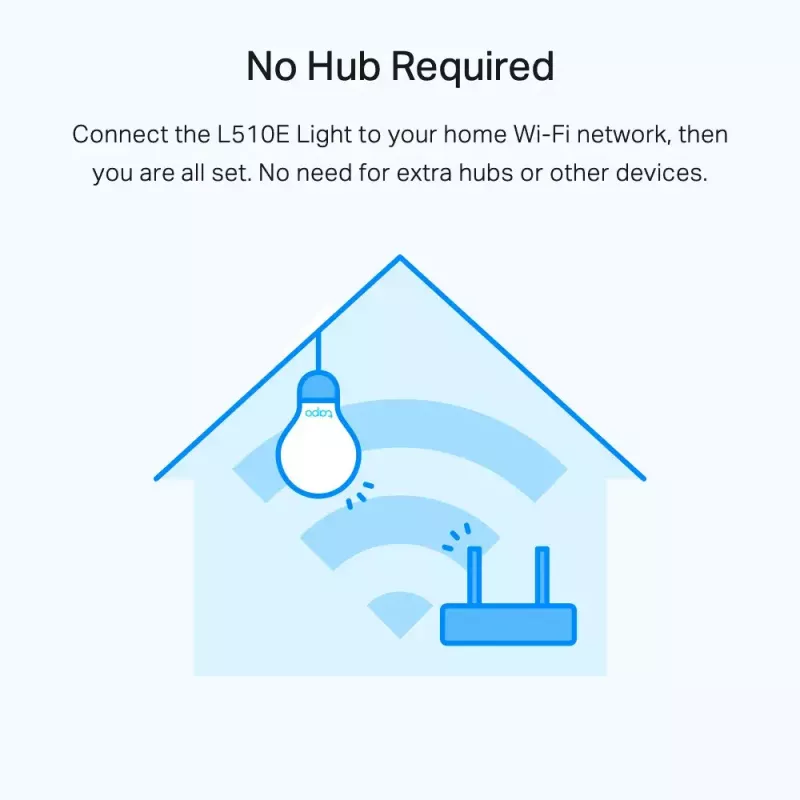
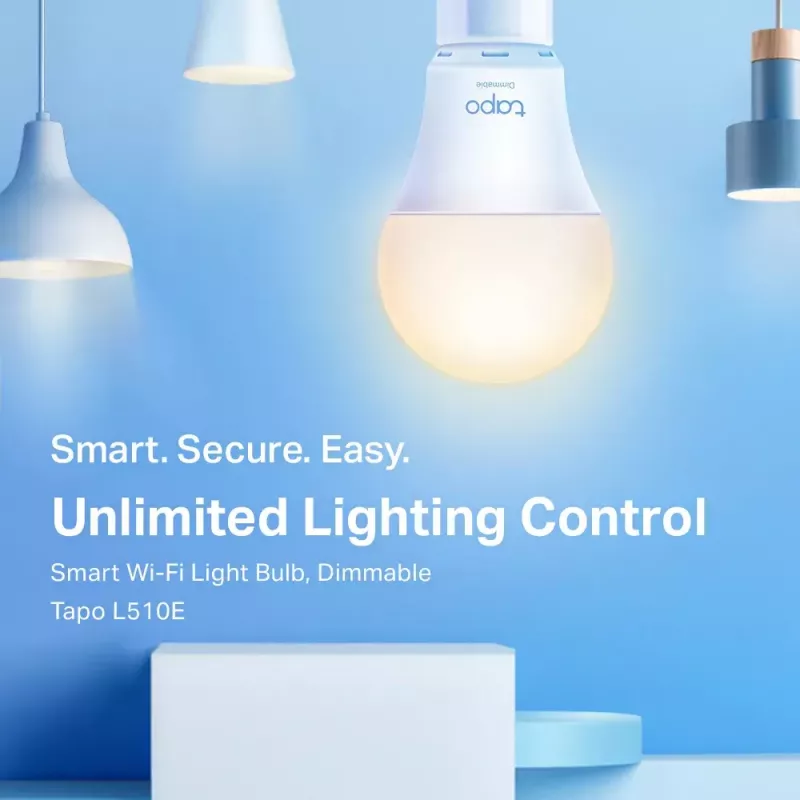
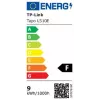
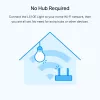
The TP-Link Tapo L510E Smart Wi‑Fi Light Bulb is a dimmable E27 LED bulb that connects directly to your home Wi‑Fi without a hub. With a compact 60 × 60 × 112 mm white form factor and a rated consumption of 8.7 W (energy class F, 9 kWh/1000 h), it provides adjustable lighting controlled from the Tapo app or by voice assistants.

Advantages

The L510E offers dimming and preset scene saving, remote control via the Tapo app, voice control compatibility with Amazon Alexa and Google Assistant, and an Away Mode that turns lights on and off randomly to simulate presence. Installation requires no additional hub and the bulb is designed for lower energy use compared with standard LED bulbs of similar output.

Suitable for

  • Living rooms and bedrooms where adjustable brightness is needed
  • Home offices and study areas requiring scheduled lighting
  • Rental properties or holiday homes using Away Mode for security
  • Fixtures with an E27 socket

Key specifications

  • Model: Tapo L510E
  • Interface: Wi‑Fi
  • Bulb power: 8.7 W
  • Socket: E27
  • Energy efficiency class: F (≈9 kWh/1000 h)
  • Dimensions: 60 × 60 × 112 mm

How to use

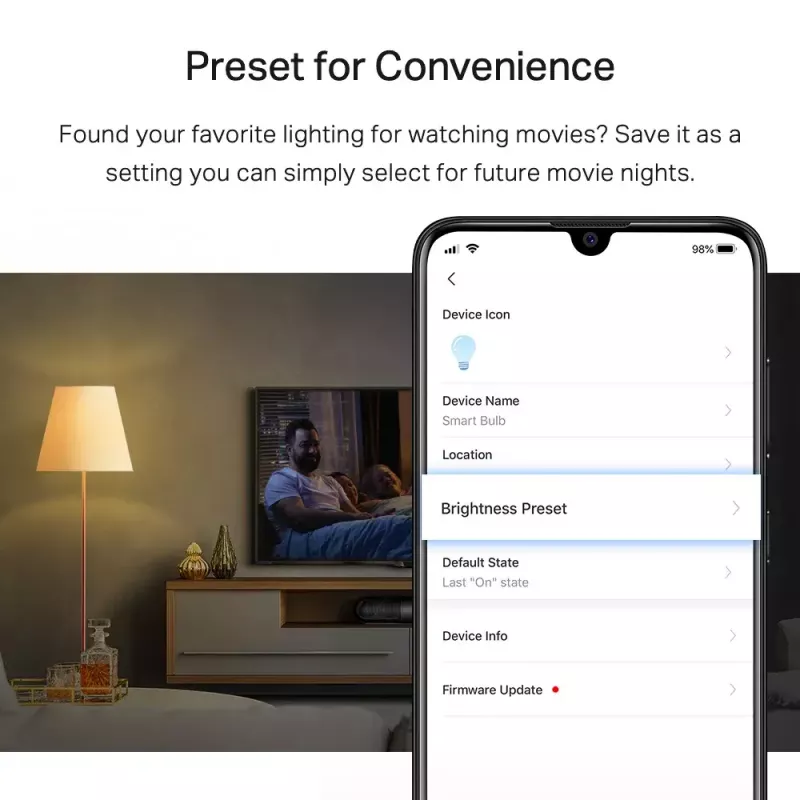
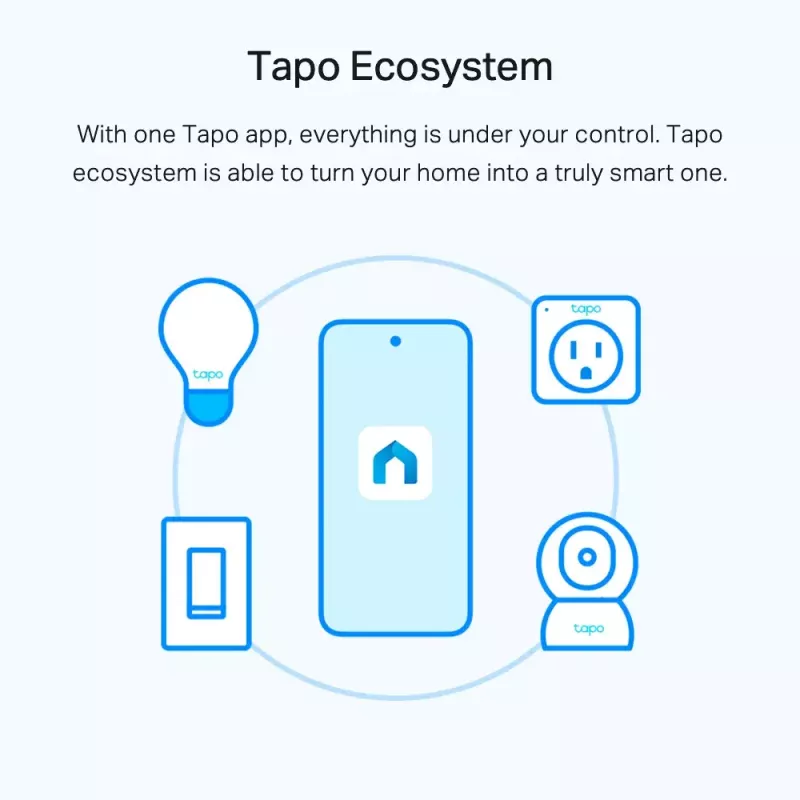
Screw the L510E into an E27 fixture, power the lamp, then open the Tapo app to add the bulb to your Wi‑Fi network following on‑screen instructions. Use the app to set brightness, save presets for activities such as movie nights, create schedules or enable sunrise/sunset automation. You can also link the bulb to Amazon Alexa or Google Assistant for voice commands.

Recommendations

For stable performance, use the bulb on a 2.4 GHz Wi‑Fi network and place the router within reasonable range of the fixture. Avoid using with incompatible dimmer switches; control dimming through the app or voice assistant.
Key Highlights
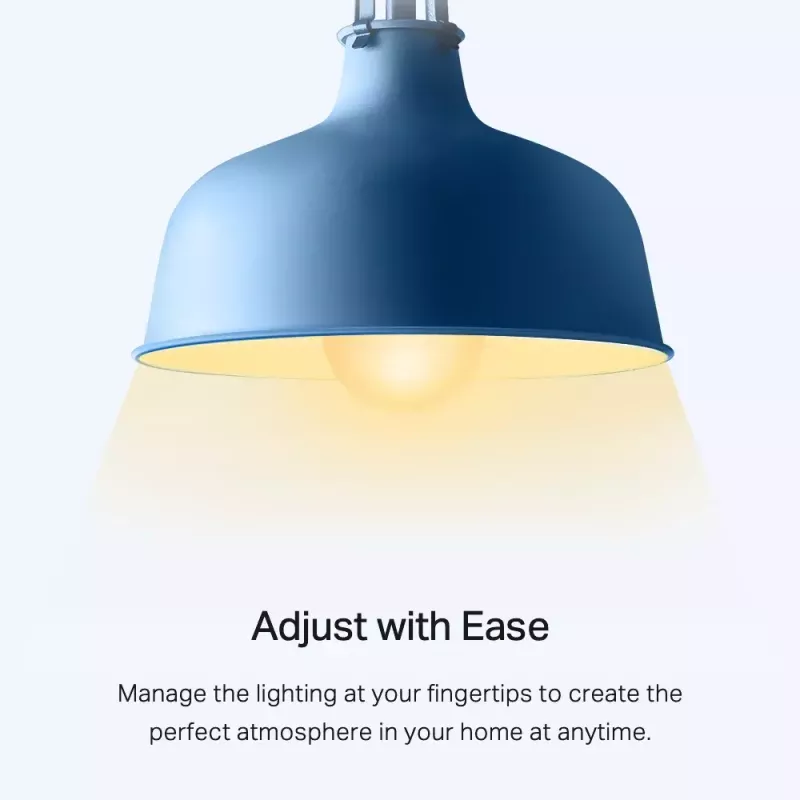
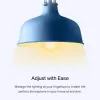
  • Dimmable (Adjust with Ease) – Manage the lighting at your fingertips to create the perfect atmosphere in your home at any time
  • Dimmable (Preset for Convenience) – Found your favorite lighting for watching movies? Save it as a setting you can simply select for future movie nights
  • Schedule (Set Your Times) – Create a regular schedule to turn on/off with the brightness you set
  • Schedule (Sunrise and Sunset Modes) – Automatically activate your light according to your time zone
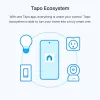
  • Voice Control – Mange the lights with your voice commands as Tapo works with Amazon Alexa and Google Assistant
  • Remote Control – Take your phone out for the pocket and open the Tapo app to control your light remotely
  • Away Mode – Automatically simulate someone being at home to frighten away unwanted visitors
  • Smart bulb LED 8.7 W E27
  • 806 lm 2700 K
  • Wi-Fi
  • White

Specifications

Specifications
AC input frequency
50 - 60 Hz
AC input voltage
220-240 V
Beam angle (max)
220°
Bulb power
8.7 W
Bulb type
LED
Colour temperature (max)
2700 K
Depth
60 mm
Dimmable
Yes
Energy consumption per 1000 hours
9 kWh
Energy efficiency class
F
Energy efficiency scale
A to G
Fitting/cap type
E27
Height
112 mm
Input voltage
220-240 V
Interface
Wi-Fi
Luminous flux
806 lm
Networking standards
IEEE 802.11b, IEEE 802.11g, IEEE 802.11n
Package depth
118 mm
Package height
60 mm
Package weight
90 g
Package width
61 mm
Power consumption (typical)
8.7 W
Product colour
White
Quantity per pack
1 pc(s)
Type
Smart bulb
Wi-Fi frequency
2.4 GHz
Wi-Fi standards
802.11b, 802.11g, Wi-Fi 4 (802.11n)
Width
60 mm

Energy label

Open Energy label

Manual

Open Manual

Leaflet

Open Leaflet
Price history over the last 6 months
TP-Link Tapo Smart Wi-Fi Light Bulb, Dimmable
Current
R274
Lowest 7d
R274
Highest 7d
R340
Change 24H
-R63   -19%
Change 7D
-R43   -14%
Change 30D
+R48   +21%

Write a review

Rating *
Your name will be shown publicly – you can use a nickname. We invite buyers to write reviews; we check reviews before publishing and publish critical ones too.

Expert reviews

Independent reviews by tech media

pocket-lint.comMax
9/10

Verdict: Tapo's bulb really offers everything we'd want it to at this price - you get easily dimmable lighting and remote control, plus scheduling, all without needing an additional 'Bridge' product or any other hardware at all. The setup is really straightforward...

Pros
  • Really easy setup
  • Dimmable adjustments
  • Can control from anywhere
  • Scheduling
Cons
  • No light temperature control
  • White only
Read the full review at pocket-lint.com →
gadgetspeak.commfereday
6.4/10

“With a variation of the age-old conundrum, "When is a light bulb not a light bulb?". The answer could well be a new product from TP-Link, a global provider of reliable networking devices, under the company's offshoot and brand name of Tapo.”

Read the full review at gadgetspeak.com →

More TP-LINK products in this category

12

Popular products in this category

8
WhatsApp
Messenger
Hi, I’m DistriNode’s AI assistant. I can help you find products, compare options, create quote PDFs, or open support requests.
All categories