Account Contact
Your Cart
Pay the courier with no extra fees.
Need help? DistriNode AI can handle any task on our site.

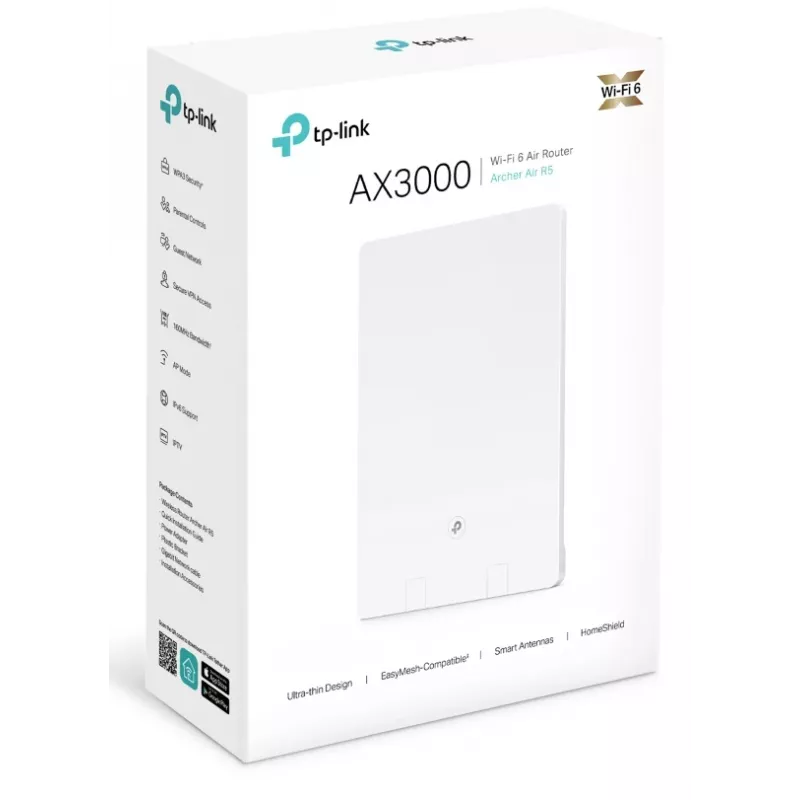
TP-Link Archer AX3000 Dual-Band Wi-Fi 6 Air Router

TP-Link Archer AX3000 Dual-Band Wi-Fi 6 Air Router
36 mo.
TP-Link Archer AX3000 Dual-Band Wi-Fi 6 Air Router
R4,652
Ultra-Thin Design,Extraordinary PerformanceAX3000 Wi-Fi 6 Air RouterUltra-Thin and Minimalist DesignArcher Air R5 has a compact size of 210×148×10.8mm and is even thinner than a wall outlet.The pure white shell, minimalist lines and rounded corners form an elegant appearance and make Archer Air R5 b... Read More
Stock 1 Code 30905 Brand TP-LINK Model ARCHER AIR R5 Warranty 3 Years

Shipping & Returns

Estimated delivery Tuesday, October 6
You will be kept updated through our detailed tracking system
Payment options
EFTPayFastBank CardSnapScanZapperGoogle PayApple PayMobicredMoreTymePay on Arrival
Ultra-Thin Design,
Extraordinary Performance
AX3000 Wi-Fi 6 Air Router

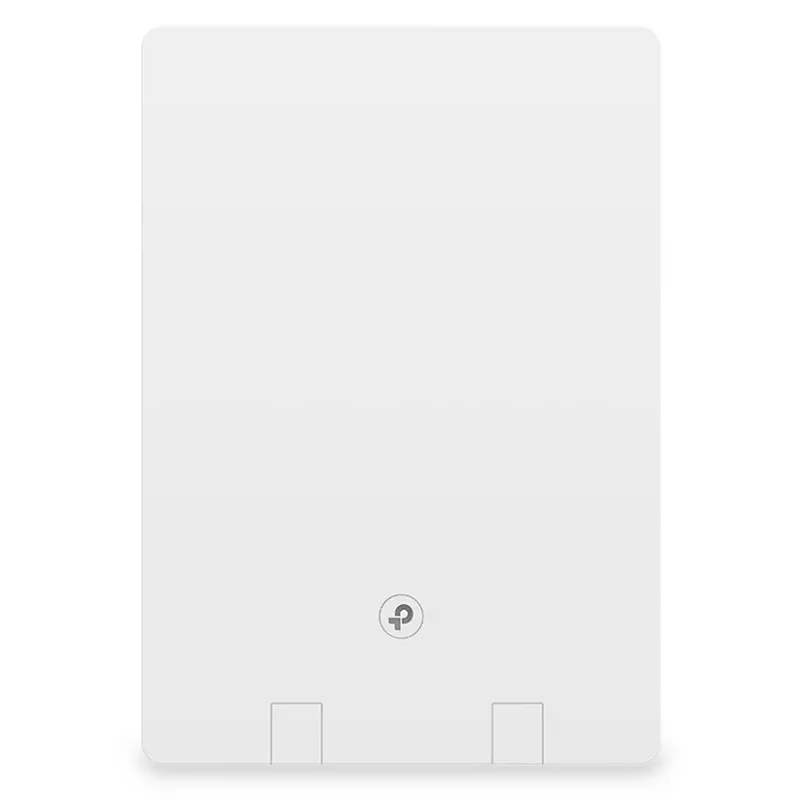
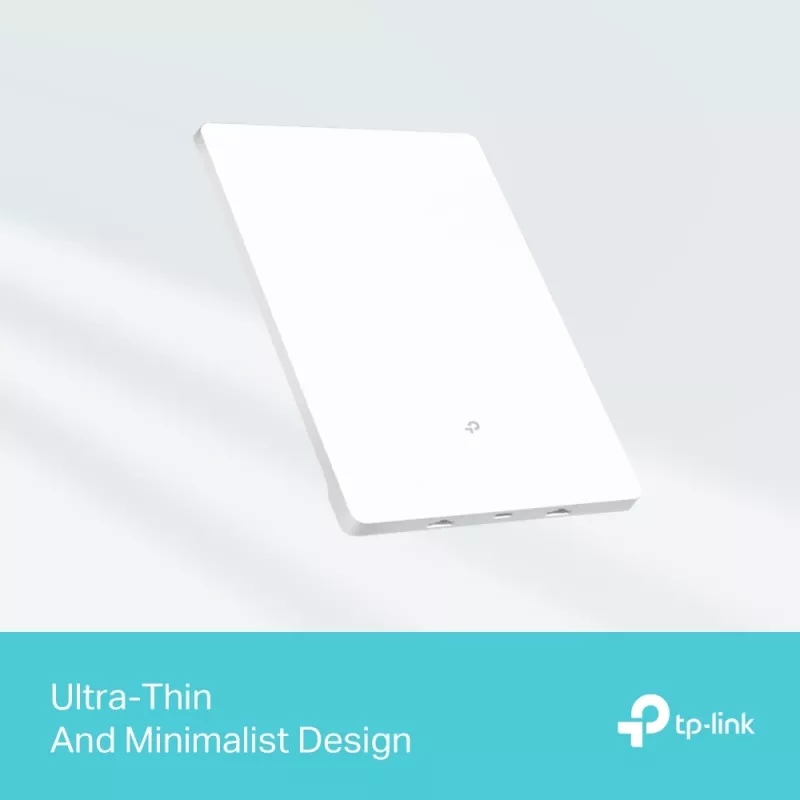
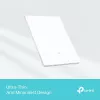
Ultra-Thin and Minimalist Design
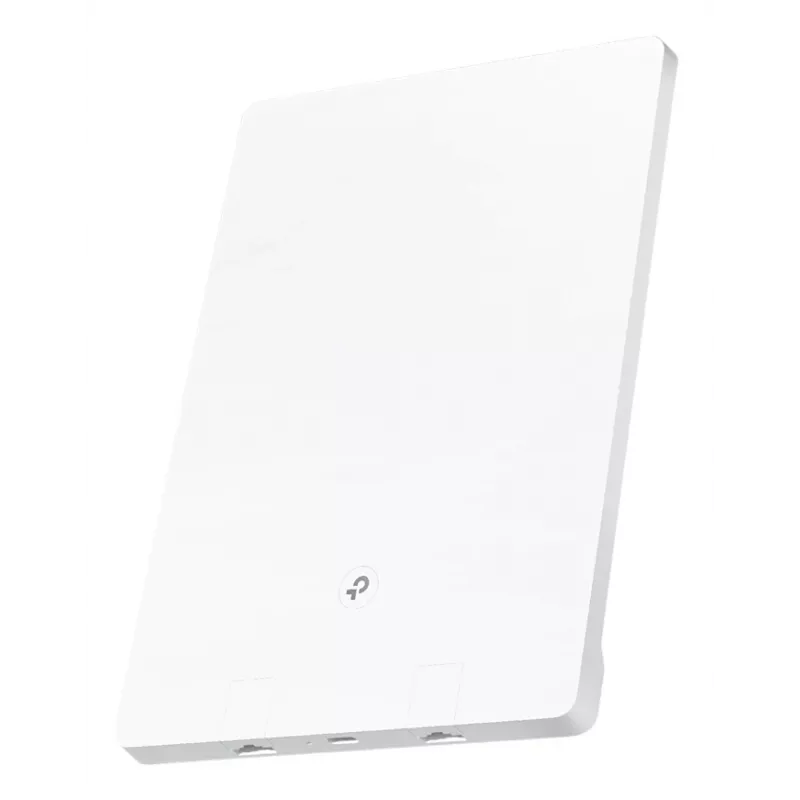
Archer Air R5 has a compact size of 210×148×10.8mm and is even thinner than a wall outlet.

The pure white shell, minimalist lines and rounded corners form an elegant appearance and make Archer Air R5 better integrated with modern home interiors.

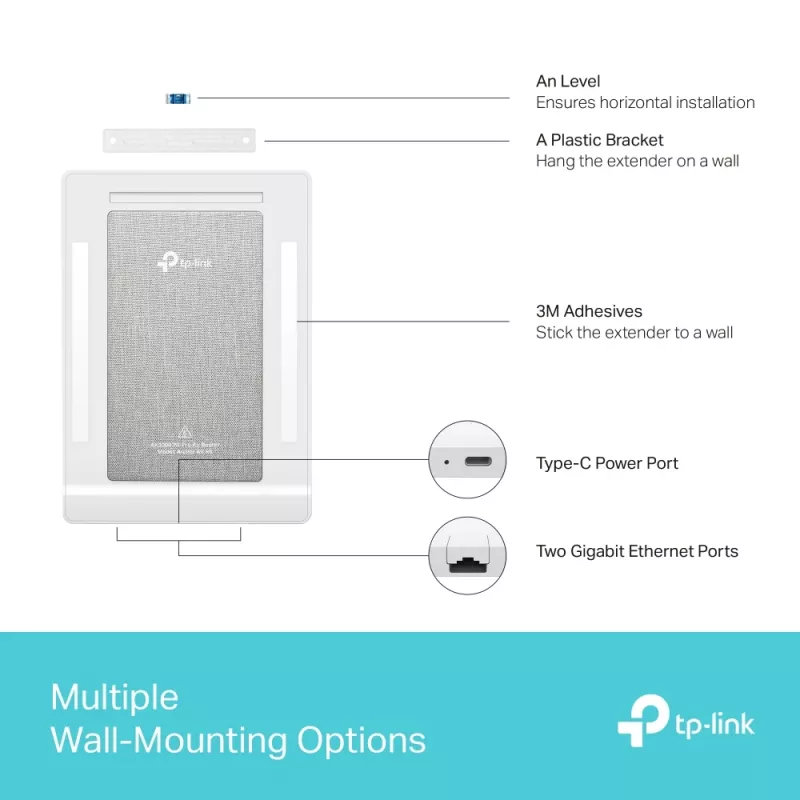
The LED and WPS 2-in-1 button on the front and the Type-C power port on the bottom further simplify Archer Air R5’s look.

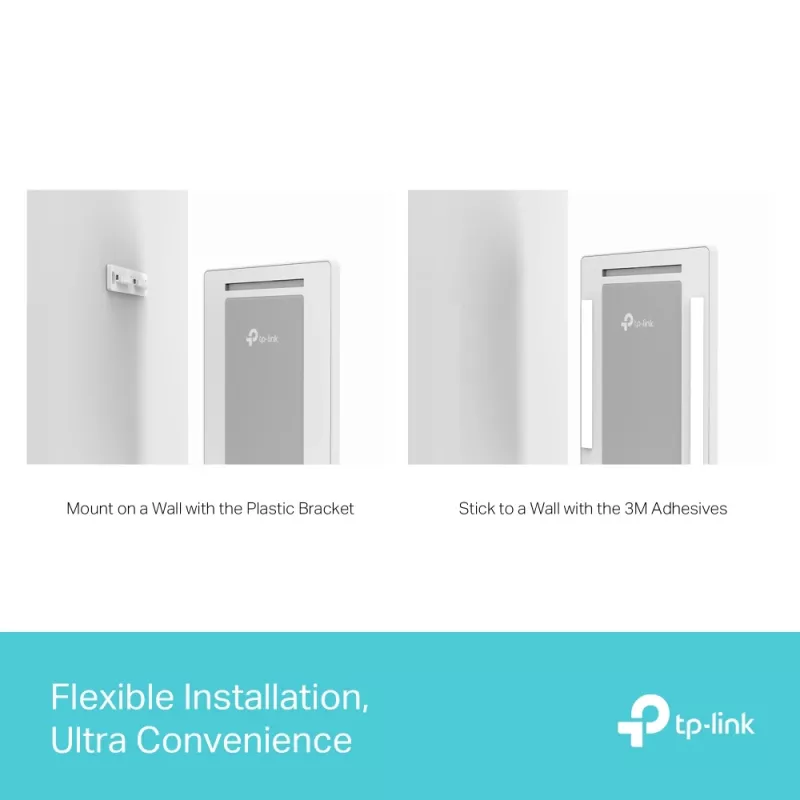
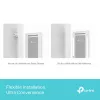
Flexible Installation, Ultra Convenience
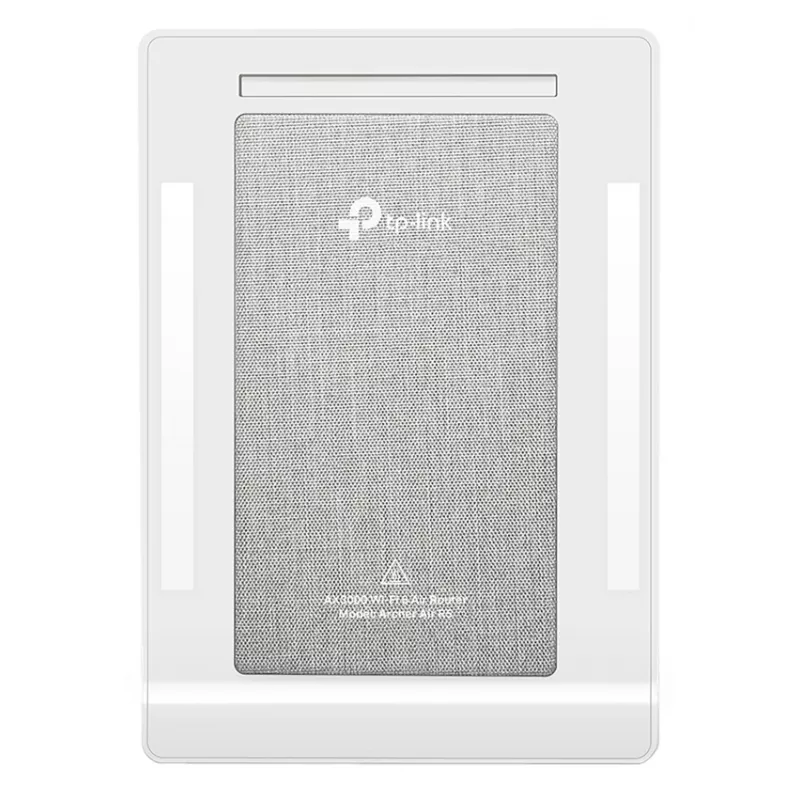
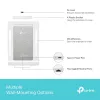
Archer Air R5 is designed to easily mount onto walls and offers multiple installation methods. With two 3M adhesives on its back and a plastic bracket accessory, you can paste or mount it on a wall. Its freer placement also saves electrical socket space.

Live in the Fast Lane with WiFi 6
Armed with AX3000 WiFi 6, Air R5 is built to deliver a huge boost in speed, capacity, and coverage.

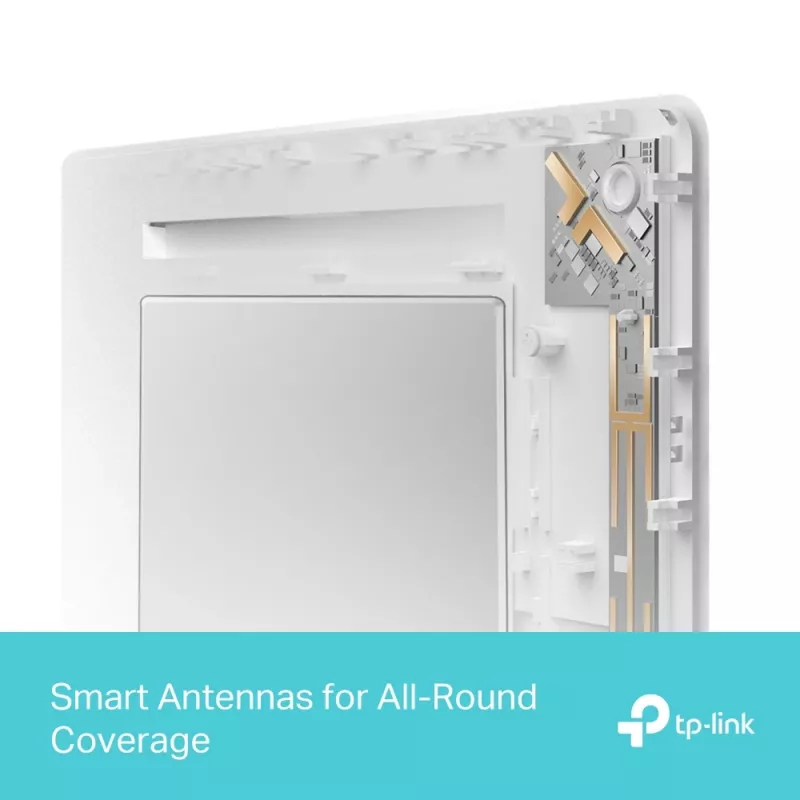
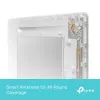
Smart Antennas for All-Round Coverage
Archer Air R5’s built-in smart antennas use intelligent algorithms to auto-detect your devices’ locations and switch to the optimal antenna arrays, ensuring all-round stable signals even in duplex houses.

Boosted WiFi Signals Throughout Your Home
Armed with 4× powerful FEM and built-in smart antennas, Archer Air R5 boosts WiFi signals throughout your home. Beamforming technology detects devices and concentrates signals towards them, especially in hard-to-reach areas.

Flexibly Create Whole Home Mesh WiFi
Archer Air R5 is EasyMesh-compatible. If you have any dead zones at home, simply add another EasyMesh router/range extender to further form your whole home multi-gigabit mesh WiFi. No more searching for a stable connection. For a better network experience, we recommend combining with Archer Air E5.

WiFi Dead Zone Killer
Eliminate weak signal areas with WiFi coverage for the whole house

Smart Roaming
Uninterrupted streaming when moving around your home

One WiFi Name
No more switching WiFi network names

TP-Link HomeShield:
Advanced Security for Your Everyday Devices
With TP-Link HomeShield, enjoy advanced secuirty features delivering a safe environment that protects your family and network's data and privacy.

Home Network Scanner
Real-time network scanner to detect potential threats and security issues.

Parental Controls
Manage time online and block inappropritate content keeping your family safe online.

Quality of Service
Assign your favorite devices to have the fastest connections for top performance.

VPN Server: More Granular VPN Function Usage
Allow devices in your home network to access remote VPN servers without needing to install VPN software on every device. Archer Air R5 can run both the VPN and ordinary internet connections at the same time, delivering security and flexibility.

Easy Setup and Use
Whether you prefer the intuitive Tether app or TP-Link’s powerful web interface, you can set up your Archer Air R5 in minutes. The Tether app allows you to manage network settings from any Android or iOS device.

Protect Your Children
Block inappropriate content for your children, and customize a time range for better online habits.

New Connection Notification
You will be notified by your phone when new devices connect. Kick off any suspicious connections and block them. It’s as simple as that.

Easy Firmware Upgrade
Tired of upgrading firmware manually? OTA updates simplify firmware upgrades with a click in the management panel. To keep your security and functions always up to date, just turn on the auto schedule.

How to use

Place the Archer Air R5 on a wall or flat surface close to your internet source and power outlet. Connect the router to your modem via the RJ‑45 WAN port and power it through the Type‑C port. Use the Tether mobile app (Android/iOS) or the web interface to complete the guided setup: create a Wi‑Fi name (SSID), set a password, and enable HomeShield or VPN server features as needed. For mesh coverage, add another EasyMesh-compatible device and follow the app instructions to join the mesh network.

Recommendations

To optimise coverage, mount the router centrally and at a moderate height. Enable Smart Roaming and Beamforming in settings for stable performance when moving between rooms. For multi-unit mesh systems, pair with another EasyMesh device (recommended: Archer Air E5) to remove dead zones. Keep automatic firmware updates enabled to maintain security and functionality.

Key Highlights
  • Next-Gen Gigabit Wi-Fi 6 Speed—2402 Mbps on 5 GHz and 574 Mbps on 2.4 GHz band ensure smoother streaming and faster downloads
  • Smart Antennas – Uses intelligent algorithms to auto-detect your devices’ locations and adjust antennas’ direction for all-round stable signals
  • Ultra-Low Latency—Enables more responsive gaming and video chatting
  • TP-Link HomeShield - Enhanced security defends against the latest cyber threats
  • EasyMesh-Compatible - Works with EasyMesh-compatible routers to create a whole home seamless mesh network
  • Flexible Installation – Easy to stick or mount on the wall with 3M adhesives and the attached plastic bracket
  • Tabletop router White
  • Dual-band (2.4 GHz / 5 GHz) Wi-Fi 6 (802.11ax) 2976 Mbit/s
  • Gigabit Ethernet
  • Ethernet WAN
  • Ethernet LAN (RJ-45) ports: 1
  • USB port
  • Quality of Service (QoS) support
Specifications
3G/4G USB modem compatibility
No
Antenna design
Internal
Certification
FCC, CE, RoHS
Depth
10.8 mm
DHCP server
Yes
DSL WAN
No
Ethernet LAN
Yes
Ethernet LAN (RJ-45) ports
1
Ethernet LAN data rates
10,100,1000 Mbit/s
Ethernet LAN interface type
Gigabit Ethernet
Ethernet WAN
Yes
Guest access
Yes
Height
210 mm
Manual
Yes
Number of guest networks (2.4 GHz)
1
Number of guest networks (5 GHz)
1
Operating relative humidity (H-H)
10 - 90%
Operating temperature (T-T)
0 - 40 °C
Package type
Box
Power source type
USB
Product colour
White
Product type
Tabletop router
Quality of Service (QoS) support
Yes
Reset button
Yes
Security algorithms
WPA, WPA-PSK, WPA2, WPA2-PSK, WPA3
SIM card slot
No
Storage relative humidity (H-H)
5 - 90%
Storage temperature (T-T)
-40 - 60 °C
Supported network protocols
IPv4, IPv6
Top Wi-Fi standard
Wi-Fi 6 (802.11ax)
USB charging port
Yes
USB port
Yes
Wall mountable
Yes
WAN connection type
RJ-45
Wi-Fi band
Dual-band (2.4 GHz / 5 GHz)
Wi-Fi standards
802.11a, 802.11b, 802.11g, Wi-Fi 4 (802.11n), Wi-Fi 5 (802.11ac), Wi-Fi 6 (802.11ax)
Width
148 mm
WLAN data transfer rate (first band)
574 Mbit/s
WLAN data transfer rate (max)
2976 Mbit/s
WLAN data transfer rate (second band)
2402 Mbit/s
WPS push button
Yes

Manual

Open Manual

Leaflet

Open Leaflet
Price history over the last 6 months
TP-Link Archer AX3000 Dual-Band Wi-Fi 6 Air Router
Current
R4,652
Lowest
R3,135
Highest
R4,652
Change 24H
+R1,130   +32%
Week
+R1,163   +33%
Month
+R1,504   +48%

Popular products in this category

WhatsApp
Hi, I’m DistriNode’s AI assistant. I can help you find products, compare options, create quote PDFs, or open support requests.