Account Contact
Your Cart
Pay the courier with no extra fees.
Need help? DistriNode AI can handle any task on our site.

Tablet Lock Stand Compulocks HoverTab Security

Tablet Lock Stand Compulocks HoverTab Security
R6,030
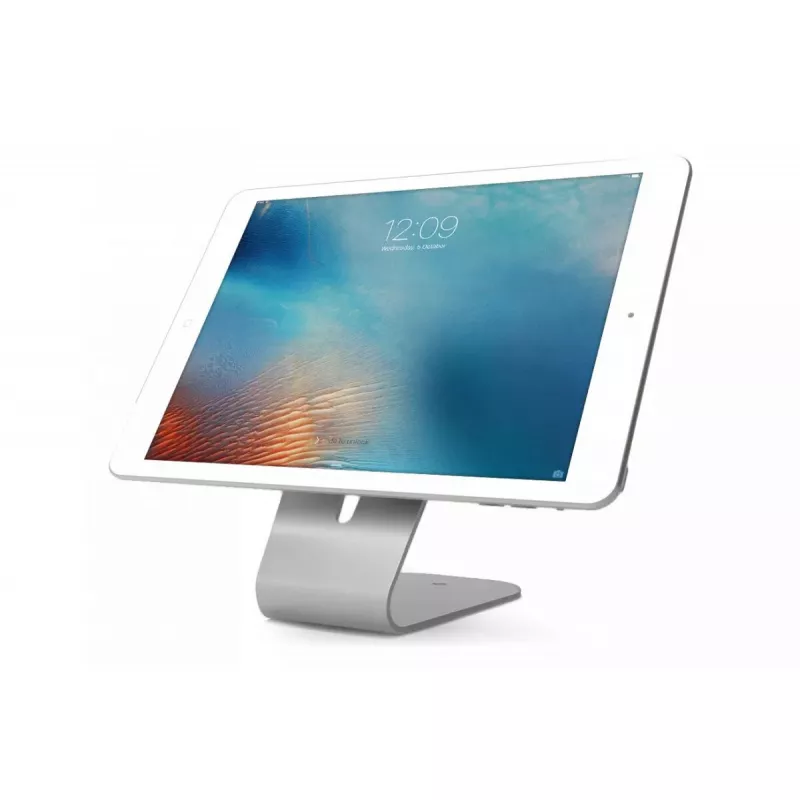
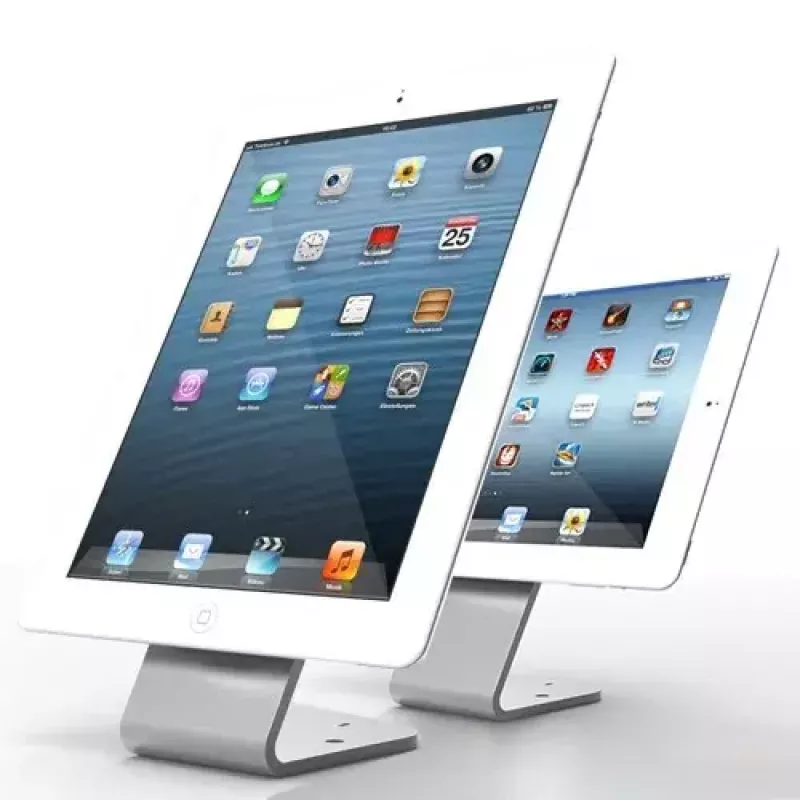
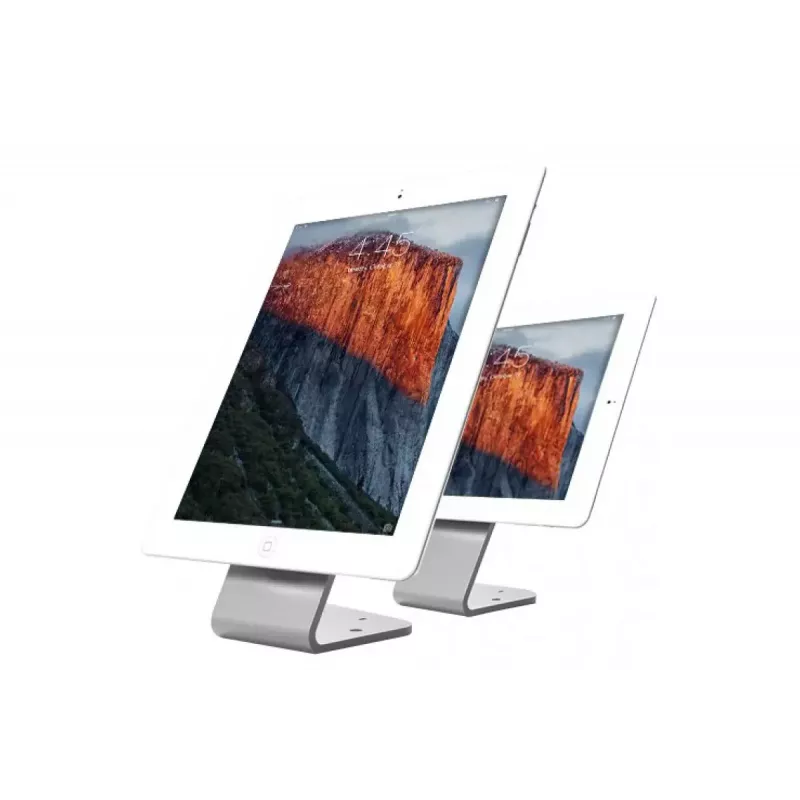
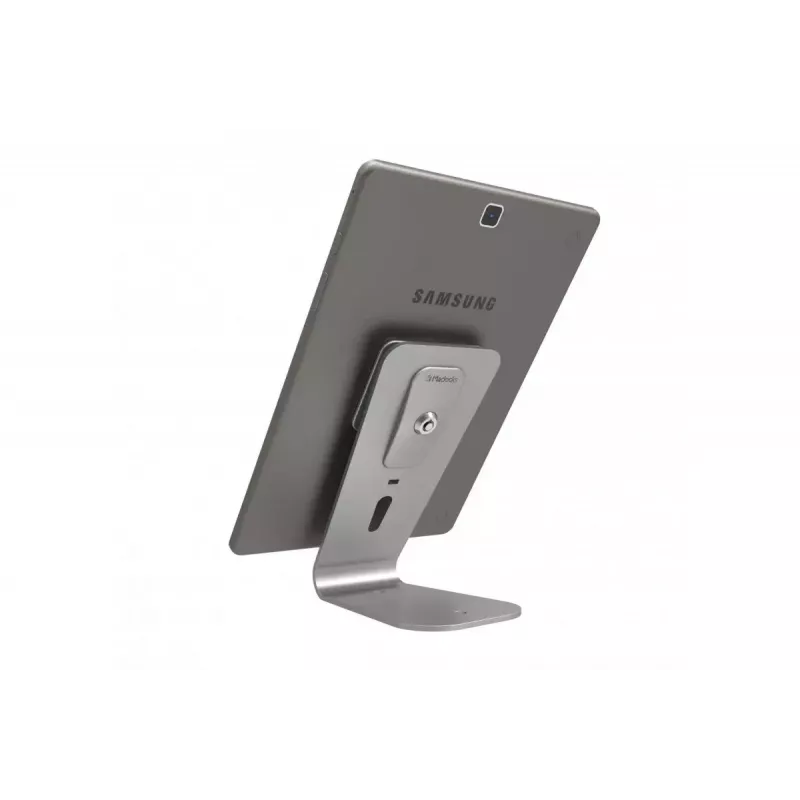
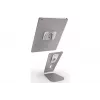
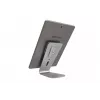
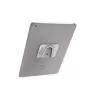
The HoverTab Security Stand is a universal lockable display stand designed for tablets and smartphones. Its minimalist design includes an adhesive steel plate that attaches to the device, a six-inch (approx. 152 mm) high stand set at a 60-degree viewing angle, and a four-inch (approx. 102 mm) base f... Read More
Stock 1 Code 1200402 Brand COMPULOCKS Model 660REACH Warranty 2 Years

Shipping & Returns

Estimated delivery Tuesday, October 6
You will be kept updated through our detailed tracking system
Payment options
EFTPayFastBank CardSnapScanZapperGoogle PayApple PayMobicredMoreTymePay on Arrival

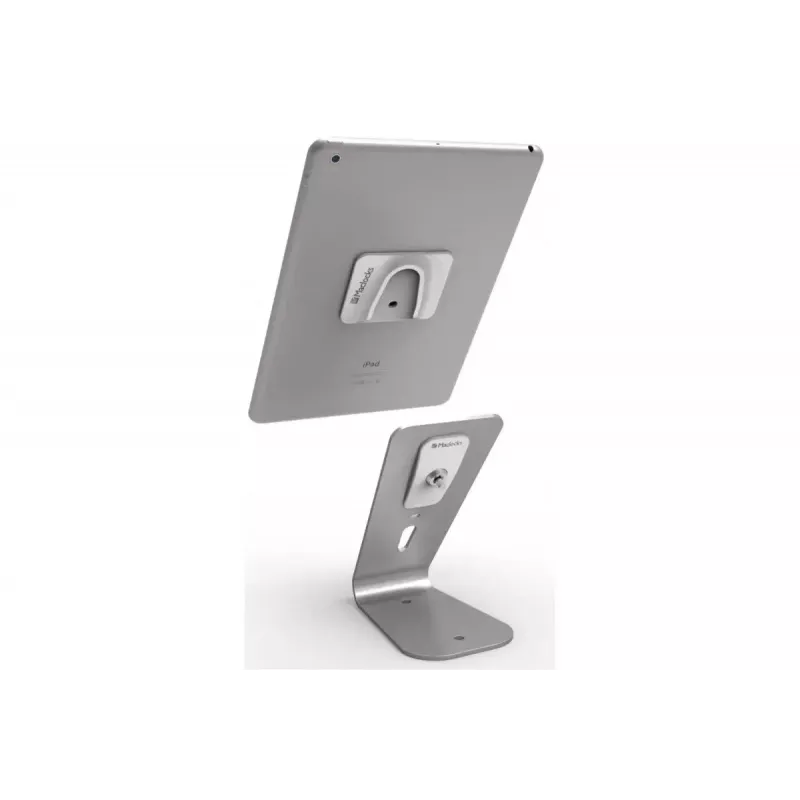
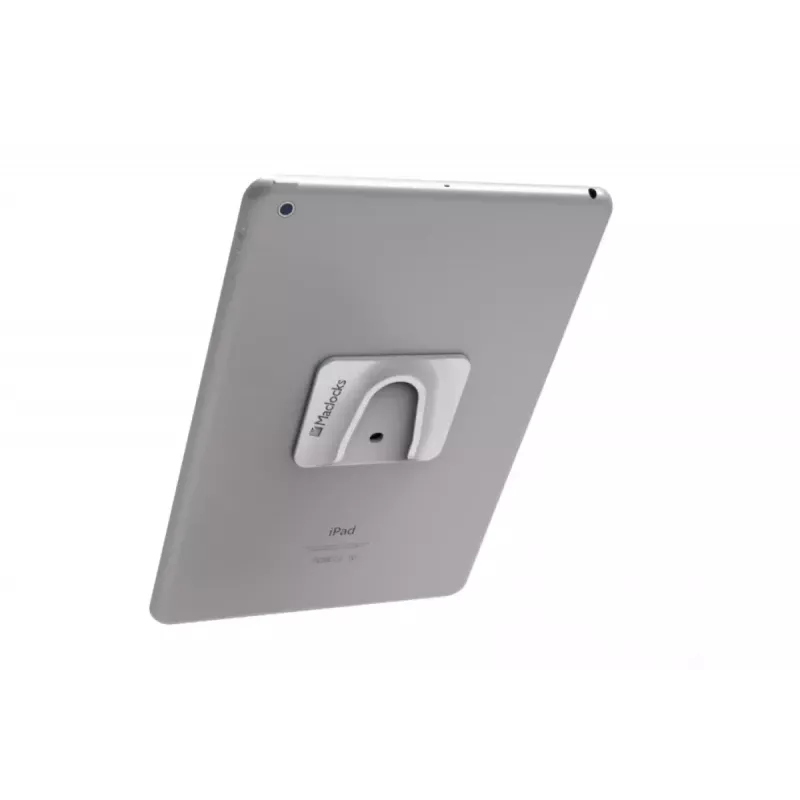
The HoverTab Security Stand is a universal lockable display stand designed for tablets and smartphones. Its minimalist design includes an adhesive steel plate that attaches to the device, a six-inch (approx. 152 mm) high stand set at a 60-degree viewing angle, and a four-inch (approx. 102 mm) base for stable support, providing a compact solution for secure device presentation.

Advantages

The two-part system allows quick attachment and removal while maintaining security through an integrated keyed cylinder lock that secures the device to the hanger. The stand can be fixed to a surface with screws or connected to a security cable for additional protection, making it suitable for retail displays, exhibitions, and public areas where controlled access is required.

Key specifications

  • Compatibility: universal for tablets and smartphones
  • System: two-part — adhesive steel plate + stand
  • Stand height: 6 inches (approx. 152 mm)
  • Viewing angle: 60 degrees
  • Base width: 4 inches (approx. 102 mm)
  • Security: integrated keyed cylinder lock
  • Mounting options: screw mounting or security cable connection

How to use

Clean and dry the back surface of the tablet or smartphone, then apply the adhesive steel plate and allow the adhesive to set following the adhesive manufacturer's instructions. Slide the plate into the hanger at the top of the HoverTab stand until the keyed cylinder lock engages. For increased security, fasten the stand to the surface with screws or attach a compatible security cable to the stand's cable connection point.

Recommendations

Ensure the device back is free of dust and oils before applying the adhesive plate. Use screw mounting or a compatible security cable in public or unattended locations to reduce theft risk. Periodically check the adhesive bond and replace the adhesive plate if it shows signs of wear.

Key Highlights
  • Compatibility: universal for tablets and smartphones
  • System: two-part — adhesive steel plate + stand
  • Stand height: 6 inches (approx. 152 mm)
  • Viewing angle: 60 degrees
  • Base width: 4 inches (approx. 102 mm)
  • Security: integrated keyed cylinder lock
  • Mounting options: screw mounting or security cable connection
Specifications
Built-in speaker(s)
No
Compatibility
iPad, Galaxy Tab
Mobile device type
Mobile phone/smartphone, Tablet/UMPC
Power source type
Not supported
Product colour
White
Proper use
Indoor
Type
Passive holder
Price history over the last 6 months
Tablet Lock Stand Compulocks HoverTab Security
Current
R6,030
Lowest
R5,972
Highest
R6,113
Change 24H
-R8   0%
Week
+R27   +0%
Month
—   

Popular products in this category

WhatsApp
Hi, I’m DistriNode’s AI assistant. I can help you find products, compare options, create quote PDFs, or open support requests.