Account Contact
Your Cart
Pay the courier with no extra fees.
Need help? DistriNode AI can handle any task on our site.

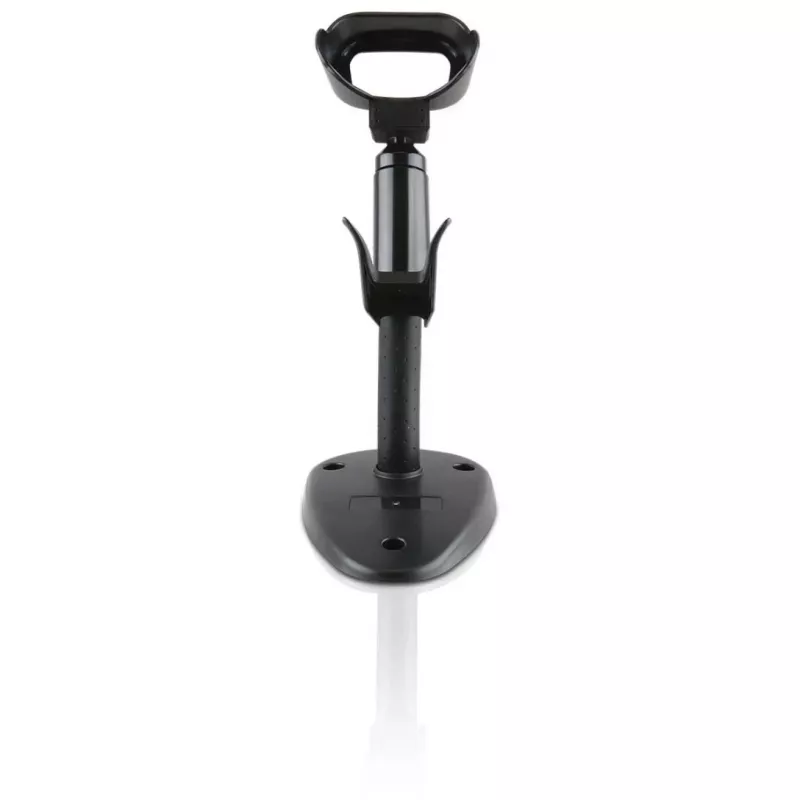
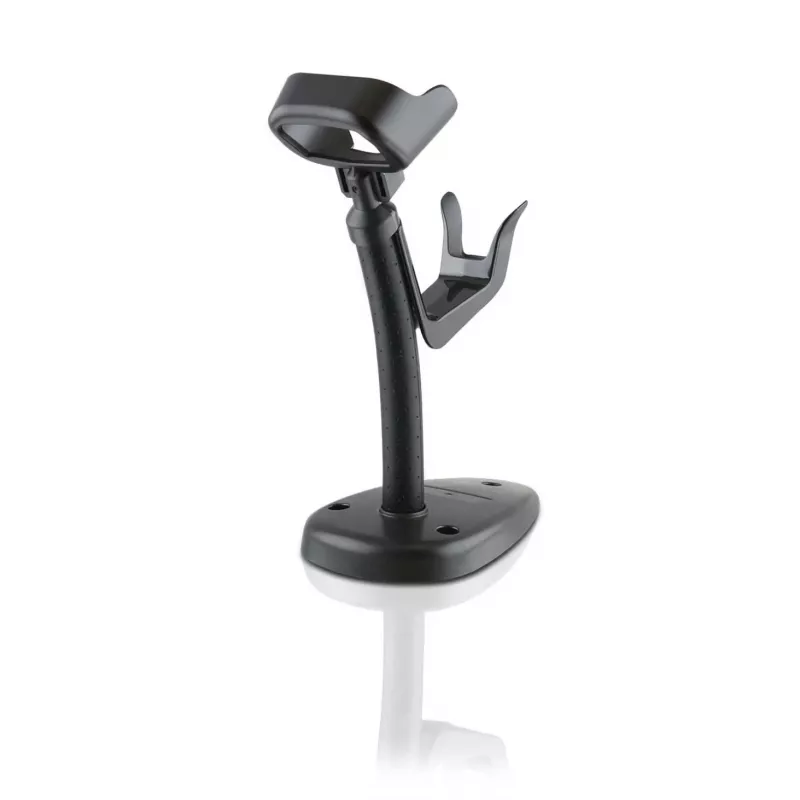
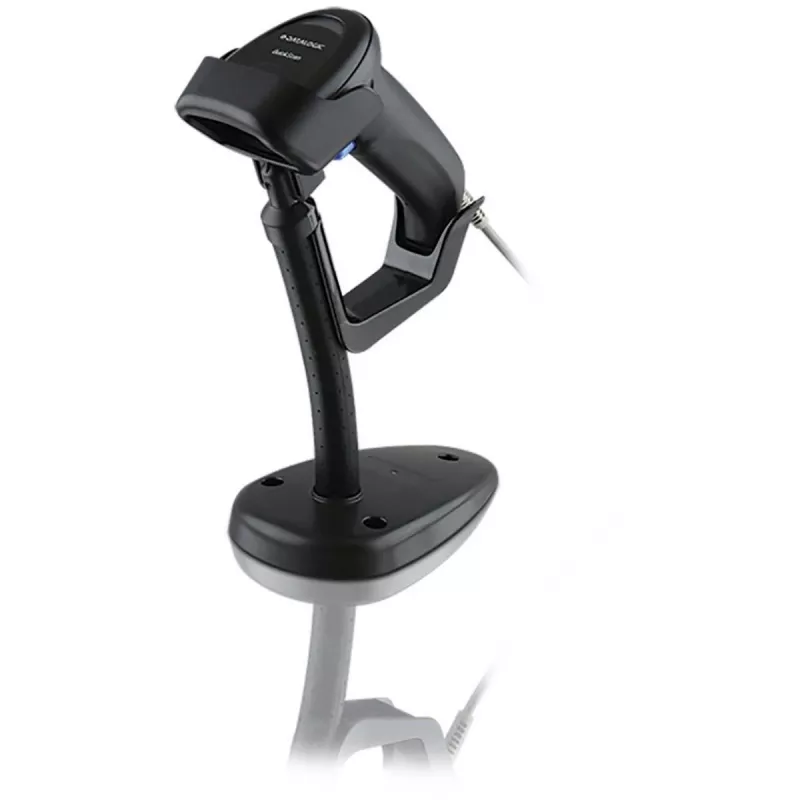
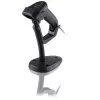
Stand Datalogic STD-AUTFLX-QD25-BK

Stand Datalogic STD-AUTFLX-QD25-BK
R545
The Datalogic STD-AUTFLX-QD25-BK is a black stand designed to hold compatible Datalogic barcode readers for hands-free scanning. It provides a stable platform that positions the scanner for easy aiming and reliable reading of 1D and 2D barcodes without requiring the operator to hold the device. The ... Read More
Stock 19 Code 1394358 Brand DATALOGIC Model STD-AUTFLX-QD25-BK Warranty 2 Years

Shipping & Returns

Estimated delivery Tuesday, October 6
You will be kept updated through our detailed tracking system
Payment options
EFTPayFastBank CardSnapScanZapperGoogle PayApple PayMobicredMoreTymePay on Arrival

The Datalogic STD-AUTFLX-QD25-BK is a black stand designed to hold compatible Datalogic barcode readers for hands-free scanning. It provides a stable platform that positions the scanner for easy aiming and reliable reading of 1D and 2D barcodes without requiring the operator to hold the device. The single-unit pack is intended for desktop, counter or fixed-station use where repeated or high-volume scanning is required.

Advantages

The stand combines a compact footprint with a rigid support structure to minimise wobble during scanning operations. Its neutral black finish integrates with a variety of work environments, while the mounting interface is shaped to match Datalogic scanner geometries for secure attachment and repeatable positioning. By enabling hands-free operation, the stand reduces operator fatigue and speeds throughput in retail, logistics or production contexts.

Suitable for

  • Point-of-sale counters and retail checkouts
  • Warehouse packing and inspection stations
  • Production lines and assembly benches
  • Reception desks and service kiosks

Key specifications

  • Color: black
  • Material: durable molded plastic with rigid support
  • Compatibility: designed to fit compatible Datalogic handheld barcode readers
  • Mounting: fixed base for desktop or counter placement
  • Pack quantity: 1 stand per package

How to use

Place the stand on a stable, level surface at the desired scanning location. Attach the compatible Datalogic scanner to the stand’s mounting interface until it seats securely; verify the scanner’s orientation so the reading window faces the expected barcode presentation area. Connect and configure the scanner according to its user manual, then present items or labels to the scanner’s field of view for hands-free reading. Adjust the scanner angle or the item position as needed to achieve optimal read rates.

Recommendations

For reliable long-term operation, keep the stand clean and free of debris that might affect scanner alignment. Position the stand to avoid direct impacts or excessive vibration, and check attachment points periodically to ensure the scanner remains secure. Use the stand together with compatible Datalogic models to maintain stable communication and mounting fit.

Key Highlights
  • Point-of-sale counters and retail checkouts
  • Warehouse packing and inspection stations
  • Production lines and assembly benches
  • Reception desks and service kiosks
  • Color: black
  • Material: durable molded plastic with rigid support
  • Compatibility: designed to fit compatible Datalogic handheld barcode readers
  • Mounting: fixed base for desktop or counter placement
  • Pack quantity: 1 stand per package
Specifications
Brand compatibility
Datalogic
Compatibility
QuickScan 2200
Product colour
Black
Product type
Stand
Quantity per pack
1 pc(s)
Price history over the last 6 months
Stand Datalogic STD-AUTFLX-QD25-BK
Current
R545
Lowest
R531
Highest
R596
Change 24H
+R9   +2%
Week
-R20   -4%
Month
+R13   +2%

Popular products in this category

WhatsApp
Hi, I’m DistriNode’s AI assistant. I can help you find products, compare options, create quote PDFs, or open support requests.