Account Contact
Your Cart
Pay the courier with no extra fees.
Need help? DistriNode AI can handle any task on our site.

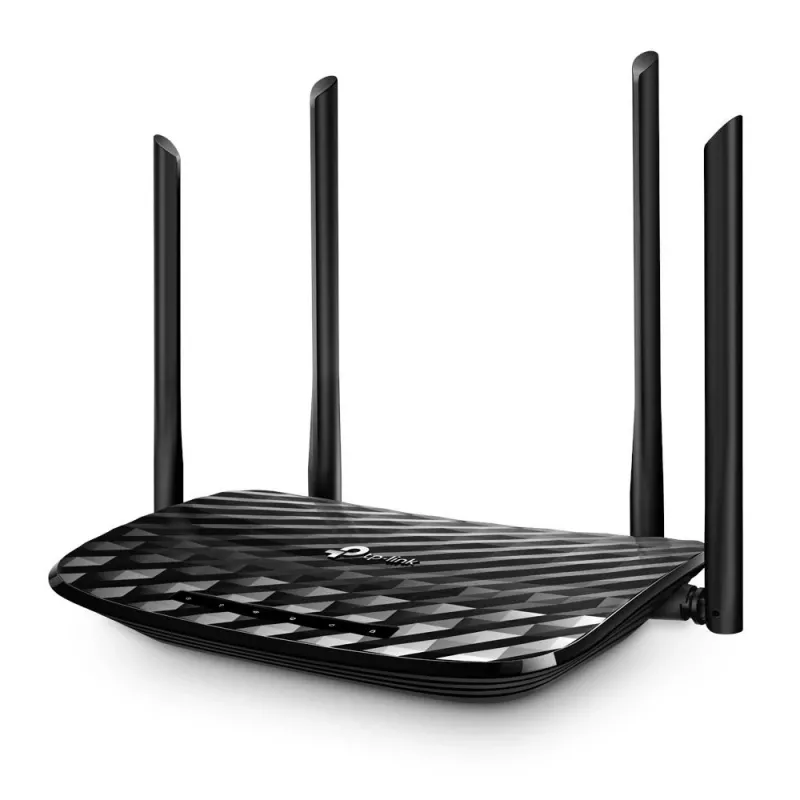
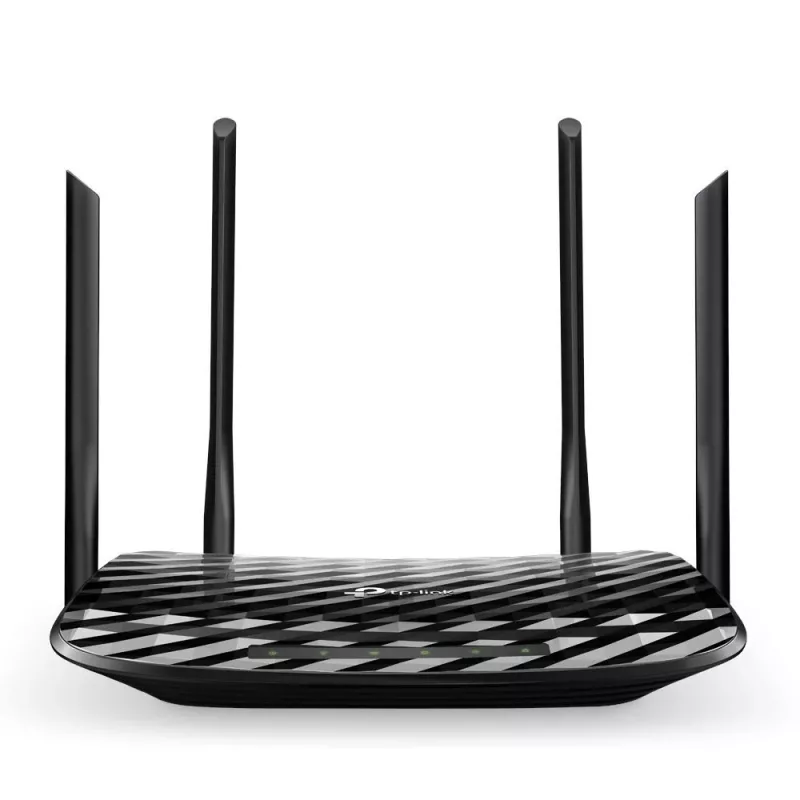
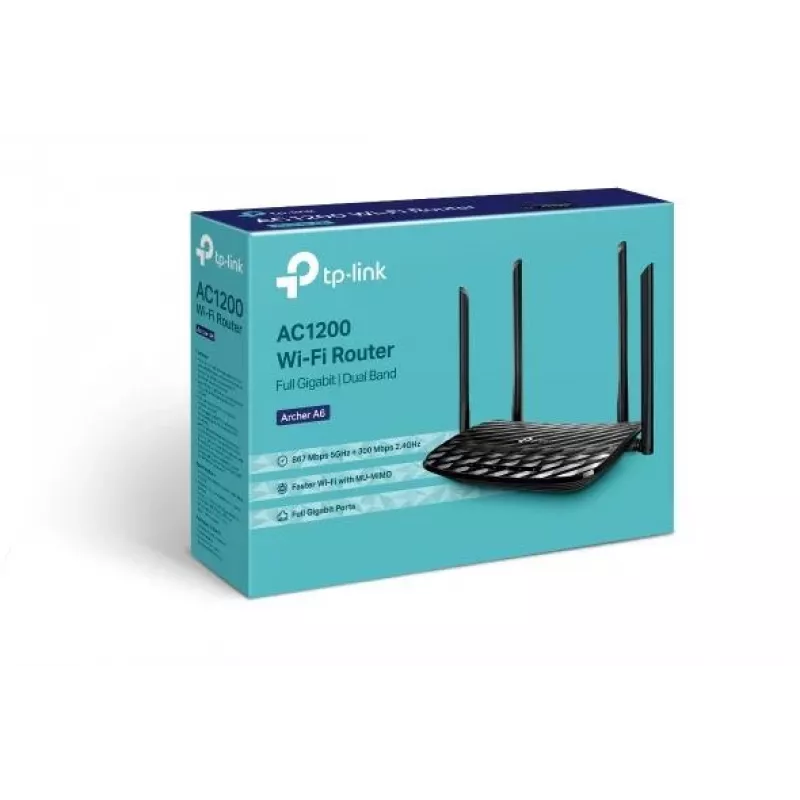
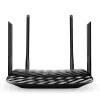
Router TP-Link AC1200 Dual-band 2.4 GHz 5 GHz Wi-Fi 5

Router TP-Link AC1200 Dual-band 2.4 GHz 5 GHz Wi-Fi 5
36 mo.
Router TP-Link AC1200 Dual-band 2.4 GHz 5 GHz Wi-Fi 5
R1,169
The TP-Link Archer A6 AC1200 Dual-band router delivers combined dual-band Wi‑Fi using Wi‑Fi 5 (802.11ac) to provide stable home networking. The 2.4 GHz band supports up to 300 Mbps for basic tasks such as email and web browsing, while the 5 GHz band supports up to 867 Mbps for high‑definition stream... Read More
Stock 30 Code 2454073 Brand TP-LINK Model ARCHERA6 Warranty 3 Years

Shipping & Returns

Estimated delivery Tuesday, September 29
You will be kept updated through our detailed tracking system
Payment options
EFTPayFastBank CardSnapScanZapperGoogle PayApple PayMobicredMoreTymePay on Arrival

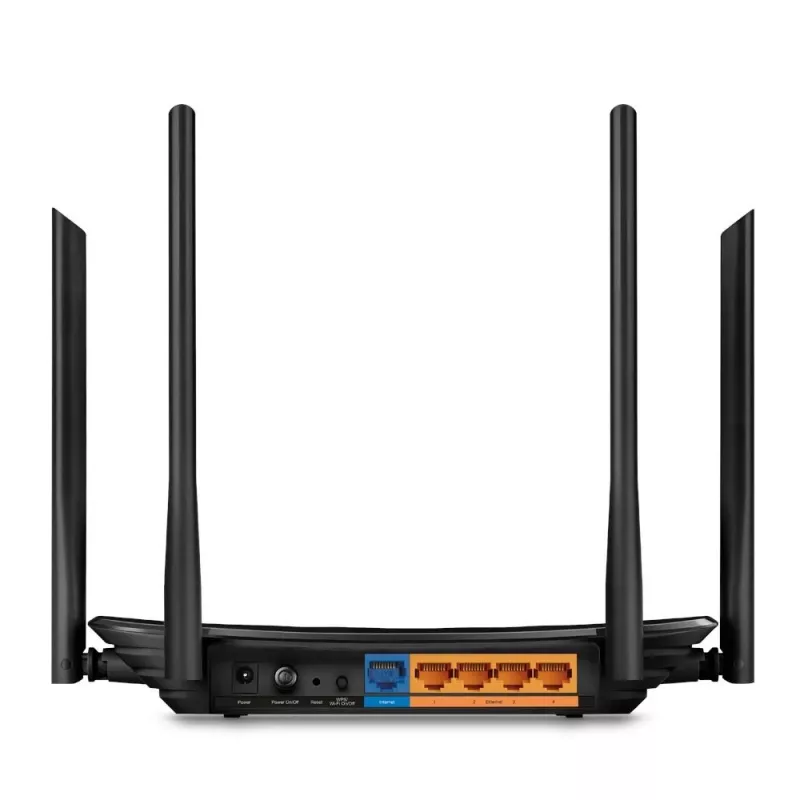
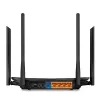
The TP-Link Archer A6 AC1200 Dual-band router delivers combined dual-band Wi‑Fi using Wi‑Fi 5 (802.11ac) to provide stable home networking. The 2.4 GHz band supports up to 300 Mbps for basic tasks such as email and web browsing, while the 5 GHz band supports up to 867 Mbps for high‑definition streaming and low‑latency online gaming. The device includes five antennas and a Gigabit WAN plus four Gigabit LAN ports for high‑speed wired connections. The router also supports Access Point mode and can be configured via the TP‑Link Tether mobile app.

Advantages

The Archer A6 offers simultaneous dual‑band operation to separate everyday traffic from bandwidth‑intensive activities, MU‑MIMO technology to serve multiple devices at once, and five antennas for broader home coverage. Gigabit Ethernet ports enable faster wired throughput, and Access Point mode allows sharing a wired network over Wi‑Fi. The Tether app simplifies setup and network management on Android and iOS devices.

Suitable for

  • HD video streaming on the 5 GHz band
  • Online gaming with reduced lag
  • Everyday web browsing and email on the 2.4 GHz band
  • Homes requiring wired Gigabit connections for devices
  • Small networks that need Access Point functionality

Key specifications

  • Wi‑Fi bands: Dual‑band (2.4 GHz / 5 GHz)
  • Top Wi‑Fi standard: Wi‑Fi 5 (802.11ac)
  • Maximum WLAN data rate (5 GHz): up to 867 Mbit/s; (2.4 GHz): up to 300 Mbit/s
  • Antennas: 5 (four external, one internal)
  • Ethernet: 1 × Gigabit WAN, 4 × Gigabit LAN (total 5 RJ‑45 ports)
  • USB port: No
  • Colour: Black

How to use

Connect the modem to the router's Gigabit WAN port and power on the device. Use an Ethernet cable to connect wired devices to the Gigabit LAN ports as needed. For wireless clients, choose the appropriate SSID for 2.4 GHz or 5 GHz and enter the network password. Open the TP‑Link Tether app on an Android or iOS device to complete initial setup, configure Wi‑Fi settings, create guest networks, and manage connected devices and parental controls.

Recommendations

Place the router in a central, elevated location free from large metallic objects and thick walls to maximise wireless coverage. For best performance, use the 5 GHz band for streaming and gaming and reserve 2.4 GHz for longer‑range, lower‑bandwidth tasks. MU‑MIMO benefits require compatible client devices.
Key Highlights
  • HD video streaming on the 5 GHz band
  • Online gaming with reduced lag
  • Everyday web browsing and email on the 2.4 GHz band
  • Homes requiring wired Gigabit connections for devices
  • Small networks that need Access Point functionality
  • Wi‑Fi bands: Dual‑band (2.4 GHz / 5 GHz)
  • Top Wi‑Fi standard: Wi‑Fi 5 (802.11ac)
  • Maximum WLAN data rate (5 GHz): up to 867 Mbit/s; (2.4 GHz): up to 300 Mbit/s
  • Antennas: 5 (four external, one internal)
  • Ethernet: 1 × Gigabit WAN, 4 × Gigabit LAN (total 5 RJ‑45 ports)
  • USB port: No
  • Colour: Black
Specifications
AC adapter included
Yes
Access Control List (ACL)
Yes
Antenna design
Internal & external
Antennas quantity
5
Browser supported
Internet Explorer 11, Firefox 12.0, Chrome 20.0, Safari 4.0
Cables included
LAN (RJ-45)
Cabling technology
10/100/1000Base-T(X)
Depth
144 mm
DHCP client
Yes
DHCP server
Yes
DMZ support
Yes
DoS attack prevention
Yes
DSL WAN
No
Ethernet LAN
Yes
Ethernet LAN (RJ-45) ports
5
Ethernet LAN data rates
1000, 100, 10
Ethernet LAN interface type
Gigabit Ethernet
Ethernet WAN
Yes
Firewall
Yes
Height
35 mm
Indication light
Yes
Linux operating systems supported
Y
Mac operating systems supported
Y
Memory card slot(s)
No
On/off switch
Yes
Operating relative humidity (H-H)
10 - 90
Operating temperature (T-T)
0 - 40
Output current
1 A
Output voltage
12
Power source type
AC
Product colour
Black
Product type
Tabletop router
Quick installation guide
Yes
Reset button
Yes
Security algorithms
WPA-PSK, WPA, WMM, WDS, 128-bit WEP, 64-bit WEP, WPA2, WPA2-PSK
SIM card slot
No
Stateful Packet Inspection (SPI)
Yes
Storage relative humidity (H-H)
5 - 90
Storage temperature (T-T)
-40 - 70
Supported network protocols
IPv4, IPv6
Top Wi-Fi standard
Wi-Fi 5 (802.11ac)
Transmit power
30
Universal Plug and Play (UPnP)
Yes
USB port
No
VPN support
OpenVPN,PPTP VPN
WAN connection type
RJ-45
Web-based management
Yes
Wi-Fi band
Dual-band (2.4 GHz / 5 GHz)
Wi-Fi standards
Wi-Fi 5 (802.11ac), Wi-Fi 4 (802.11n), 802.11g, 802.11b, 802.11a
Width
230 mm
Windows operating systems supported
Y
WLAN data transfer rate (max)
867 Mbit/s
WPS push button
Yes

Leaflet

Open Leaflet
Price history over the last 6 months
Router TP-Link AC1200 Dual-band 2.4 GHz 5 GHz Wi-Fi 5
Current
R1,169
Lowest
R832
Highest
R1,169
Change 24H
+R226   +24%
Week
+R235   +25%
Month
+R333   +40%

Popular products in this category

WhatsApp
Hi, I’m DistriNode’s AI assistant. I can help you find products, compare options, create quote PDFs, or open support requests.