

Account Contact
Your Cart
Pay on delivery – no extra fees
Need help? Ask our AI

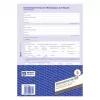
Register Paper Avery 2850

Register Paper Avery 2850
R708
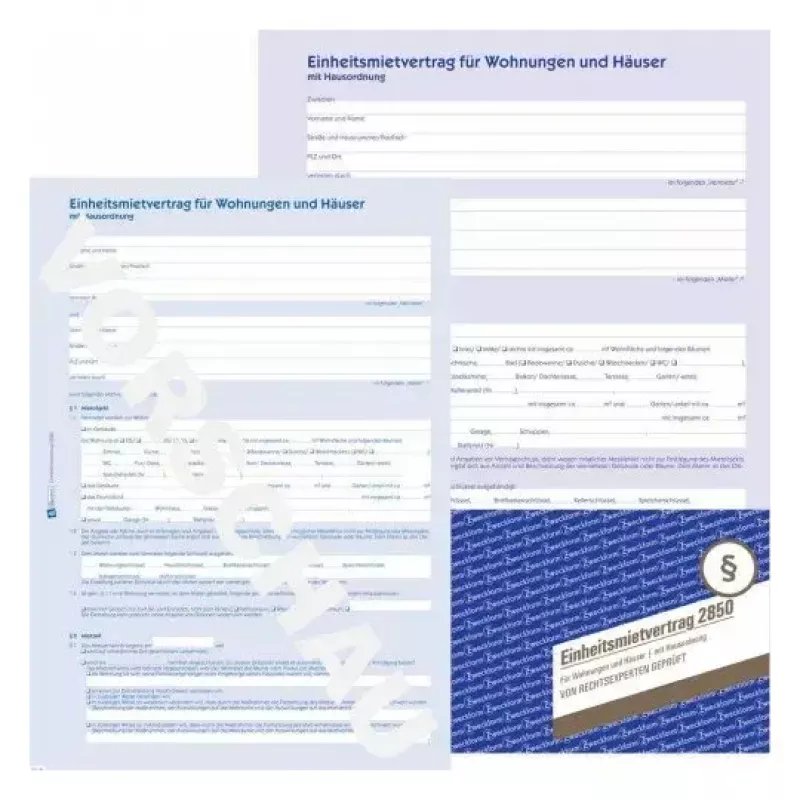
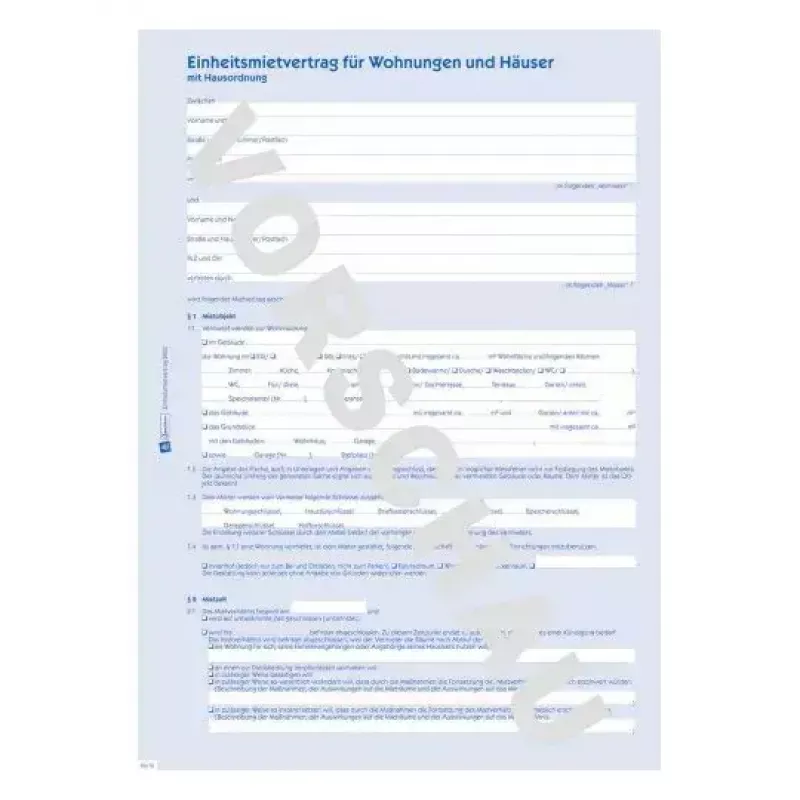
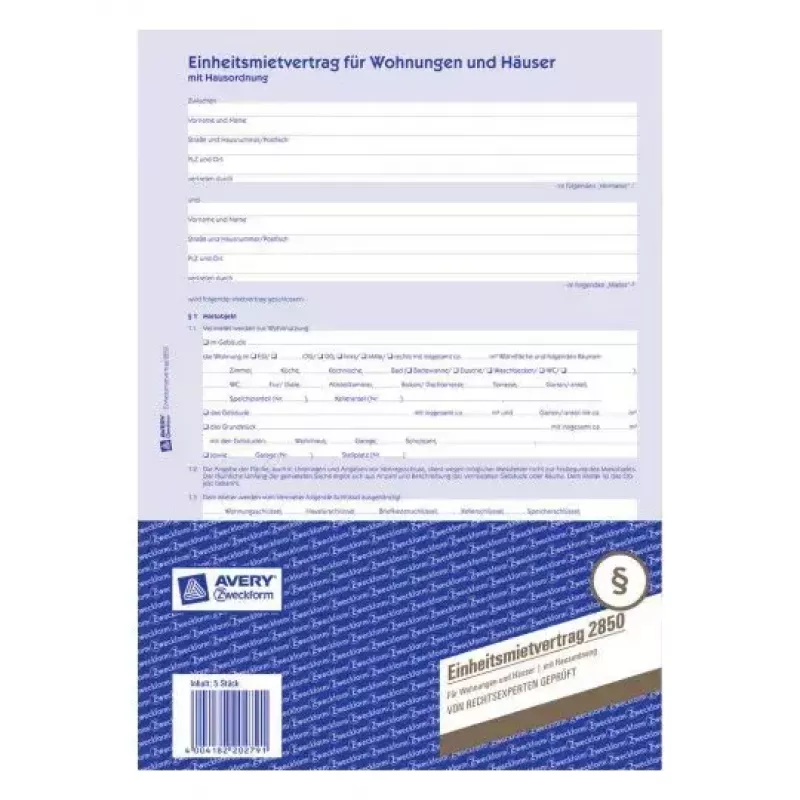
Avery 2850 register paper is designed for professional record keeping and office documentation. The sheet measures 210 mm x 297 mm and features a two-tone blue and white layout to improve legibility and organization in registers, forms, and official records. Supplied as a single pack, this high-qual... Read More
Stock 25 Code 2347382 Brand AVERY Model 2850 Warranty 2 Years
CategoryLabels & Tags

Shipping & Returns

Estimated delivery Friday, November 20
You will be kept updated through our detailed tracking system
Payment options
EFTPayFastBank CardSnapScanZapperGoogle PayApple PayMobicredMoreTymePay on Arrival

Avery 2850 register paper is designed for professional record keeping and office documentation. The sheet measures 210 mm x 297 mm and features a two-tone blue and white layout to improve legibility and organization in registers, forms, and official records. Supplied as a single pack, this high-quality paper offers a smooth surface suitable for ink and toner printing as well as for handwritten entries.

Advantages

The Avery 2850 register paper combines a standardized A4 size with a clear blue-and-white printed layout that helps maintain consistent columns and rows across entries. The paper's surface is suitable for laser and inkjet printing and accepts pen and pencil without excessive smudging. Its professional presentation supports formal documentation and filing systems while reducing the need for manual formatting.

Suitable for

  • Official registers and record books
  • Office forms and administrative documentation
  • Printed templates for meetings, inventories, and logs
  • Handwritten entries where clear column separation is required

Key specifications

  • Format: 210 mm x 297 mm (A4)
  • Printed layout: blue and white register design
  • Pack quantity: 1 sheet
  • Paper surface: suitable for ink, toner, and handwriting
  • Intended use: professional registers and documentation

How to use

Place the Avery register sheet in your printer tray following the device manufacturer's instructions for plain paper and select the appropriate paper size (A4). For best print results, choose standard quality or a setting optimized for plain paper. After printing, allow ink to dry fully before making any handwritten notes. When used for manual recording, position the sheet on a flat surface and write using a ballpoint pen or fine-tip marker to maintain clarity along the printed lines.

Recommendations

Store the register paper flat in a dry environment away from direct sunlight to prevent fading of the printed layout. For archival or frequently handled documents, consider using a protective sleeve or filing system to preserve legibility over time.

Key Highlights
  • Official registers and record books
  • Office forms and administrative documentation
  • Printed templates for meetings, inventories, and logs
  • Handwritten entries where clear column separation is required
  • Format: 210 mm x 297 mm (A4)
  • Printed layout: blue and white register design
  • Pack quantity: 1 sheet
  • Paper surface: suitable for ink, toner, and handwriting
  • Intended use: professional registers and documentation
Specifications
Length
297 mm
Material
Paper
Product colour
Blue, White
Quantity per pack
1 pc(s)
Weight
1.02 kg
Width
210 mm
Price history over the last 6 months
Register Paper Avery 2850
Current
R708
Lowest
R708
Highest
R708
Change 24H
R0   0%
Week
R0   0%
Month
R0   0%

Write a review

Rating *
Your name will be shown publicly – you can use a nickname. We invite buyers to write reviews; we check reviews before publishing and publish critical ones too.

More AVERY products in this category

Popular products in this category

WhatsApp
Messenger
Hi, I’m DistriNode’s AI assistant. I can help you find products, compare options, create quote PDFs, or open support requests.
All categories