Account Contact
Your Cart
Pay the courier with no extra fees.
Need help? DistriNode AI can handle any task on our site.

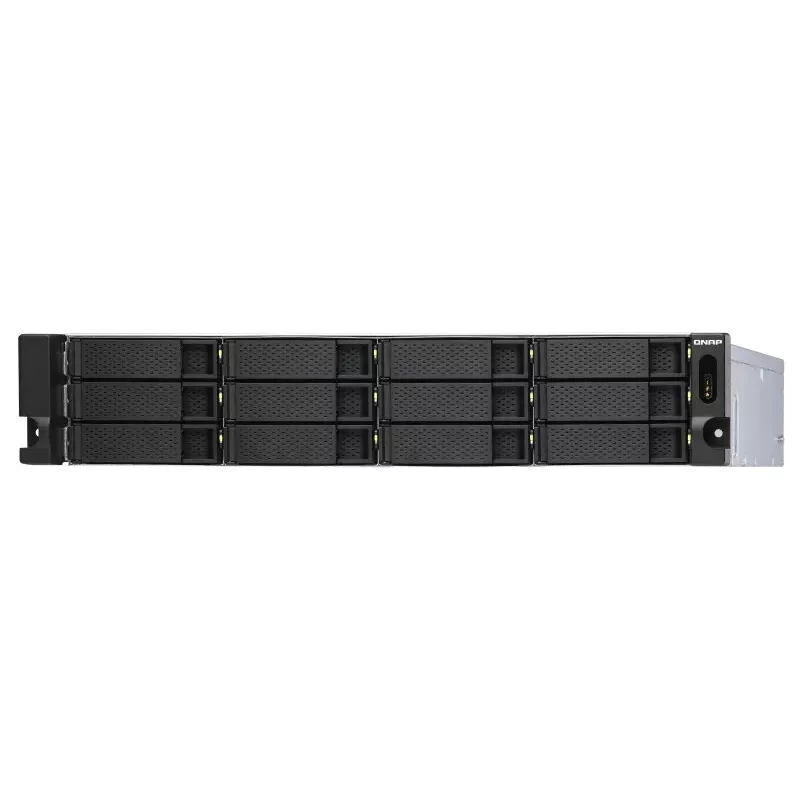
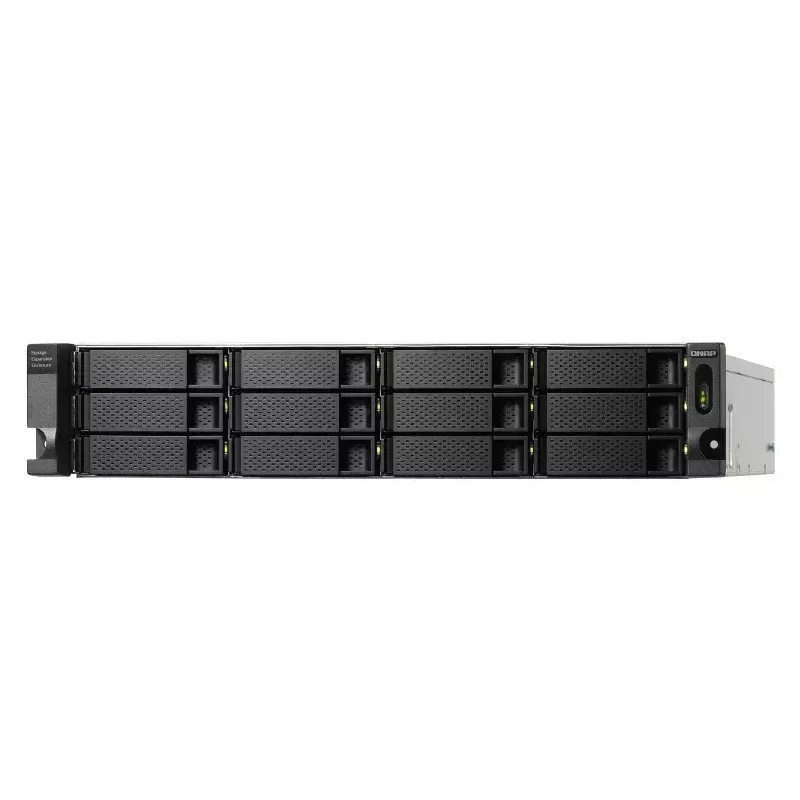
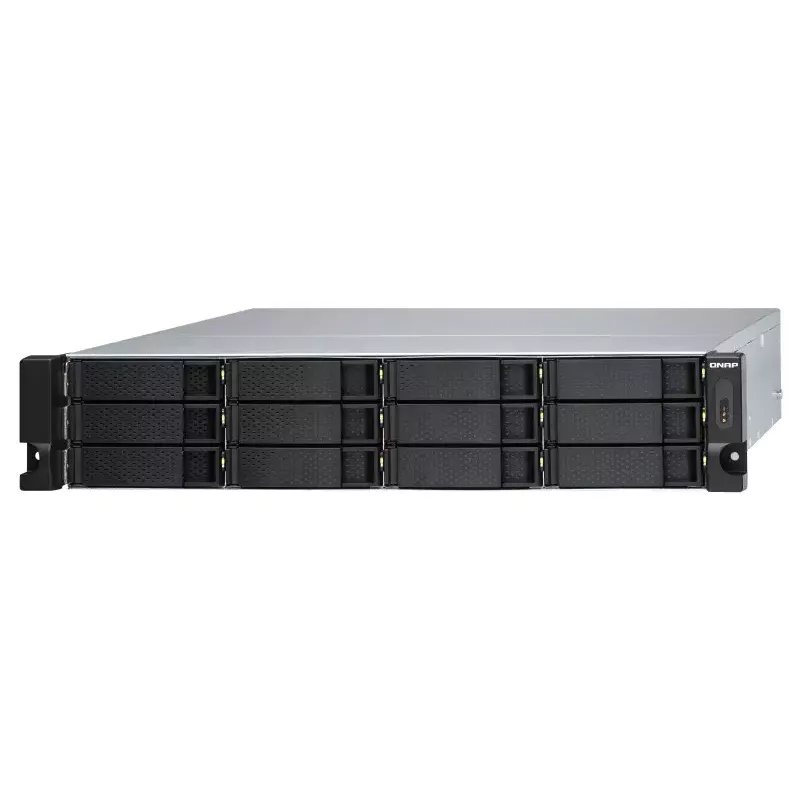
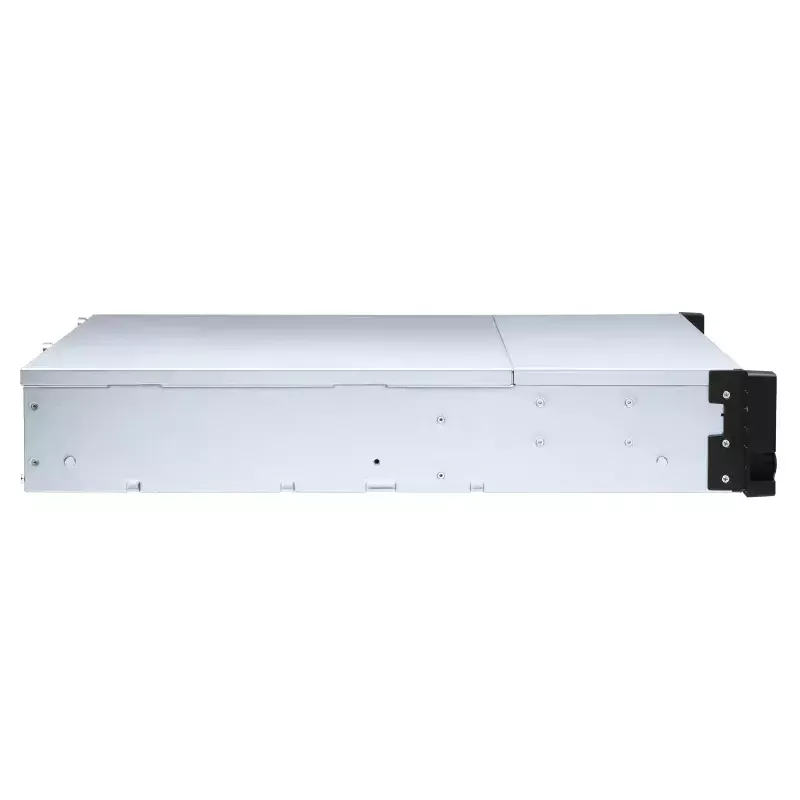
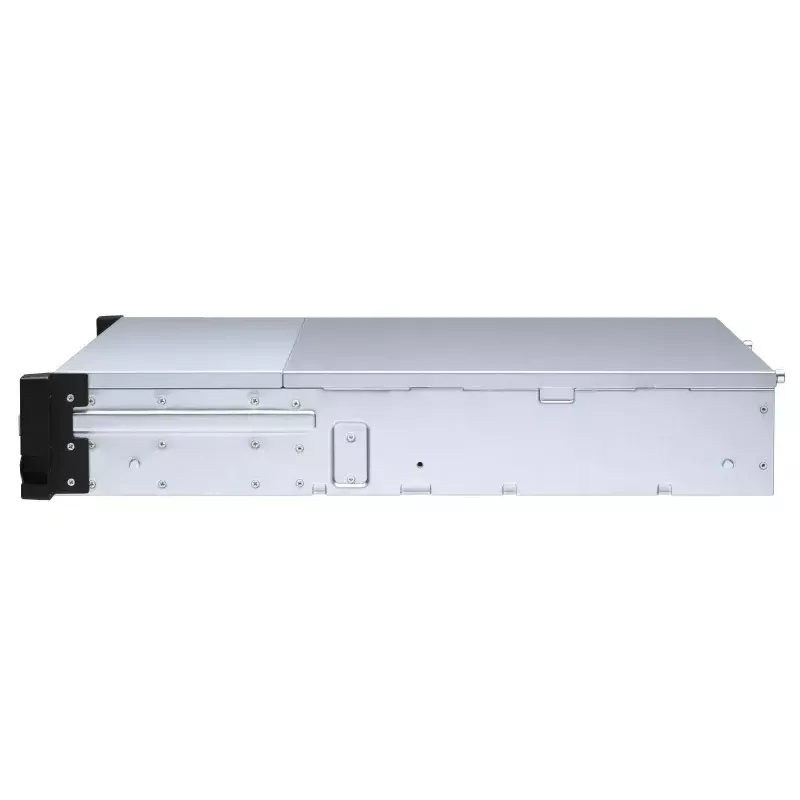
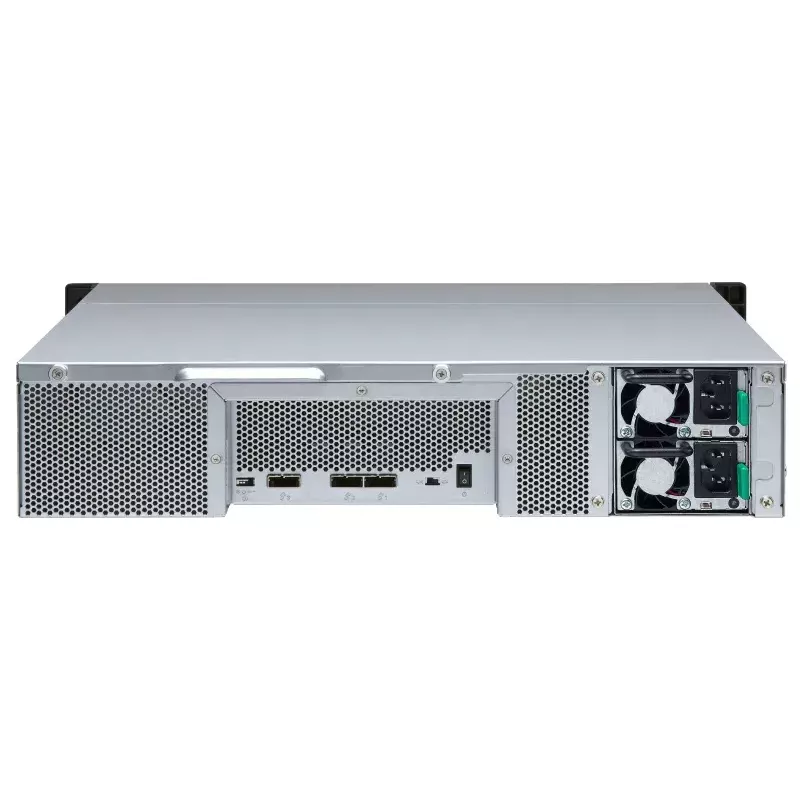
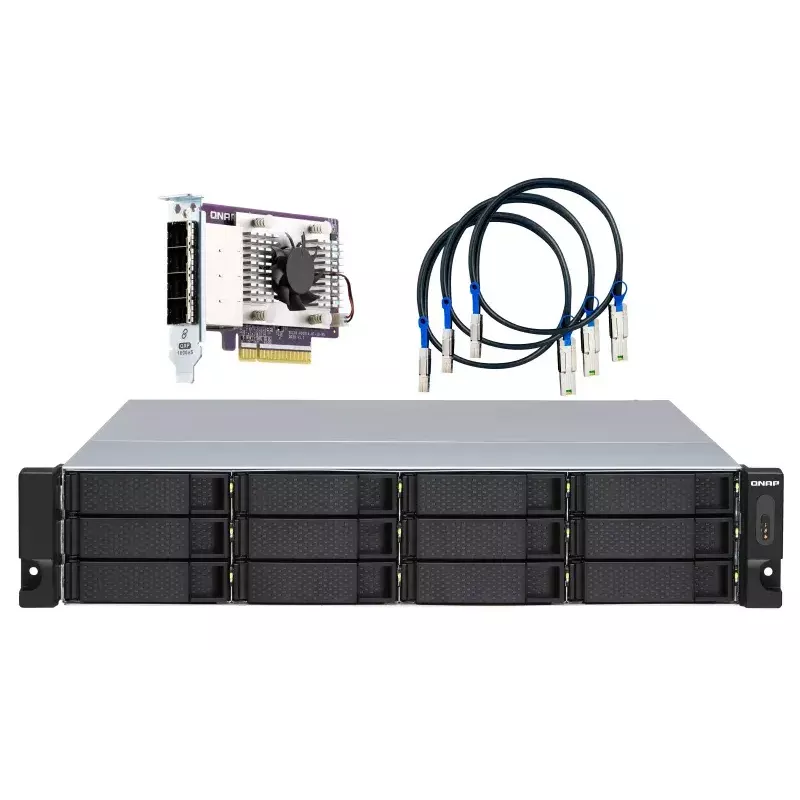
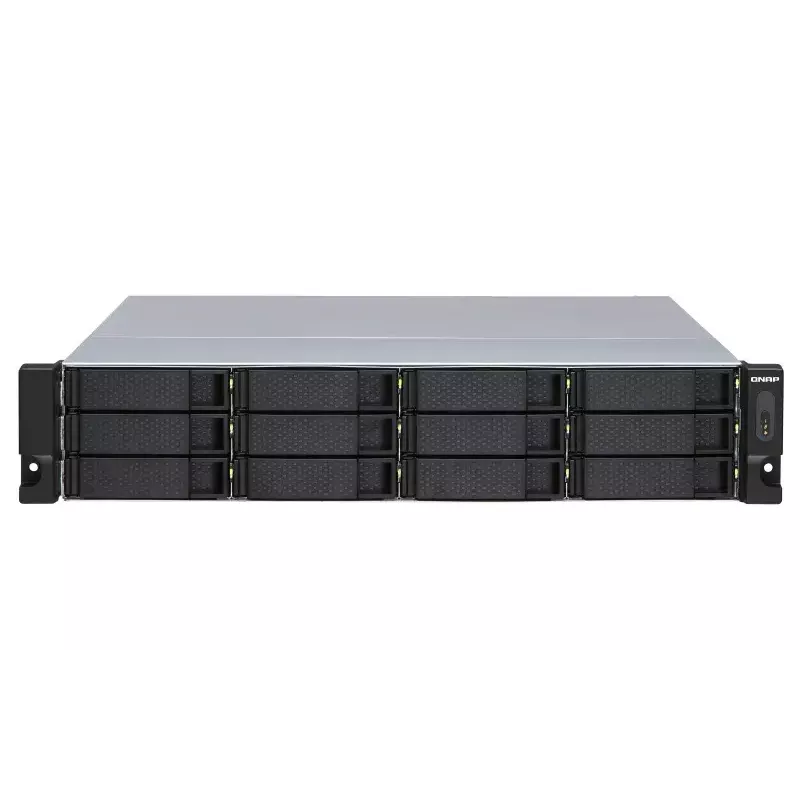
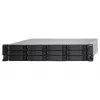
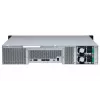
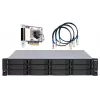
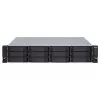
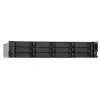
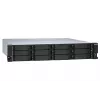
QNAP - TL-R1200S-RP - Festplatten-Array - 12 Schächte (SATA-600) SATA 6Gb/s (extern) Rack einbaufähig 2U

QNAP - TL-R1200S-RP - Festplatten-Array - 12 Schächte (SATA-600) SATA 6Gb/s (extern) Rack einbaufähig 2U
36 mo.
QNAP - TL-R1200S-RP - Festplatten-Array - 12 Schächte (SATA-600) SATA 6Gb/s (extern) Rack einbaufähig 2U
R36,821
TL-R1200S-RP Rackmount JBOD storage enclosure allows you to back up and expand your QNAP NAS, Windows® and Ubuntu® computers and servers. Features twelve 3.5-inch SATA 6Gb/s drive bays, the TL-R1200S-RP comes with a QXP PCIe card for connecting the enclosure using a SFF-8088 (or SFF-8644) cable. It ... Read More
Stock 1 Code 97663 Brand QNAP Model TL-R1200S-RP Warranty 3 Years

Shipping & Returns

Estimated delivery Tuesday, October 6
You will be kept updated through our detailed tracking system
Payment options
EFTPayFastBank CardSnapScanZapperGoogle PayApple PayMobicredMoreTymePay on Arrival
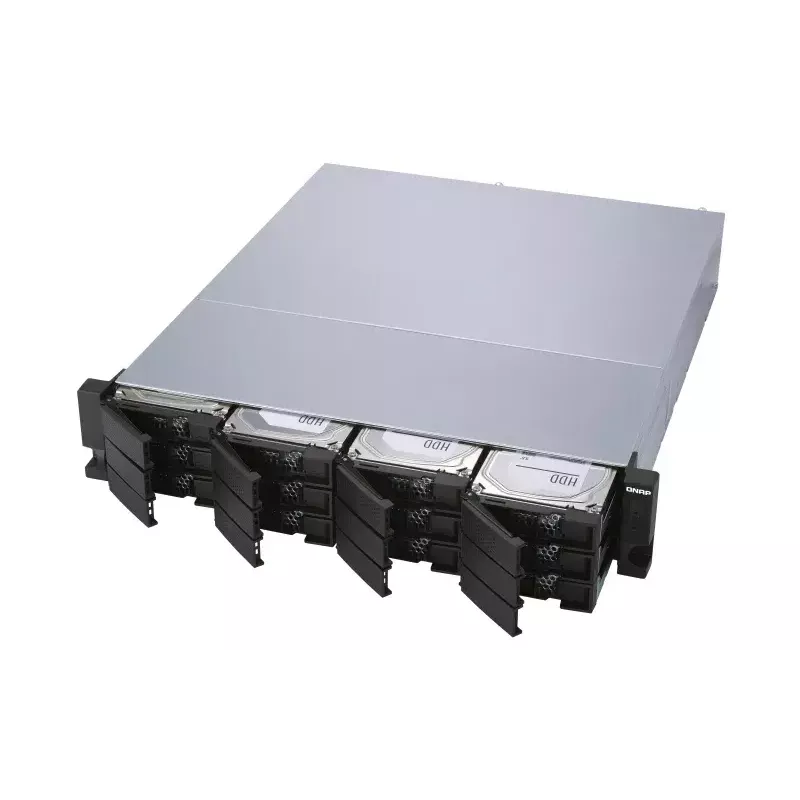
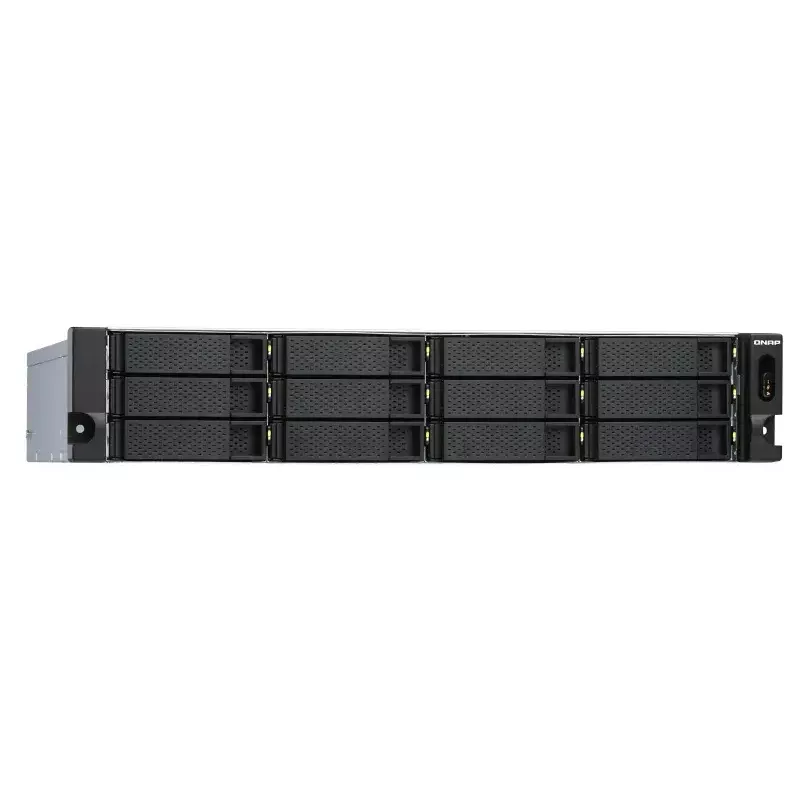
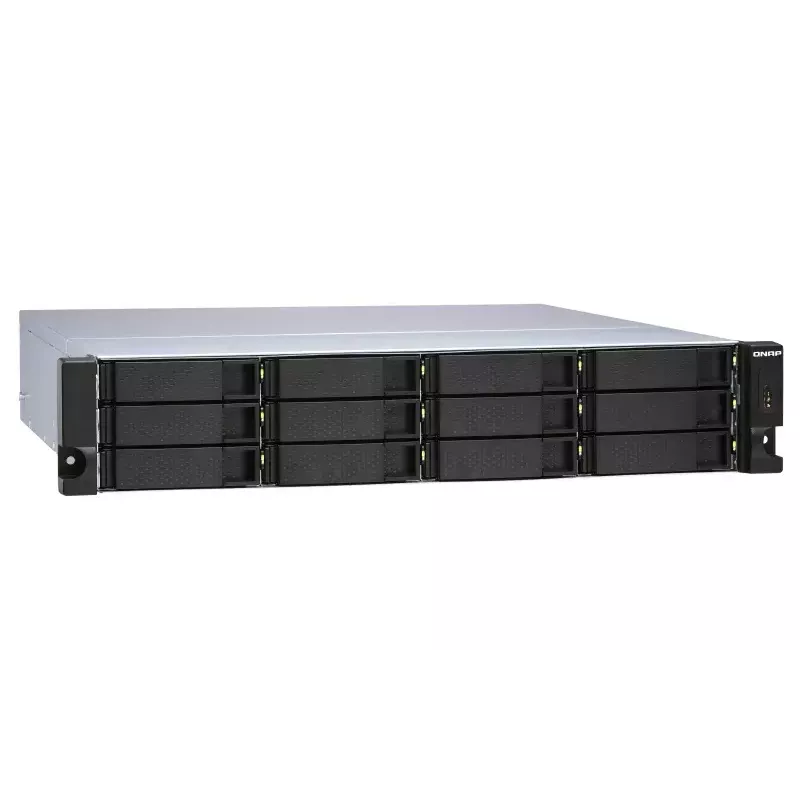
TL-R1200S-RP Rackmount JBOD storage enclosure allows you to back up and expand your QNAP NAS, Windows® and Ubuntu® computers and servers. Features twelve 3.5-inch SATA 6Gb/s drive bays, the TL-R1200S-RP comes with a QXP PCIe card for connecting the enclosure using a SFF-8088 (or SFF-8644) cable. It provides reliable read/write performance for smooth storage and backup tasks.

High-performance of TL SATA JBOD

The TL SATA JBOD supports multi-lane SATA 6Gb/s transfer, and each SATA lane directly connects to a single SATA drive to help improve performance. With the 1-1 high-speed channel, the TL SATA JBOD delivers excellent transfer performance.

Flexible Storage Configuration and Management

The TL-R1200S-RP provides software-controlled storage configuration for greater management flexibility. You can configure RAID and monitor JBOD enclosure and disk health with Storage & Snapshots when connected to a QTS or QuTS hero NAS, or with the QNAP JBOD Manager utility when connected to a computer.

What you need to know

You can connect your TL-R1200S-RP to Windows® and Ubuntu® computers and servers through the SFF-8088 (or SFF-8644) high-speed cable and use built-in utility to manage the RAID configuration.

Intelligently Monitor JBOD Enclosure Status on PC and Servers with QNAP JBOD Manager

The QNAP JBOD Manager is a desktop utility for monitoring the TL-R1200S-RP on Windows and Ubuntu computers. You can quickly obtain the disk statuses, JBOD information and health, view fan rotation speed, and check for firmware version updates. All device events are recorded, and will send desktop notifications when a system alert occurs.

Flexibly Expand Connectivity with QXP PCIe Cards

Install an exclusive QXP PCIe card onto your QNAP NAS, Windows® or Ubuntu® PC and servers to connect the JBOD enclosure via SFF-8088 (or SFF-8644) cable, for easy and flexible storage expansion.

Versatile usage scenarios to meet storage expansion needs

The TL-R1200S-RP meets many storage expansion requirements for the home and office. Below is a list of potential application scenarios:

Scenario 1: Expand your NAS capacity

The TL-R1200S-RP provides an alternative method for users to expand their NAS storage capacity. By connecting the TL-R1200S-RP to their NAS and using Storage & Snapshots Manager in QTS or QuTS hero, users can easily configure and manage their storage expansion. The TL-R1200S-RP supports a variety of QNAP NAS storage and file management functions, allowing users to build storage pools, finding files with Qsirch, and organizing files with Qfiling.

Scenario 2: External storage for your NAS

You can use the TL-R1200S-RP to expand your NAS storage. You can select disks to create storage pools for expanding your NAS capacity, or you can treat each disk as an individual external storage space and use it as a removable drive for greater flexibility. Regardless of the mode you use, you can always use Storage & Snapshots Manager in QTS or QuTS hero to set up and manage your TL-R1200S-RP and use hard drive S.M.A.R.T. and Notification Center to check disk status anytime and anywhere.

- Scenario 3: Expand the storage space of your Windows® and Ubuntu computers and servers

You can use your TL-R1200S-RP with Windows® and Ubuntu® computers and servers to expand more storage space. You can set up the RAID configuration of your TL-R1200S-RP to further secure data protection. Moreover, you can also use the single disk mode and format with exFAT file system for more convenient access and sharing of files between Windows® and Ubuntu® computers.

Scenario 4: Third-party hardware RAID card for advanced protection

You can install third-party hardware RAID cards on your TL-R1200S-RP for advanced hardware RAID 1, RAID 5, RAID 6, RAID 10, RAID 50, and RAID 60 protection and use Windows® utility software to manage your TL-R1200S-RP.

TL-R1200S-RP Offers Better Performance Than Other USB and eSATA JBOD Solutions

The TL-R1200S-RP features SFF-8088 (or SFF-8644) connectivity and multiple SATA 6Gb/s bays. This provides better sequential read performance and faster data transfer speeds than existing USB and eSATA expansion enclosures, while also being a more economical option compared to a QNAP REXP SAS enclosure.

How to use

Install the QXP PCIe card in the host (QNAP NAS, Windows or Ubuntu PC/server) and connect the TL-R1200S-RP using an SFF-8088 or SFF-8644 cable. For QNAP NAS, configure and monitor the enclosure and disks with Storage & Snapshots in QTS or QuTS hero. For Windows and Ubuntu systems, install QNAP JBOD Manager to view disk status, fan speed and firmware updates, and to receive desktop notifications for events. Configure desired RAID or single-disk modes via the host utilities or use a third-party hardware RAID card if advanced RAID levels are required.

Recommendations

Use appropriate enterprise-grade SATA drives for consistent performance and enable monitoring with QNAP JBOD Manager or Storage & Snapshots to regularly check disk health and firmware. Choose single-disk mode with exFAT if you need removable disks shared between Windows and Ubuntu, or configure RAID for increased redundancy depending on your protection needs.

Key Highlights
  • High-capacity TL SATA JBOD not only can expand NAS storage, but also Windows® and Ubuntu® computers and servers
  • SFF-8088 (or SFF-8644) connection cable supports four SATA 6Gb/s channels per cable (24Gb/s in total) and provides faster data transfer speeds than eSATA and USB
  • The 250W redundant power supply can ensure maximum system uptime
  • HDD/SSD enclosure Serial ATA III 2.5/3.5"
  • Number of storage drives supported: 12
  • Hot-swap
  • Rack mounting
  • 6 Gbit/s
  • Power source type: AC
  • Black, Grey
Specifications
AC adapter frequency
50/60 Hz
AC adapter input voltage
100 - 240 V
Cables included
AC, MiniSAS
Data transfer rate
6 Gbit/s
Depth
423.8 mm
Fan diameter
7 cm
Harmonized System (HS) code
84733080
Height
88.7 mm
Hot-swap
Yes
LED indicators
Fan fail, HDD, Link
Manual
Yes
Noise level
33.7 dB
Number of fans
2 fan(s)
Number of keys included
2 pc(s)
Number of storage drives supported
12
On/off switch
Yes
Operating relative humidity (H-H)
5 - 95%
Operating temperature (T-T)
0 - 40 °C
Package depth
253 mm
Package height
719 mm
Package type
Box
Package weight
15.4 kg
Package width
552 mm
Power source type
AC
Product colour
Black, Grey
Product type
HDD/SSD enclosure
Rack capacity
2U
Rack mounting
Yes
Screws included
Yes
Storage drive size
2.5/3.5"
Storage temperature (T-T)
-20 - 70 °C
Supported storage drive interfaces
Serial ATA III
USB connectivity
No
Warranty period
3 year(s)
Weight
13.2 kg
Width
482.2 mm

Manual

Open Manual

Manual

Open Manual

Manual

Open Manual

Leaflet

Open Leaflet
Price history over the last 6 months
QNAP - TL-R1200S-RP - Festplatten-Array - 12 Schächte (SATA-600) SATA 6Gb/s (extern) Rack einbaufähig 2U
Current
R36,821
Lowest
R32,392
Highest
R37,721
Change 24H
+R4,187   +13%
Week
+R4,327   +13%
Month
+R4,267   +13%

Popular products in this category

WhatsApp
Hi, I’m DistriNode’s AI assistant. I can help you find products, compare options, create quote PDFs, or open support requests.