Account Contact
Your Cart
Pay on delivery – no extra fees
Need help? Ask our AI

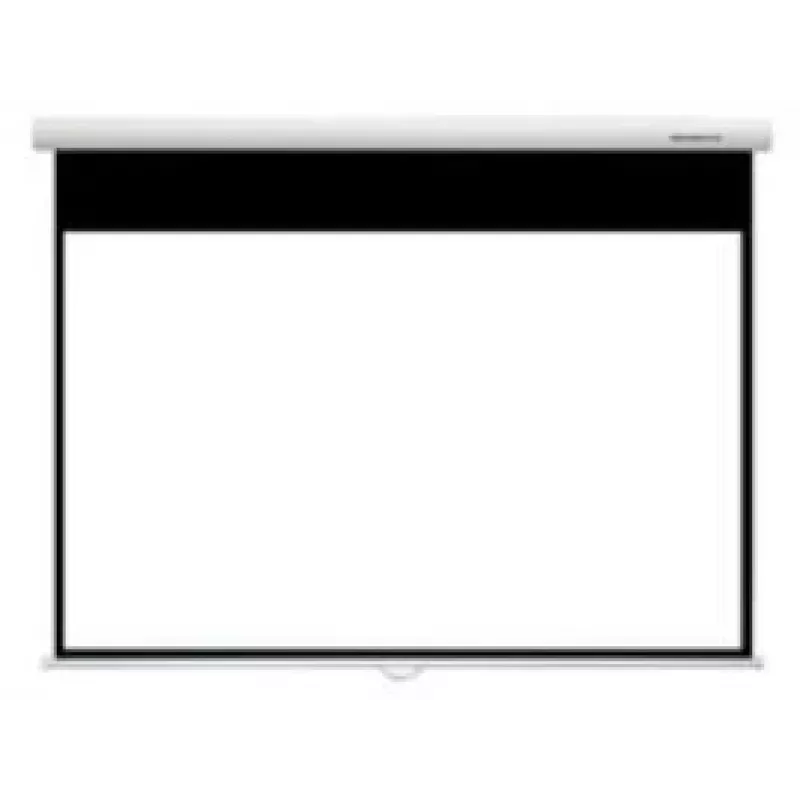
Projection Screen Grandview GV101037 2.54 m (100 inch) 16:9

Projection Screen Grandview GV101037 2.54 m (100 inch) 16:9
R5,358
The Grandview GV101037 projection screen is a manual-drive 100" (2.54 m) display surface designed for presentations and home cinema. With a native 16:9 aspect ratio, a viewable width of 2.21 m and a height of 1.24 m, the screen delivers a widescreen image suitable for movies, video and projector-bas... Read More
Stock 4 Code 1210407 Brand GRANDVIEW Model GV101037 Warranty 2 Years

Shipping & Returns

Estimated delivery Monday, November 2
You will be kept updated through our detailed tracking system
Payment options
EFTPayFastBank CardSnapScanZapperGoogle PayApple PayMobicredMoreTymePay on Arrival

The Grandview GV101037 projection screen is a manual-drive 100" (2.54 m) display surface designed for presentations and home cinema. With a native 16:9 aspect ratio, a viewable width of 2.21 m and a height of 1.24 m, the screen delivers a widescreen image suitable for movies, video and projector-based presentations. The product is durable and meant for easy installation in both professional and personal environments.

Advantages

The Grandview GV101037 combines a large 100" diagonal size with a simple manual drive mechanism for reliable operation. Its 16:9 native aspect ratio ensures correct scaling of widescreen content, while the substantial viewable area supports clear, immersive viewing. The screen is engineered for durability and straightforward mounting, making it adaptable to meeting rooms, classrooms and home theaters.

Suitable for

  • Business presentations and conference rooms
  • Home cinema and media rooms
  • Classroom and training environments
  • Video playback and projector demonstrations

Key specifications

  • Model: Grandview GV101037
  • Diagonal: 2.54 m (100")
  • Aspect ratio: 16:9 (native)
  • Viewable width: 2.21 m
  • Viewable height: 1.24 m
  • Drive type: Manual
  • Category: Projection Screen

How to use

Mount the Grandview GV101037 screen securely to a wall or ceiling bracket following the manufacturer’s installation instructions. Pull the screen down to the desired viewing height and lock it in place according to the manual-drive mechanism. Use a projector configured for a 16:9 output and position it so the projected image fills the viewable area without overscan. Retract the screen when not in use to protect the surface from dust and damage.

Recommendations

For best image quality, calibrate your projector to the screen’s 16:9 aspect ratio and adjust focus and keystone correction. Install the screen on a stable mounting surface and avoid exposing the projection surface to direct sunlight or moisture.
Key Highlights
  • Business presentations and conference rooms
  • Home cinema and media rooms
  • Classroom and training environments
  • Video playback and projector demonstrations
  • Model: Grandview GV101037
  • Diagonal: 2.54 m (100")
  • Aspect ratio: 16:9 (native)
  • Viewable width: 2.21 m
  • Viewable height: 1.24 m
  • Drive type: Manual
  • Category: Projection Screen
Specifications
Diagonal
100 "
Drive type
Manual
Harmonized System (HS) code
90106000
Native aspect ratio
16:9
Viewable screen height (H)
1240 mm
Viewable screen width (W)
2210 mm
Price history over the last 6 months
Projection Screen Grandview GV101037 2.54 m (100 inch) 16:9
Current
R5,358
Lowest
R4,515
Highest
R5,358
Change 24H
+R96   +2%
Week
+R749   +16%
Month
+R749   +16%

Popular products in this category

WhatsApp
Hi, I’m DistriNode’s AI assistant. I can help you find products, compare options, create quote PDFs, or open support requests.