Account Contact
Your Cart
Pay the courier with no extra fees.
Need help? DistriNode AI can handle any task on our site.

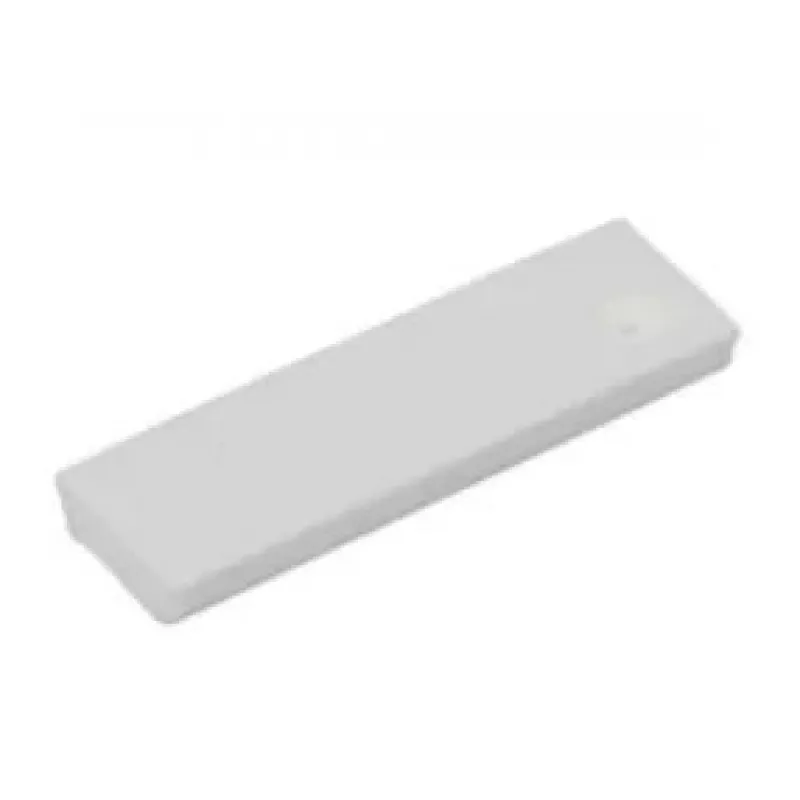
Printer/Scanner Spare Part Samsung JB73-00052A

Printer/Scanner Spare Part Samsung JB73-00052A
R705
The Samsung JB73-00052A is a white replacement component for compatible multifunction printers and scanners. Designed to restore or maintain reliable operation in devices from the indicated model range, this spare part helps ensure consistent print quality and proper device functionality. It is inte... Read More
Stock 1 Code 2573419 Brand SAMSUNG Model JB73-00052A Warranty 2 Years

Shipping & Returns

Estimated delivery Thursday, October 8
You will be kept updated through our detailed tracking system
Payment options
EFTPayFastBank CardSnapScanZapperGoogle PayApple PayMobicredMoreTymePay on Arrival

The Samsung JB73-00052A is a white replacement component for compatible multifunction printers and scanners. Designed to restore or maintain reliable operation in devices from the indicated model range, this spare part helps ensure consistent print quality and proper device functionality. It is intended for use in maintenance and repair situations where original-equivalent parts are required to keep the printer or scanner operating within manufacturer specifications.

Advantages

This spare part offers a precise fit for compatible Samsung multifunction models and is manufactured to meet the physical and functional requirements of the original component. Using an appropriate replacement part reduces downtime, preserves output quality, and supports stable device operation over time. The white finish allows easy visual verification during installation and service checks.

Key specifications

  • Type: spare part for multifunction printers and scanners
  • Color: white
  • Compatibility: compatible with specified Samsung multifunction models
  • Function: replacement component to restore mechanical/electrical functionality
  • Material characteristics: manufactured to OEM-equivalent physical tolerances

How to use

Turn off and unplug the device before beginning replacement. Access the service area according to the device service manual and remove the damaged component carefully, following standard electrostatic discharge precautions. Install the replacement part in the same orientation as the original, ensuring connectors and mounting points are properly seated. After installation, reconnect the device, run any required initialization or calibration procedures as described in the printer or scanner documentation, and perform a test print or scan to confirm correct operation.

Recommendations for use

Use only compatible replacement parts and follow the device manufacturer’s service instructions. If unsure about installation, consult a qualified technician or authorized service center to avoid damage to the device.

Key Highlights
  • Восстановление работоспособности многофункциональных устройств Samsung
  • Техническое обслуживание и плановый ремонт принтеров и сканеров
  • Замена изношенных или повреждённых деталей в совместимых моделях
  • Замены во время сервисного обслуживания для длительной эксплуатации оборудования
  • Type: spare part for multifunction printers and scanners
  • Color: white
  • Compatibility: compatible with specified Samsung multifunction models
  • Function: replacement component to restore mechanical/electrical functionality
  • Material characteristics: manufactured to OEM-equivalent physical tolerances
Specifications
Brand compatibility
Samsung
Compatibility
CLX-3160/FN, CLX-3160/N, SCX-4216F, SCX-4521F, SCX-4720F, SCX-4725F/FN, SCX-5315F, SCX-5330N, SCX-5530FN, SCX-5635FN, SCX-6220, SCX-6320F, SCX-6345N
Device compatibility
Multifunctional
Product colour
White
Price history over the last 6 months
Printer/Scanner Spare Part Samsung JB73-00052A
Current
R705
Lowest
R686
Highest
R722
Change 24H
+R11   +2%
Week
+R17   +2%
Month
+R12   +2%

Popular products in this category

WhatsApp
Hi, I’m DistriNode’s AI assistant. I can help you find products, compare options, create quote PDFs, or open support requests.