Account Contact
Your Cart
Pay the courier with no extra fees.
Need help? DistriNode AI can handle any task on our site.

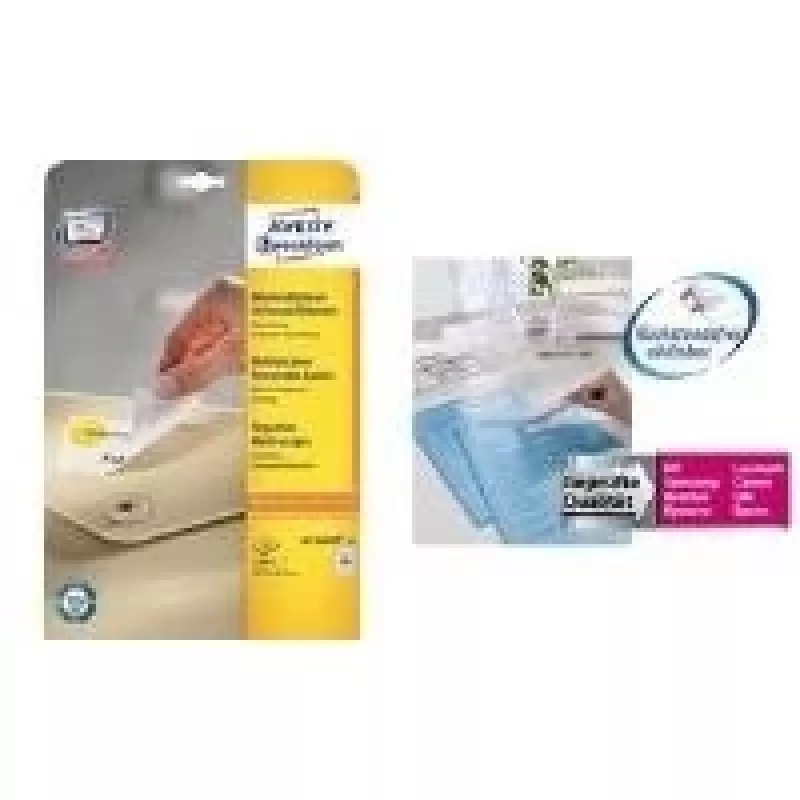
Printer label Avery L4736REV-10 White

Printer label Avery L4736REV-10 White
R445
The Avery L4736REV-10 White printer labels are compatible with both laser and inkjet printers and provide a reliable solution for address, product, and organizational labeling. Each label measures 45.7 x 21.2 mm, offering a compact rectangular format suitable for small text, barcodes, and price tags... Read More
Stock 10 Code 2209253 Brand AVERY Model L4736REV-10 Warranty 2 Years

Shipping & Returns

Estimated delivery Tuesday, October 6
You will be kept updated through our detailed tracking system
Payment options
EFTPayFastBank CardSnapScanZapperGoogle PayApple PayMobicredMoreTymePay on Arrival

The Avery L4736REV-10 White printer labels are compatible with both laser and inkjet printers and provide a reliable solution for address, product, and organizational labeling. Each label measures 45.7 x 21.2 mm, offering a compact rectangular format suitable for small text, barcodes, and price tags. The pack contains 480 labels distributed across 10 sheets, enabling multiple uses for mailings, inventory, or office filing.

Advantages

These white labels are engineered to feed smoothly through common laser and inkjet printers, reducing misfeeds and jams. The matte white surface delivers good print contrast for black and color inks, ensuring legible text and scannable barcodes. Sheets are pre-cut and arranged to a standard layout that simplifies printing from common label templates, and the adhesive provides secure attachment to paper, cardboard, and many smooth surfaces.

Suitable for

  • Mailing and address labels for envelopes and small parcels
  • Product labeling, price tags and barcode labels for retail
  • File and folder identification in offices and archives
  • Inventory tagging and small-part identification in warehouses
  • Home organization and craft projects requiring small rectangular labels

Key specifications

  • Label dimensions: 45.7 x 21.2 mm
  • Color: white
  • Quantity per pack: 480 labels (10 sheets)
  • Compatible printers: laser and inkjet
  • Sheet format: pre-cut labels on printable sheets

How to use

Load the printed label sheets into the paper tray of a laser or inkjet printer according to the printer manufacturer’s guidelines. Use a compatible label template in your word processing or label-design software, set the correct page size and label layout to match the sheet, and perform a test print on plain paper to verify alignment. Once alignment is confirmed, print the required quantity. After printing, peel labels from the backing and apply to clean, dry surfaces, pressing firmly to ensure adhesion.

Recommendations

For best results, store unused sheets flat in a cool, dry place away from direct sunlight. When printing barcodes or small text, choose high-contrast font colors and sufficient font sizes to maintain scannability. Avoid applying labels to rough, dusty, or curved surfaces where adhesion may be compromised.

Key Highlights
  • Mailing and address labels for envelopes and small parcels
  • Product labeling, price tags and barcode labels for retail
  • File and folder identification in offices and archives
  • Inventory tagging and small-part identification in warehouses
  • Home organization and craft projects requiring small rectangular labels
  • Label dimensions: 45.7 x 21.2 mm
  • Color: white
  • Quantity per pack: 480 labels (10 sheets)
  • Compatible printers: laser and inkjet
  • Sheet format: pre-cut labels on printable sheets
Specifications
Label size
45.7 x 21.2 mm
Labels per pack
480 pc(s)
Media sheets per package
10 sheets
Print technology
Laser/Inkjet
Product colour
White
Price history over the last 6 months
Printer label Avery L4736REV-10 White
Current
R445
Lowest
R435
Highest
R445
Change 24H
+R9   +2%
Week
—   
Month
—   

Popular products in this category

WhatsApp
Hi, I’m DistriNode’s AI assistant. I can help you find products, compare options, create quote PDFs, or open support requests.