Account Contact
Your Cart
Pay the courier with no extra fees.
Need help? DistriNode AI can handle any task on our site.

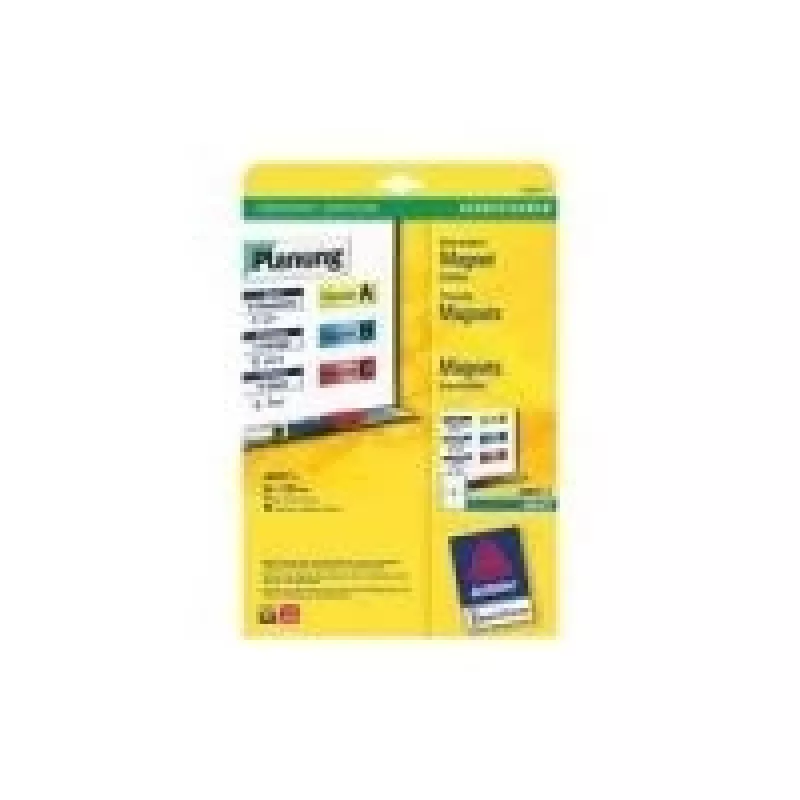
Printer label Avery J8875-5

Printer label Avery J8875-5
R846
The Avery J8875-5 printer label is designed for inkjet printers and measures 50 x 140 mm. Each pack contains 40 labels arranged on five A4 sheets, providing a compact and manageable supply for printing address labels, shipping tags, parcel markers, and general organization. The labels have a printab... Read More
Stock 16 Code 2257317 Brand AVERY Model J8875-5 Warranty 2 Years

Shipping & Returns

Estimated delivery Tuesday, October 6
You will be kept updated through our detailed tracking system
Payment options
EFTPayFastBank CardSnapScanZapperGoogle PayApple PayMobicredMoreTymePay on Arrival

The Avery J8875-5 printer label is designed for inkjet printers and measures 50 x 140 mm. Each pack contains 40 labels arranged on five A4 sheets, providing a compact and manageable supply for printing address labels, shipping tags, parcel markers, and general organization. The labels have a printable surface compatible with common inkjet inks and are sized to fit standard envelopes and small parcels.

Advantages

These inkjet printer labels offer consistent print quality and reliable adhesion suitable for paper and cardboard surfaces. The sheet format allows easy alignment in most inkjet printers and reduces waste by grouping multiple labels per sheet. Their medium-long rectangular shape provides enough space for addresses, barcodes, and basic logos while remaining compact for small parcels and folders.

Suitable for

  • Printing shipping and address labels for small parcels and envelopes
  • Organizing files, folders and office documents
  • Creating product or inventory labels for retail and storage
  • Handing out name tags or badges for events and mailings

Key specifications

  • Intended for: inkjet printers
  • Label size: 50 x 140 mm
  • Labels per pack: 40
  • Sheets per pack: 5 A4 sheets
  • Label shape: rectangular
  • Printable surface: compatible with common inkjet inks

How to use

Load one A4 sheet of labels into the inkjet printer according to the printer manufacturer's instructions, with the printable side facing the correct direction for your model. Use label templates in common office software or Avery-compatible template files that match the 50 x 140 mm dimensions to position text, addresses, barcodes, or logos accurately. Print a test page on plain paper first to verify alignment, then print the required number of sheets. After printing, peel labels from the backing and apply them to clean, dry surfaces to ensure proper adhesion.

Recommendations

Store unopened packs in a cool, dry place away from direct sunlight to preserve adhesive performance. For best results, apply labels to smooth, dust-free surfaces and avoid stretching or folding the label when applying. Allow freshly printed labels to dry briefly before handling to prevent smudging with certain ink formulations.

Key Highlights
  • Printing shipping and address labels for small parcels and envelopes
  • Organizing files, folders and office documents
  • Creating product or inventory labels for retail and storage
  • Handing out name tags or badges for events and mailings
  • Intended for: inkjet printers
  • Label size: 50 x 140 mm
  • Labels per pack: 40
  • Sheets per pack: 5 A4 sheets
  • Label shape: rectangular
  • Printable surface: compatible with common inkjet inks
Specifications
Label size
50 x 140
Labels per pack
40 pc(s)
Media sheets per package
5 sheets
Paper dimensions
A4
Print technology
Inkjet
Price history over the last 6 months
Printer label Avery J8875-5
Current
R846
Lowest
R831
Highest
R846
Change 24H
+R12   +1%
Week
—   
Month
—   

Popular products in this category

WhatsApp
Hi, I’m DistriNode’s AI assistant. I can help you find products, compare options, create quote PDFs, or open support requests.