Account Contact
Your Cart
Pay the courier with no extra fees.
Need help? DistriNode AI can handle any task on our site.

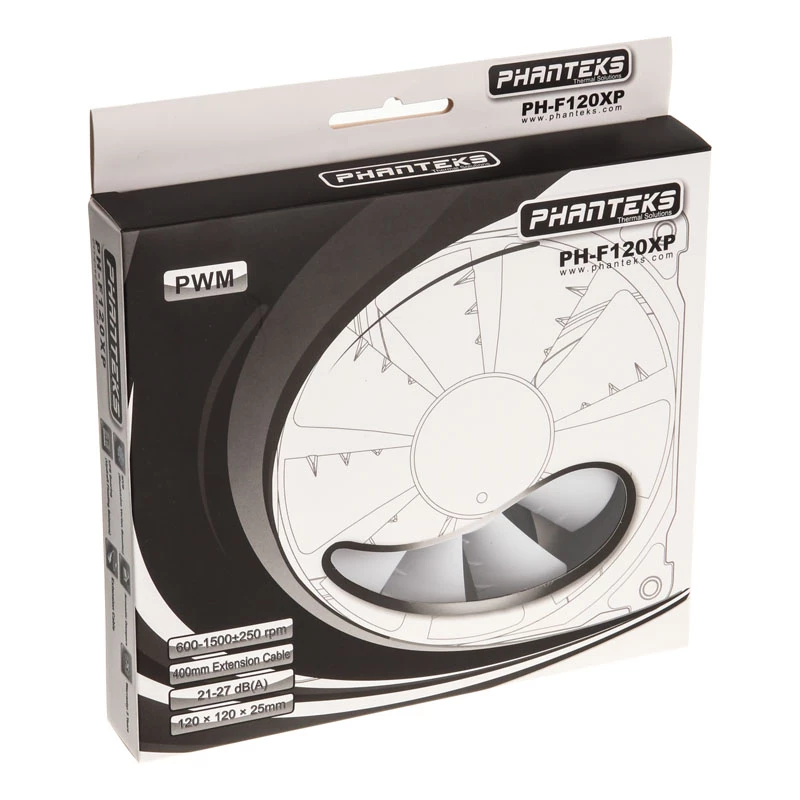
Fan Phanteks PH-F120XP

Fan Phanteks PH-F120XP
R114
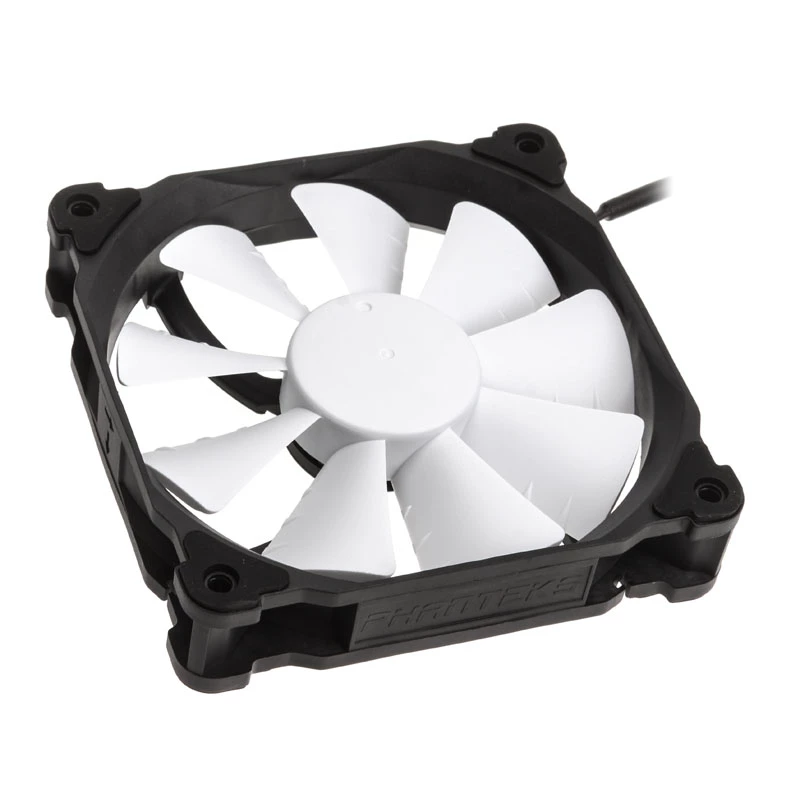
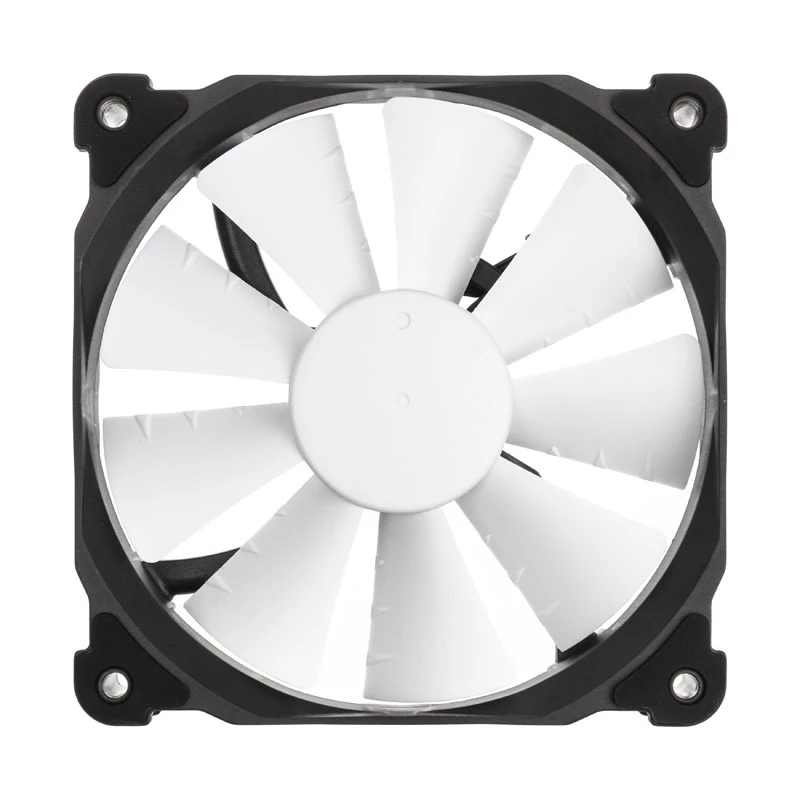
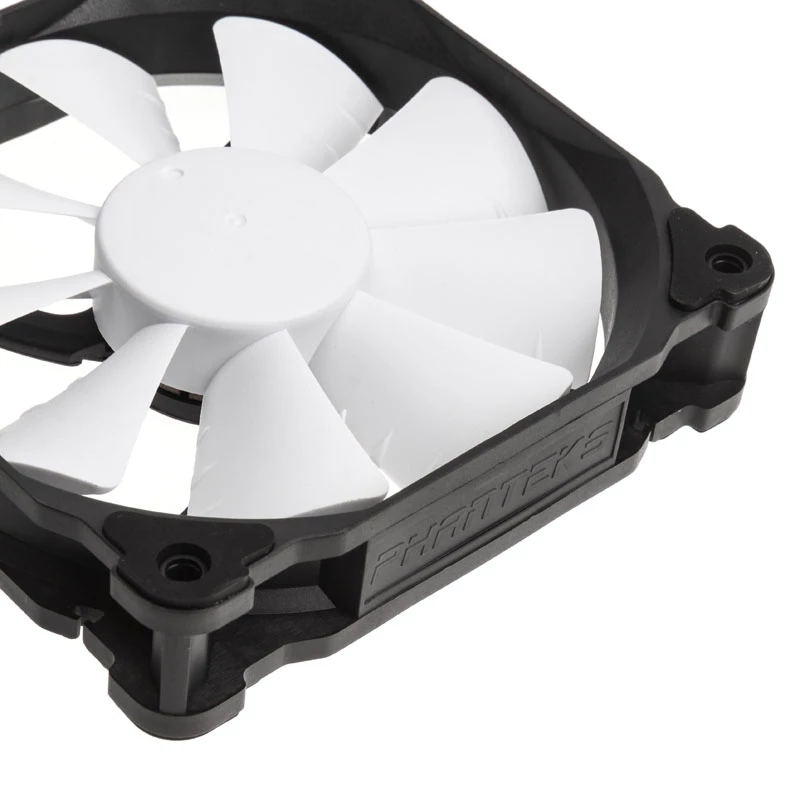
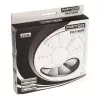
The Phanteks PH-F120XP is a 120 mm case fan engineered for efficient airflow and low noise operation. Its 9-blade design concentrates airflow for improved performance while maintaining a compact 120 x 120 x 25 mm form factor. The fan is available in black and white and connects via a 4-pin PWM conne... Read More
Stock 50 Code 311079 Brand PHANTEKS Model PH-F120XP_BK Warranty 2 Years

Shipping & Returns

Estimated delivery Thursday, October 1
You will be kept updated through our detailed tracking system
Payment options
EFTPayFastBank CardSnapScanZapperGoogle PayApple PayMobicredMoreTymePay on Arrival

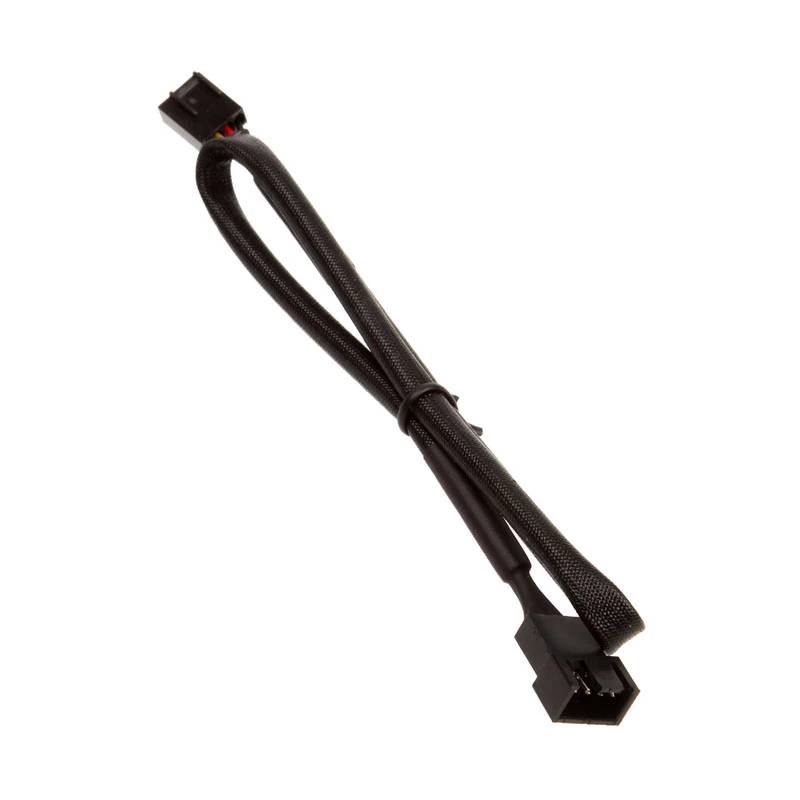
The Phanteks PH-F120XP is a 120 mm case fan engineered for efficient airflow and low noise operation. Its 9-blade design concentrates airflow for improved performance while maintaining a compact 120 x 120 x 25 mm form factor. The fan is available in black and white and connects via a 4-pin PWM connector for motherboard-controlled speed adjustment based on temperature.

Advantages

The PH-F120XP combines a wide rotational speed range (500–1200 RPM) with focused blade geometry to deliver up to 61.6 CFM airflow and 1.72 mmH2O static pressure while keeping acoustic levels low (around 21 dB at low speed and 27 dB at high speed). PWM control enables automatic speed scaling to balance cooling performance and noise.

Suitable for

  • Standard desktop PC case cooling
  • Radiator or heatsink support in compact builds
  • Quiet or low-noise system builds

Key specifications

  • Fan size: 120 mm (120 x 120 x 25 mm)
  • Blade design: 9-blade optimized airflow
  • Speed range: 500–1200 RPM
  • Maximum airflow: 61.6 CFM
  • Maximum static pressure: 1.72 mmH2O
  • Noise level: ~21 dB (low) / ~27 dB (high)
  • Connector: 4-pin PWM
  • Colors: Black, White

How to use

Install the PH-F120XP in your PC case or on a compatible radiator/heatsink using the standard 120 mm mounting holes. Connect the 4-pin PWM cable to a motherboard fan header that supports PWM control to enable automatic speed adjustment based on system temperature. Ensure the fan orientation matches the desired airflow direction (intake or exhaust) and secure it with screws or vibration-damping mounts as appropriate.

Recommendations

For balanced cooling and low noise, connect the fan to a PWM-capable header and allow the motherboard’s fan curve to manage speeds. Use anti-vibration mounting if noise reduction is a priority and keep intake filters clean to maintain airflow performance.

Key Highlights
  • Standard desktop PC case cooling
  • Radiator or heatsink support in compact builds
  • Quiet or low-noise system builds
  • Fan size: 120 mm (120 x 120 x 25 mm)
  • Blade design: 9-blade optimized airflow
  • Speed range: 500–1200 RPM
  • Maximum airflow: 61.6 CFM
  • Maximum static pressure: 1.72 mmH2O
  • Noise level: ~21 dB (low) / ~27 dB (high)
  • Connector: 4-pin PWM
  • Colors: Black, White
Specifications
Cable length
0.5 m
Cables included
Fan
Depth
120 mm
Fan connector
4-pin
Fan diameter
120 mm
Height
25 mm
Maximum air pressure
1.72 mmH2O
Maximum airflow
61.6 cfm
Mean time between failures (MTBF)
150000 h
Minimum air pressure
0.39 mmH2O
Minimum airflow (imperial)
23 cfm
Noise level (high speed)
27 dB
Noise level (low speed)
21 dB
Power supply
2.4 W
Product colour
White, Black
Rated current
0.2 A
Rotational speed (max)
1200 RPM
Rotational speed (min)
500 RPM
Screws included
Yes
Suitable location
Computer case
Type
Fan
Voltage
12
Width
120 mm
Price history over the last 6 months
Fan Phanteks PH-F120XP
Current
R114
Lowest
R103
Highest
R143
Change 24H
+R10   +9%
Week
+R11   +10%
Month
-R2   -1%

Popular products in this category

WhatsApp
Hi, I’m DistriNode’s AI assistant. I can help you find products, compare options, create quote PDFs, or open support requests.