Account Contact
Your Cart
Pay the courier with no extra fees.
Need help? DistriNode AI can handle any task on our site.

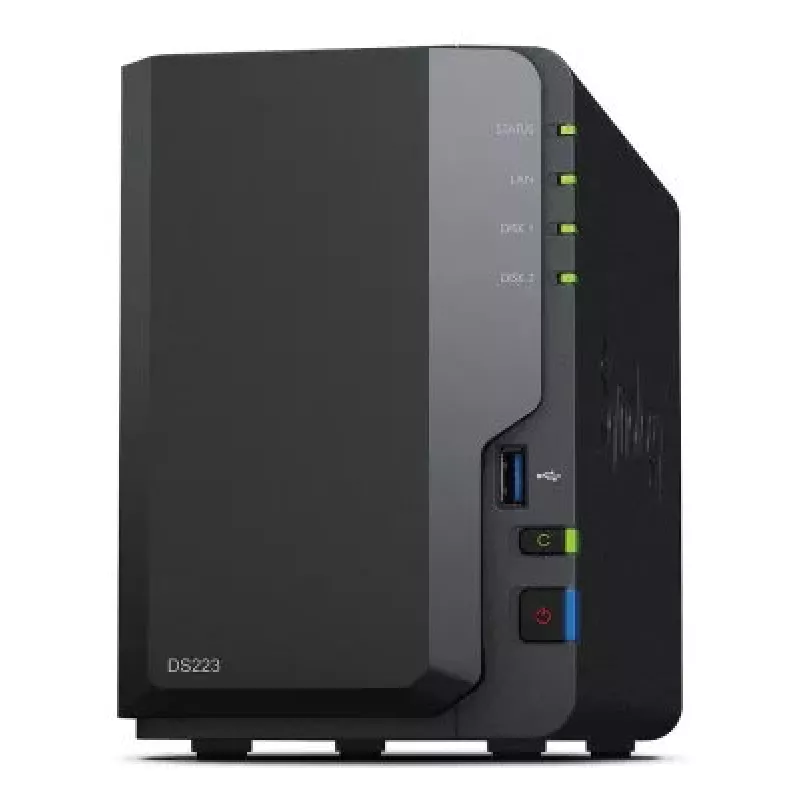
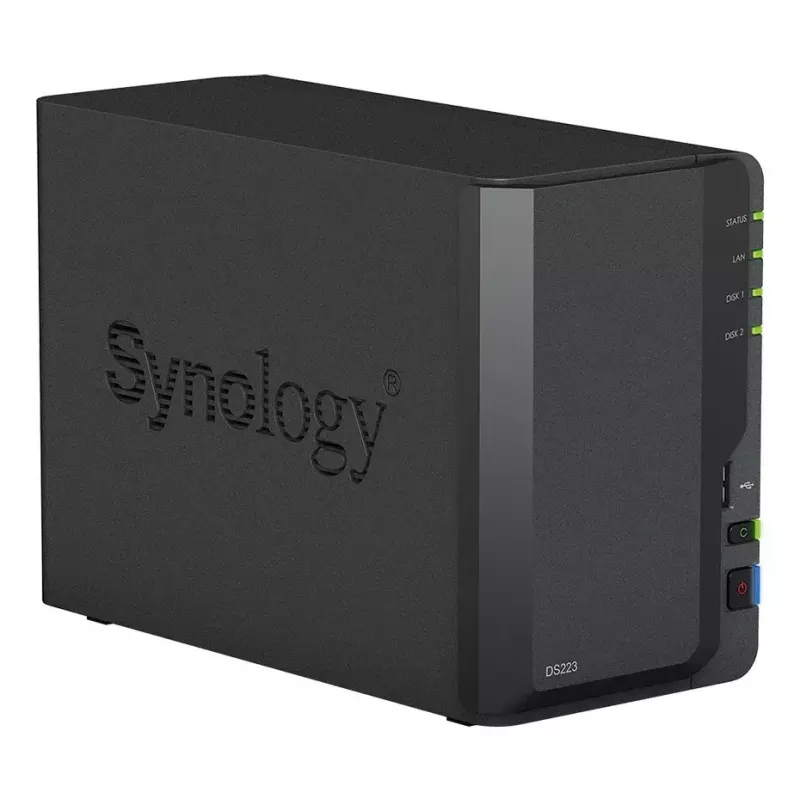
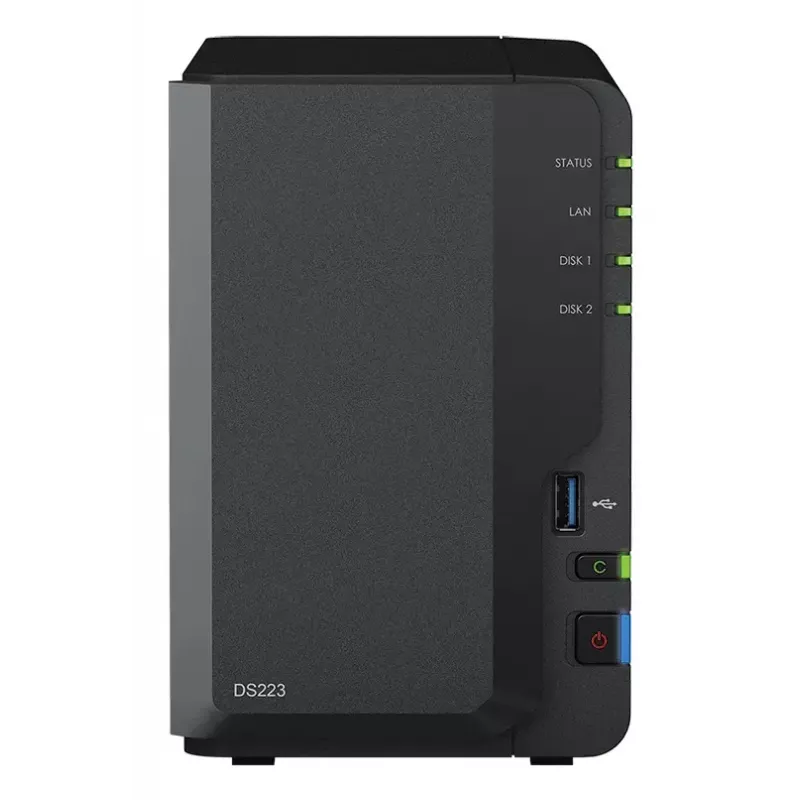
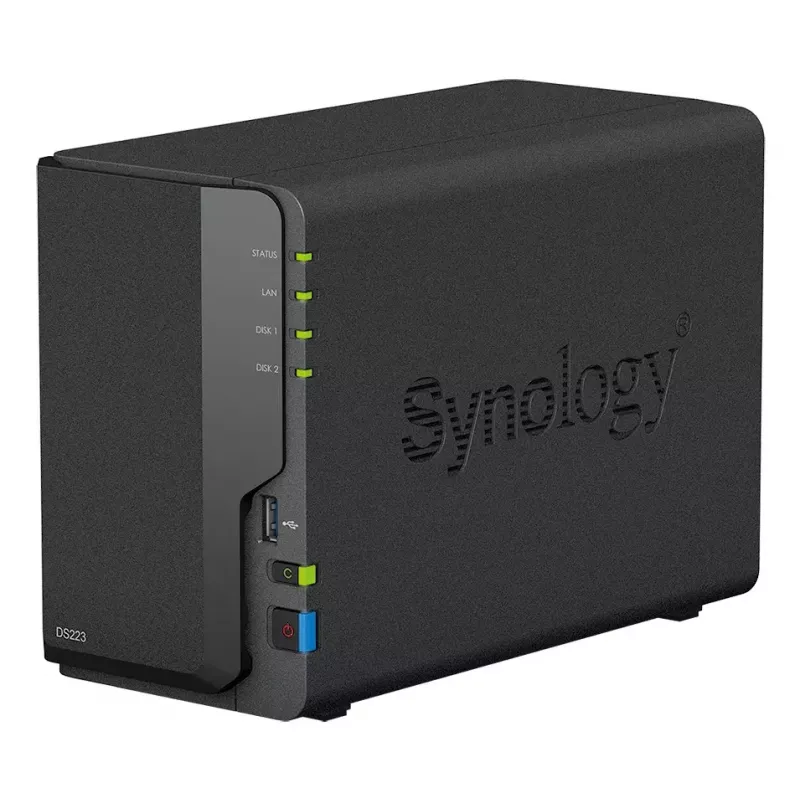
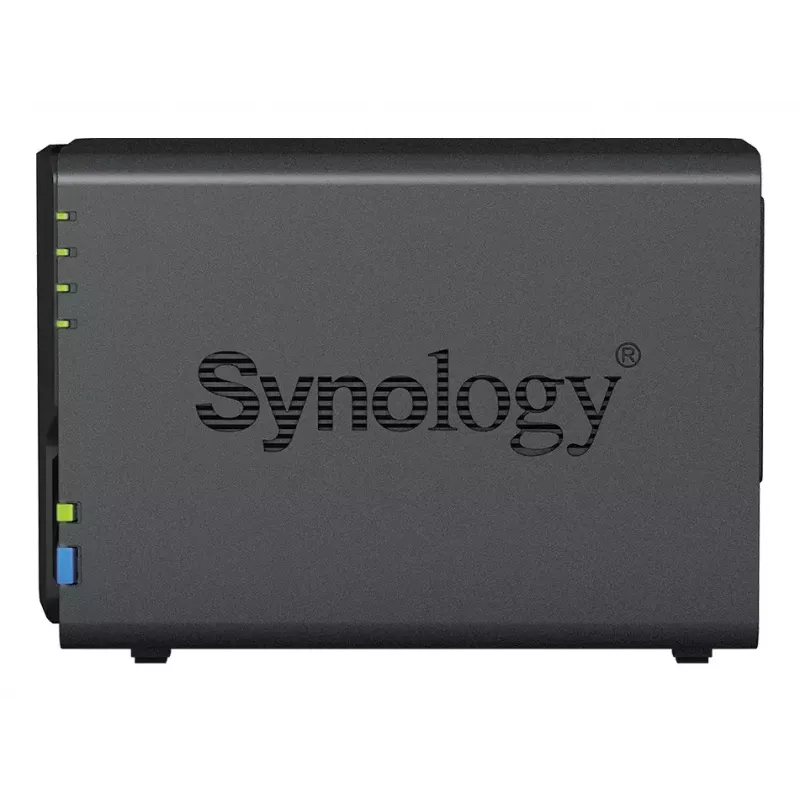
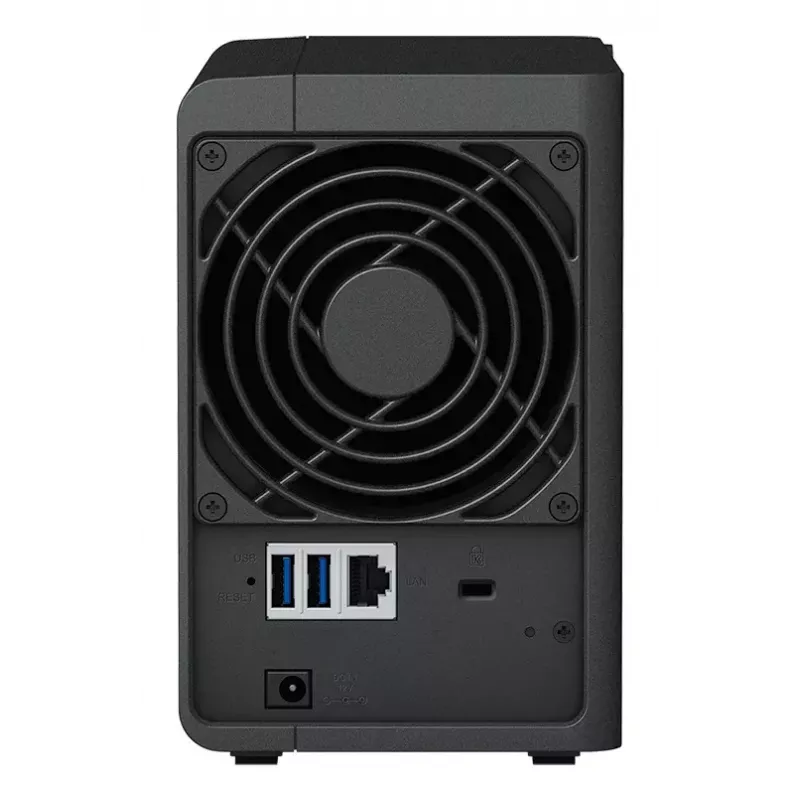
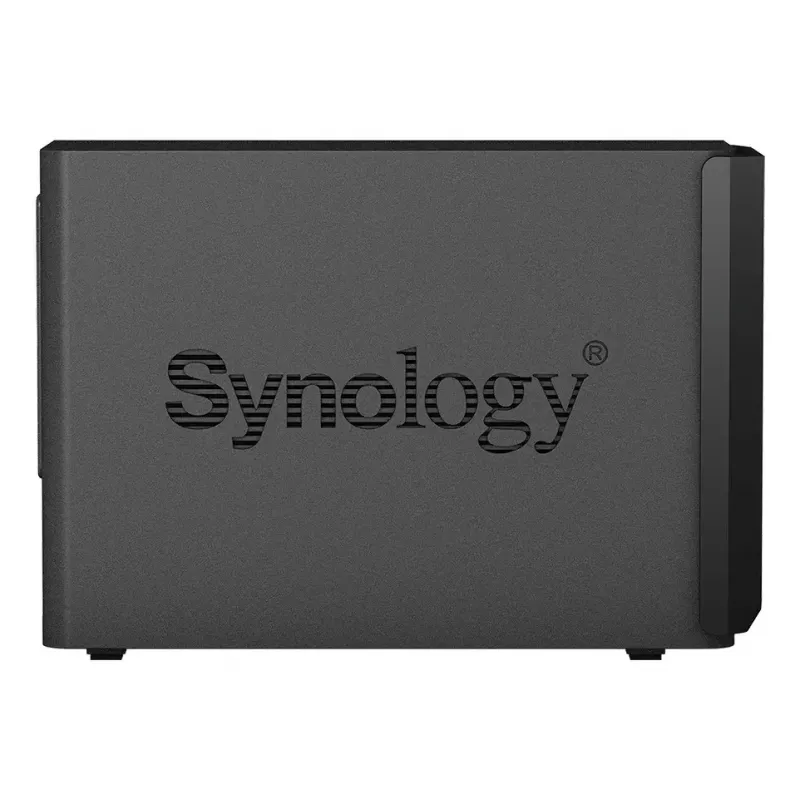
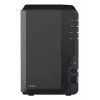
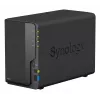
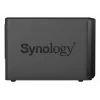
NAS Synology DiskStation DS223 Desktop Realtek RTD1619B 2 GB DDR4

NAS Synology DiskStation DS223 Desktop Realtek RTD1619B 2 GB DDR4
R6,353
Consolidate files from various devices into your own private cloud using the Synology DS223. This NAS simplifies file management by importing data from PCs, Macs and external drives, syncing devices, and offering access from any browser-equipped device or mobile platform. Use on-demand mode to save ... Read More
Stock 10 Code 28209 Brand SYNOLOGY Model DS223_HAT3310-12T Warranty 2 Years

Shipping & Returns

Estimated delivery Thursday, October 1
You will be kept updated through our detailed tracking system
Payment options
EFTPayFastBank CardSnapScanZapperGoogle PayApple PayMobicredMoreTymePay on Arrival

Consolidate files from various devices into your own private cloud using the Synology DS223. This NAS simplifies file management by importing data from PCs, Macs and external drives, syncing devices, and offering access from any browser-equipped device or mobile platform. Use on-demand mode to save local disk space by downloading files only when accessed, and pin important files for offline use. Integrate public cloud services such as Google Drive, Dropbox and Microsoft OneDrive while keeping local copies for centralized management. Continuous synchronization between Synology devices provides fast local access across locations. The DiskStation Manager (DSM) operating system with the Btrfs file system and snapshot technology protects data from corruption and allows rollback of accidental or malicious changes.

Advantages

The DS223 provides centralized private cloud storage with cross-platform access (Windows, macOS, Linux, Chromebook, Android, iOS). On-demand file retrieval reduces local storage use while pinned files remain available offline. Sync capabilities include two-way synchronization with other Synology units and integration with popular public cloud providers to maintain local ownership of cloud data. Built-in DSM features such as Btrfs and snapshots enhance data integrity and enable rapid recovery. Additional solutions include automated media backup, ransomware-resistant backup workflows, and multi-destination backup options.

Key specifications

  • Form factor: 2-bay NAS (Synology DS223)
  • Cross-platform access: Windows, macOS, Linux, Chromebook, Android, iOS, web browsers
  • Cloud integration: Google Drive, Dropbox, Microsoft OneDrive
  • On-demand mode: download files to PC/Mac only when accessed; pin files for offline use
  • Sync: continuous synchronization between Synology devices for fast local access
  • File system and protection: DSM operating system, Btrfs file system, snapshot technology
  • Backup options: system and application backup, folder-level backup, multi-destination support
  • Surveillance support: up to 20 IP cameras (over 8,300 validated models or ONVIF devices)

How to use

Set up the DS223 on your network and install Synology DiskStation Manager. Use the import tools to transfer files from PCs, Macs and external drives, then configure Synology Drive or Synology Photos to enable automatic media upload from mobile devices. Activate on-demand mode on Windows or macOS clients to avoid storing all files locally and pin frequently used files for offline access. Configure cloud sync tasks to synchronize selected folders with Google Drive, Dropbox or OneDrive and schedule backups to desired destinations. For site-to-site synchronization, link two Synology devices and enable continuous sync to keep data synchronized between locations.

Recommendations

Regularly configure snapshot schedules and maintain offsite or multi-destination backups to ensure near-continuous protection. Keep DSM and installed packages updated, and test restore procedures periodically. For surveillance use, verify camera compatibility from the validated models list and allocate adequate storage based on retention and resolution requirements.
Key Highlights
  • Form factor: 2-bay NAS (Synology DS223)
  • Cross-platform access: Windows, macOS, Linux, Chromebook, Android, iOS, web browsers
  • Cloud integration: Google Drive, Dropbox, Microsoft OneDrive
  • On-demand mode: download files to PC/Mac only when accessed; pin files for offline use
  • Sync: continuous synchronization between Synology devices for fast local access
  • File system and protection: DSM operating system, Btrfs file system, snapshot technology
  • Backup options: system and application backup, folder-level backup, multi-destination support
  • Surveillance support: up to 20 IP cameras (over 8,300 validated models or ONVIF devices)

Leaflet

Open Leaflet

Document

Open Document

Document

Open Document
Price history over the last 6 months
NAS Synology DiskStation DS223 Desktop Realtek RTD1619B 2 GB DDR4
Current
R6,353
Lowest
R5,042
Highest
R6,353
Change 24H
+R316   +5%
Week
+R334   +6%
Month
+R537   +9%

Popular products in this category

WhatsApp
Hi, I’m DistriNode’s AI assistant. I can help you find products, compare options, create quote PDFs, or open support requests.