

Ask a Question About This Product
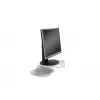
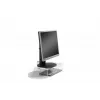
Monitor Stand BakkerElkhuizen Q-riser 90
Shipping & Returns


-90x90h.webp "Build-Your-Own Gaming PC — Ryzen 7 7700 + RTX 5070, 32GB DDR5 | DistriNode")


-90x90w.webp "DistriNode Ryzen 5 8500G Office PC (Radeon Integrated Graphics) — Build Your Own")
R16,795
Ex Tax:R14,604


A basic, ergonomic monitor stand for a better posture.
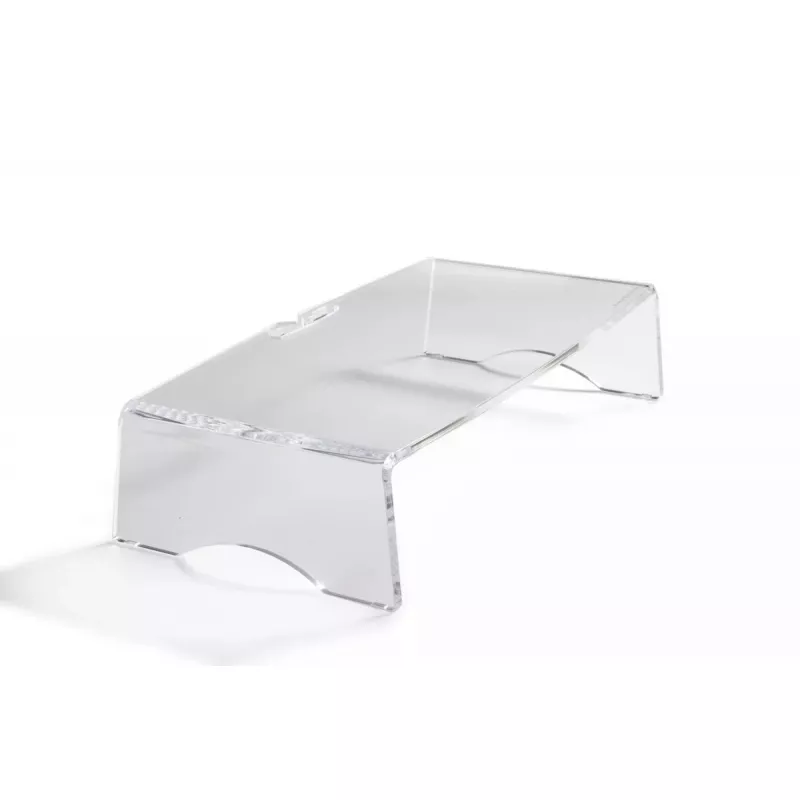
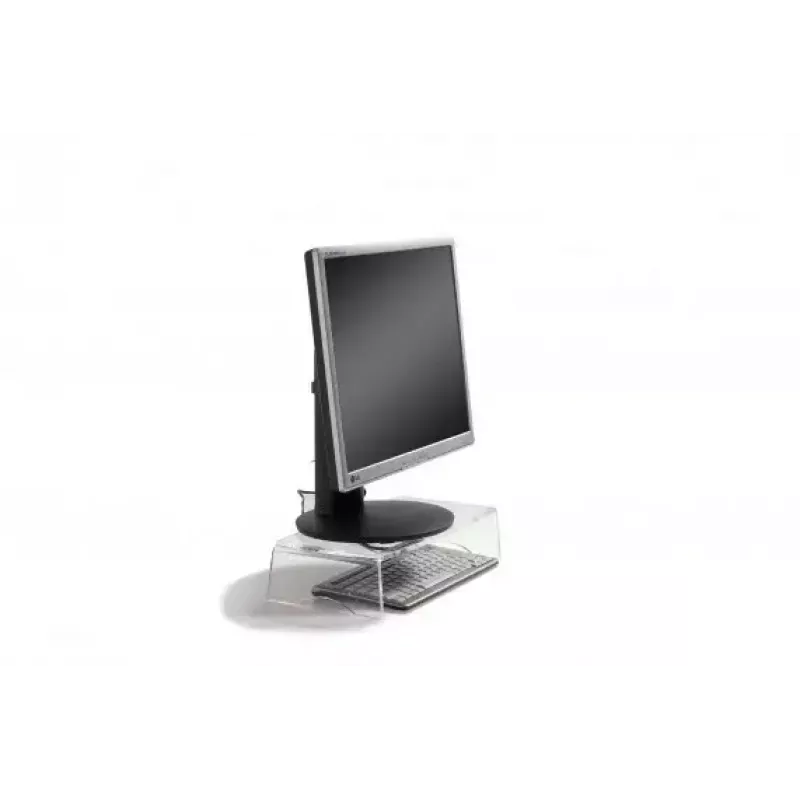
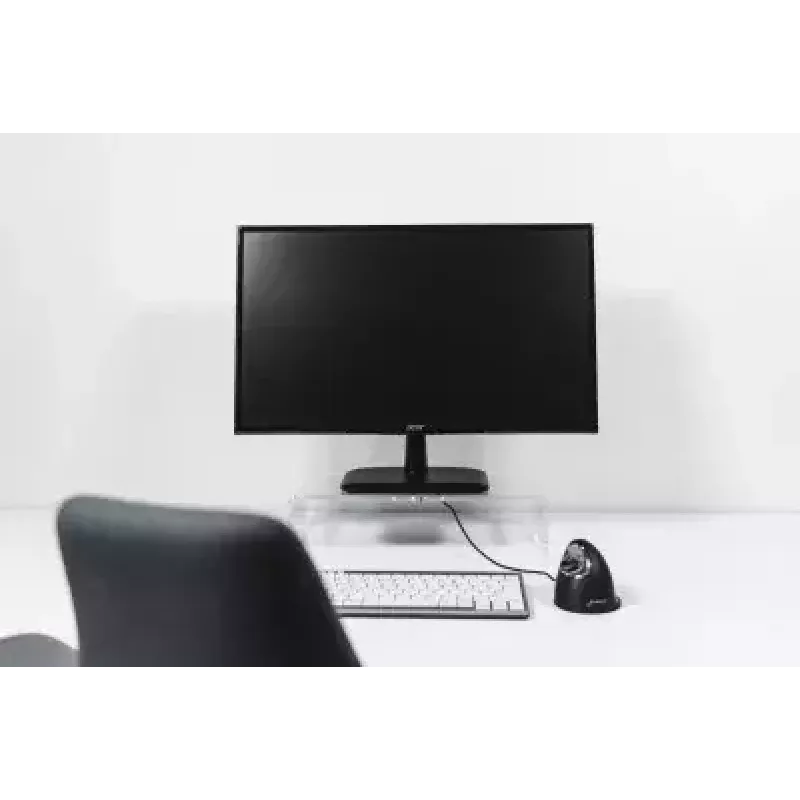
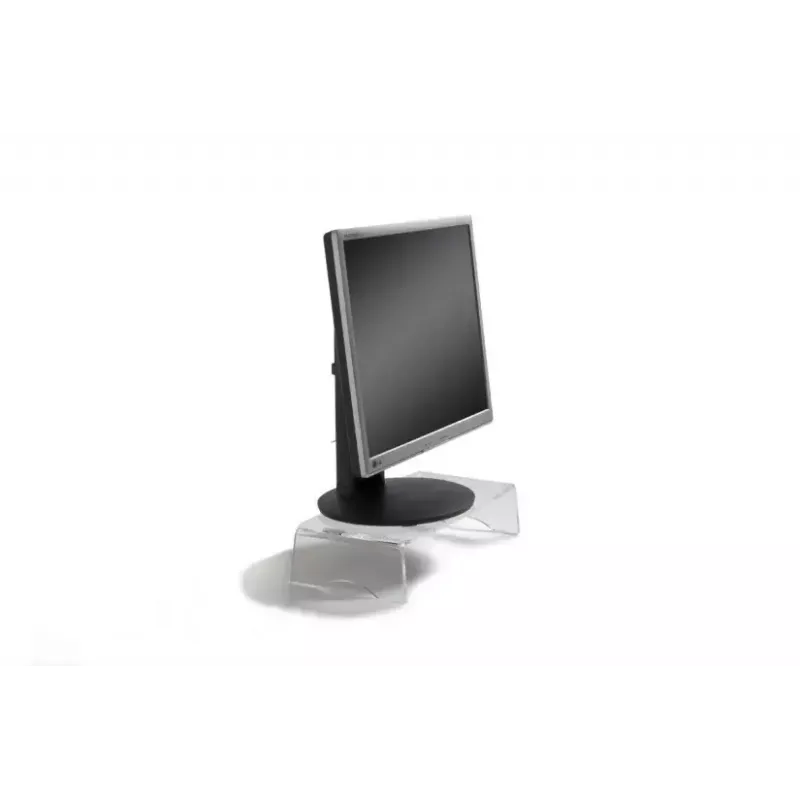
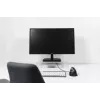
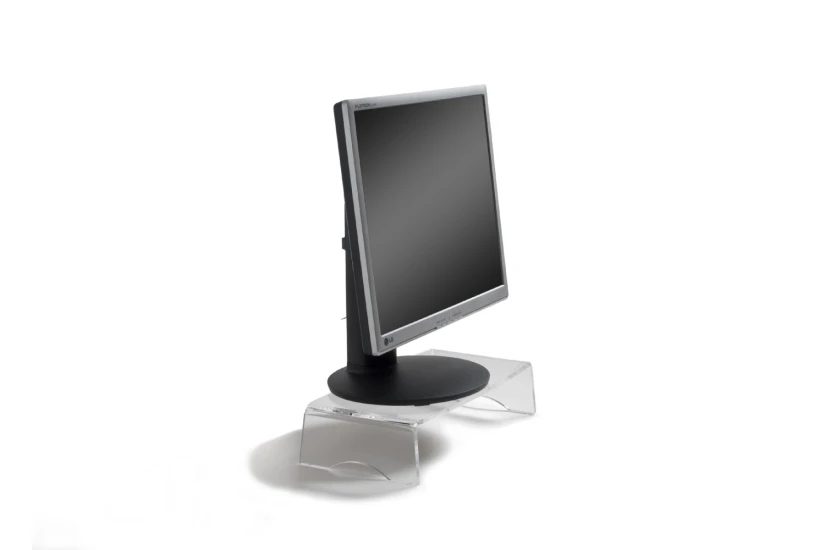
The Q-Riser 90 monitor stand is the ideal ergonomic accessory for your fixed workplace at the office or at home. With the monitor stand Q-Riser 90 you can bring your monitor to the right viewing height, and you will automatically adapt a healthier working posture. This monitor stand has great features, like more than enough space (380 x 200 mm) to place your monitor, integrated cable management, and it’s made of high-quality (sustainable) acrylic material. Start working with more comfort and improve your productivity with the help of the Q-Riser 90 monitor stand.
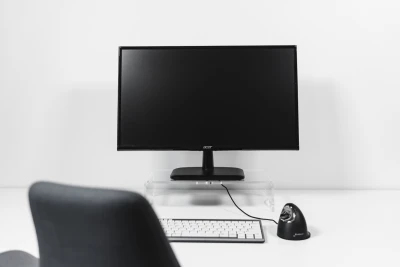
The Q-Riser 90 monitor stand is the ideal ergonomic accessory for your fixed workplace at the office or at home. With the monitor stand Q-Riser 90 you can bring your monitor to the right viewing height, and you will automatically adapt a healthier working posture. This monitor stand has great features, like more than enough space (380 x 200 mm) to place your monitor, integrated cable management, and it’s made of high-quality (sustainable) acrylic material. Start working with more comfort and improve your productivity with the help of the Q-Riser 90 monitor stand.
Right viewing height.
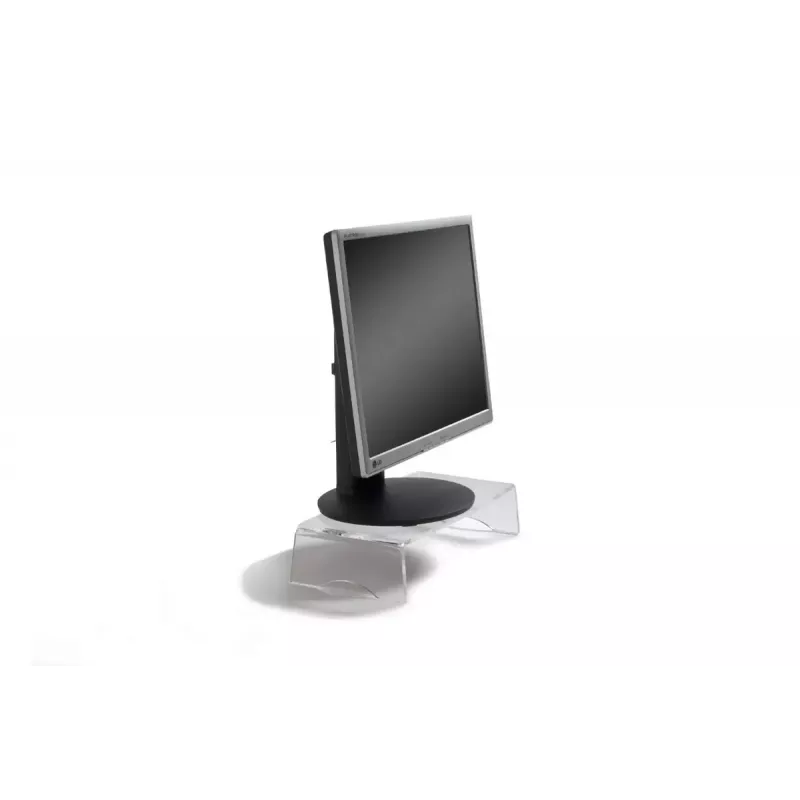
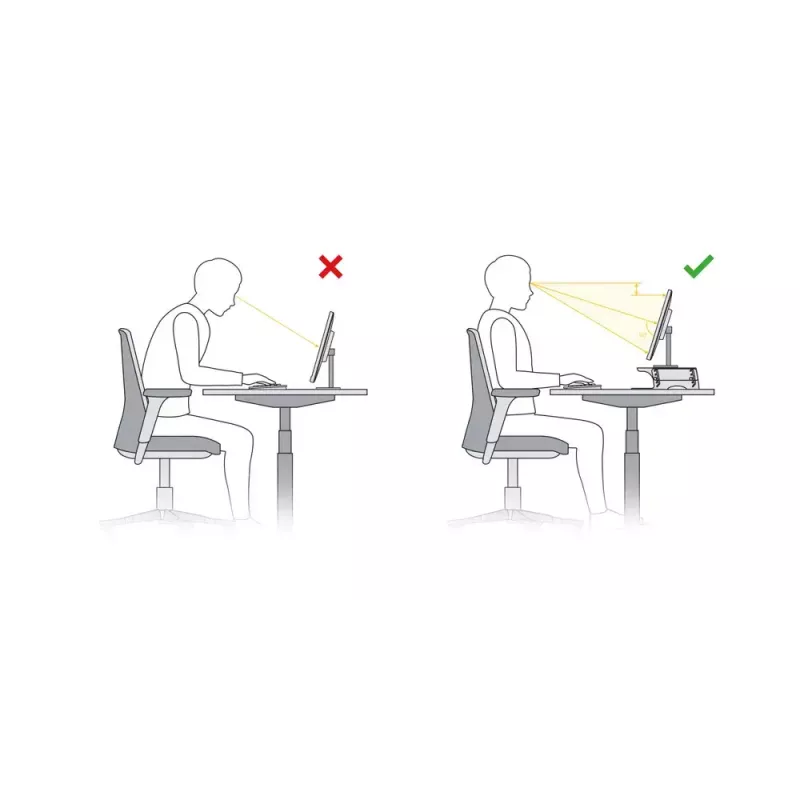
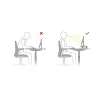
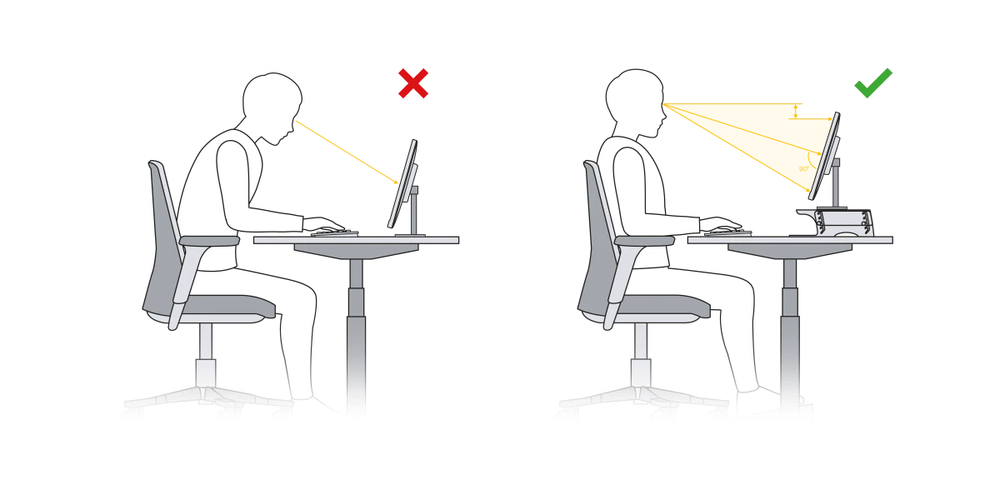
The Q-Riser 90 monitor stand raises your screen by 95 mm. In combination it is always necessary to adjust the distance of your screen. Take care that the top of the monitor does not exceed your eye level. Placing your monitor higher and at the correct distance prevents physical discomfort in your neck, shoulders and back. The correct viewing position with the help of this monitor stand will improve your overall wellbeing, and this really helps to improve your focus and performance at work.Adjust your monitor screen to the correct height, angle, and distance so that you automatically adopt an ergonomically correct posture.An optimised monitor position works a lot more comfortably and increases productivity by 10% compared with poor placement (Sommerich et al., 1998).
Ergonomic background
Distance between your eyes and the screen should be 50-80 cm (approximately an arm length), depending on monitor size and resolution. Adjust the distance of your screen (source: VGB DGUV Information 215-410, 2019, S. 93.).The angle of your line of vision to the middle of the screen should be approximately -35°, so also adjust the height of your screen (source: VGB DGUV Information 215-410, 2019, S.46.)
Stable storage surface.
The Q-Riser 90 monitor stand has a surface size for your monitor of 380 mm x 200 mm. This monitor stand is made of high-quality acrylic material and is therefore not only stable but also durable. The load capacity is up to 10 kg. The combination of surface size and the stable material makes the Q-Riser 90 suitable for flatscreens, and smaller screens. With this monitor stand it is guaranteed that your monitor is stable, and that you will have a good view on your screen.
How to use
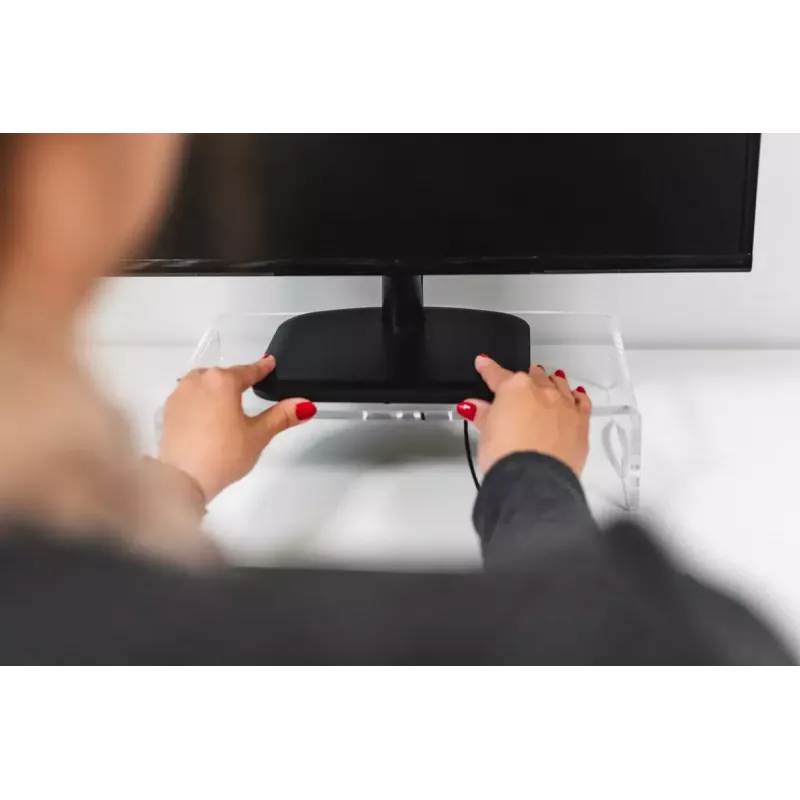
Place the Q-riser 90 on a stable desk surface and set your monitor centered on the 380 x 200 mm platform. Ensure the monitor base sits fully on the platform and that the total monitor weight does not exceed 10 kg. Route cables through the integrated cable management area to keep them organised. Adjust the monitor angle using the monitor’s own stand or mount as needed to achieve a comfortable eye level.
Recommendations
Use the Q-riser 90 with monitors within the specified size and weight limits and place it on a flat, stable desk. Clean the transparent acrylic with a soft, lint-free cloth and mild cleaner to avoid scratching. Do not exceed the 10 kg maximum load.
Popular products in this category
- Monitor mount Gembird MA-DA1-04-W clamp stand for 17 inch–32 inch screens, VESA 75x75–100x100, max load 10 kg, white
- Glass tabetop monitor riser, max. 20kg
- Desktop Monitor Stand Equip 650880
- Neomounts dual monitor stand DS45-600BL2V for 2 displays 10–32 inch, VESA 75x75–100x100, max load 9 kg, freestanding, black
- ACT Monitor stand extra wide AC8215 adjustable height two drawers
- Avtek 1MV066 Display Black
- ASUS MTS02D Desk Titanium
- Freestanding desk monitor mount GEMBIRD MS-TABLE-01 — single display, 20 kg capacity, black, manual height 100–140 mm