Account Contact
Your Cart
Pay the courier with no extra fees.
Need help? DistriNode AI can handle any task on our site.

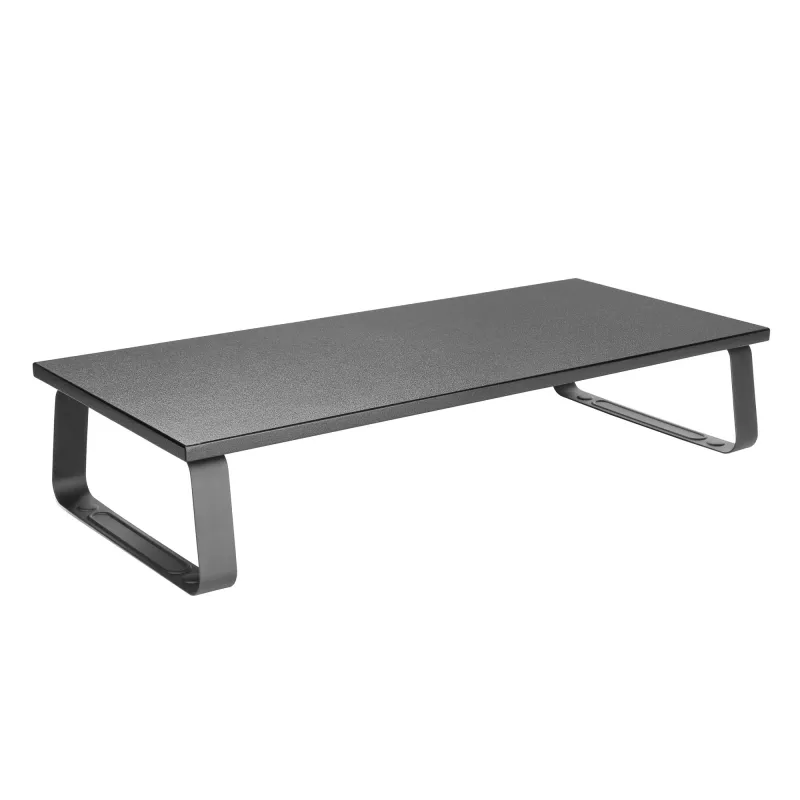
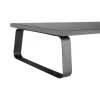
Desktop Monitor Stand Equip 650880

Desktop Monitor Stand Equip 650880
R927
The Equip Desktop Monitor Stand (model 650880) raises a single monitor to an ergonomic eye level, creating extra usable space on the desk and helping to reduce neck and eye strain. Finished in black, the stand supports monitors up to 20 kg and is suitable for home or office environments where a stab... Read More
Stock 80 Code 2186590 Brand EQUIP Model 650880 Warranty 2 Years

Shipping & Returns

Estimated delivery Thursday, October 8
You will be kept updated through our detailed tracking system
Payment options
EFTPayFastBank CardSnapScanZapperGoogle PayApple PayMobicredMoreTymePay on Arrival

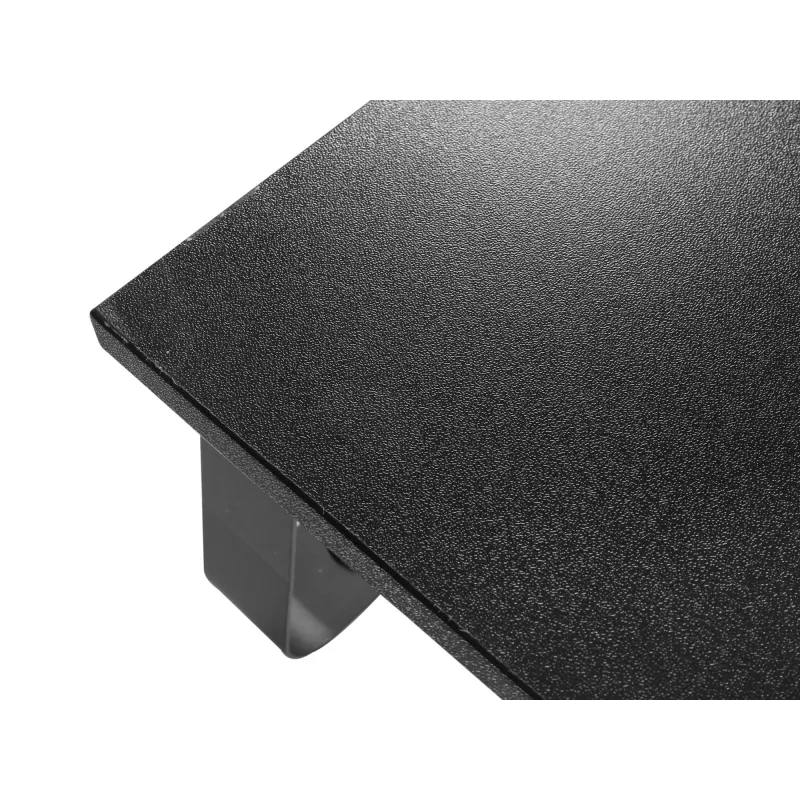
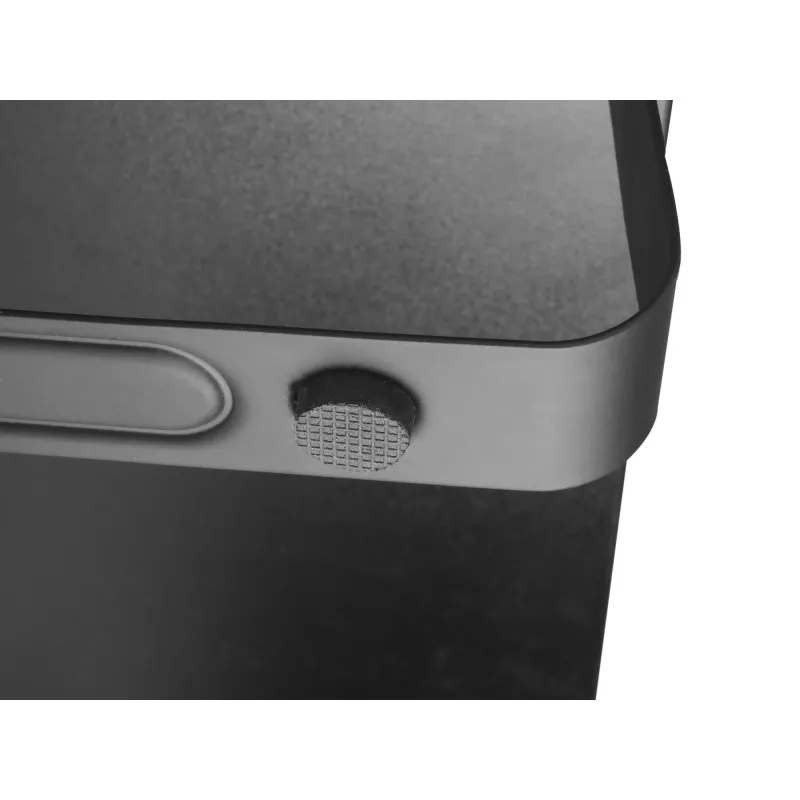
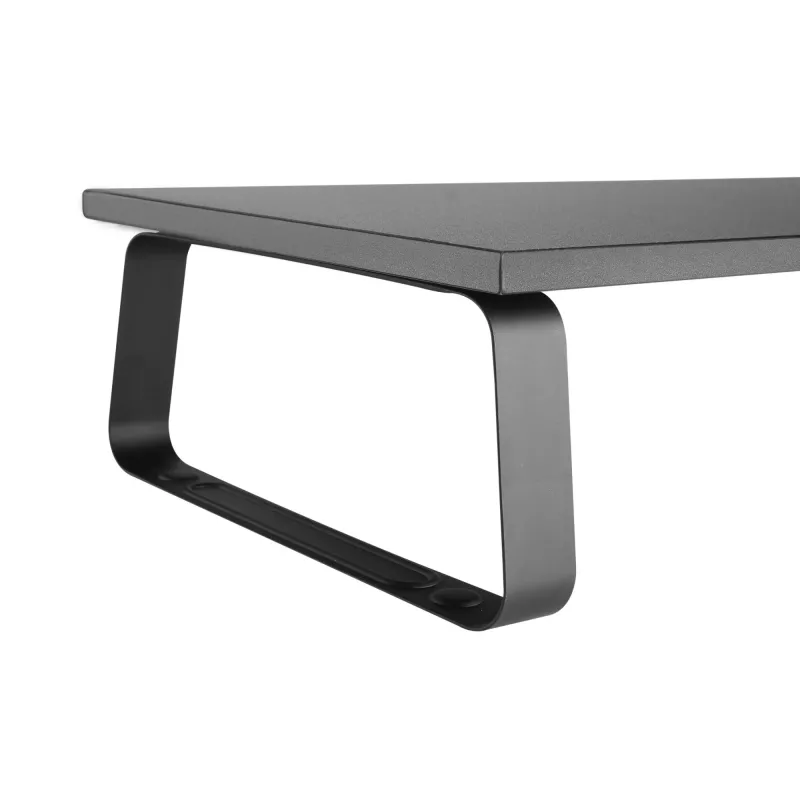
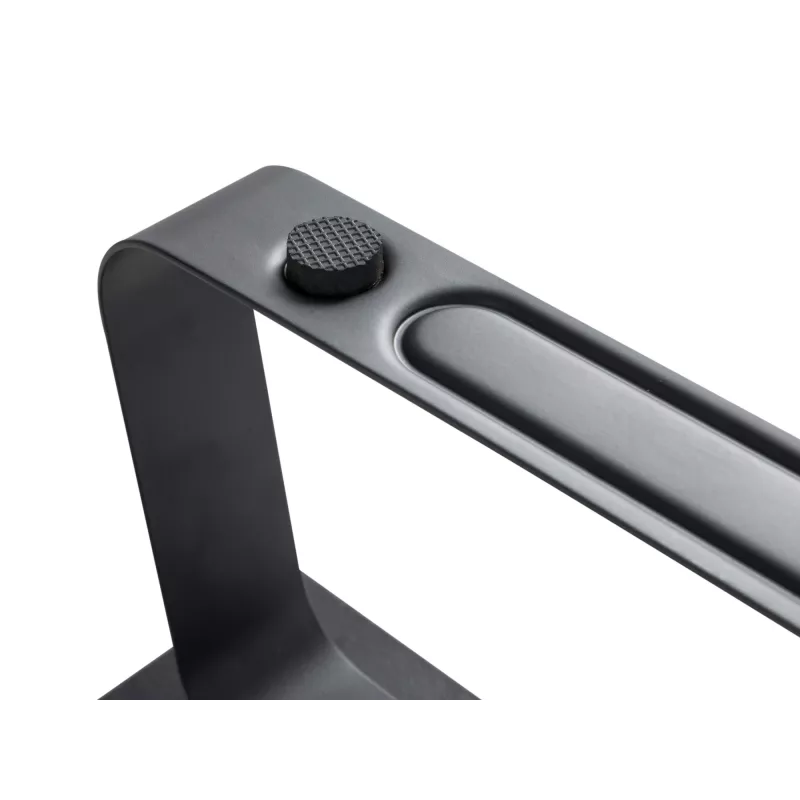
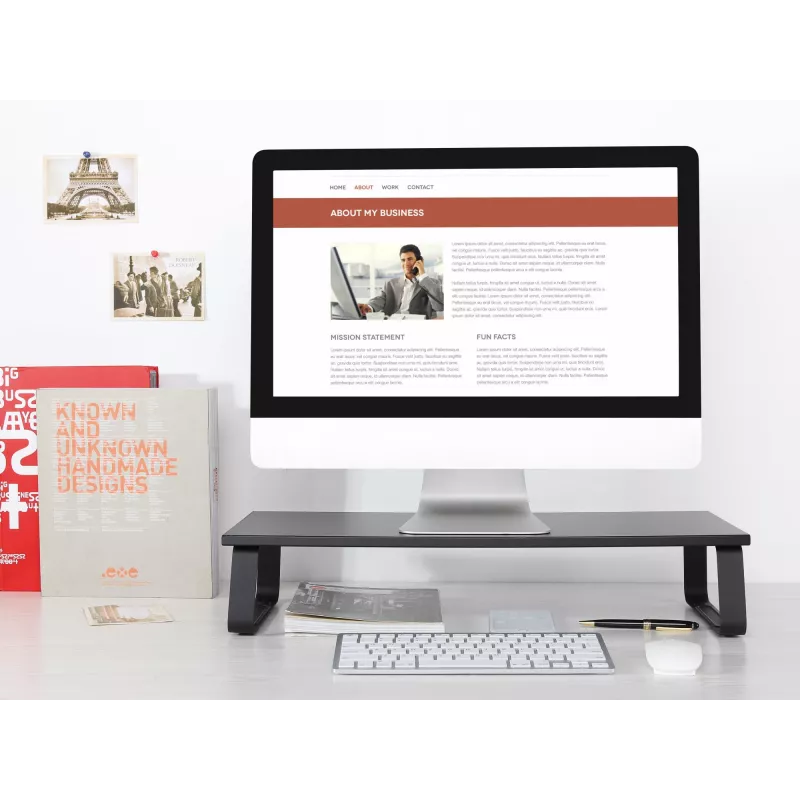
The Equip Desktop Monitor Stand (model 650880) raises a single monitor to an ergonomic eye level, creating extra usable space on the desk and helping to reduce neck and eye strain. Finished in black, the stand supports monitors up to 20 kg and is suitable for home or office environments where a stable, elevated screen position is required.

Advantages

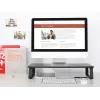
The stand provides a stable platform for one display with a maximum weight capacity of 20 kg and a lightweight construction of 1.6 kg. By lifting the monitor to eye level the product promotes better posture and reduces desktop clutter by creating storage space underneath. Its black finish integrates with most workspaces.

Suitable for

  • Home office setups needing improved ergonomics
  • Office desks where extra under-monitor storage is useful
  • Users of single-monitor configurations up to 20 kg

Key specifications

  • Brand: EQUIP
  • Model (MPN): 650880
  • EAN: 4015867222133
  • Maximum weight capacity: 20 kg
  • Number of displays supported: 1
  • Product colour: Black
  • Product weight: 1.6 kg
  • Category: Mounting solutions

How to use

Place the stand on a level section of your desk and set the monitor centrally on the platform. Ensure the monitor’s weight does not exceed the specified 20 kg limit. Adjust the monitor position on the stand so the top of the screen is at or slightly below eye level to maintain an ergonomic viewing angle. Use the space beneath the platform for keyboard storage, documents or other desk items to reduce clutter.

Recommendations

Do not exceed the 20 kg maximum load. Periodically check that the stand is placed on a stable, even surface and that the monitor is positioned securely to avoid tipping. Clean the stand with a dry or slightly damp cloth; avoid abrasive cleaners.
Key Highlights
  • Home office setups needing improved ergonomics
  • Office desks where extra under-monitor storage is useful
  • Users of single-monitor configurations up to 20 kg
  • Brand: EQUIP
  • Model (MPN): 650880
  • EAN: 4015867222133
  • Maximum weight capacity: 20 kg
  • Number of displays supported: 1
  • Product colour: Black
  • Product weight: 1.6 kg
  • Category: Mounting solutions
Specifications
Certification
CE
Country of origin
China
Depth
600 mm
Harmonized System (HS) code
85299097
Height
120 mm
Housing material
Steel
Maximum weight capacity
20 kg
Mounting type
Desk
Number of displays supported
1
Package depth
635 mm
Package height
50 mm
Package type
Box
Package weight
2.03 kg
Package width
285 mm
Product colour
Black
Screws included
Yes
Suitable for TV
Yes
Weight
1.6 kg
Width
260 mm

Leaflet

Open Leaflet
Price history over the last 6 months
Desktop Monitor Stand Equip 650880
Current
R927
Lowest
R569
Highest
R1,007
Change 24H
+R314   +51%
Week
+R320   +53%
Month
+R323   +54%

Popular products in this category

WhatsApp
Hi, I’m DistriNode’s AI assistant. I can help you find products, compare options, create quote PDFs, or open support requests.