Account Contact
Your Cart
Pay the courier with no extra fees.
Need help? DistriNode AI can handle any task on our site.

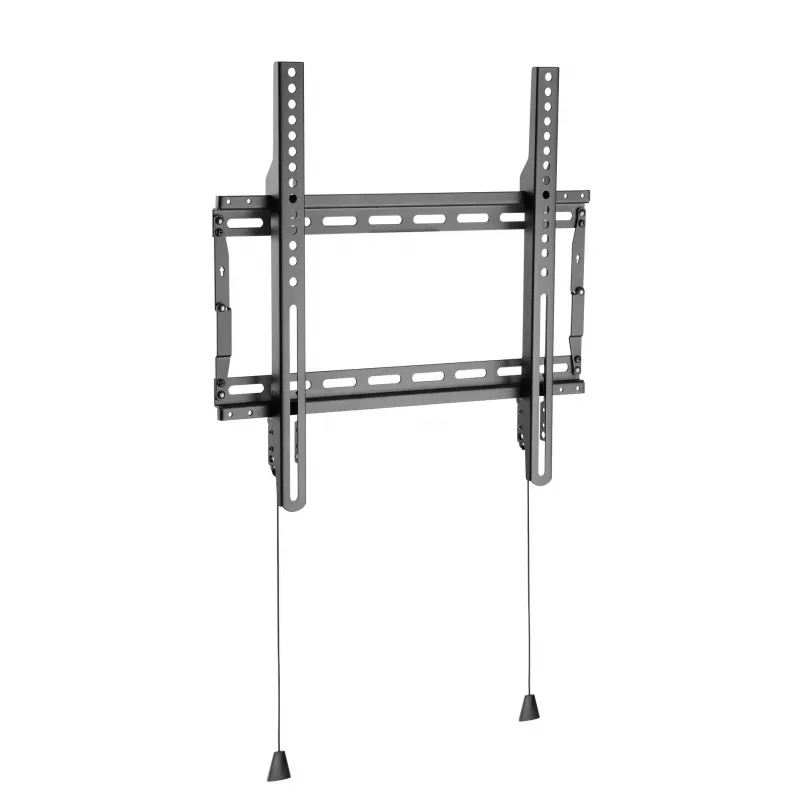
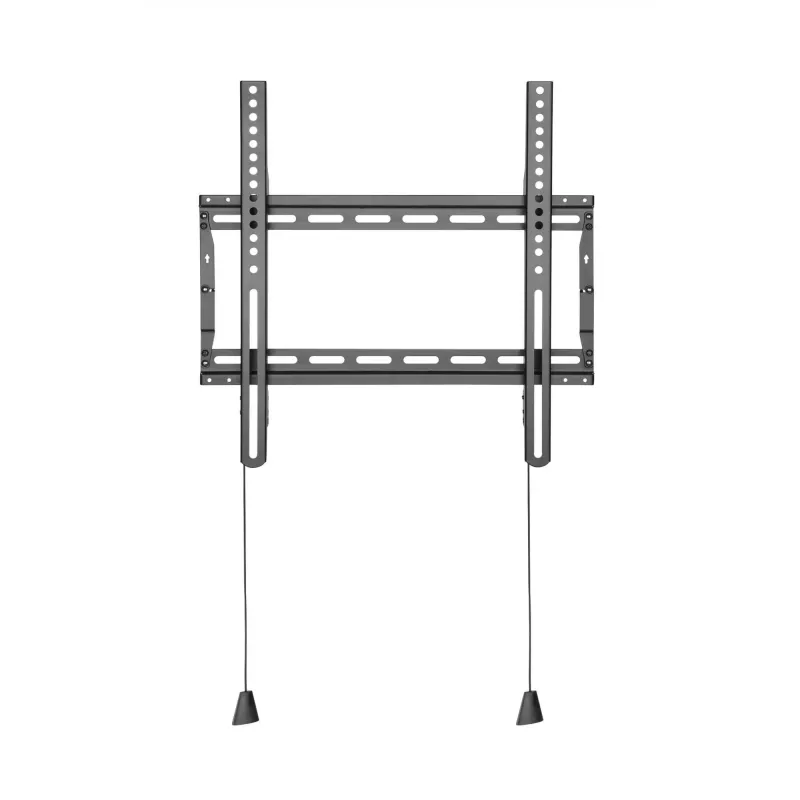
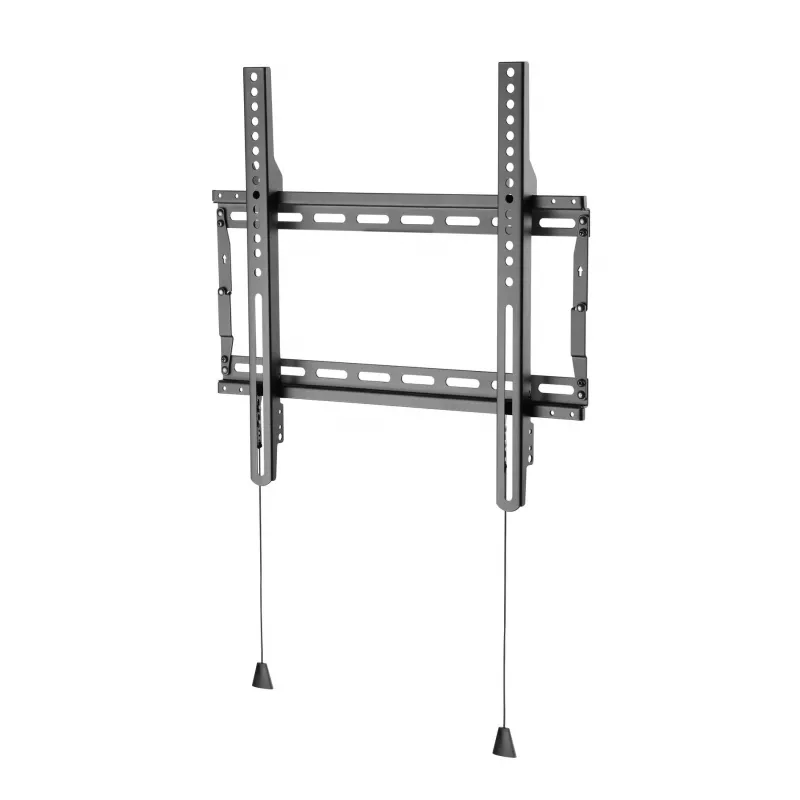
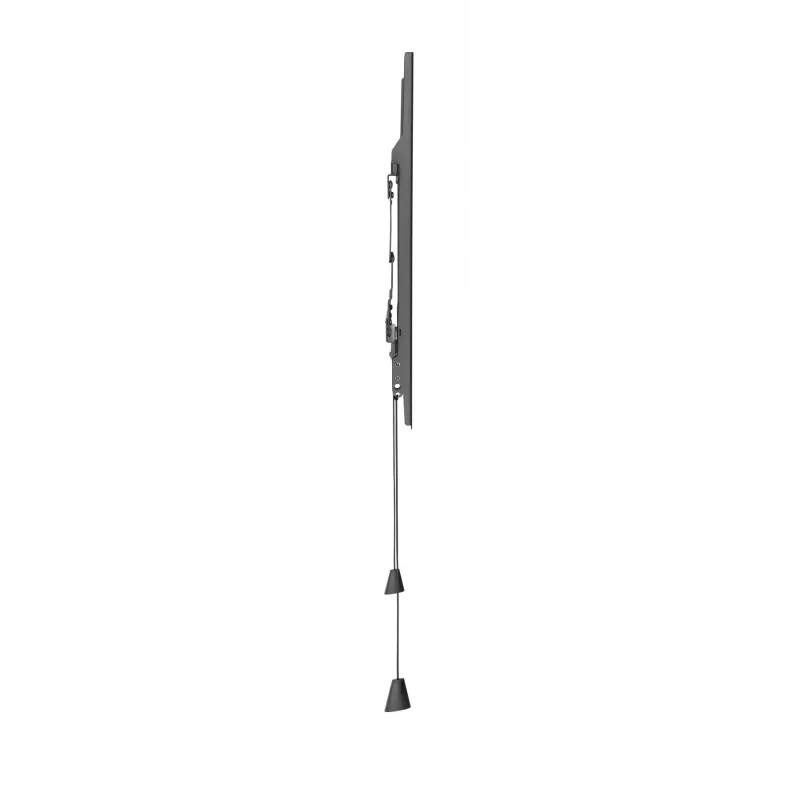
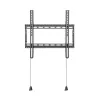
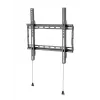
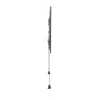
monitor mount Vivolink WALL-MEDIUM adjustable tilt swivel

monitor mount Vivolink WALL-MEDIUM adjustable tilt swivel
R1,688
The Vivolink WALL-MEDIUM adjustable tilt swivel monitor mount supports VESA patterns from 75x75 to 400x400 and holds displays up to 70 kg. Part of the Vivolink Basic Series, this wall mount is a cost-effective solution for medium-sized monitors that require stable, space-saving installation and flex... Read More
Stock 1000 Code 1189713 Brand VIVOLINK Model WALL-MEDIUM Warranty 2 Years

Shipping & Returns

Estimated delivery Tuesday, October 6
You will be kept updated through our detailed tracking system
Payment options
EFTPayFastBank CardSnapScanZapperGoogle PayApple PayMobicredMoreTymePay on Arrival

The Vivolink WALL-MEDIUM adjustable tilt swivel monitor mount supports VESA patterns from 75x75 to 400x400 and holds displays up to 70 kg. Part of the Vivolink Basic Series, this wall mount is a cost-effective solution for medium-sized monitors that require stable, space-saving installation and flexible viewing angles. It is intended for simple installations in public and commercial areas where reliable, no-frills mounting is required.

Advantages

This wall mount provides adjustable tilt and swivel to improve viewing ergonomics and reduce glare. Its broad VESA compatibility covers a wide range of monitor sizes, while the 70 kg load capacity ensures it handles heavier screens. As a Basic Series product, it focuses on practical functionality and easy installation without premium extras, offering dependable performance for budget-conscious projects.

Suitable for

  • Office meeting rooms and shared workspaces
  • Hotel lobbies and guest rooms
  • Shopping malls and retail displays
  • Trade fair booths and exhibition stands
  • Public areas requiring fixed wall-mounted screens

Key specifications

  • Brand: VivoLink
  • Model / MPN: WALL-MEDIUM
  • EAN: 5715063502143
  • VESA compatibility: 75x75 to 400x400 mm
  • Maximum load capacity: up to 70 kg
  • Functionality: adjustable tilt and swivel
  • Series: Vivolink Basic Series

How to use

Mount the bracket securely to a suitable load-bearing wall using appropriate anchors and fixings for the wall material. Attach the monitor to the VESA plate according to the display manufacturer’s instructions, then adjust tilt and swivel to the desired viewing angle. Verify that all fasteners are tightened and that the installation is level and stable before leaving the display in regular use.

Recommendations

Check the display’s VESA pattern and weight before installation to confirm compatibility with the WALL-MEDIUM mount. Use suitable wall anchors for the wall type and follow local safety guidelines for public installations.
Key Highlights
  • Office meeting rooms and shared workspaces
  • Hotel lobbies and guest rooms
  • Shopping malls and retail displays
  • Trade fair booths and exhibition stands
  • Public areas requiring fixed wall-mounted screens
  • Brand: VivoLink
  • Model / MPN: WALL-MEDIUM
  • EAN: 5715063502143
  • VESA compatibility: 75x75 to 400x400 mm
  • Maximum load capacity: up to 70 kg
  • Functionality: adjustable tilt and swivel
  • Series: Vivolink Basic Series

Manual

Open Manual

Leaflet

Open Leaflet
Price history over the last 6 months
monitor mount Vivolink WALL-MEDIUM adjustable tilt swivel
Current
R1,688
Lowest
R719
Highest
R1,688
Change 24H
+R538   +47%
Week
+R315   +23%
Month
+R315   +23%

Popular products in this category

WhatsApp
Hi, I’m DistriNode’s AI assistant. I can help you find products, compare options, create quote PDFs, or open support requests.