Account Contact
Your Cart
Pay the courier with no extra fees.
Need help? DistriNode AI can handle any task on our site.

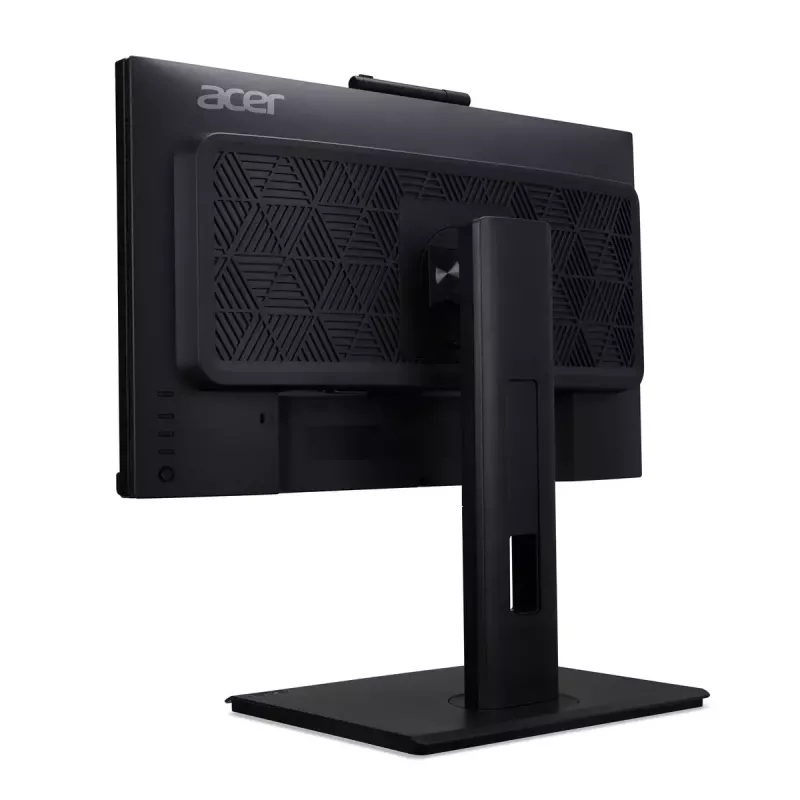
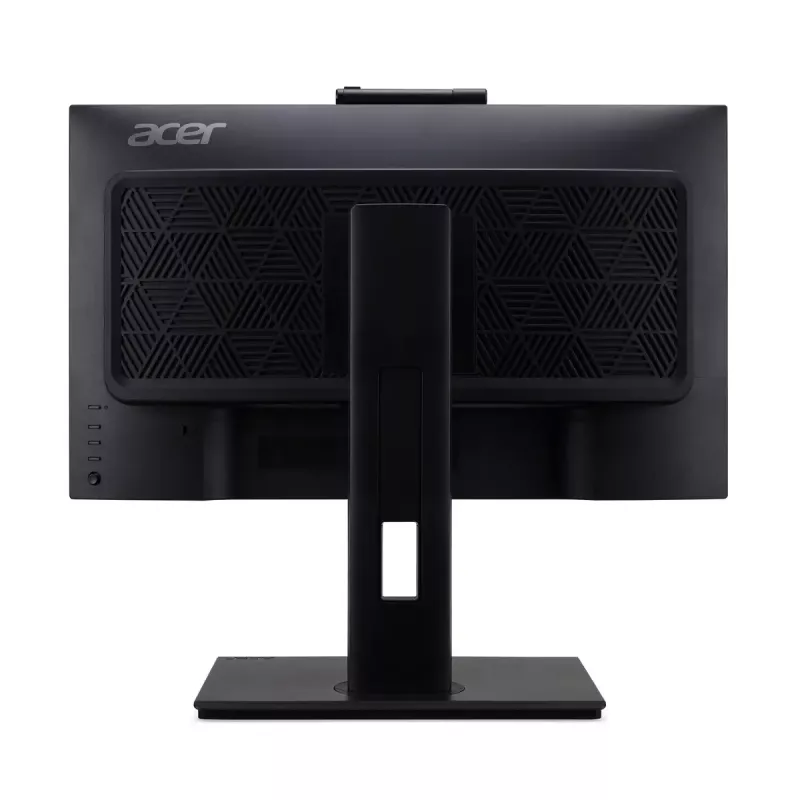
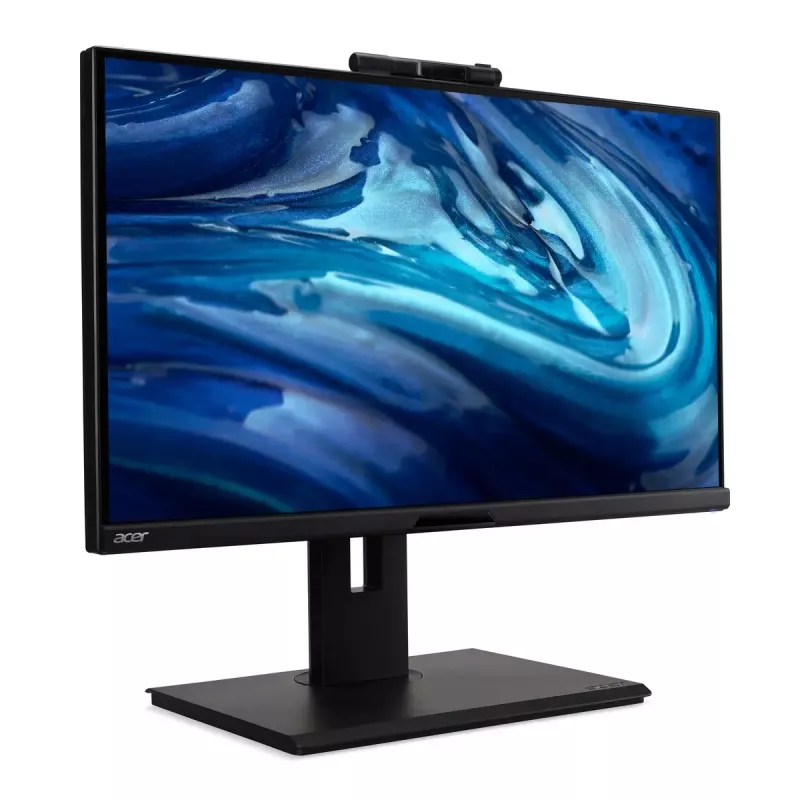
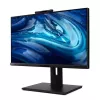
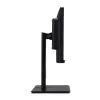
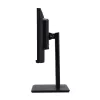
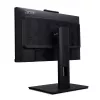
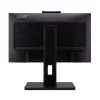
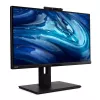
Monitor Acer B278U E 27 inch Wide Quad HD LCD 2560 x 1440

Monitor Acer B278U E 27 inch Wide Quad HD LCD 2560 x 1440
R9,904
The Acer monitor delivers a nearly bezel-less viewing experience with ZeroFrame design, accurate colors (72% NTSC, Delta E... Read More
Stock 5 Code 113883 Brand ACER Model UM.HB8EE.E03 Warranty 2 Years

Shipping & Returns

Estimated delivery Thursday, October 1
You will be kept updated through our detailed tracking system
Payment options
EFTPayFastBank CardSnapScanZapperGoogle PayApple PayMobicredMoreTymePay on Arrival

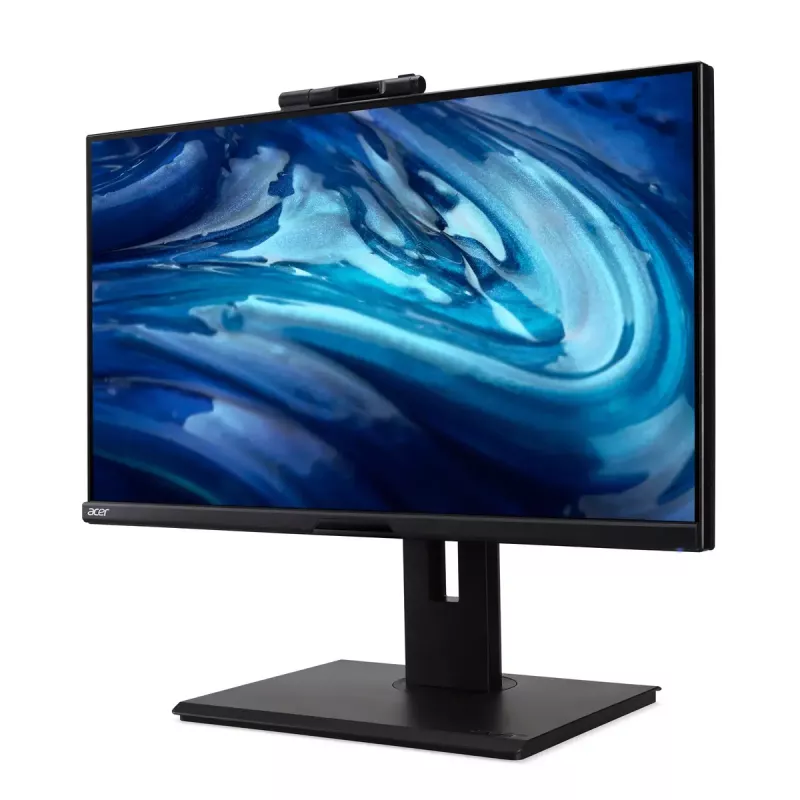
The Acer monitor delivers a nearly bezel-less viewing experience with ZeroFrame design, accurate colors (72% NTSC, Delta E<2) and adaptive technologies for comfortable long-term use. Integrated features include an adjustable webcam with Windows Hello support, USB Type-C and RJ45 ports on the monitor to reduce desk clutter, and daisy‑chain capability to link multiple displays. Adaptive‑Sync synchronizes the monitor’s refresh rate with the graphics card for smooth video and gameplay.

Advantages

Precise color reproduction and Delta E<2 accuracy enable reliable image quality for daily work and media. Acer VisionCare 3.0 detects ambient light and automatically adjusts settings to reduce eye strain. The adjustable webcam with Windows Hello simplifies secure sign-in and allows flexible camera positioning for video calls. Built-in USB Type-C and RJ45 ports keep cables organized, while daisy‑chain support lets you connect multiple monitors using a single connection. Adaptive‑Sync eliminates screen tearing for fluid motion.

Key specifications

  • Design: ZeroFrame (near bezel-less)
  • Color: 72% NTSC, Delta E<2
  • Eye care: Acer VisionCare 3.0 (ambient light detection and automatic adjustment)
  • Webcam: adjustable, compatible with Windows Hello
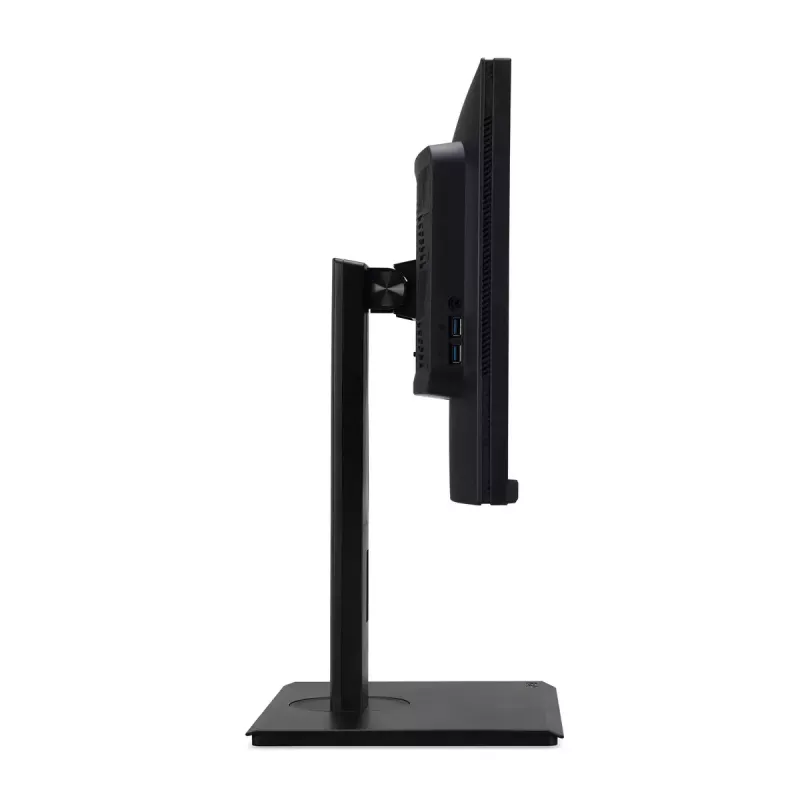
  • Ports: USB Type-C, RJ45 (on-monitor)
  • Multi-display: daisy chain capability
  • Sync technology: Adaptive‑Sync (prevents screen tearing)

How to use

Place the monitor on a stable surface and connect it to your computer using the preferred video or USB Type‑C cable. Adjust the webcam angle for comfortable framing and enable Windows Hello in your system settings for biometric sign‑in. Activate Acer VisionCare 3.0 in the monitor menu to allow automatic ambient light detection and screen adjustment. If you need multiple screens, connect compatible monitors using the daisy‑chain port and configure them in the operating system display settings. Enable Adaptive‑Sync through the monitor OSD and your graphics card control panel for tear‑free motion.

Recommendations

For optimal color fidelity, allow the monitor to warm up for 20–30 minutes before critical color work and use a calibrated colorimeter if precise profiling is required. Ensure your graphics card and cables support Adaptive‑Sync and daisy‑chain functionality for the best multi‑monitor and motion performance.

How to use

Place the monitor on a stable surface and connect it to your computer using the preferred video or USB Type‑C cable. Adjust the webcam angle for comfortable framing and enable Windows Hello in your system settings for biometric sign‑in. Activate Acer VisionCare 3.0 in the monitor menu to allow automatic ambient light detection and screen adjustment. If you need multiple screens, connect compatible monitors using the daisy‑chain port and configure them in the operating system display settings. Enable Adaptive‑Sync through the monitor OSD and your graphics card control panel for tear‑free motion.

Recommendations

For optimal color fidelity, allow the monitor to warm up for 20–30 minutes before critical color work and use a calibrated colorimeter if precise profiling is required. Ensure your graphics card and cables support Adaptive‑Sync and daisy‑chain functionality for the best multi‑monitor and motion performance.

Key Highlights
  • Design: ZeroFrame (near bezel-less)
  • Color: 72% NTSC, Delta E
  • Eye care: Acer VisionCare 3.0 (ambient light detection and automatic adjustment)
  • Webcam: adjustable, compatible with Windows Hello
  • Ports: USB Type-C, RJ45 (on-monitor)
  • Multi-display: daisy chain capability
  • Sync technology: Adaptive‑Sync (prevents screen tearing)
Specifications
Adjustable height (max)
150 mm
Anti-glare screen
Yes
Built-in camera
Yes
Built-in speaker(s)
Yes
Built-in USB hub
Yes
Cables included
USB Type-C, USB, HDMI, DisplayPort, AC
Colour depth
8 bit
Contrast ratio (dynamic)
100000000:1
Contrast ratio (typical)
1000:1
Display brightness (typical)
350 cd/m²
Display diagonal
27 "
Display diagonal (metric)
68.6 cm
Display number of colours
16.7 million colours
Display resolution
2560 x 1440
Display technology
LCD
DisplayPort out version
1.2
DisplayPorts quantity
1
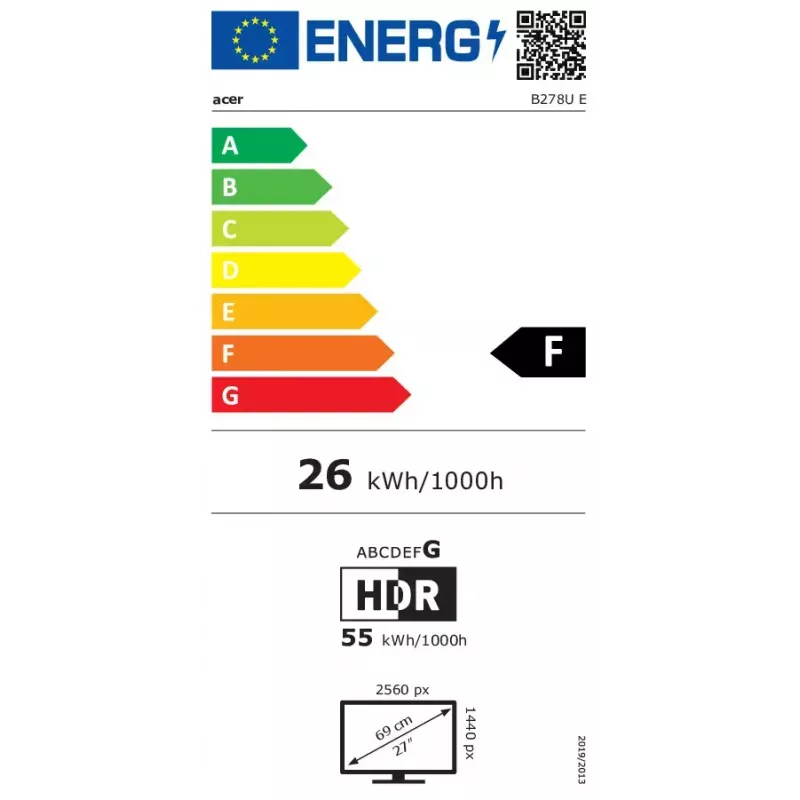
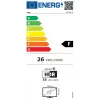
Energy consumption (HDR) per 1000 hours
55 kWh
Energy consumption (SDR) per 1000 hours
26 kWh
Energy efficiency class (HDR)
G
Energy efficiency class (SDR)
F
Energy efficiency scale
A to G
HD type
Wide Quad HD
HDMI
Yes
HDMI ports quantity
1
HDMI version
2.0
Headphone out
Yes
Height adjustment
Yes
High Dynamic Range (HDR) supported
Yes
High Dynamic Range (HDR) technology
High Dynamic Range 10 (HDR10)
LED backlight
Yes
Market positioning
Business
Maximum refresh rate
100 Hz
Native aspect ratio
16:9
Number of USB Type-B upstream ports quantity
2
Panel mounting interface
100 x 100
Panel type
IPS
Picture-in-Picture
Yes
Pivot
Yes
Pixel pitch
0.23 x 0.23
Power consumption (off)
0.3 W
Power consumption (standby)
0.5 W
Power supply type
Internal
Product colour
Black
Response time
4 ms
Screen shape
Flat
sRGB coverage (typical)
99 %
Stand included
Yes
Tilt adjustment
Yes
Tilt angle range
-5 - 35
Touchscreen
No
USB Type-C downstream ports quantity
1
USB upstream port type
USB Type-B
VESA Adaptive Sync support
Yes
VESA mounting
Yes
Viewable size, horizontal
597 mm
Viewable size, vertical
336 mm
Viewing angle, horizontal
178 °
Viewing angle, vertical
178 °

Leaflet

Open Leaflet

Energy label

Open Energy label
Energy label
Price history over the last 6 months
Monitor Acer B278U E 27 inch Wide Quad HD LCD 2560 x 1440
Current
R9,904
Lowest
R5,644
Highest
R12,670
Change 24H
+R4,229   +75%
Week
+R4,260   +75%
Month
+R4,239   +75%

Popular products in this category

WhatsApp
Hi, I’m DistriNode’s AI assistant. I can help you find products, compare options, create quote PDFs, or open support requests.