Account Contact
Your Cart
Pay the courier with no extra fees.
Need help? DistriNode AI can handle any task on our site.

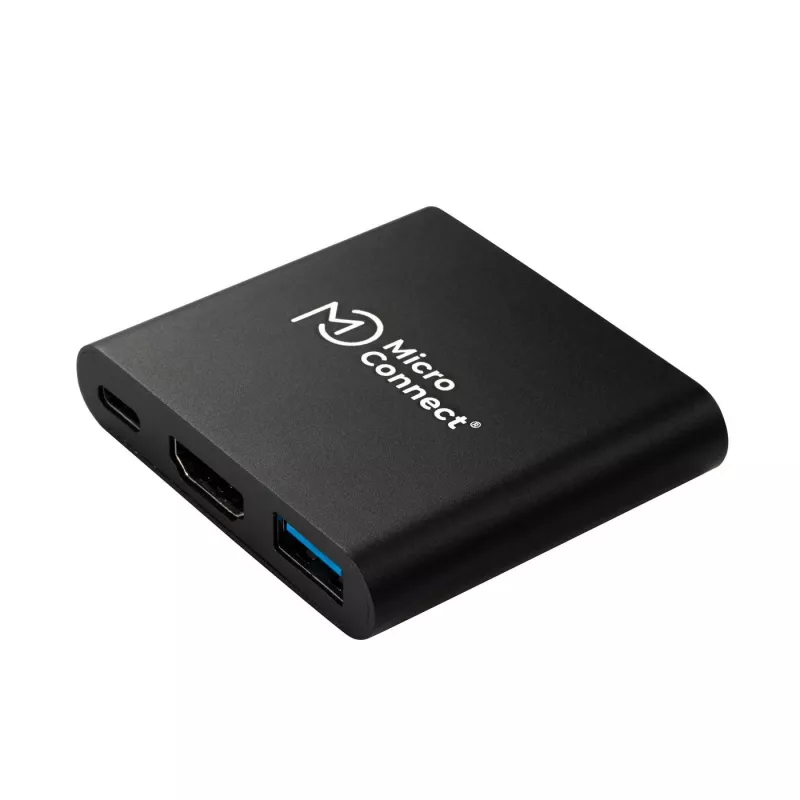
Microconnect MC-HUBAV1 laptop dock/port replicator Docking White

Microconnect MC-HUBAV1 laptop dock/port replicator Docking White
R1,305
The MicroConnect MC-HUBAV1 is a compact USB-C multiport adapter that provides simultaneous connection for a USB-C port, an HDMI output and a USB 3.0 Type-A port. Weighing 30 g and finished in white, this lightweight docking station functions as a mini dock for laptops and is suitable for use with to... Read More
Stock 46 Code 1190907 Brand MICROCONNECT Model MC-HUBAV1 Warranty 2 Years

Shipping & Returns

Estimated delivery Tuesday, October 6
You will be kept updated through our detailed tracking system
Payment options
EFTPayFastBank CardSnapScanZapperGoogle PayApple PayMobicredMoreTymePay on Arrival

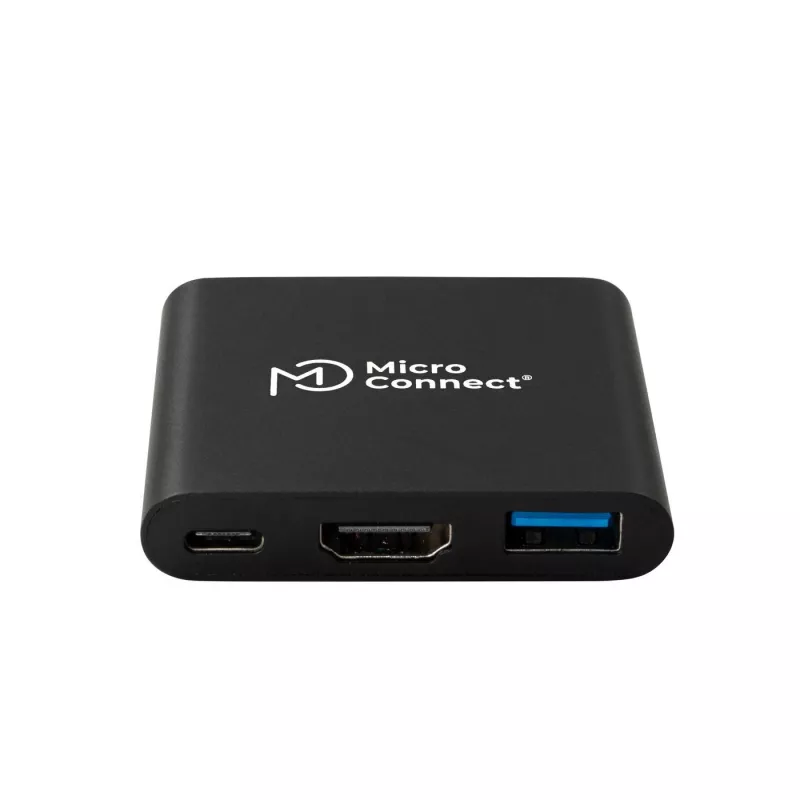
The MicroConnect MC-HUBAV1 is a compact USB-C multiport adapter that provides simultaneous connection for a USB-C port, an HDMI output and a USB 3.0 Type-A port. Weighing 30 g and finished in white, this lightweight docking station functions as a mini dock for laptops and is suitable for use with touchscreens and hybrid fiber USB-C cables such as the USB3.2CC10OP.

Advantages

This adapter offers multiport expansion in a small form factor, enabling video output via HDMI while also providing a high-speed USB 3.0 Type-A data connection and a pass-through USB-C connection. Its low weight and compact design make it easy to carry and position on a desk or in a laptop bag. Compatibility with hybrid fiber USB-C cables and touchscreen devices increases its versatility.

Suitable for

  • Expanding laptop connectivity when only a USB-C port is available
  • Connecting an external monitor or projector via HDMI
  • Attaching USB-A peripherals such as flash drives, mice or keyboards
  • Working with touchscreen-equipped systems

Key specifications

  • Brand: MicroConnect
  • Model: MC-HUBAV1
  • EAN: 5715063176030
  • Connections: USB-C (host), HDMI (video out), USB 3.0 Type-A
  • Weight: 30 g
  • Color: White

How to use

Connect the adapter's USB-C plug to your laptop or compatible host device. Use the HDMI port to attach an external display and plug USB-A peripherals into the USB 3.0 Type-A port. If using hybrid fiber USB-C cables, ensure the cable supports the required video and data modes for your setup. No external power is normally required for typical USB-A devices; high-power peripherals may need their own power source.

Recommendations

For best results, use the adapter with devices that support USB-C alt mode for video output and with compatible hybrid fiber USB-C cables (for example USB3.2CC10OP). When connecting high-resolution displays or multiple power-hungry peripherals, verify host device capabilities and cable specifications to ensure stable performance.
Key Highlights
  • Expanding laptop connectivity when only a USB-C port is available
  • Connecting an external monitor or projector via HDMI
  • Attaching USB-A peripherals such as flash drives, mice or keyboards
  • Working with touchscreen-equipped systems
  • Brand: MicroConnect
  • Model: MC-HUBAV1
  • EAN: 5715063176030
  • Connections: USB-C (host), HDMI (video out), USB 3.0 Type-A
  • Weight: 30 g
  • Color: White
Specifications
Connectivity technology
Docking
HDMI ports quantity
1
Package depth
99 mm
Package height
48 mm
Package weight
40 g
Package width
282 mm
Product colour
White
USB 3.2 Gen 1 (3.1 Gen 1) Type-A ports quantity
1
USB 3.2 Gen 1 (3.1 Gen 1) Type-C ports quantity
1
Weight
30 g

Leaflet

Open Leaflet
Price history over the last 6 months
Microconnect MC-HUBAV1 laptop dock/port replicator Docking White
Current
R1,305
Lowest
R1,218
Highest
R1,305
Change 24H
+R87   +7%
Week
—   
Month
—   

Popular products in this category

WhatsApp
Hi, I’m DistriNode’s AI assistant. I can help you find products, compare options, create quote PDFs, or open support requests.