
Account Contact
Your Cart
Pay the courier with no extra fees.
Need help? DistriNode AI can handle any task on our site.

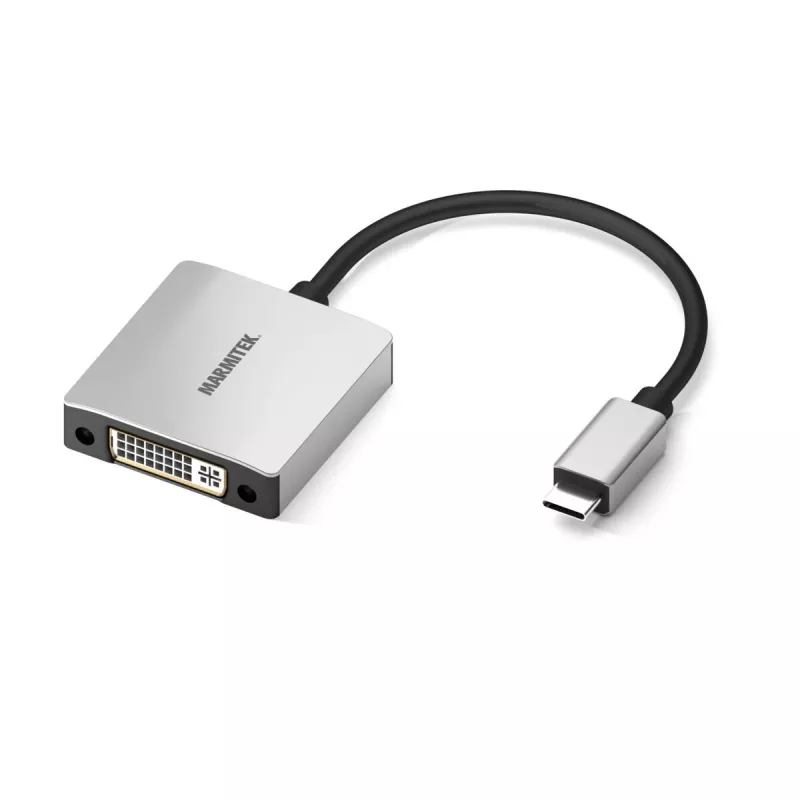
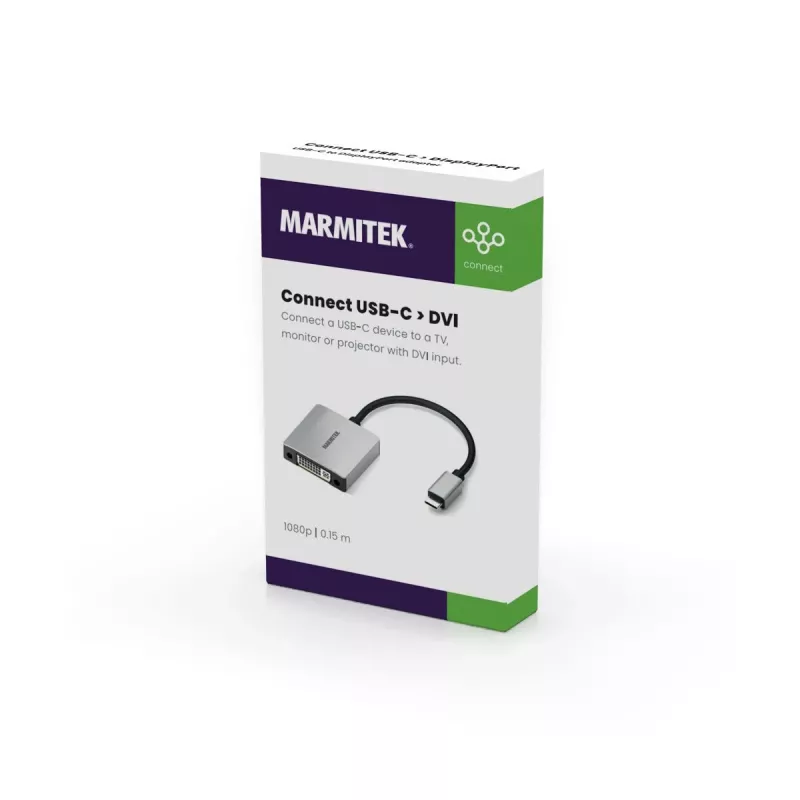
Marmitek Connect USB C to DVI - USB-C to DVI adapter

Marmitek Connect USB C to DVI - USB-C to DVI adapter
R1,040
The Marmitek 8372 USB-C to DVI adapter converts a USB-C video output into a DVI display connection, enabling connection of compatible laptops, tablets and other devices to DVI monitors, projectors or TVs. The compact adapter features an aluminium housing and a short flexible rubber cable for conveni... Read More
Stock 12 Code 2228754 Brand MARMITEK Model 25008372 Warranty 2 Years

Shipping & Returns

Estimated delivery Tuesday, October 6
You will be kept updated through our detailed tracking system
Payment options
EFTPayFastBank CardSnapScanZapperGoogle PayApple PayMobicredMoreTymePay on Arrival

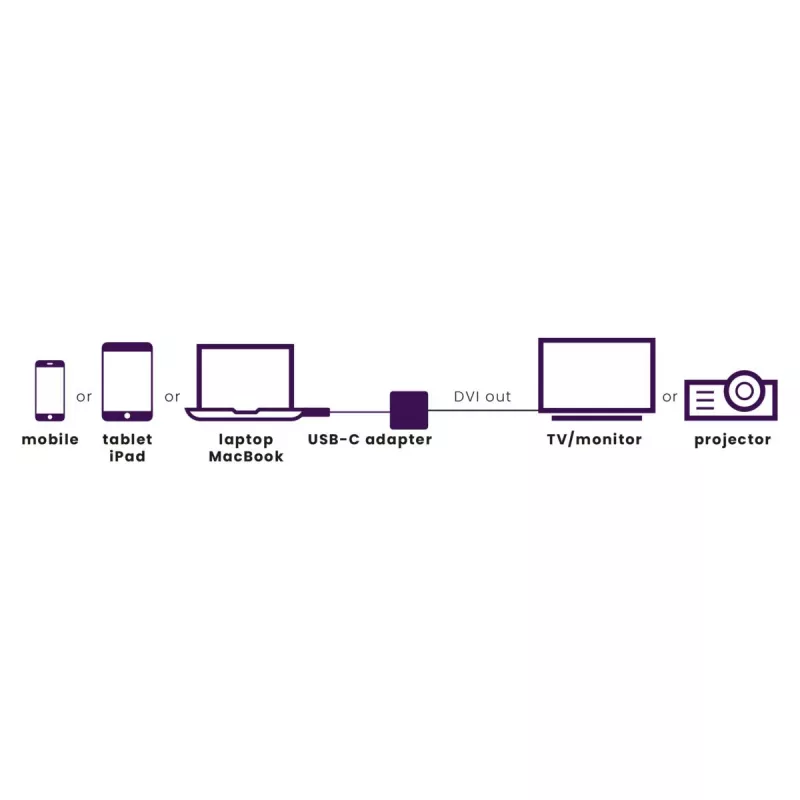
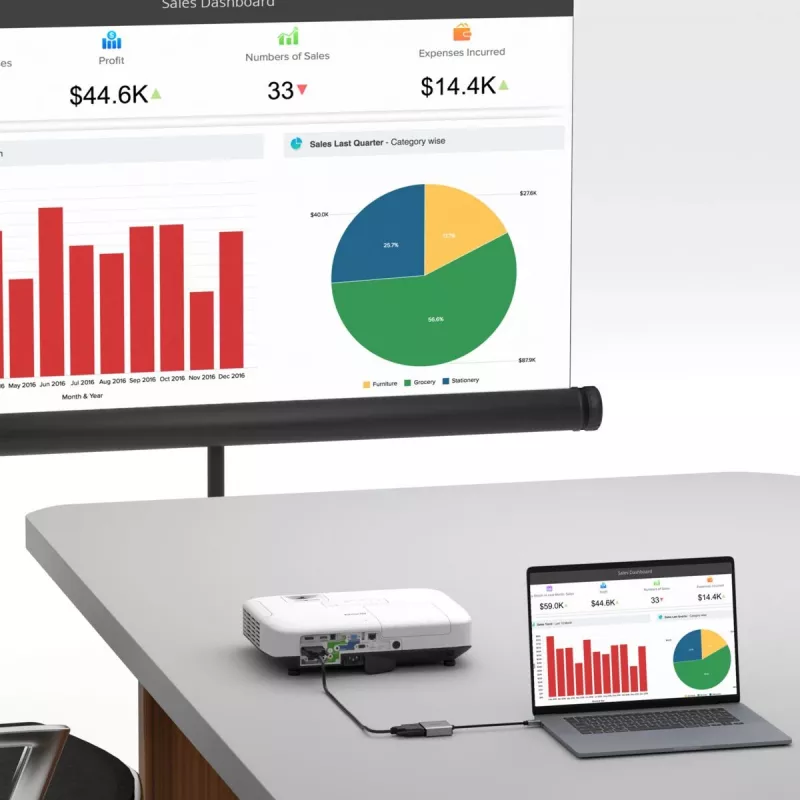
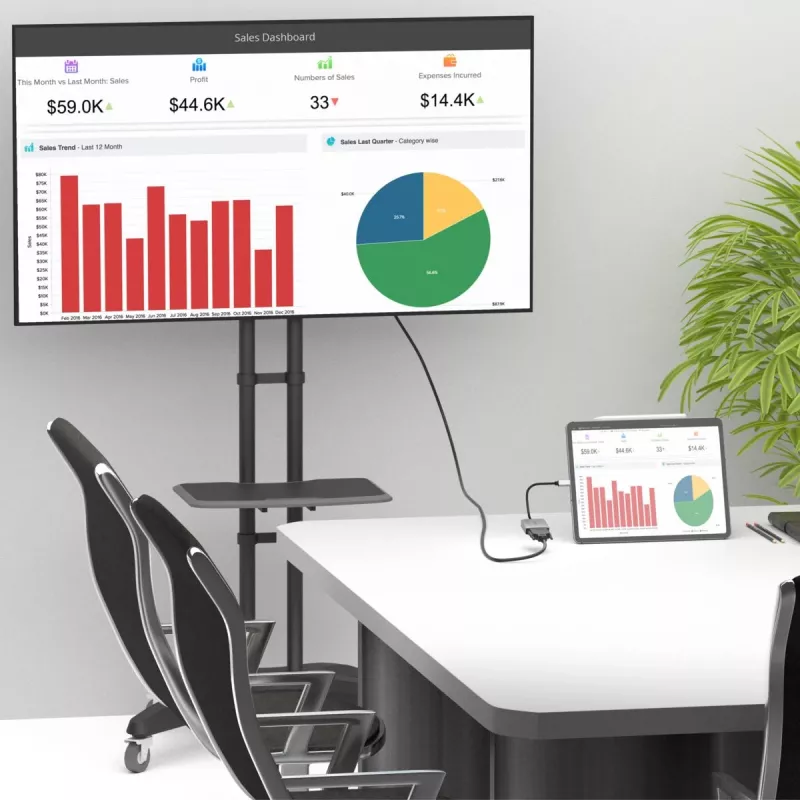
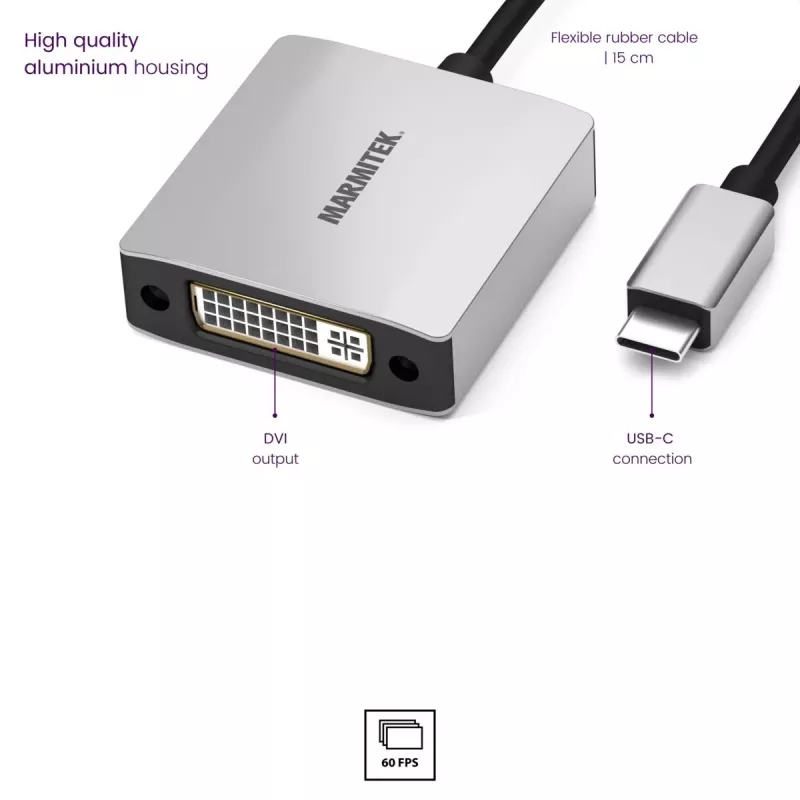
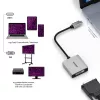
The Marmitek 8372 USB-C to DVI adapter converts a USB-C video output into a DVI display connection, enabling connection of compatible laptops, tablets and other devices to DVI monitors, projectors or TVs. The compact adapter features an aluminium housing and a short flexible rubber cable for convenient portable use.

Advantages

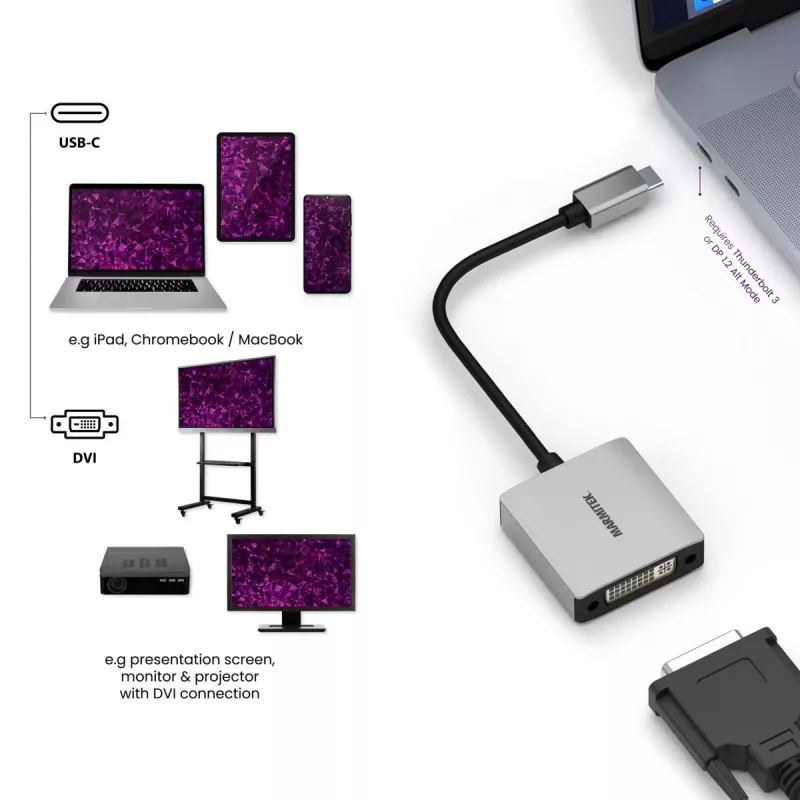
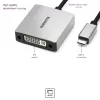
The adapter provides a flexible 15 cm rubber cable designed for intensive use and a high-quality aluminium housing that is robust and resists external interference. It requires a source device with a USB-C 3.1 port that supports Thunderbolt or DisplayPort Alternate Mode 1.2 (DP Mode 1.2) and supports display resolutions up to 1920 x 1080 at 60 Hz. Use the adapter to turn a USB-C port into a DVI output for sharing presentations, videos, photos and other content on a TV, monitor or projector.

Suitable for

Key specifications

How to use

Connect the USB-C plug of the Marmitek 8372 into a compatible USB-C port on your laptop or tablet that supports DP Alt Mode. Attach the DVI connector to the DVI input of your monitor, projector or TV. Ensure the display input is set to the DVI source and, if necessary, adjust the display resolution in the operating system to 1920 x 1080 @ 60 Hz for optimal results.

Recommendations

Use only devices that explicitly support USB-C DisplayPort Alternate Mode or Thunderbolt to ensure video output. Avoid excessive bending of the 15 cm cable and keep the aluminium housing clean and dry to maintain reliable connections and longevity.
Key Highlights
  • Laptops with USB-C (DP Alt Mode) such as MacBook Pro, MacBook, Surface Book 2 and compatible Chromebooks
  • Tablets with USB-C video support such as iPad Pro (2018 and newer) and iPad Air (2020 and newer)
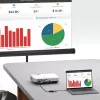
  • Connecting to DVI monitors, projectors or TVs for presentations and video playback
  • Brand: Marmitek
  • Model: 8372
  • Connector: USB-C (source) to DVI (display)
  • Cable length: 15 cm rubber cable
  • Housing: aluminium
  • Required source support: USB-C 3.1 with Thunderbolt or DisplayPort Alternate Mode 1.2
  • Maximum resolution: 1920 x 1080 @ 60 Hz
  • EAN: 8718164533723
Specifications
Cable length
0.15 m
Depth
20 mm
Height
130 mm
Manual
Yes
Maximum refresh rate
60 Hz
Product colour
Black, Silver
Width
80 mm

Leaflet

Open Leaflet
Price history over the last 6 months
Marmitek Connect USB C to DVI - USB-C to DVI adapter
Current
R1,040
Lowest
R1,018
Highest
R1,040
Change 24H
+R19   +2%
Week
—   
Month
—   

Popular products in this category

WhatsApp
Hi, I’m DistriNode’s AI assistant. I can help you find products, compare options, create quote PDFs, or open support requests.