






Account Contact
Your Cart
Pay the courier with no extra fees.
Need help? DistriNode AI can handle any task on our site.

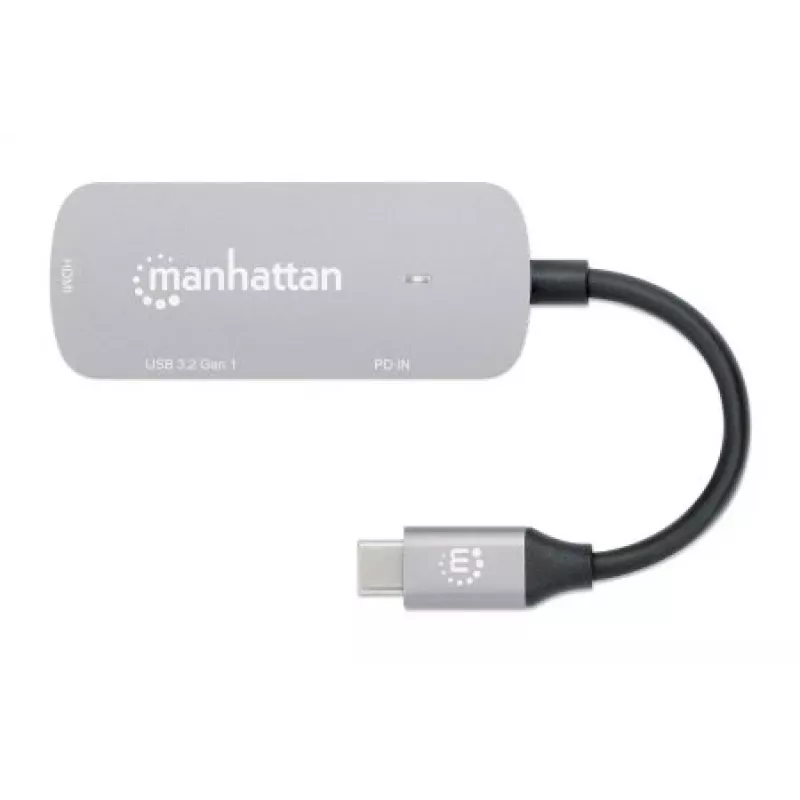
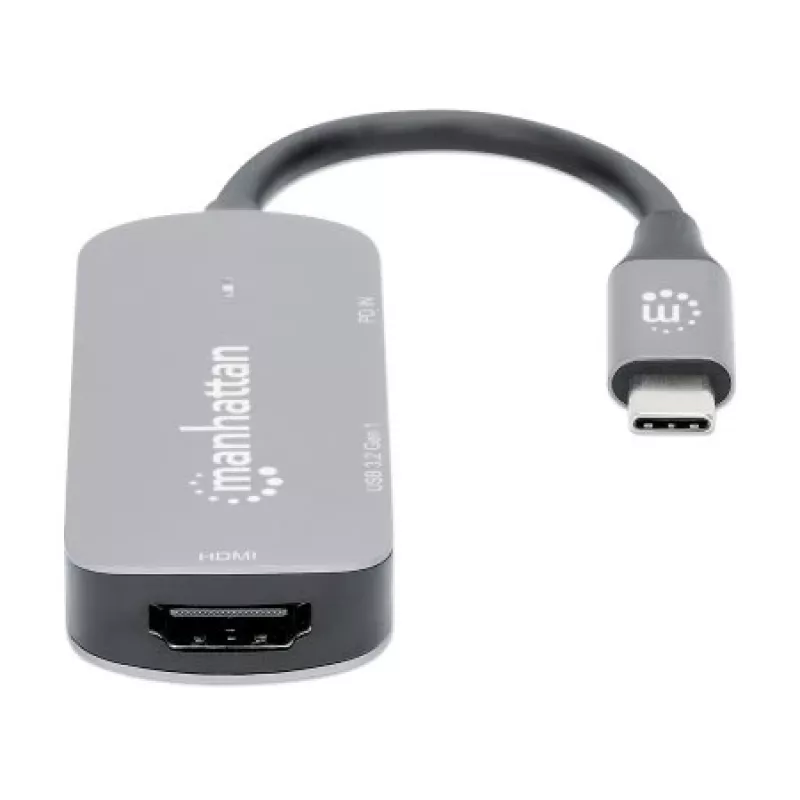
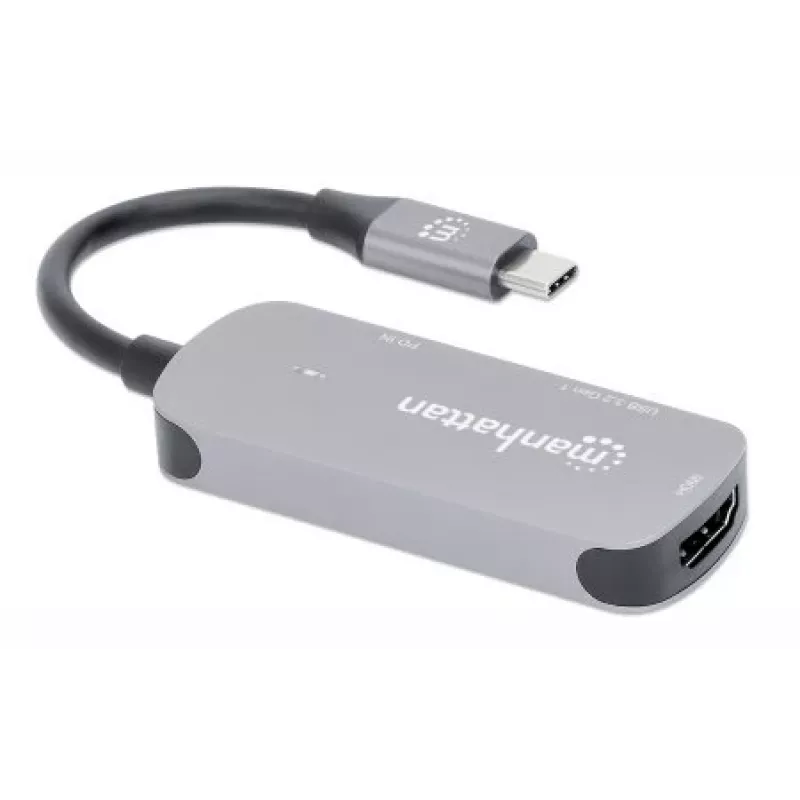
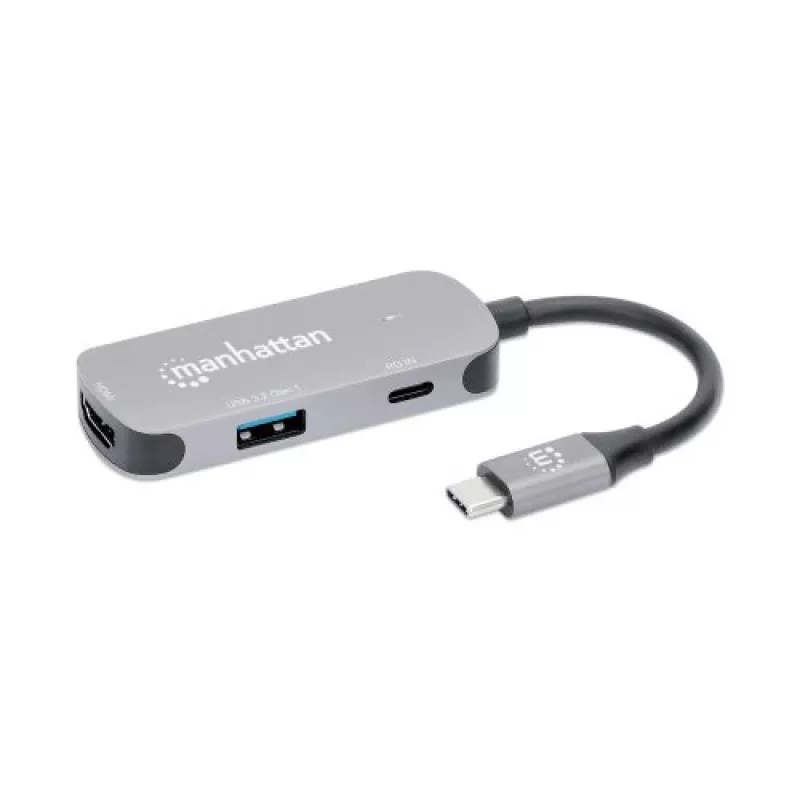
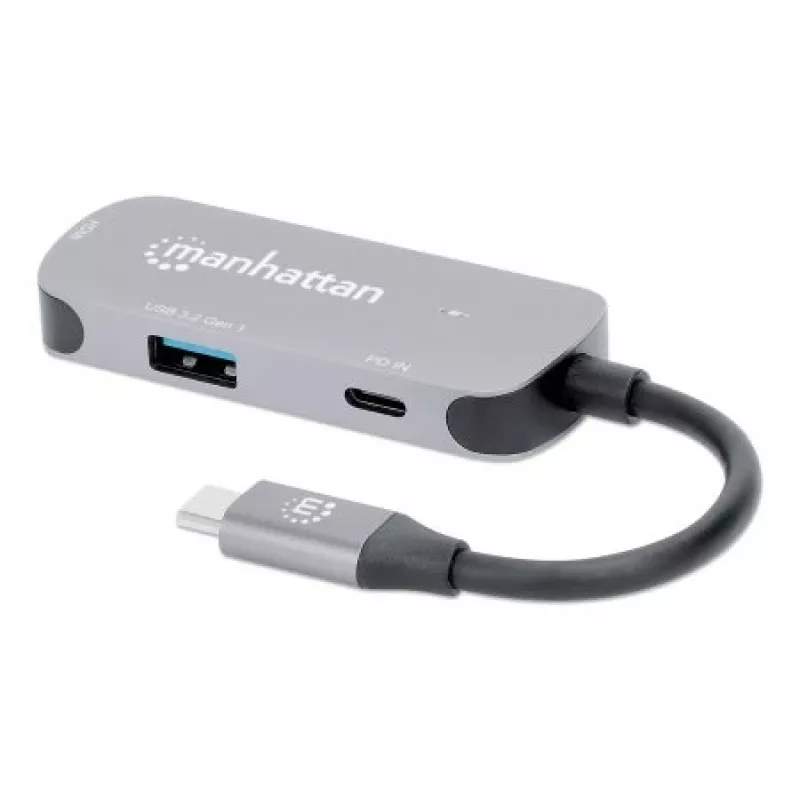
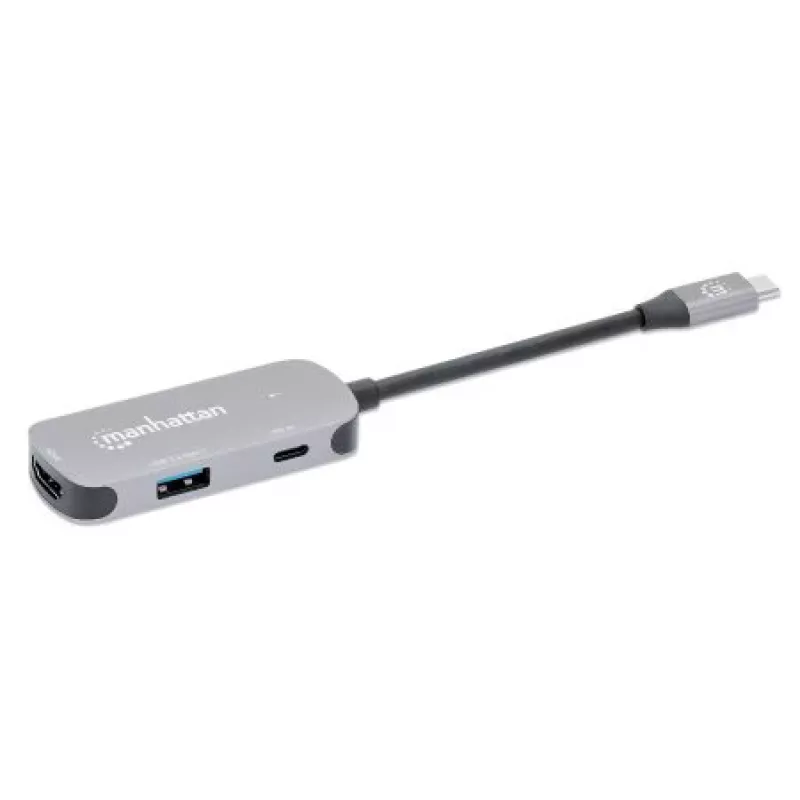
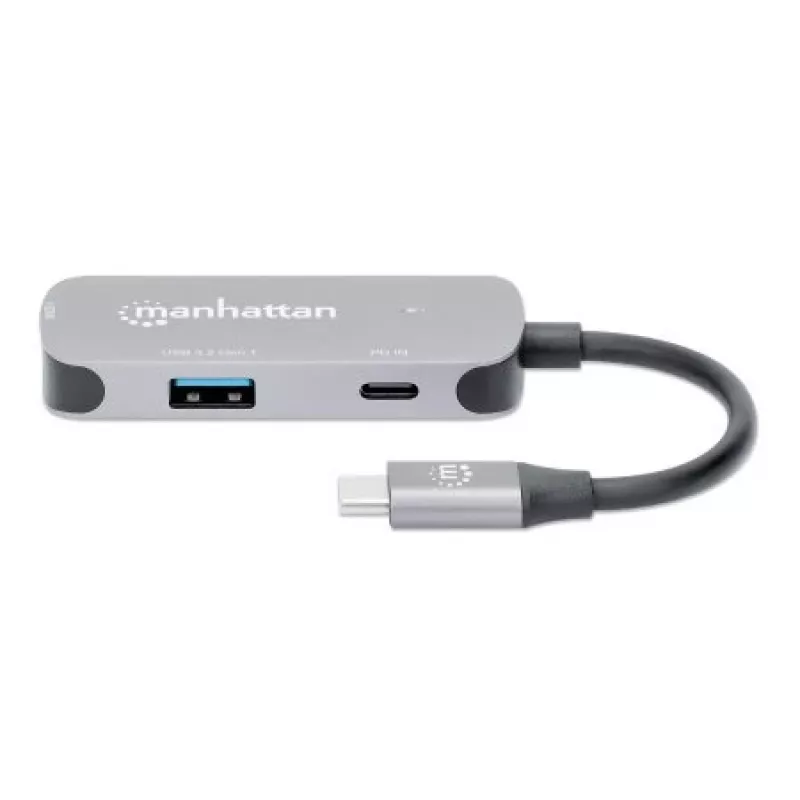
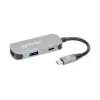
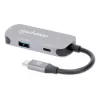
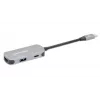
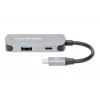
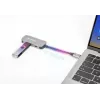
Manhattan USB-C Dock/Hub, Ports (x3): HDMI, USB-A and USB-C, with Power Delivery (PD) 100W- requires external USB-C charger (not included). USB powered (no external power supply required) when PD is not in use, Aluminium

Manhattan USB-C Dock/Hub, Ports (x3): HDMI, USB-A and USB-C, with Power Delivery (PD) 100W- requires external USB-C charger (not included). USB powered (no external power supply required) when PD is not in use, Aluminium
R707
USB-C to HDMI Adapter to connect a laptop, MacBook®, smartphone or tablet to an HDMI display - plus a USB-A peripheral and Power Delivery charging portThe Manhattan USB-C 3-in-1 HDMI Docking Converter with Power Delivery establishes a fast, simple and convenient link between a newer USB Type-C equip... Read More
Stock 7 Code 2408995 Brand MANHATTAN Model 130707 Warranty 2 Years

Shipping & Returns

Estimated delivery Thursday, October 8
You will be kept updated through our detailed tracking system
Payment options
EFTPayFastBank CardSnapScanZapperGoogle PayApple PayMobicredMoreTymePay on Arrival
USB-C to HDMI Adapter to connect a laptop, MacBook®, smartphone or tablet to an HDMI display - plus a USB-A peripheral and Power Delivery charging port
The Manhattan USB-C 3-in-1 HDMI Docking Converter with Power Delivery establishes a fast, simple and convenient link between a newer USB Type-C equipped media source (a laptop, PC, MacBook®, Chromebook™, computer, tablet, etc.) and existing HDMI display (monitor, TV or projector) for 4K at 30 Hz images in either mirror- or extended-display mode. Create a mini-workstation by adding any USB 3.2 Gen 1 (formerly USB 3.0) peripheral such as a mouse, keyboard, hub, external memory device and more with the integrated USB-A port. This multiport Docking Converter is easy and quick to install. No complicated configuration or setup is required to enhance the functionality of your USB-C device. Its all-in-one design achieves a compact, integrated solution that eliminates unnecessary cables, tangles and clutter to keep installations and workspaces neat and orderly.

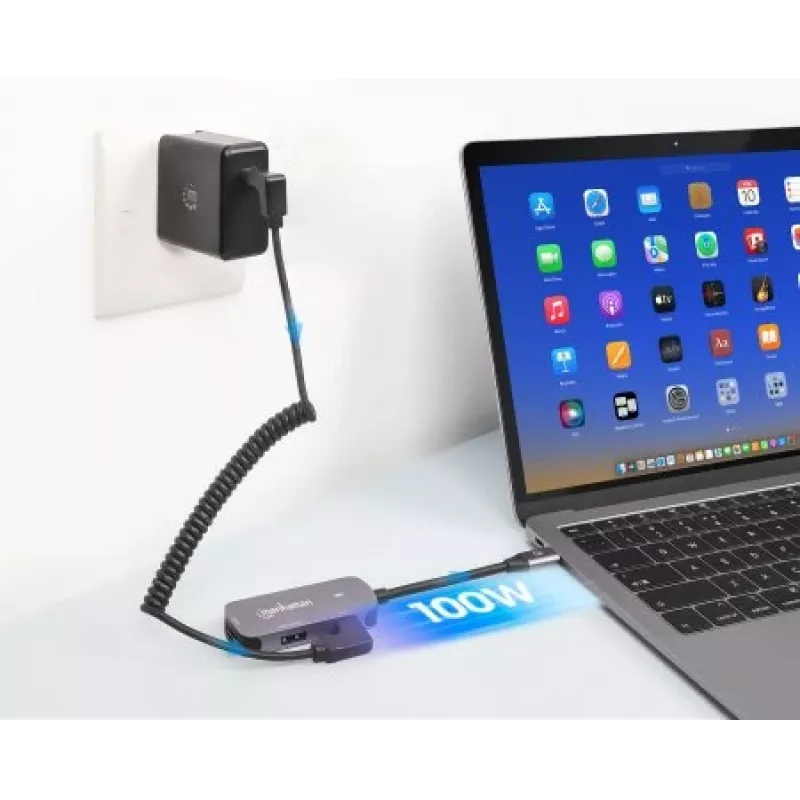
Up to 100 W charging power with USB-C Power Delivery (PD)
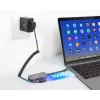
The included USB-C PD port lets you charge your notebook with power up to 100 W while simultaneously charging your other mobile devices, such as smartphones or tablets, through the USB-A port. The Power Delivery function also provides faster charging than standard chargers since it determines the power needs of compatible devices and supplies it at the quickest and safest rate.

Take your phone to the big screen
If you have a smartphone or tablet that supports video output over USB-C DP Alt Mode, you can enjoy your apps and media even more. Watch a video on your monitor or flip through the slides of your presentation on a projector - all from your phone.

A multiport adapter that's made to go where you go
The very compact aluminum housing makes this USB-C to HDMI Converter the perfect travel companion. It's small enough to fit in an outer notebook bag pocket, so you can create a mini-workstation for your laptop where ever you're going.

Manhattan USB-C Dock/Hub, Ports (x3): HDMI, USB-A and USB-C, with Power Delivery (PD) 100W- requires external USB-C charger (not included). USB powered (no external power supply required) when PD is not in use, Aluminium. Connectivity technology: Wired, Host interface: USB 3.2 Gen 1 (3.1 Gen 1) Type-C, USB Power Delivery up to: 100 W. Product colour: Aluminium, Maximum digital resolution: 3840 x 2160 pixels, Maximum refresh rate: 30 Hz. USB cable length: 0.11 m. Windows operating systems supported: Windows 10, Windows 11, Windows 7, Windows 8.1, Mac operating systems supported: MacOS, Mobile operating systems supported: iPadOS. Width: 29 mm, Depth: 71 mm, Height: 12 mm

Key Highlights
  • Easily connects a USB-C device to an HDMI display and USB-A peripheral while also charging both USB devices
  • Resolutions up to Ultra-High-Definition (UHD) 4K@30Hz (3840×2160)
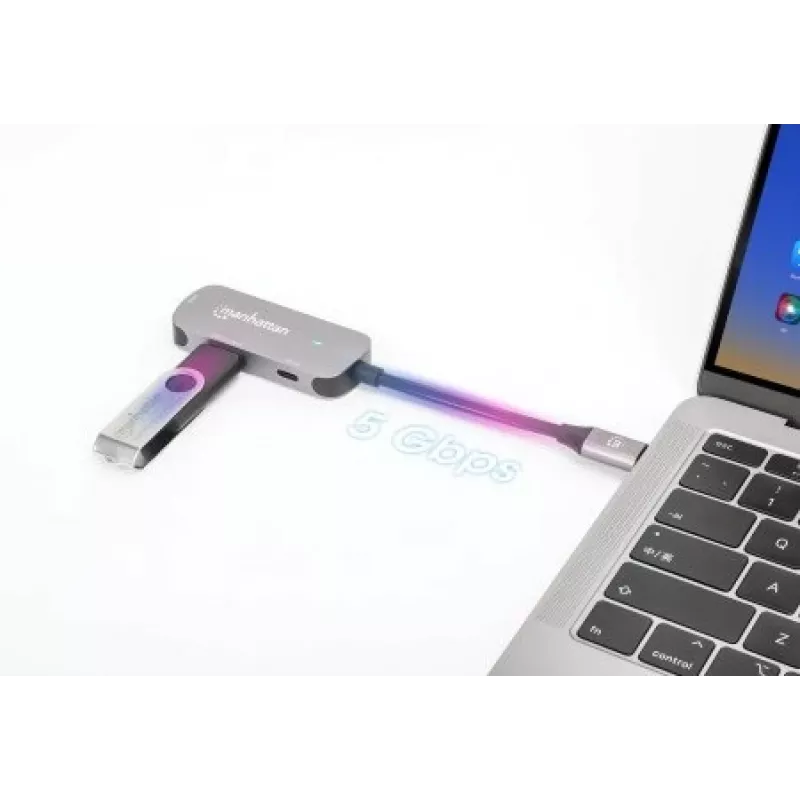
  • One USB 3.2 Gen 1 Type-A port (formerly USB 3.0) with SuperSpeed transfer rates up to 5 Gbps and charging up to 5 W (5 V / 1 A)
  • USB-A port to connect mice, keyboards or portable memory devices (and more) or to charge and sync a portable electronic device
  • Supports USB Power Delivery (PD) function up to 100 W; requires an external PD charger - available from Manhattan
  • Compliant with DisplayPort 1.2 Alternate Mode (DP Alt Mode)
  • Compatible with all USB-C DP-Alt-Mode-supported desktops, notebooks and tablets including Apple® MacBook®, Chromebook™, Pixel™ and more
  • Sturdy, sleek aluminum housing, great for both desktop and travel
  • Built-in, sturdy 11 cm (4 in.) cable
  • Fully HDCP 1.4 compliant, backward compatible
  • Lets your smartphone work like a desktop PC while also charging it (desktop setup requires devices with Android 9 or above that offer video output over USB-C)
  • Plug-and-play installation; Windows®, macOS®, Linux®, Chrome OS™, iPadOS® and Android™ compatible
  • Wired
  • Host interface: USB 3.2 Gen 1 (3.1 Gen 1) Type-C
  • USB Power Delivery (USB PD)
Specifications
Card reader integrated
No
Certification
CE FCC RoHS REACH UKCA
Compliance certificates
CE, REACH, RoHS, UKCA, Federal Communications Commission (FCC)
Connectivity technology
Wired
Depth
71 mm
Ethernet LAN
No
HDCP
Yes
HDCP version
1.4
HDMI ports quantity
1
HDMI version
1.4
Height
12 mm
Host interface
USB 3.2 Gen 1 (3.1 Gen 1) Type-C
Housing material
Aluminium
Linux operating systems supported
Yes
Mac operating systems supported
MacOS
Manual
Yes
Maximum digital resolution
3840 x 2160 pixels
Maximum refresh rate
30 Hz
Microphone in
No
Mobile operating systems supported
iPadOS
Operating relative humidity (H-H)
5 - 90%
Operating temperature (T-T)
0 - 45 °C
Other operating systems supported
Android
Package weight
55 g
Product colour
Aluminium
Quantity per pack
1 pc(s)
Storage temperature (T-T)
-10 - 70 °C
USB 3.2 Gen 1 (3.1 Gen 1) Type-A ports quantity
1
USB 3.2 Gen 1 (3.1 Gen 1) Type-C ports quantity
1
USB cable length
0.11 m
USB Power Delivery (USB PD)
Yes
USB Power Delivery up to
100 W
Weight
31 g
Width
29 mm
Windows operating systems supported
Windows 10, Windows 11, Windows 7, Windows 8.1

Leaflet

Open Leaflet
Price history over the last 6 months
Manhattan USB-C Dock/Hub, Ports (x3): HDMI, USB-A and USB-C, with Power Delivery (PD) 100W- requires external USB-C charger (not included). USB powered (no external power supply required) when PD is not in use, Aluminium
Current
R707
Lowest
R679
Highest
R747
Change 24H
+R10   +1%
Week
-R17   -2%
Month
-R22   -3%

Popular products in this category

WhatsApp
Hi, I’m DistriNode’s AI assistant. I can help you find products, compare options, create quote PDFs, or open support requests.