Account Contact
Your Cart
Pay the courier with no extra fees.
Need help? DistriNode AI can handle any task on our site.

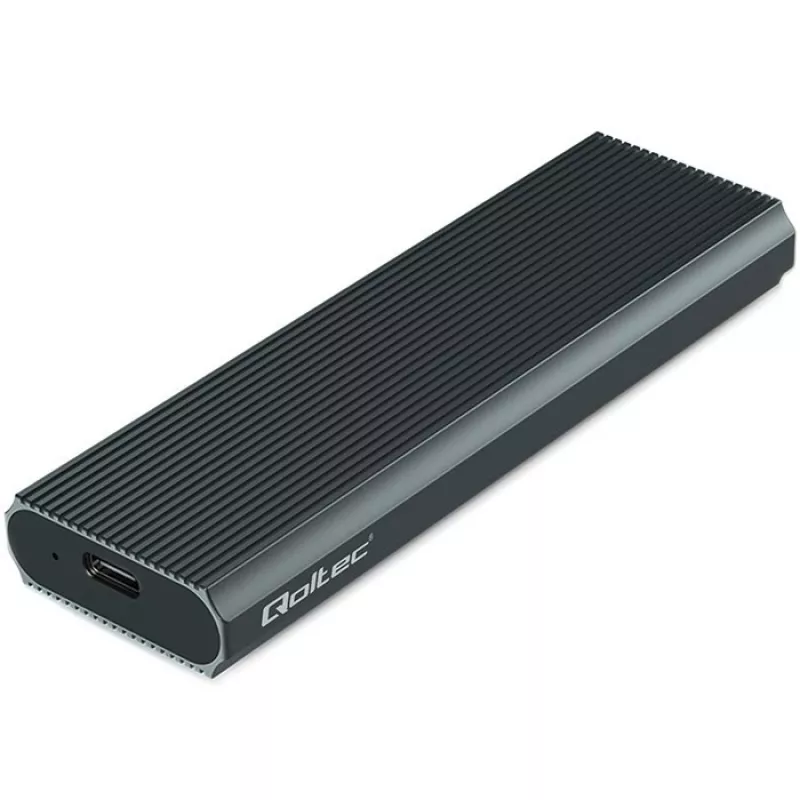
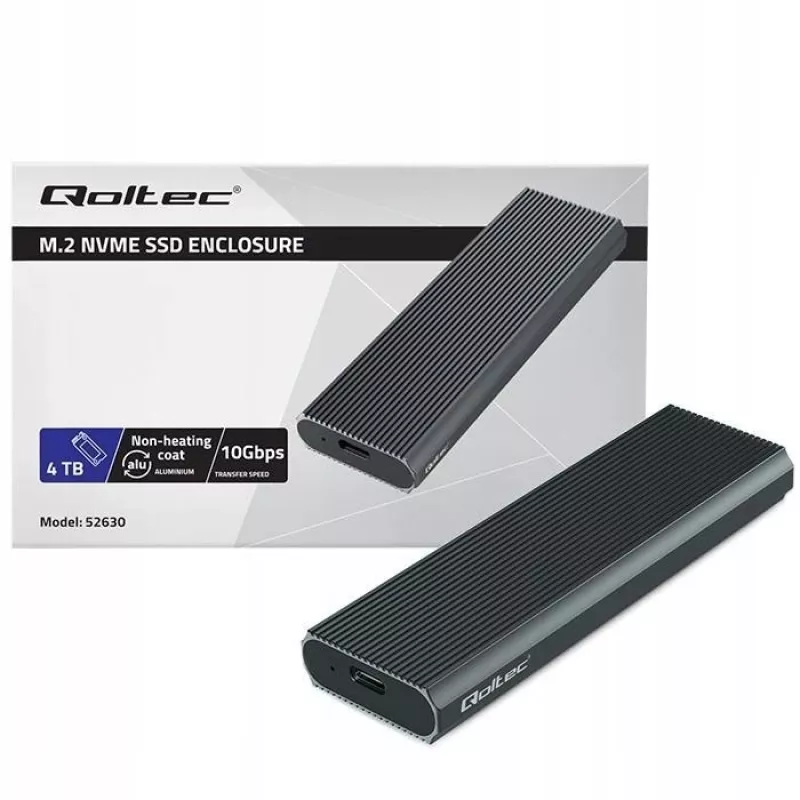
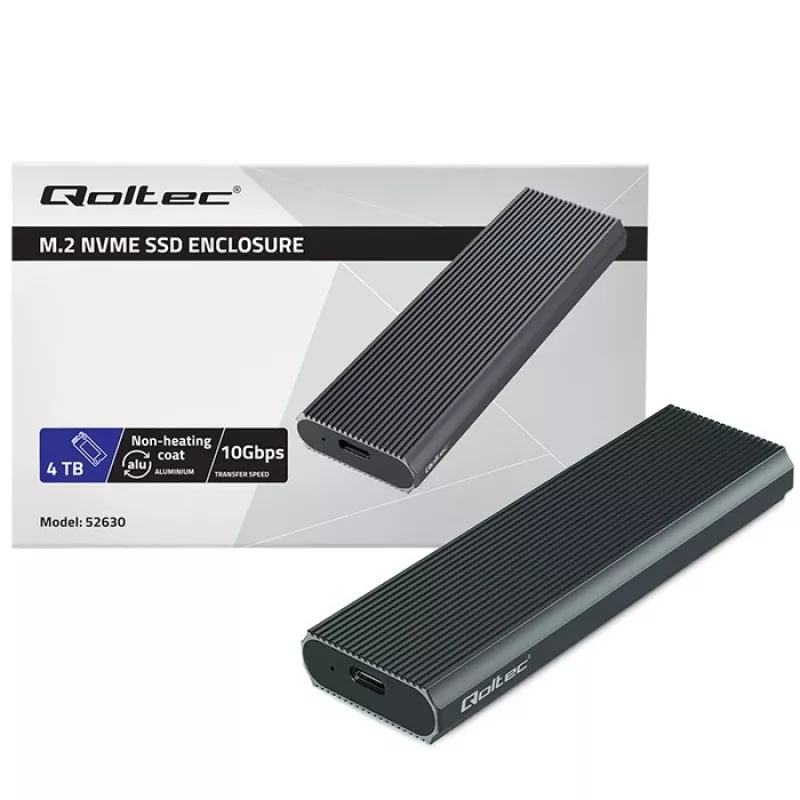
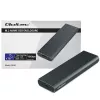
M.2 NVMe SSD enclosure QOLTEC 52630 — USB 3.1 Gen2 10Gb/s, for M.2 NVMe drives

M.2 NVMe SSD enclosure QOLTEC 52630 — USB 3.1 Gen2 10Gb/s, for M.2 NVMe drives
R381
QOLTEC 52630 is an external M.2 NVMe SSD enclosure that provides USB 3.1 Gen2 (10Gb/s) connectivity to convert an internal M.2 NVMe drive into a portable external drive. The enclosure supports standard M.2 NVMe form factors and enables high-speed data transfer over a single USB-C connection. It is i... Read More
Stock 23 Code 103421 Brand QOLTEC Model 52630 Warranty 2 Years

Shipping & Returns

Estimated delivery Friday, October 2
You will be kept updated through our detailed tracking system
Payment options
EFTPayFastBank CardSnapScanZapperGoogle PayApple PayMobicredMoreTymePay on Arrival

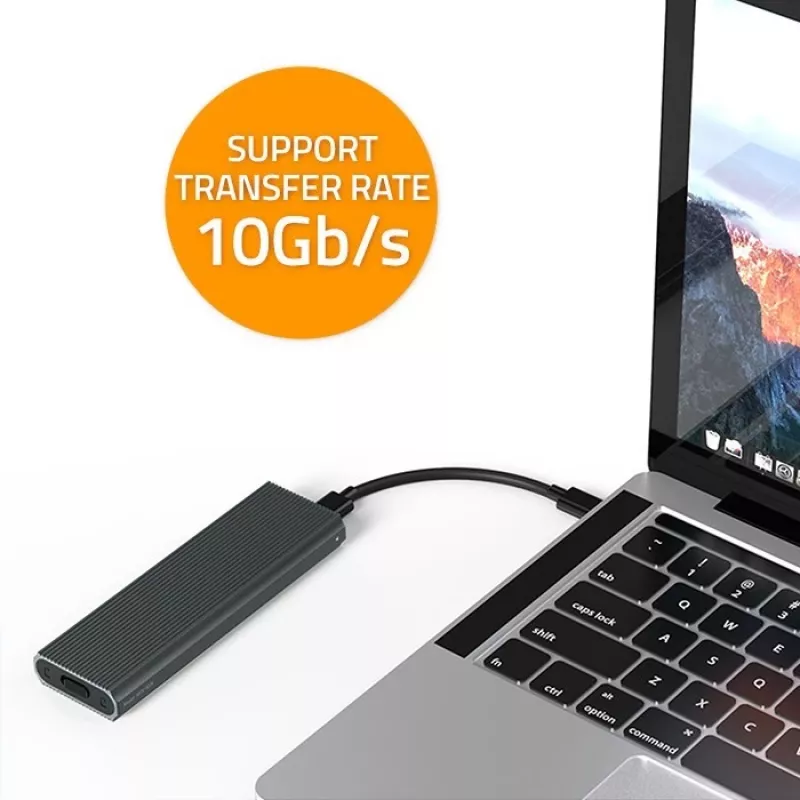
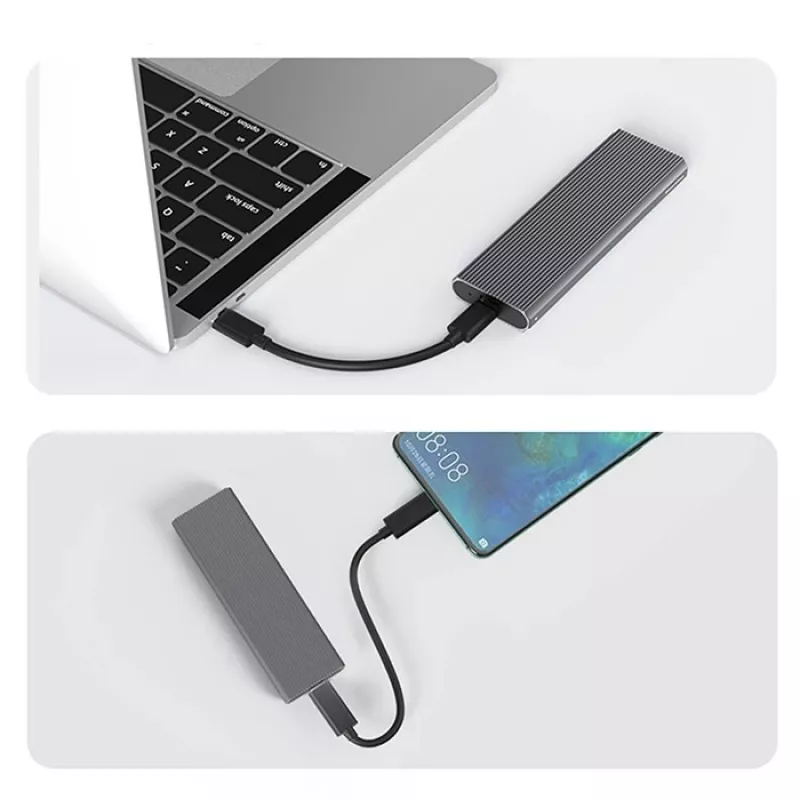
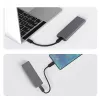
QOLTEC 52630 is an external M.2 NVMe SSD enclosure that provides USB 3.1 Gen2 (10Gb/s) connectivity to convert an internal M.2 NVMe drive into a portable external drive. The enclosure supports standard M.2 NVMe form factors and enables high-speed data transfer over a single USB-C connection. It is intended for users who need fast external storage, backup and cloning options, or a compact solution for carrying NVMe drives between systems.

Advantages

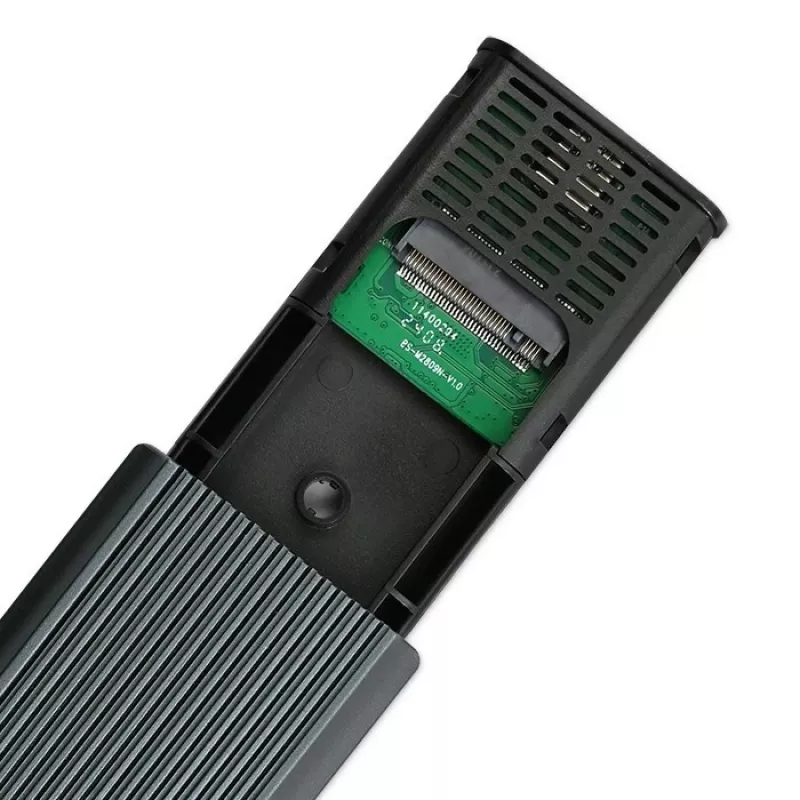
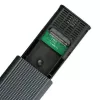
The enclosure offers USB 3.1 Gen2 performance up to 10Gb/s, enabling sustained transfer rates appropriate for NVMe SSDs when used with a compatible host. Its compact housing ensures portability and easy connection via USB-C. The design supports plug-and-play operation without additional drivers on most modern operating systems and allows quick access to the drive for data migration tasks. Tool-less installation may be supported depending on the specific drive length and model.

Suitable for

  • Data backup and restore operations
  • Cloning internal NVMe drives to an external SSD
  • Fast file transfer between computers
  • Portable expansion of storage for laptops and desktops
  • Temporary access to NVMe drives for diagnostics and recovery

Key specifications

  • Interface to host: USB 3.1 Gen2 (10Gb/s) via USB-C
  • Supported drive type: M.2 NVMe SSD (PCIe-based)
  • Supported M.2 form factors: standard lengths for M.2 NVMe (verify drive size compatibility)
  • Installation: user-installable, possible tool-less access depending on model
  • Power: bus-powered from host USB connection
  • Compatibility: compatible with operating systems that support USB mass storage and NVMe over USB (modern Windows, macOS, and Linux distributions)

How to use

Install a compatible M.2 NVMe SSD into the enclosure following the enclosure's mechanical guidance for the correct M.2 length and seating. Secure the drive according to the enclosure design, close the housing, and connect the enclosure to a host computer using a USB-C cable. The host should recognize the drive as an external storage device; initialize or format the drive if required by the operating system. For cloning or backup, use your preferred disk imaging or backup software. For best performance, connect to a USB 3.1 Gen2 or higher port and ensure the host system supports USB-C data transfer at the advertised speed.

Recommendations

Use the enclosure with properly cooled NVMe drives if sustained transfers are expected; allow airflow or intermittent pauses during intensive operations. Verify the M.2 drive length and NVMe (PCIe) protocol compatibility before installation. Avoid abrupt disconnection during read/write activity and safely eject the device from the operating system to prevent data loss.

Key Highlights
  • Data backup and restore operations
  • Cloning internal NVMe drives to an external SSD
  • Fast file transfer between computers
  • Portable expansion of storage for laptops and desktops
  • Temporary access to NVMe drives for diagnostics and recovery
  • Interface to host: USB 3.1 Gen2 (10Gb/s) via USB-C
  • Supported drive type: M.2 NVMe SSD (PCIe-based)
  • Supported M.2 form factors: standard lengths for M.2 NVMe (verify drive size compatibility)
  • Installation: user-installable, possible tool-less access depending on model
  • Power: bus-powered from host USB connection
  • Compatibility: compatible with operating systems that support USB mass storage and NVMe over USB (modern Windows, macOS, and Linux distributions)
Price history over the last 6 months
M.2 NVMe SSD enclosure QOLTEC 52630 — USB 3.1 Gen2 10Gb/s, for M.2 NVMe drives
Current
R381
Lowest
R348
Highest
R562
Change 24H
+R30   +9%
Week
+R32   +9%
Month
+R29   +8%

Popular products in this category

WhatsApp
Hi, I’m DistriNode’s AI assistant. I can help you find products, compare options, create quote PDFs, or open support requests.