Account Contact
Your Cart
Pay on delivery – no extra fees
Need help? Ask our AI

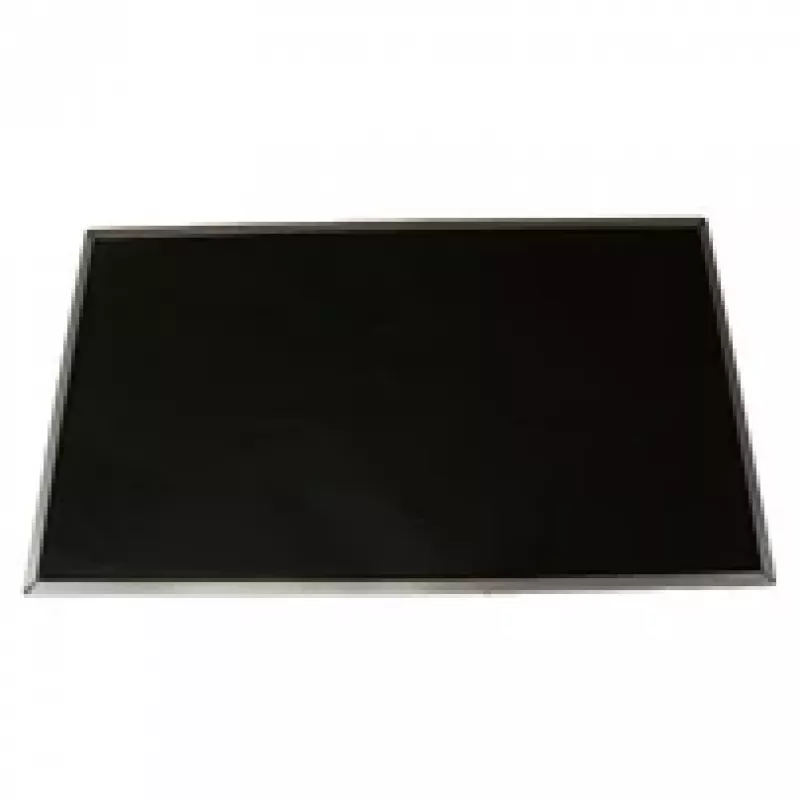
Lenovo 5D10G85770 laptop spare part Display

Lenovo 5D10G85770 laptop spare part Display
R1,600
The Lenovo 5D10G85770 display is a compact 29.5 cm (11.6") replacement screen designed for compatibility with select Lenovo laptop models. Its compact diagonal and native design make it suitable for users who need a direct-fit screen replacement that restores original form factor and viewing area. T... Read More
Stock Out Of StockNo Stock Code 2406601 Brand LENOVO Model 5D10G85770 Warranty 2 Years

Shipping & Returns

The Lenovo 5D10G85770 display is a compact 29.5 cm (11.6") replacement screen designed for compatibility with select Lenovo laptop models. Its compact diagonal and native design make it suitable for users who need a direct-fit screen replacement that restores original form factor and viewing area. The panel provides clear visuals and consistent performance for everyday computing and basic multimedia playback.

Advantages

This display delivers a balance of portability and readability in a lightweight module that replaces the original screen without requiring chassis modifications. Its size and native mounting points maintain the laptop's original ergonomics, while consistent color reproduction and adequate brightness support routine office tasks, web browsing, and video playback. The component is intended to meet compatibility and fit expectations for the specified Lenovo models, reducing the need for additional adapters or frame alterations.

Suitable for

  • Replacing a damaged or non-functional screen in supported Lenovo laptop models
  • Restoring original display size and mounting for repair services
  • Upkeep and maintenance for school, home, or light business laptops

Key specifications

  • Diagonal size: 29.5 cm (11.6")
  • Form factor: laptop display panel, direct-replacement type
  • Compatibility: compatible with the listed Lenovo laptop models requiring this panel size and connector layout
  • Intended use: general-purpose display for everyday computing and multimedia

How to use

Prior to installation, power off the laptop and remove the battery if the design allows. Follow the laptop manufacturer’s service manual or a guided disassembly procedure to access the display assembly. Carefully disconnect the existing display cable and mounting brackets, then install the replacement panel by aligning mounting points and securing connectors. Reassemble the display bezel and laptop housing, restore power, and verify screen functionality and alignment. If image issues appear, check connector seating and cable orientation before reassembling fully.

Recommendations

Use anti-static precautions during handling and avoid applying pressure to the panel surface. Verify model compatibility and connector type before purchase. For best results, perform installation in a clean, well-lit area and test the display connections before final reassembly.

Key Highlights
  • Replacing a damaged or non-functional screen in supported Lenovo laptop models
  • Restoring original display size and mounting for repair services
  • Upkeep and maintenance for school, home, or light business laptops
  • Diagonal size: 29.5 cm (11.6")
  • Form factor: laptop display panel, direct-replacement type
  • Compatibility: compatible with the listed Lenovo laptop models requiring this panel size and connector layout
  • Intended use: general-purpose display for everyday computing and multimedia
Specifications
3D
No
Brand compatibility
Lenovo
Compatibility
300S-11-IBR FLEX-3-1120
Display diagonal
29.5 cm (11.6")
Display resolution
1366 x 768 pixels
Harmonized System (HS) code
84732990
LED backlight
Yes
Product colour
Black
Quantity per pack
1 pc(s)
Touchscreen
No
Type
Display

Leaflet

Open Leaflet
Price history is not available yet
We are still collecting enough daily price data for this product.

Popular products in this category

WhatsApp
Hi, I’m DistriNode’s AI assistant. I can help you find products, compare options, create quote PDFs, or open support requests.