Account Contact
Your Cart
Pay on delivery – no extra fees
Need help? Ask our AI

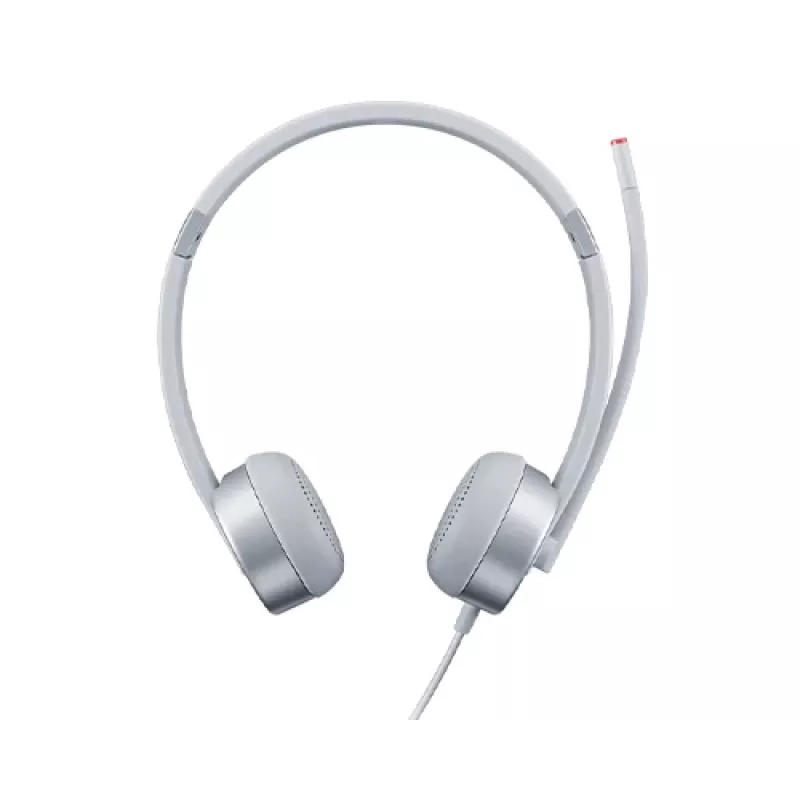
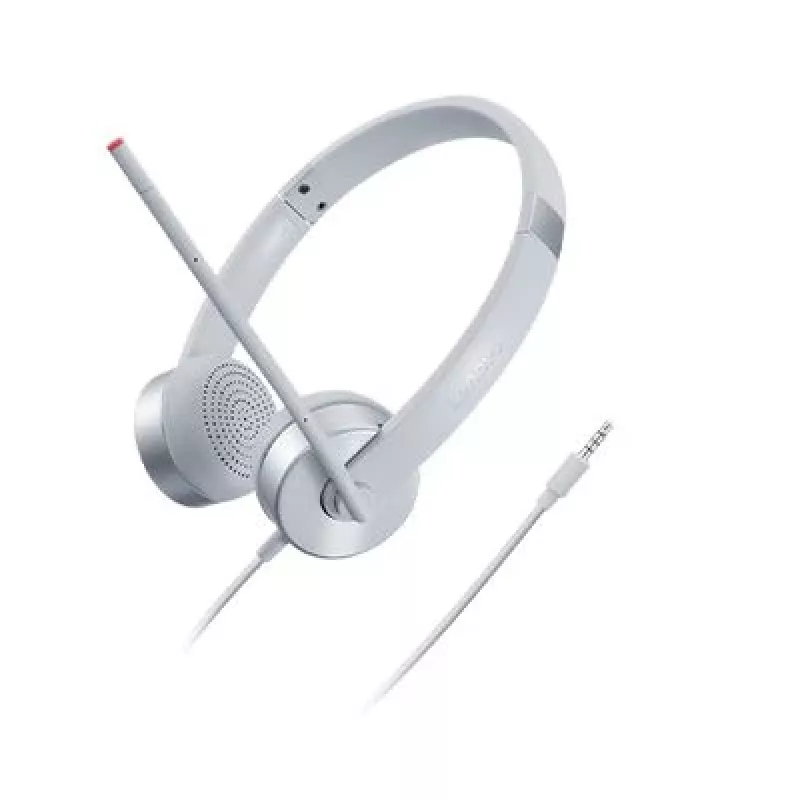
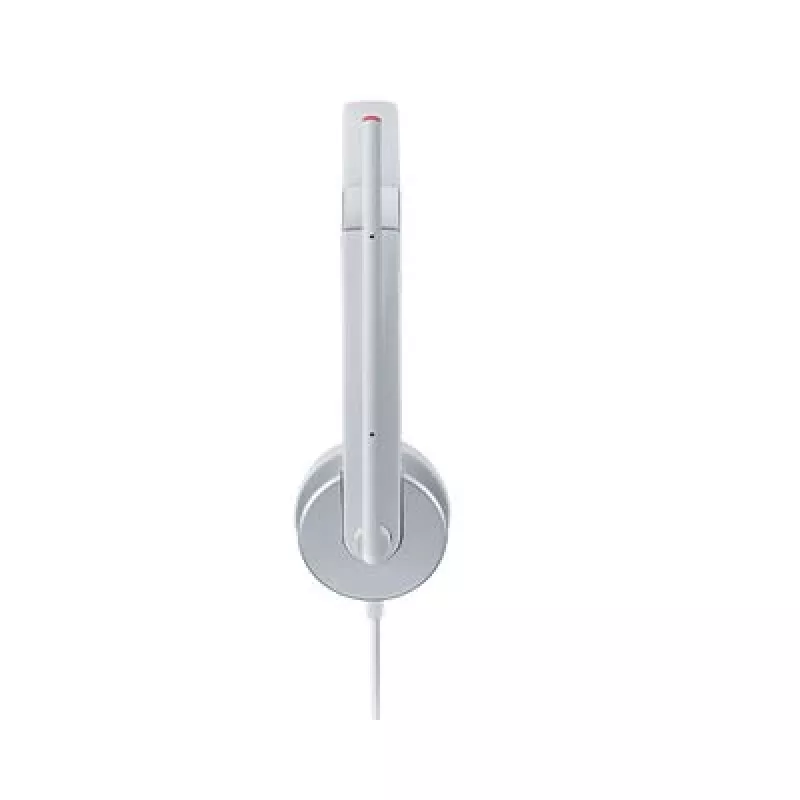
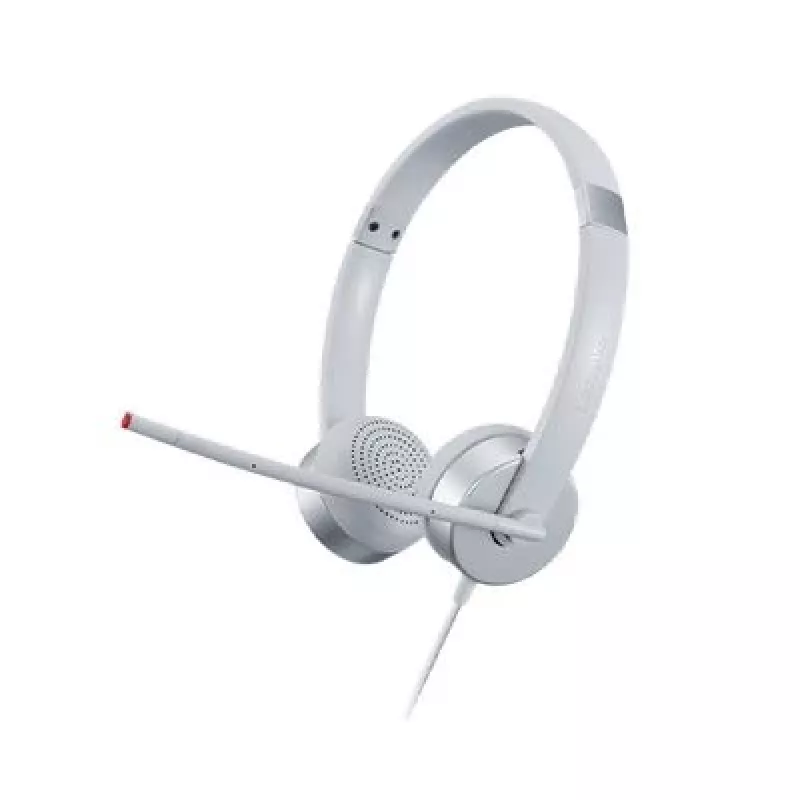
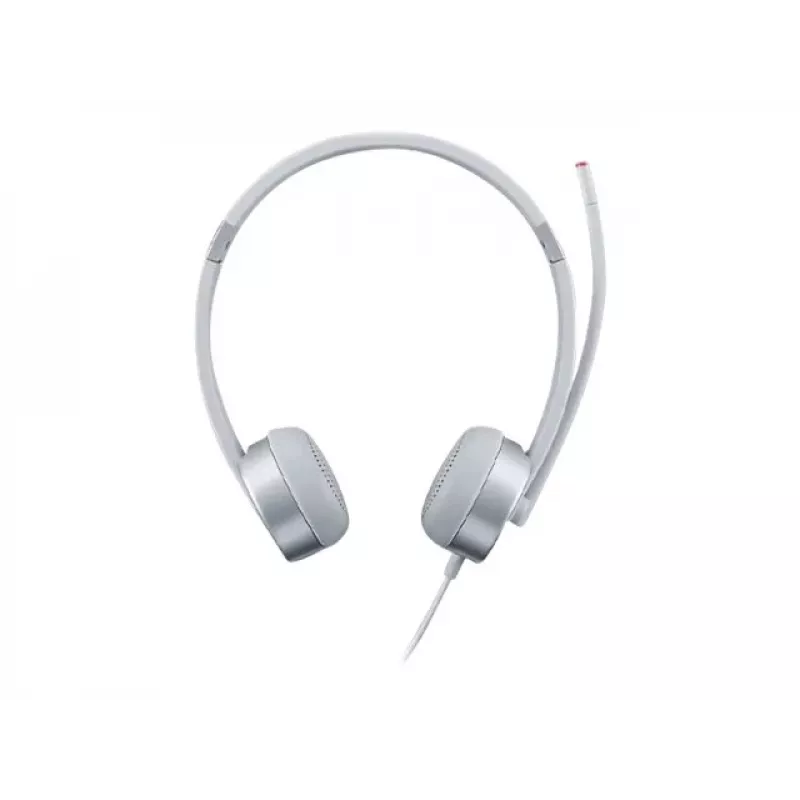
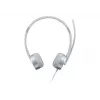
Lenovo 100 Stereo Analogue Headset Office/Call center Silver

Lenovo 100 Stereo Analogue Headset Office/Call center Silver
R681
The Lenovo 100 Stereo Analogue Headset is designed for office and call center use, providing comfortable fit and clear audio for VoIP calls. It connects via a standard 3.5 mm port and offers plug-and-play compatibility with most Lenovo PCs. The headset features a mono earpiece with an adjustable hea... Read More
Stock Out Of StockNo Stock Code 299814 Brand LENOVO Model GXD1E71386 Warranty 2 Years

Shipping & Returns

The Lenovo 100 Stereo Analogue Headset is designed for office and call center use, providing comfortable fit and clear audio for VoIP calls. It connects via a standard 3.5 mm port and offers plug-and-play compatibility with most Lenovo PCs. The headset features a mono earpiece with an adjustable headband and a swivel boom microphone that pivots up to 180 degrees, all in a silver finish suitable for professional environments.

Advantages

The headset delivers reliable voice clarity for conferencing and customer service tasks, a comfortable mono earpiece for long shifts, and a simple connection via 3.5 mm jack that requires no additional drivers. The adjustable headband and swivel boom provide a customizable fit and microphone positioning for consistent call quality.

Suitable for

  • Office VoIP calls and softphone use
  • Call center agents and remote customer support
  • Online meetings and web conferencing
  • Workstations and laptops with a 3.5 mm audio port

Key specifications

  • Model: Lenovo 100 Stereo Analogue (GXD1E71386)
  • Connection: 3.5 mm analogue jack (plug and play)
  • Microphone: Adjustable boom, 180° swivel
  • Earpiece: Comfort-fit mono earpiece, adjustable headband
  • Colour: Silver
  • Intended use: Office and call centre environments, VoIP
  • EAN: 0195892023760

How to use

Plug the 3.5 mm connector into the audio port of your laptop or workstation. Adjust the headband and position the mono earpiece for a comfortable fit. Rotate the boom microphone into position and angle it toward your mouth; the boom can swivel up to 180 degrees. Use your operating system or softphone settings to select the headset as the audio input/output device if necessary.

Recommendations

For best voice pickup, place the microphone approximately 1–2 cm from the corner of your mouth and avoid obstructing it. When not in use, store the headset in a dry place to preserve the ear cushion and boom mechanism.
Key Highlights
  • Office VoIP calls and softphone use
  • Call center agents and remote customer support
  • Online meetings and web conferencing
  • Workstations and laptops with a 3.5 mm audio port
  • Model: Lenovo 100 Stereo Analogue (GXD1E71386)
  • Connection: 3.5 mm analogue jack (plug and play)
  • Microphone: Adjustable boom, 180° swivel
  • Earpiece: Comfort-fit mono earpiece, adjustable headband
  • Colour: Silver
  • Intended use: Office and call centre environments, VoIP
  • EAN: 0195892023760
Specifications
3.5 mm connector
Yes
Product colour
Silver
Product type
Headset
Recommended usage
Office/Call center

Leaflet

Open Leaflet
Price history over the last 6 months
Lenovo 100 Stereo Analogue Headset Office/Call center Silver
Current
R681
Lowest
R529
Highest
R681
Change 24H
+R123   +22%
Week
+R129   +23%
Month
—   

Popular products in this category

WhatsApp
Hi, I’m DistriNode’s AI assistant. I can help you find products, compare options, create quote PDFs, or open support requests.