Account Contact
Your Cart
Pay on delivery – no extra fees
Need help? Ask our AI

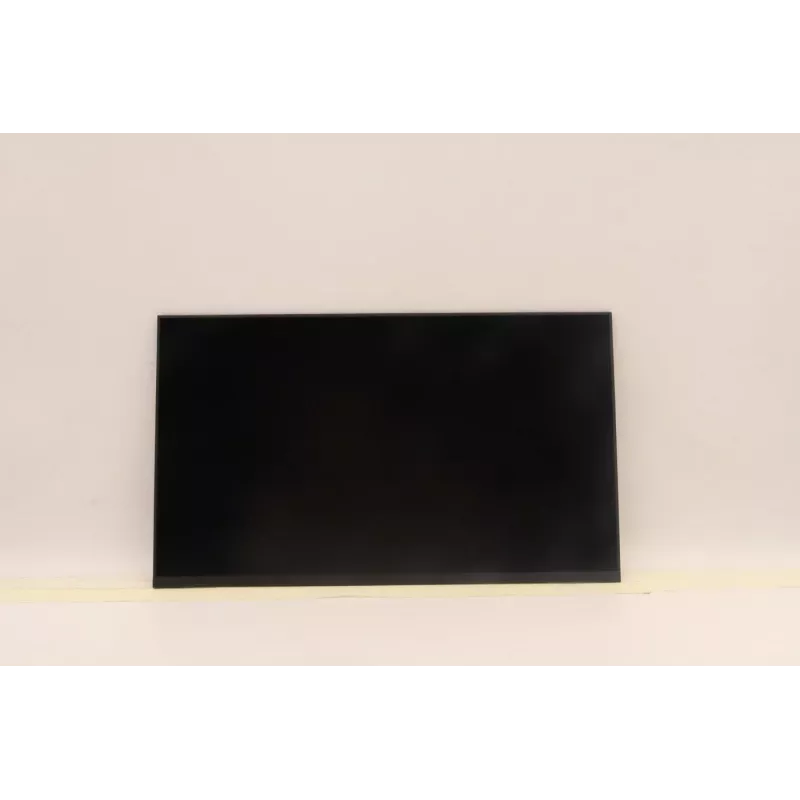
LCD panel display Lenovo BO NV140FHM-N4U V8.0 — 14.0 inch replacement screen

LCD panel display Lenovo BO NV140FHM-N4U V8.0 — 14.0 inch replacement screen
R2,316
Replacement LCD panel for Lenovo laptops, model BO NV140FHM-N4U V8.0. This 14.0" display is offered as a direct spare part intended to restore the visual output of compatible notebook models. The panel provides the physical screen assembly; verify your device's connector type, mounting points and di... Read More
Stock Out Of StockNo Stock Code 2364683 Brand LENOVO Model 5D11U13813 Warranty 2 Years

Shipping & Returns

Replacement LCD panel for Lenovo laptops, model BO NV140FHM-N4U V8.0. This 14.0" display is offered as a direct spare part intended to restore the visual output of compatible notebook models. The panel provides the physical screen assembly; verify your device's connector type, mounting points and display resolution before ordering to ensure compatibility.

Advantages

The panel matches standard 14.0" laptop dimensions and is manufactured to fit form factors designed for this size. It restores display functionality without requiring a full display assembly replacement when the backlight, glass or matrix is the only faulty component. The component delivers the expected flat-panel image surface and integrates with common laptop display connectors used by Lenovo and compatible models.

Suitable for

  • Repairing or refurbishing Lenovo notebooks that originally used a 14.0" display
  • Replacing a cracked, non-functional or damaged laptop screen
  • Service workshops performing component-level display repairs
  • Users needing an original-form-factor direct spare display for compatibility

Key specifications

  • Panel size: 14.0 inches (diagonal)
  • Panel type: LCD flat-panel
  • Resolution: as specified by original model family (verify with your device)
  • Connector type: standard laptop display connector — confirm before installation
  • Mounting: standard 14.0" laptop mounting points and bezel dimensions

How to use

Prior to installation, power off the laptop, disconnect the battery if possible and ground yourself to avoid static discharge. Remove the screen bezel and detach the existing panel following the laptop manufacturer service instructions. Align the replacement panel in the mounting brackets, connect the display cable securely and replace the bezel. Power on the device to check image output and backlight function before fully reassembling the laptop.

Key Highlights
  • Repairing or refurbishing Lenovo notebooks that originally used a 14.0" display
  • Replacing a cracked, non-functional or damaged laptop screen
  • Service workshops performing component-level display repairs
  • Users needing an original-form-factor direct spare display for compatibility
  • Panel size: 14.0 inches (diagonal)
  • Panel type: LCD flat-panel
  • Resolution: as specified by original model family (verify with your device)
  • Connector type: standard laptop display connector — confirm before installation
  • Mounting: standard 14.0" laptop mounting points and bezel dimensions
Price history is not available yet
We are still collecting enough daily price data for this product.

Popular products in this category

WhatsApp
Messenger
Hi, I’m DistriNode’s AI assistant. I can help you find products, compare options, create quote PDFs, or open support requests.